
Dead Cells 1.26.0 — download for Mac
Games Intel processors only Updated
Fights through shifting levels with permanent upgrades that change combat each run.
Screenshots
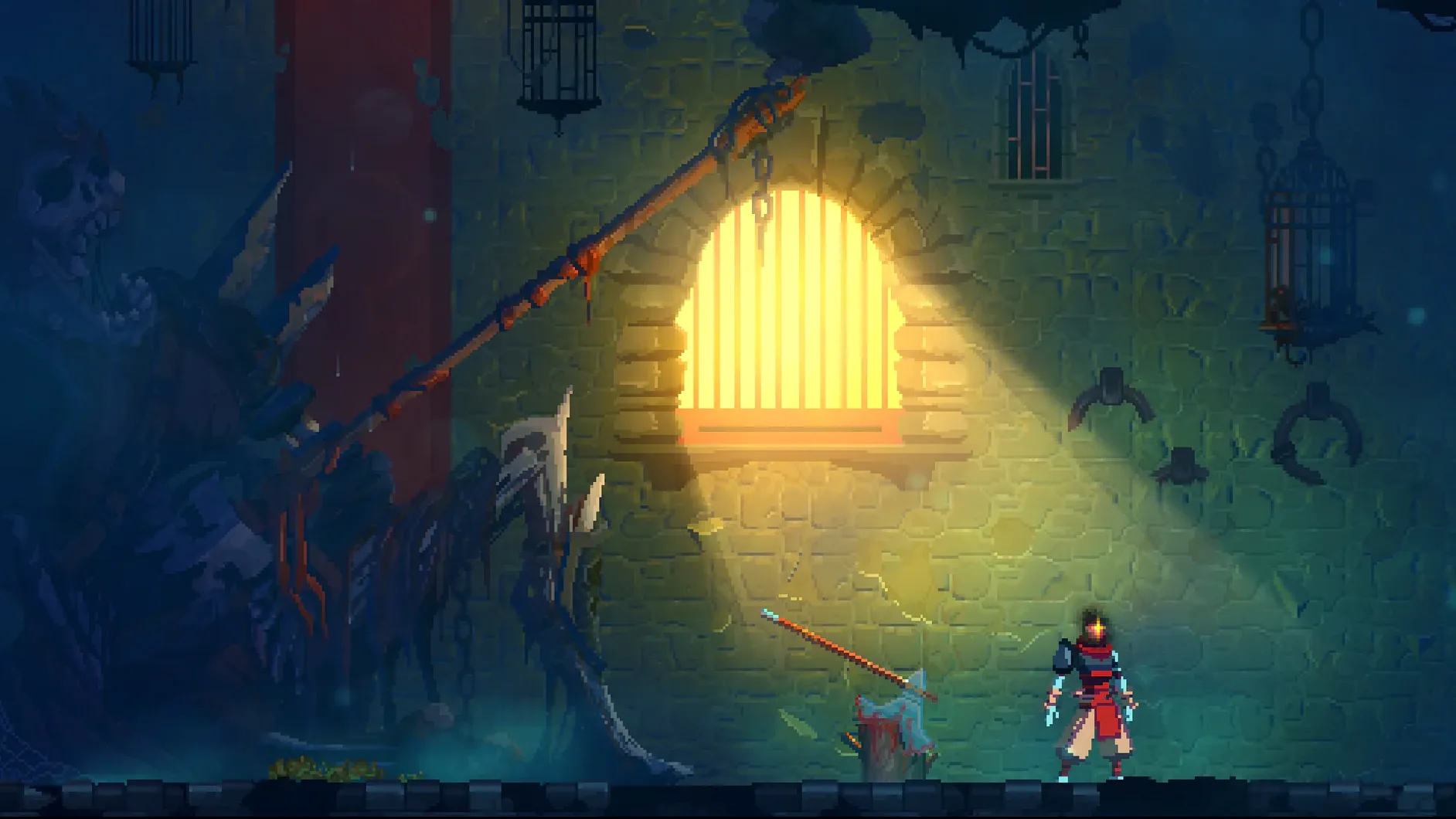
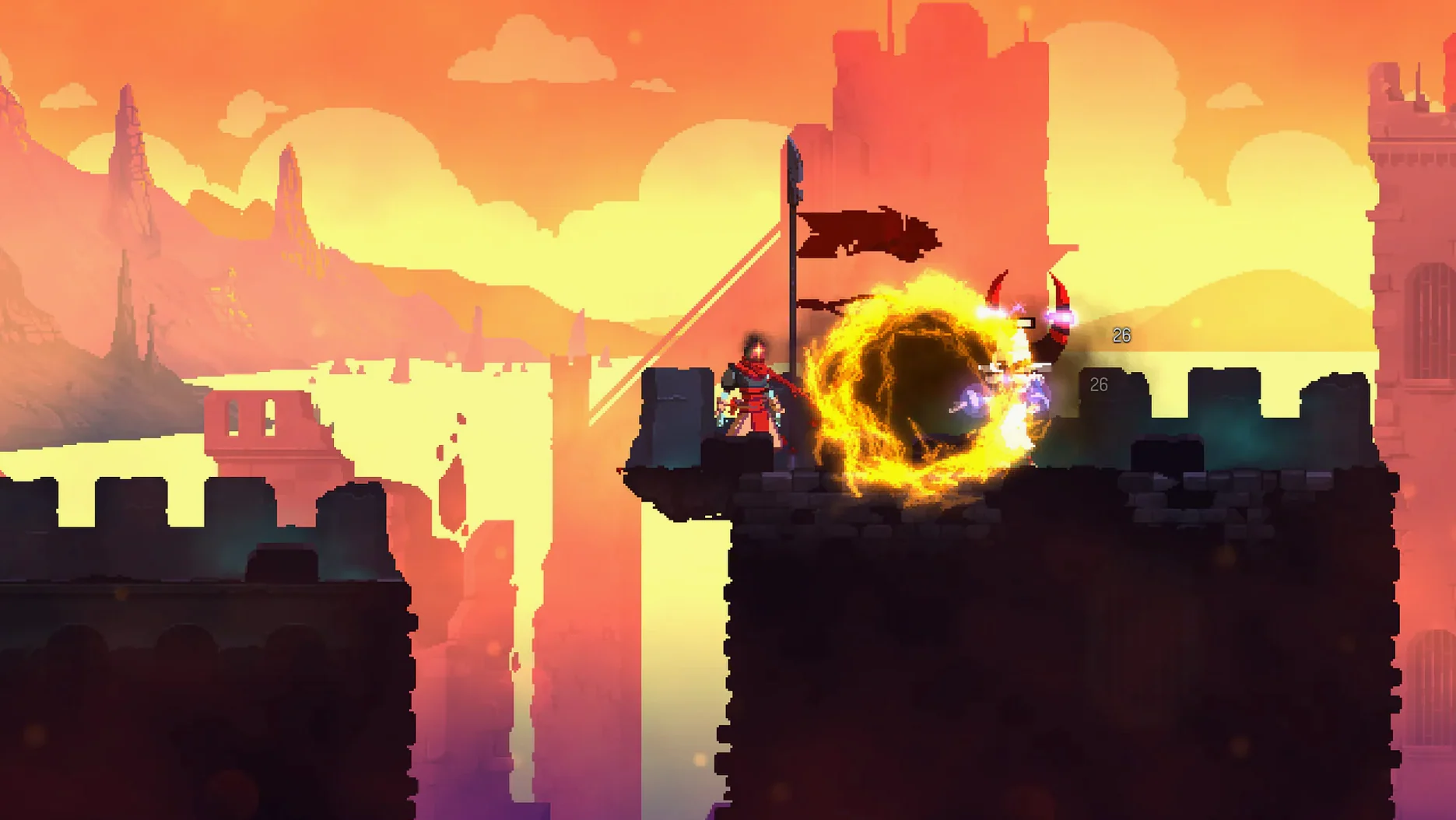
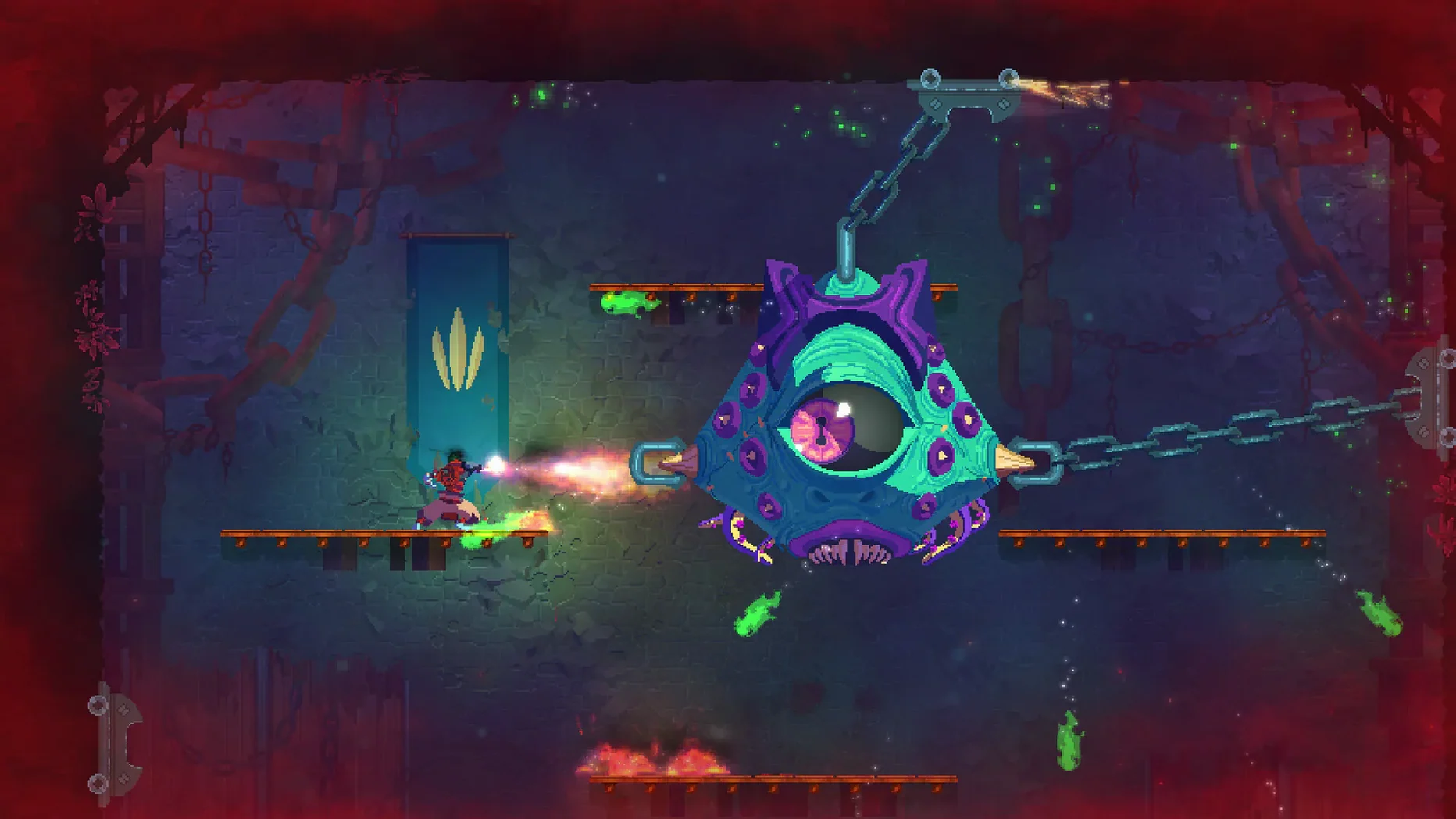
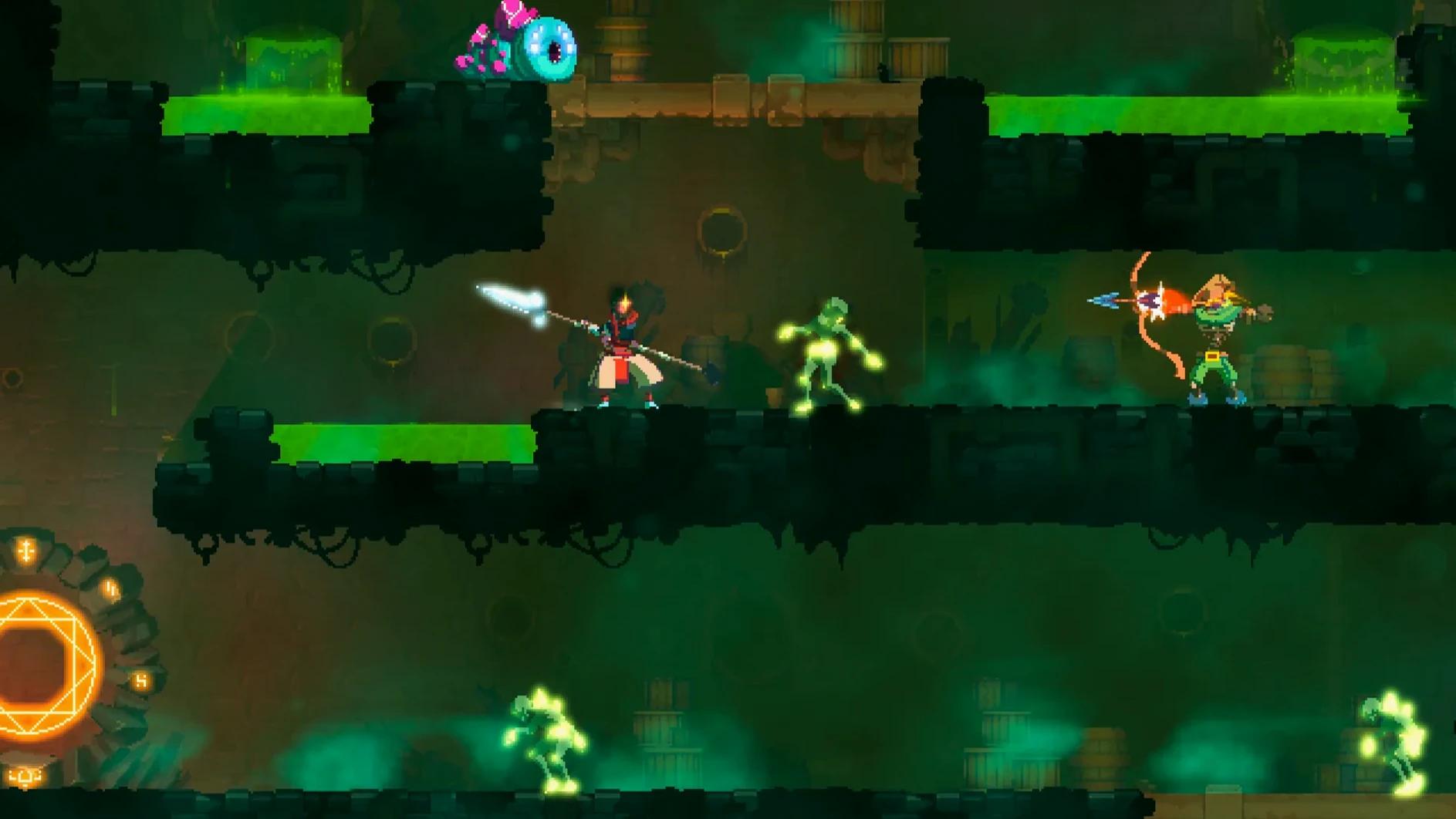
Dead Cells solves the problem of wanting a challenging, replayable action-platformer that doesn't waste your time with filler. You drop in, fight through interconnected levels that shift each run, die, and unlock permanent upgrades that actually change how you play. The combat borrows from Souls-like games — deliberate, punishing, but fair once you learn enemy patterns.
| Detail | Value |
|---|---|
| Developer | Motion Twin |
| Genre | Rogue-lite action-platformer |
| Architecture | Intel (x86 64-bit) |
| Tested on | macOS Sonoma, MacBook Air M1 (2020) |
| Interface languages | 11, including English, French, Russian, Simplified Chinese |
The Mac build runs through Rosetta 2 on Apple Silicon, so performance depends on your system. Controls work well with a keyboard or controller, and the permanent weapon upgrades keep each retry productive. If you have a recent Intel Mac or an M-series machine with Rosetta, Dead Cells delivers the same tight combat as the Windows version.
How a designer uses dead cells between projects
A freelance motion designer I know keeps Dead Cells open on his MacBook during rendering breaks. He works on short animated sequences, and while After Effects churns through a render, he plays one or two biomes. The runs are short — usually under 20 minutes — and when the render finishes, he quits the game mid-combat without penalty. There is no save system, so quitting just costs that run. He says the loop fits his workflow better than a strategy game because he can drop in, fight, and drop out without losing context. The permanent upgrades keep him coming back, even when he loses.
No save file to reload
The most common error new players make is treating Dead Cells like a traditional platformer with a save file. They expect to reload after a death and continue where they left off. The game has no save system — you restart from the beginning every time. Once you accept that, the loop clicks.
Another mistake is ignoring the weapon and skill variety. Early runs often end because someone sticks with the starter sword and shield, never experimenting with the blueprints they unlock. The permanent weapon upgrades are not just cosmetic — they change your reach, speed, and damage output. Trying a new weapon every few runs teaches you how each one handles.
Beginners also rush. The combat is deliberate, Souls-like in its timing. Dodging, parrying, and waiting for an opening matters more than button mashing. Inexperienced players die repeatedly to the same enemy because they never learn its attack pattern.
A smaller but real mistake: skipping the interconnectivity of the levels. The map shifts each run, but shortcuts and secret areas reappear in new places. Taking time to explore, especially after unlocking a new movement ability, pays off with permanent upgrades you would miss if you just sprinted to the exit.
Tight combat for action players
Three kinds of Mac users benefit most from this build.
- Action game players who want a tight, responsive combat system without the commitment of a long narrative campaign. Dead Cells gives you the weapon-based skill ceiling of a fighting game without the story overhead.
- Roguelike veterans who value replayability over spectacle. The level layout changes every run, and the permanent upgrades stack across dozens of attempts. You never play the same run twice.
- Metroidvania fans who appreciate a connected world you gradually unlock with new abilities. The death loop replaces the map backtracking of a traditional Metroidvania, but the sense of opening shortcuts and discovering secret rooms remains.
Players with Intel Macs or M-series machines running Rosetta 2 will get the expected experience. The build is x86 64-bit, so Apple Silicon users rely on emulation, but on a recent MacBook Air or Pro the combat stays responsive enough for the timing-heavy gameplay.
Sits on a spare macOS desktop
Dead Cells works well as a secondary activity app. I keep it in a separate macOS desktop, assigned to a hot corner via the built-in virtual desktops. When a compile or export finishes in my main work app, I flip back without minimizing the game window.
The DRM-free build means you can run it from an external drive or a project folder without installing system-wide registry entries. On macOS, just unpack the archive and run the deadcells file. That makes it easy to move between accounts or keep it off your primary boot drive.
If you use keyboard-only controls, macOS key repeat settings affect input. You may want to enable key repeat in the system keyboard preferences if you find the character stops dodging or attacking when you hold a key. Most players use a controller via Bluetooth — Xbox and PlayStation pads connect without extra software, and Dead Cells detects them immediately.
The game takes about 2 GB of disk space after installation. I keep it in a Games folder alongside a few other Mac-native titles. The archive you download is smaller, so the unpack step is quick even on a standard SSD.
No release notes filed for 1.26.0. They are added here when a build changes how the program behaves.
| Processor | Intel 64-bit |
|---|---|
| Download | 1.9 GB |
- macOS version not specified by developer
- Intel processor (x86 64-bit)
Questions about Dead Cells
Does Dead Cells support Apple Silicon natively?
No. The build uses x86 64-bit architecture and runs through Rosetta 2 on Apple Silicon Macs.
What languages are available in Dead Cells for Mac?
The interface supports 11 languages: Russian, English, German, Spanish, Italian, Simplified Chinese, Korean, Portuguese, Turkish, French, and Japanese.
How to install, in order
- Unpack the archive and run the standard installation procedure.
- Choose the installation location when setup finishes.
- Launch the game using the deadcells file in the game folder.
Comments and corrections 0
Sign in or open a free account to leave a comment.
No comments or corrections yet.