
Don’t Starve Together 760178 — download for Mac
Games Updated
Survives a hostile wilderness with friends in co-op mode.
Screenshots
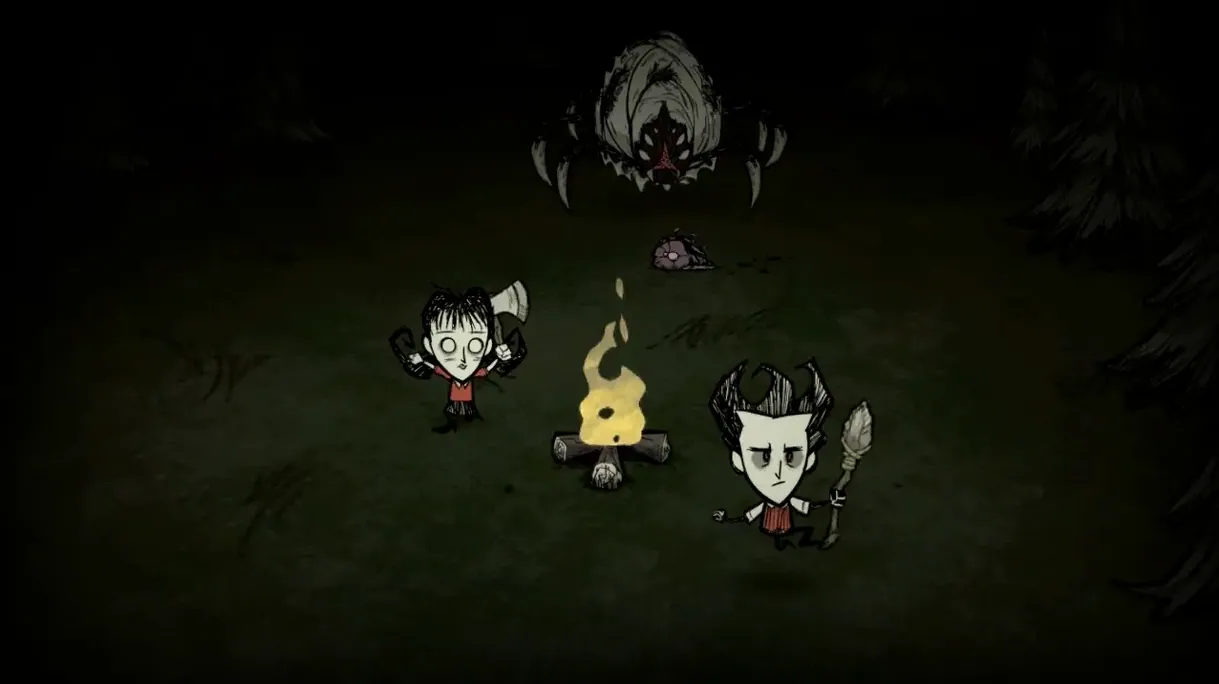
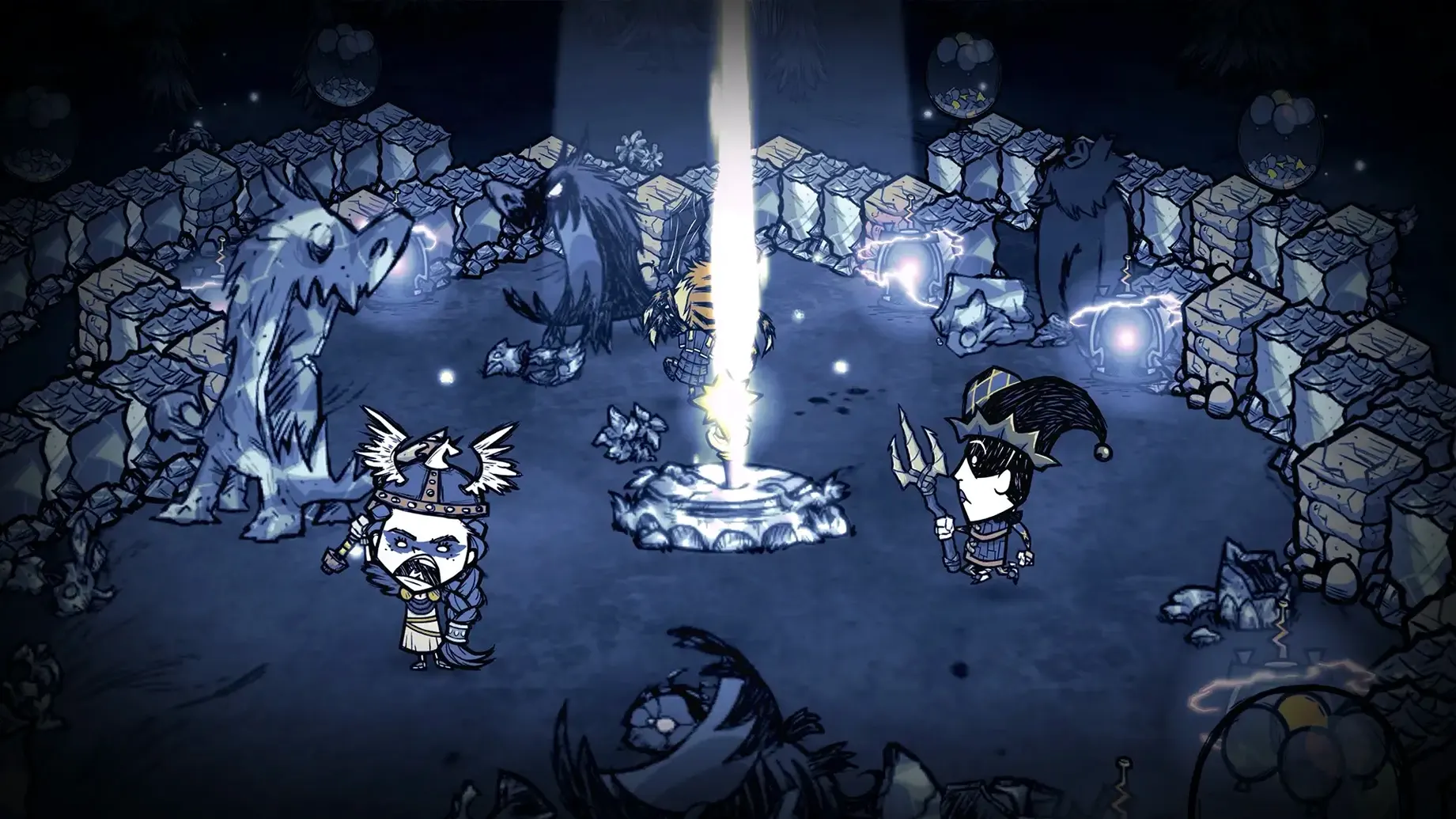
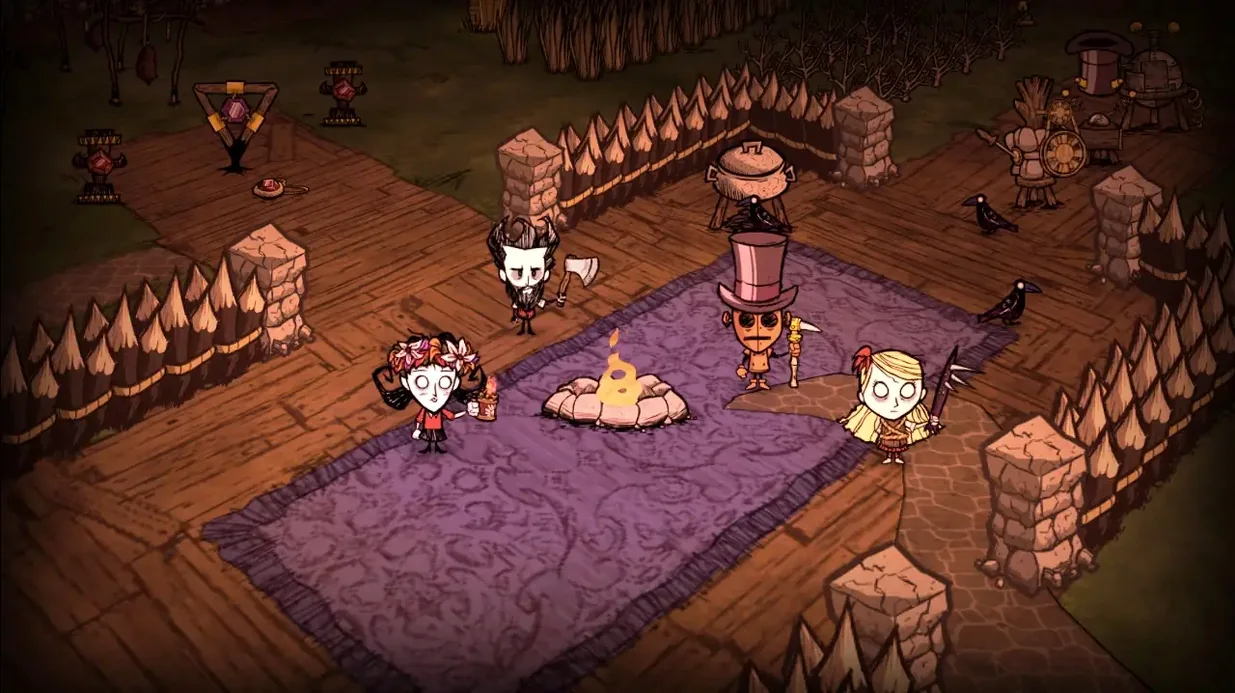
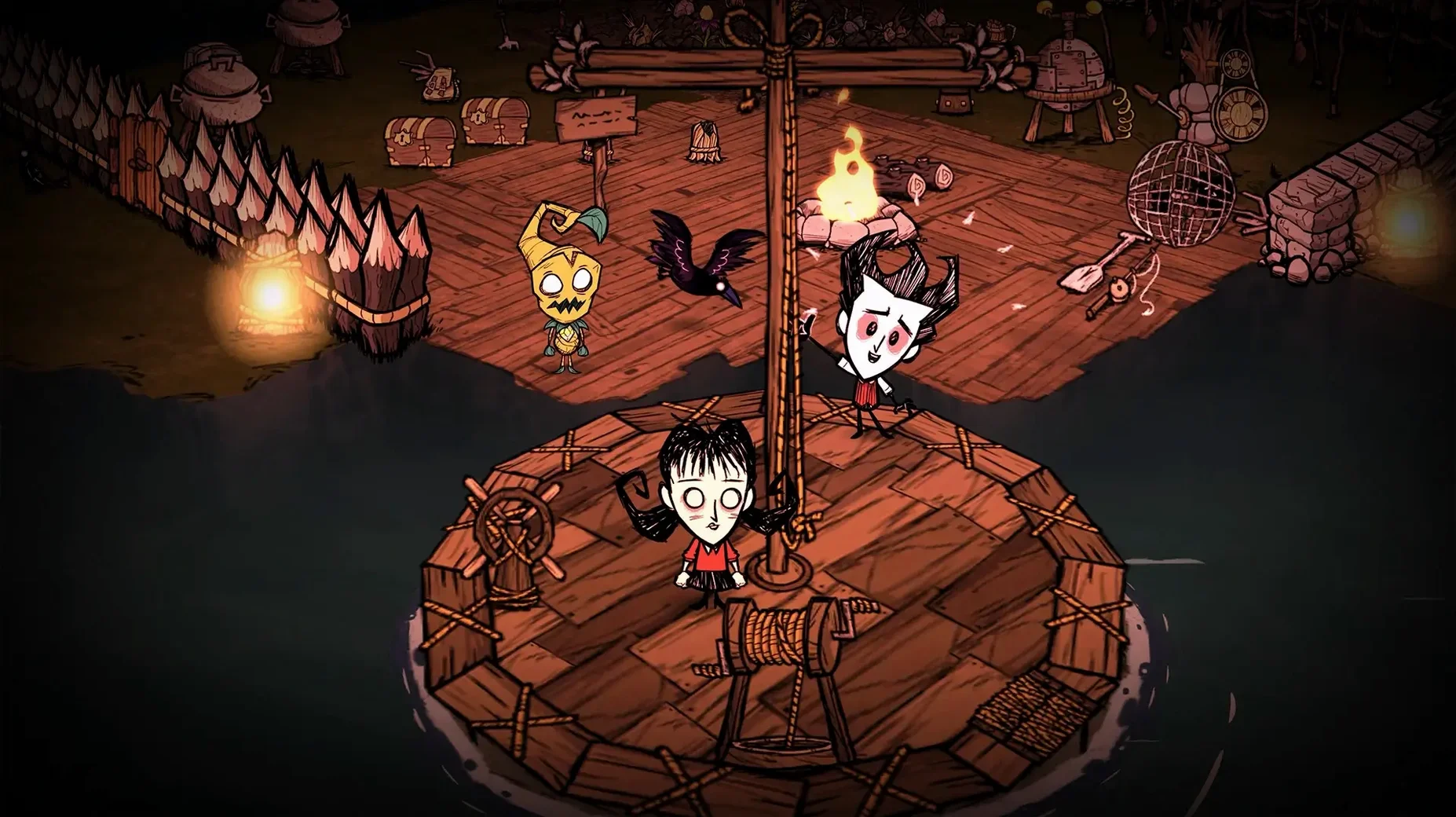
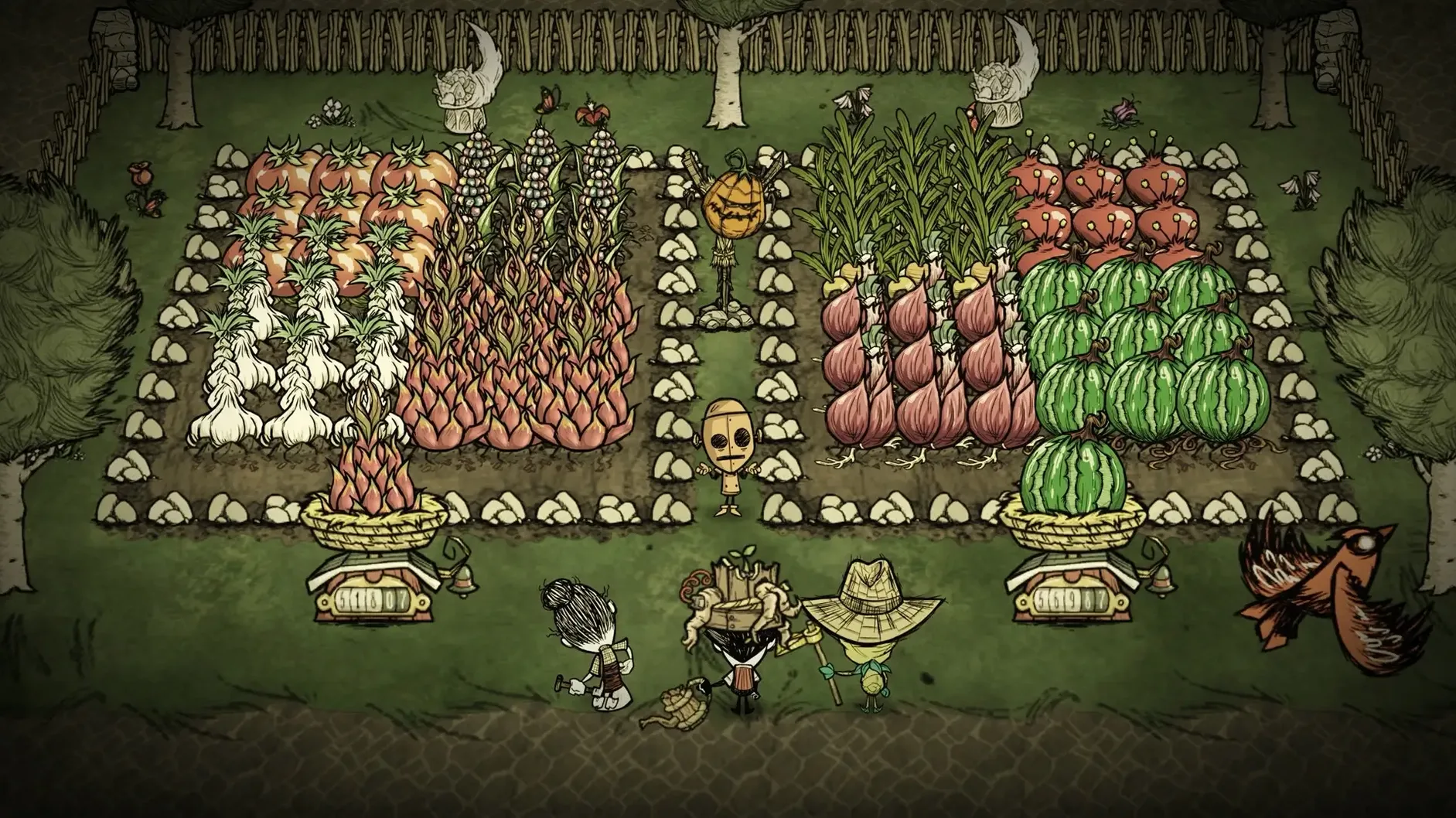
A Friday evening call comes in: three colleagues want to survive the Constant together. You launch Don't Starve Together on the MacBook Air M2, join their server and start gathering twigs before the first hound attack. The co-op survival runs without stutter on a shared map, and the controls map well to the Mac keyboard and trackpad.
macOS requirements
The game supports both Intel and Apple Silicon Macs. Copy the app from the mounted disk image into Applications, then launch from Launchpad. No extra configuration needed.
Keyboard shortcuts and host-dependent latency
Keyboard shortcuts and mouse clicks handle crafting, combat and map navigation. Multiplayer latency depends on the host’s connection, not local hardware.
Who it fits
Teams that already play Don’t Starve and want a persistent co-op session without managing separate saves. One copy of the together torrent gives access to the full standalone expansion.
Starting a survival run with a friend
Open the game, select “New Game” from the main menu, then choose “Co-op” as the mode. The host creates a lobby and can set a password for a private session. Once the lobby is ready, the second player joins by selecting “Join Game” and entering the host’s server name or IP address. Both players spawn at the same starting campfire. Gather basic materials immediately: twigs, grass and flint for a simple axe and a torch. The first day is short, so building a small shelter or digging a basic trap before nightfall buys time enough to scout the immediate area. Food is scarce at the start — share berries and carrots evenly, and assign one player to craft a fishing rod while the other sets up a basic farm plot.
Share resource piles near the campfire
- Hoarding resources. New players tend to keep everything in their own inventory. In co-op, shared resource piles near the campfire let both players craft faster. Drop extra wood, rocks and food in a visible spot before heading off to explore.
- Ignoring the sanity meter. Staying in darkness or near creepy environments drains sanity fast. Craft a hat or a simple lamp early, and keep a campfire burning through the night. One player can watch the fire while the other sleeps.
- Running in opposite directions. Each player exploring a different map edge may seem efficient, but it divides attention when the hounds arrive. Stick within a screen or two of each other until both know the terrain.
- Neglecting communication. The game has no built-in voice chat. Use a quick external call or text channel to coordinate who builds what. Miscommunication leads to duplicate tools and wasted gathering trips.
- Waiting too long to upgrade tools. A stone axe lasts a few days. Craft a machete or a spear by day three to deal with tougher enemies and break larger rocks. Without upgrades, gathering slows down and crafting stalls.
Faster lobby scans and session connections
The latest build, version 747465, refines how the game handles network sessions on macOS. Connecting to a random online player now resolves faster, and the lobby list updates without the delay that earlier versions showed when scanning for available games. For local co-op, the host migration logic received attention — when the host leaves mid-session, the remaining player keeps control without being kicked back to the main menu. The update also addressed a rare crash that occurred when a player with a full inventory tried to pick up a crafted item from the ground. None of these changes alter the core survival loop, but they reduce friction during the first few minutes of a session, which is where most dropouts used to happen.
The font rendering for Simplified Chinese menus has been cleaned up. If you play with the language set to Chinese, the crafting recipe names now align correctly inside their tooltips. English interface unchanged.
For players of Don’t Starve Together, the update installs automatically when the game connects online. The dont starve together experience stays the same — gather, craft, survive — but with fewer interruptions during the early survival phase.
No release notes filed for 760178 Native. They are added here when a build changes how the program behaves.
| Processor | Apple Silicon, Intel 64-bit |
|---|---|
| Download | 2.8 GB |
- macOS (version varies by update)
- Intel or Apple Silicon
- Interface: English, Simplified Chinese
How to install, in order
- Mount the downloaded disk image.
- Drag the app into the Applications folder alias.
- Launch the app from Launchpad after copying finishes.
Comments and corrections 0
Sign in or open a free account to leave a comment.
No comments or corrections yet.