
Servant of the Lake 1.6.3 — download for Mac
Games Updated
Presents a point-and-click puzzle adventure in an atmospheric series.
Screenshots
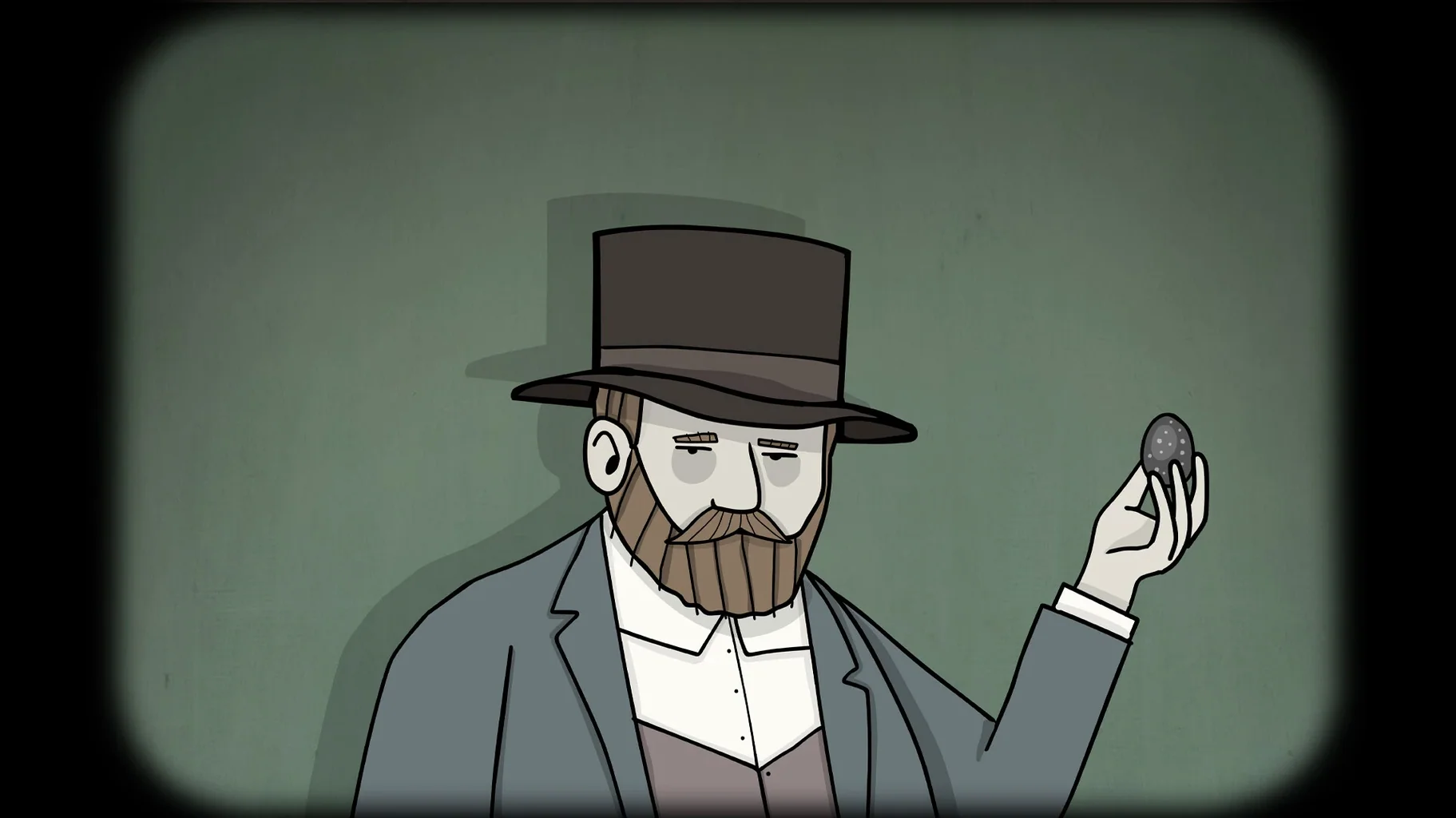
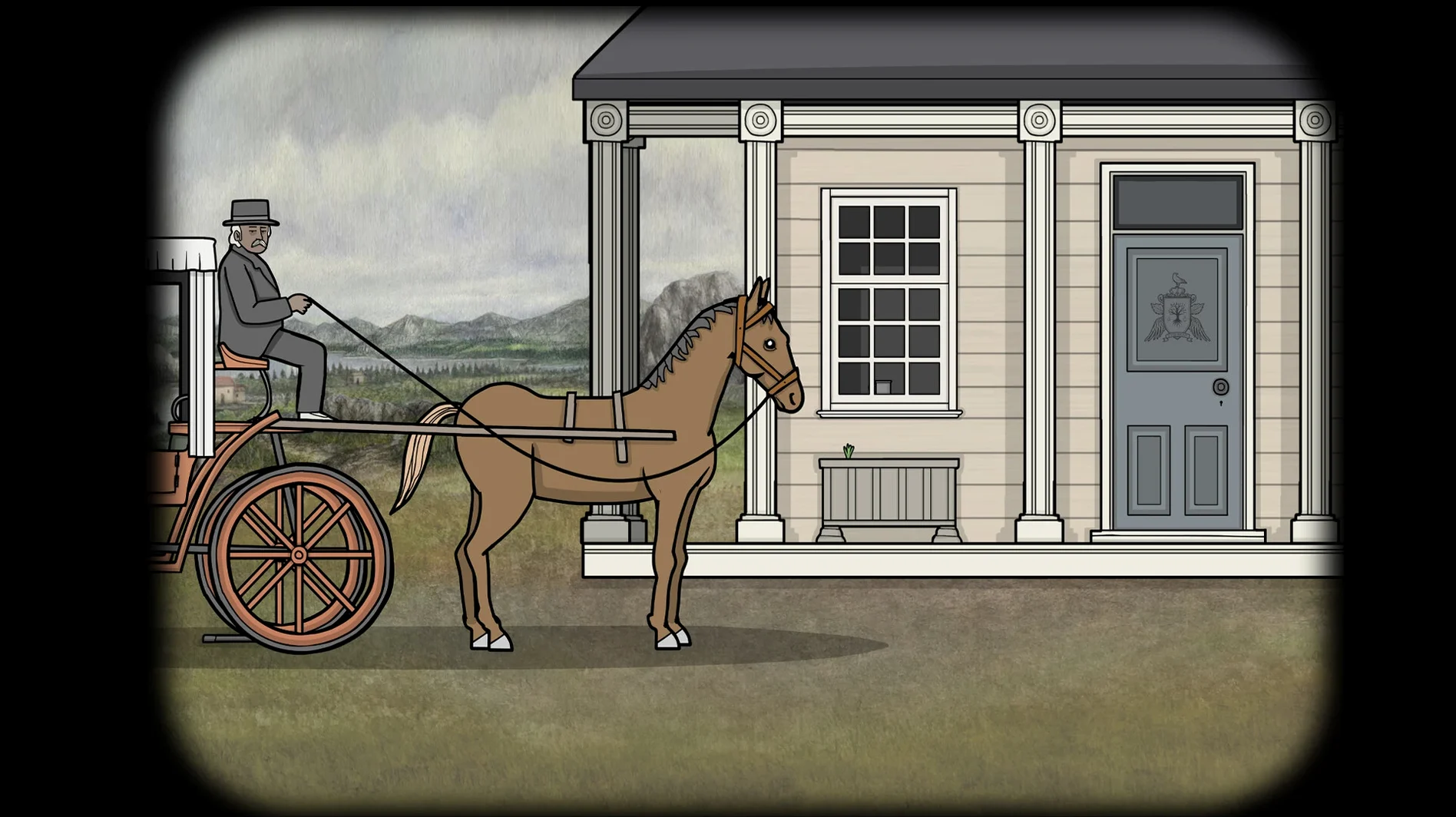
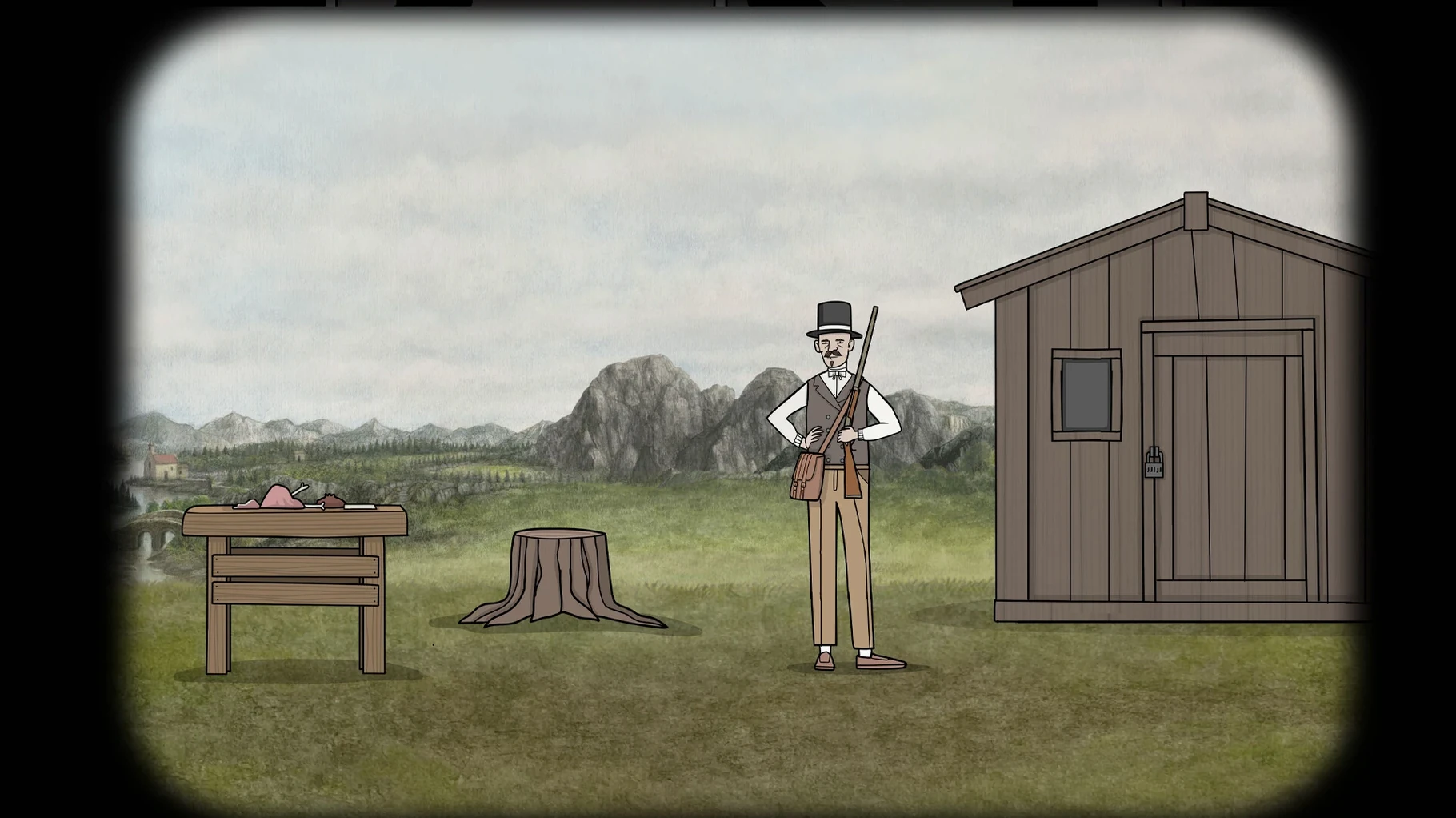
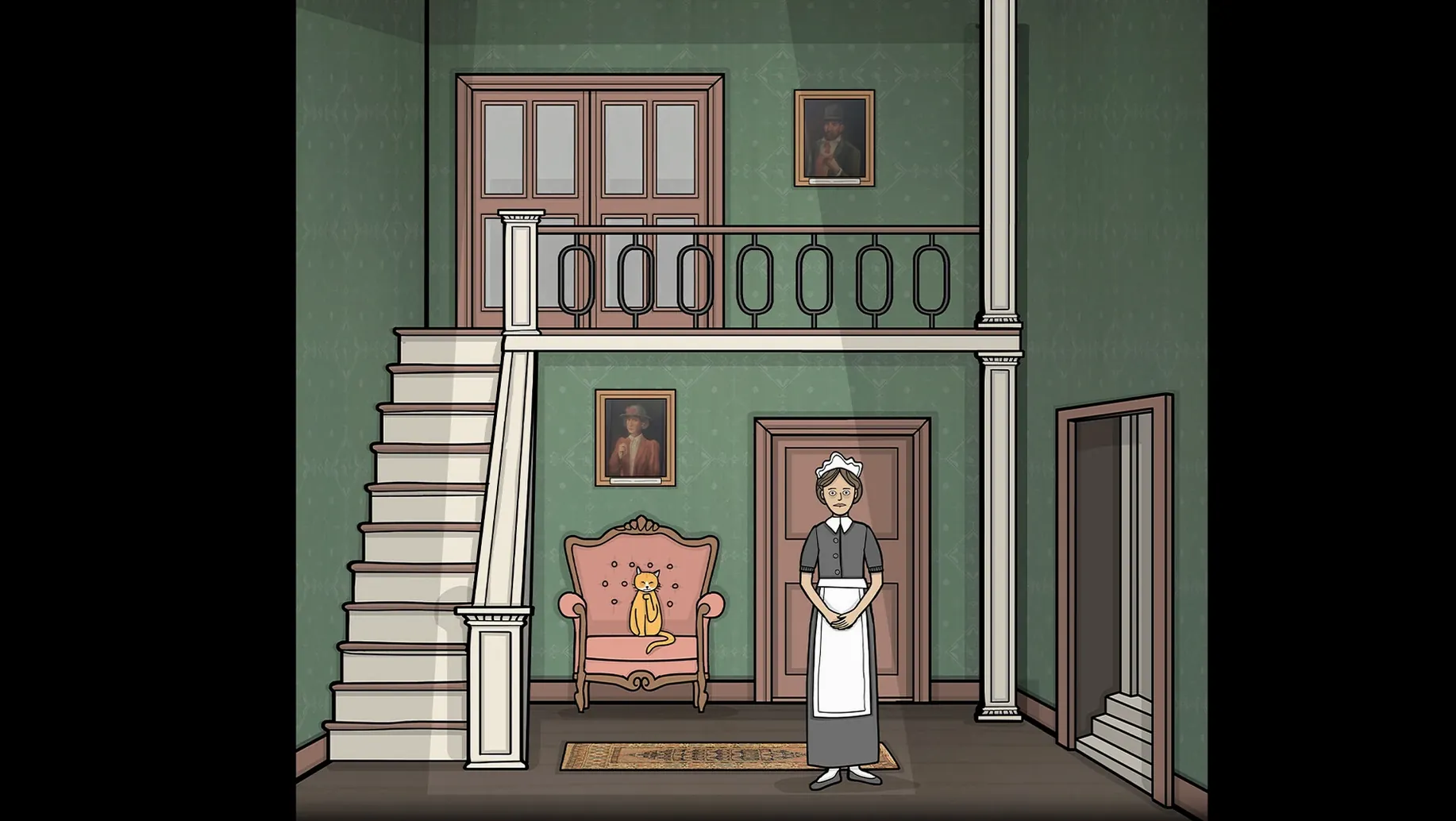
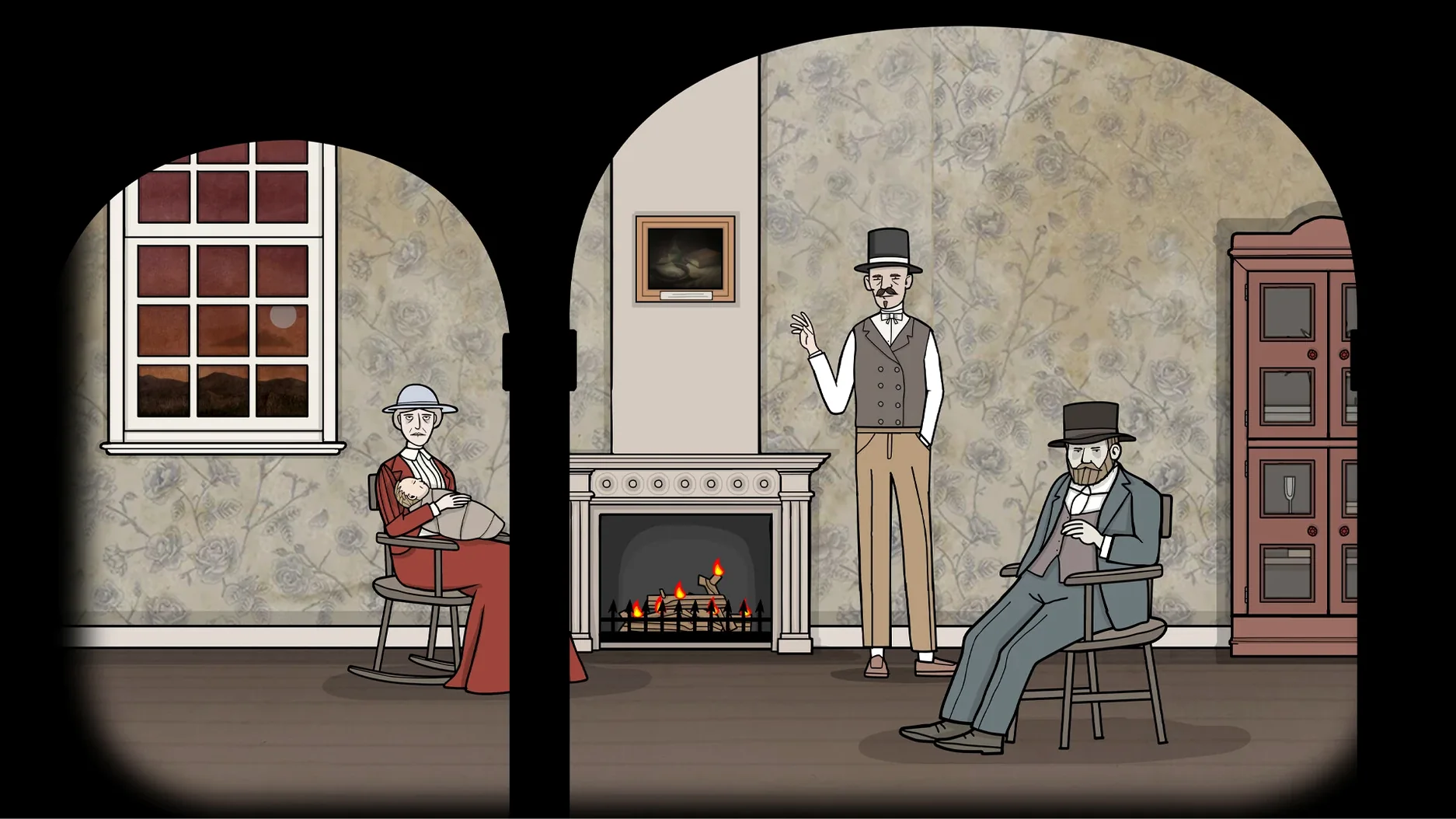
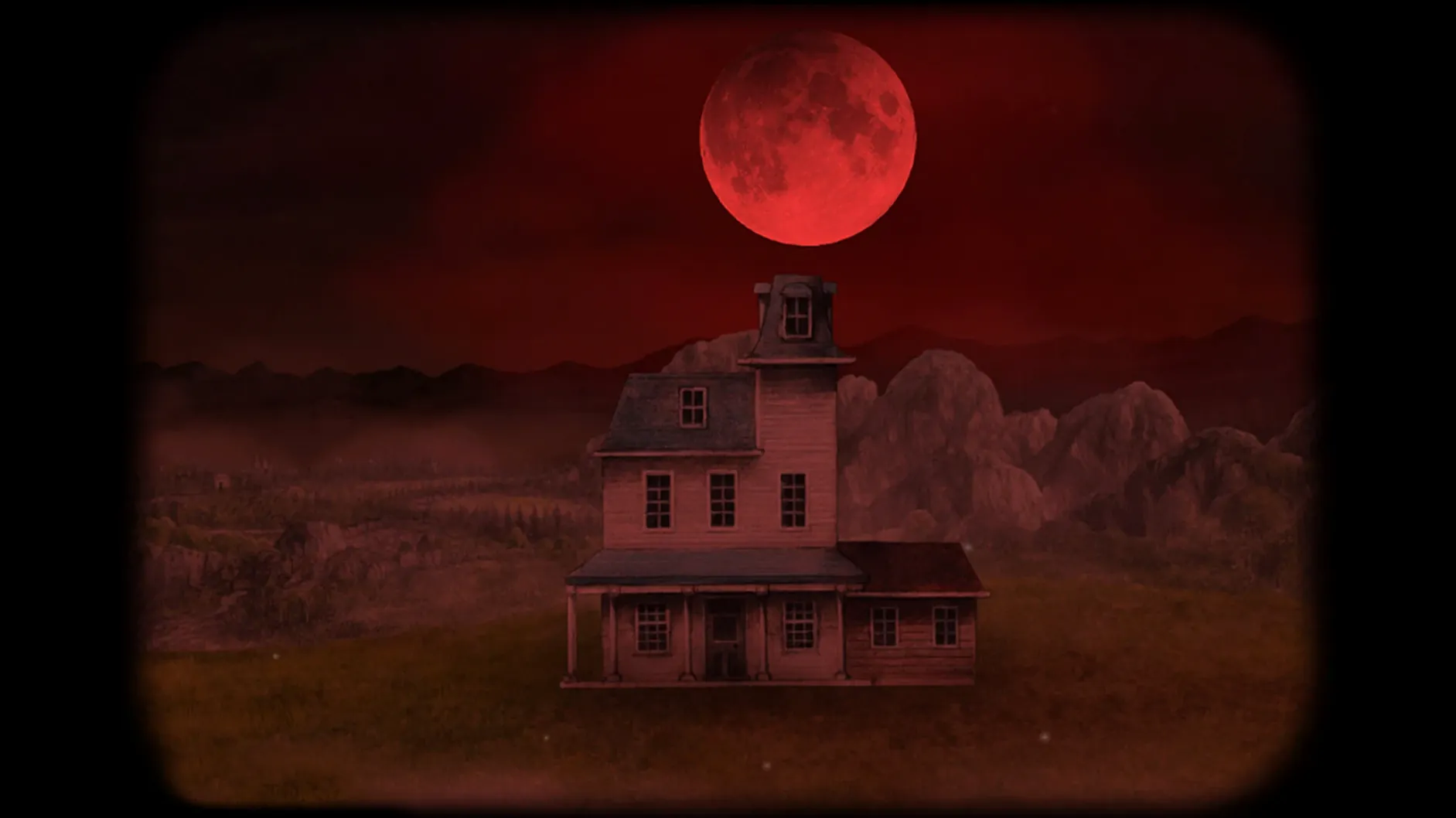
Servant of the Lake is a premium point-and-click adventure from Rusty Lake, set in their established series. You take on daily tasks, solving puzzles one by one as the story unfolds. It is a single-player game, built for those who enjoy atmospheric, puzzle-driven narratives without combat or time pressure.
| Detail | Information |
|---|---|
| Developer | Rusty Lake |
| Version | 1.6.3 |
| Genre | Point-and-click adventure |
| Languages | 18, including English, German, Spanish, French, Japanese, Chinese |
The current version brings several fixes: the hitbox of a glass in the Alchemy level is larger, the intro vignette displays correctly in windowed mode, a sound glitch involving a mouse in the Vanderboom Bathroom is resolved, and the Notebook can now be opened right away in certain situations. It works on both Intel and Apple Silicon Macs; no activation is required. Office workers or anyone who prefers a calm, story-rich puzzle break will find this a solid fit for an evening session.
Larger Hitbox for the Alchemy Glass
Version 1.6.3 addresses a few small but noticeable issues that come up during regular play. The larger hitbox for the glass in the Alchemy level means you no longer have to aim precisely to pick it up — helpful when you are moving through puzzles quickly. The intro vignette fix matters if you play in windowed mode; the sequence now displays properly without cropping or misalignment. The sound fix for the mouse in the Vanderboom Bathroom removes an audio glitch that could break the atmosphere. And the Notebook fix means you can open your journal immediately when the game expects it, rather than clicking around wondering why nothing happens.
Not an Inventory Hunt nor Walking Simulator
Compared with other point-and-click adventures on Mac, Servant of the Lake sits in a specific spot — it is not a sprawling inventory hunt, nor a pure walking simulator. Here is how it lines up against three comparable titles.
- The Last Campfire — That game leans on light puzzle mechanics and a narrator-led story. Servant of the Lake focuses more on daily household tasks and alchemy puzzles, with a tighter, more confined setting. The Last Campfire is about exploration and character encounters; Servant of the Lake is about managing a strange household.
- Machinarium — Classic point-and-click with robot characters and physics-based puzzles. Servant of the Lake is slower, more atmospheric, and less about mechanical logic. Machinarium expects you to figure out how things work; Servant of the Lake expects you to observe and attend to routines.
- Scratches — A horror-tinged adventure with inventory puzzles and a larger map. Servant of the Lake has no horror elements and no death. It is calmer, more about solving what is in front of you than surviving the environment.
For someone who enjoys the Rusty Lake series specifically, Servant of the Lake feels like a natural next chapter. For someone new to the series, it works as a standalone entry — the puzzles are self-contained, and the tone is consistent with the developer's other games.
Notebook Fix in 1.6.3
During a play session, a few things can trip you up. Here is what people run into and how to handle them.
- Notebook will not open at the start — This was fixed in 1.6.3. If you are still on an earlier version, you need to trigger a specific event before the Notebook unlocks. Interact with the first visible object in the room, and the game will allow the Notebook to open.
- Sound cuts out or repeats in the bathroom — The mouse sound issue is patched in 1.6.3. If you still hear odd audio, quit the game and relaunch. The fix applies to a specific sound event, not the entire audio mix.
- Windowed mode shows a cropped intro — Also fixed in 1.6.3. If you prefer windowed play, make sure you are on the current version. Fullscreen is always an option if the vignette still looks off.
- Clicking the glass in the Alchemy level feels unresponsive — The hitbox was enlarged in 1.6.3. If you still miss, try clicking slightly above the glass's visual center. The hitbox is now more generous but still centered on the object.
- Game does not launch on Apple Silicon — The build supports both ARM and x86 architectures. If the app does not open, check that you dragged it into the Applications folder and launched it from Launchpad, not directly from the disk image. Some users skip the copy step and wonder why the app fails to start.
These are the main points that surface on forums and in casual conversation about the game. None of them stop progress once you know the workaround or have applied the update.
- Increased the hitbox of a glass in the Alchemy level.
- Fixed the vignette during the intro sequence in windowed mode.
- Fixed a sound issue involving a mouse in the Vanderboom Bathroom.
- Fixed an issue where the Notebook could not be opened right away in certain situations.
| Processor | Apple Silicon, Intel 64-bit |
|---|---|
| Download | 587 MB |
- macOS compatible
- Intel or Apple Silicon
- No activation required
- Tested on macOS Tahoe (Mac mini 2024 M4)
Questions about Servant of the Lake
Do I need to activate Servant of the Lake?
No. The game does not require activation after installation.
How to install, in order
- Open the downloaded disk image.
- Drag the app into the Applications folder shortcut.
- After copying finishes, launch the app from Launchpad.
Comments and corrections 0
Sign in or open a free account to leave a comment.
No comments or corrections yet.