Sid Meier’s Civilization VII 1.5.1 — download for Mac
Games Updated
Rewards patient turn-based strategy planning across ages and empires.
Screenshots
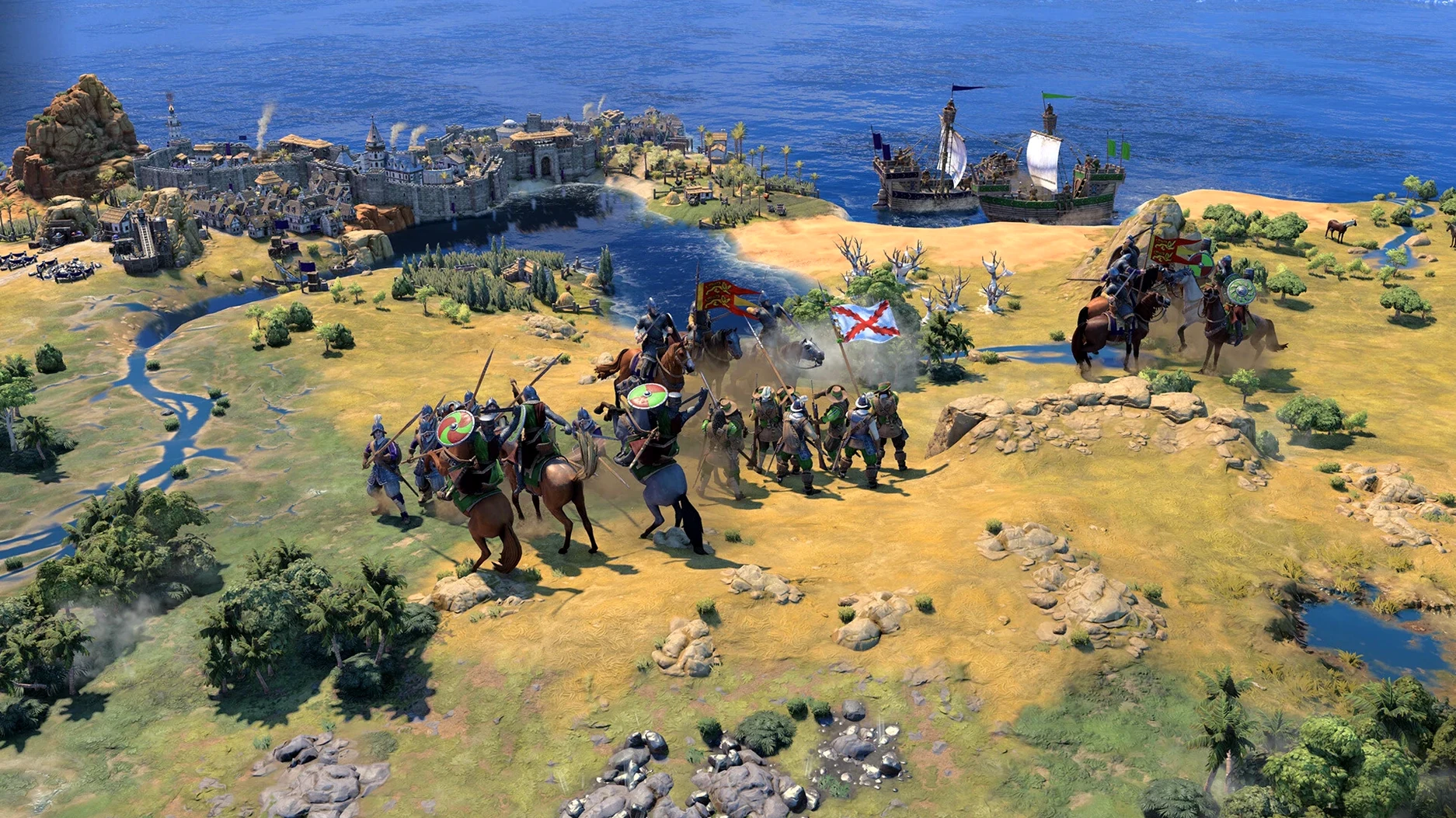
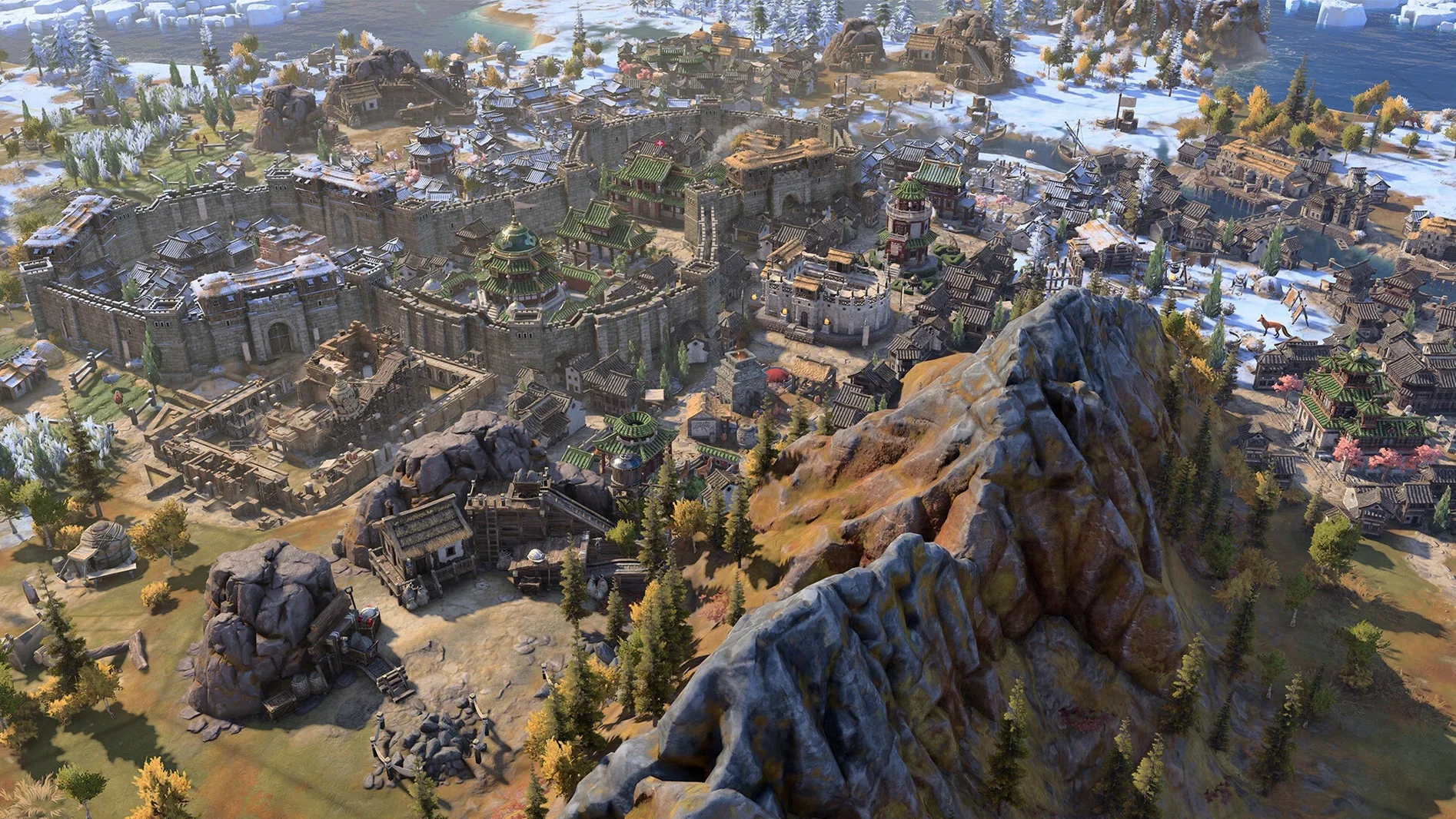
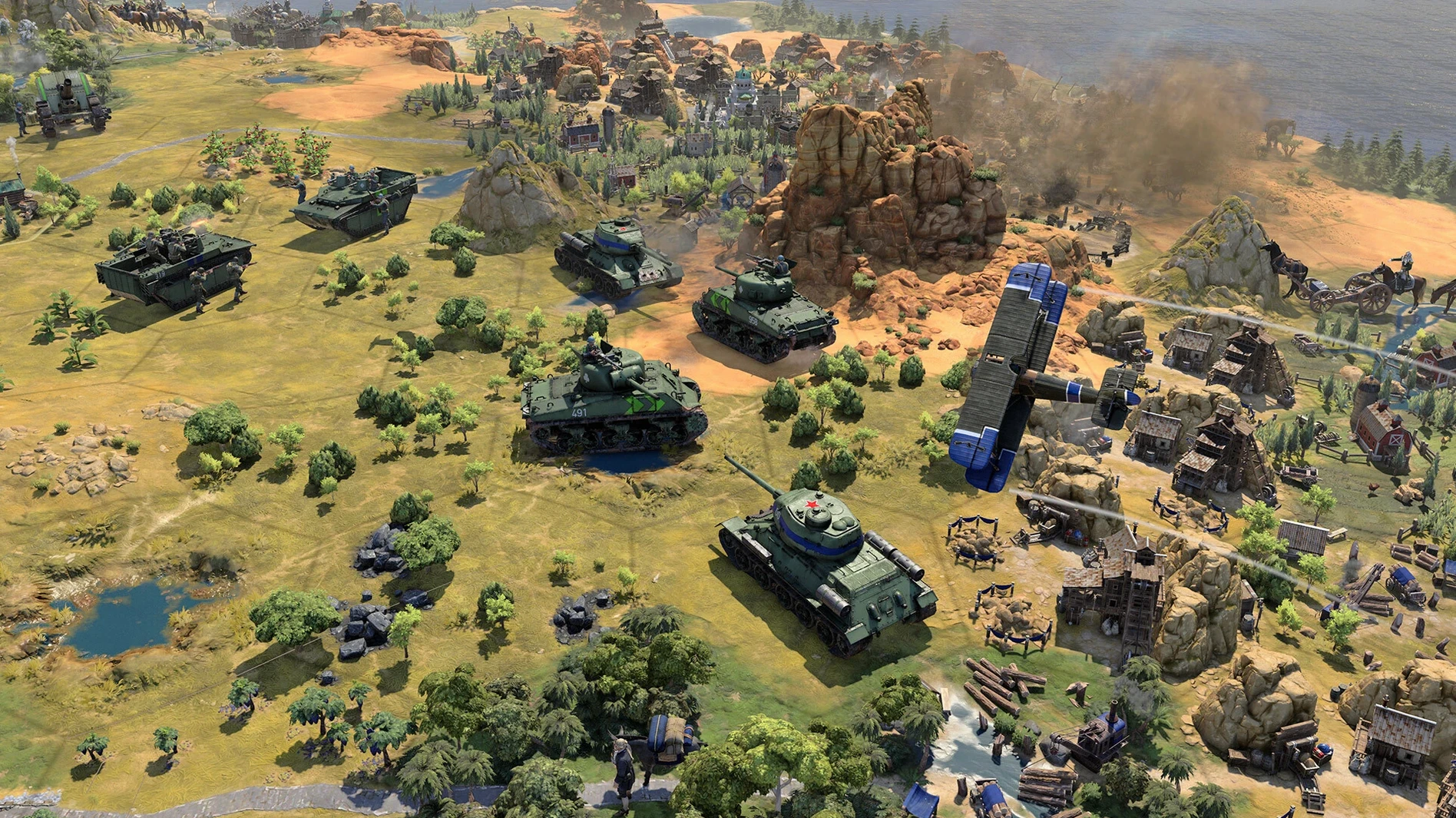
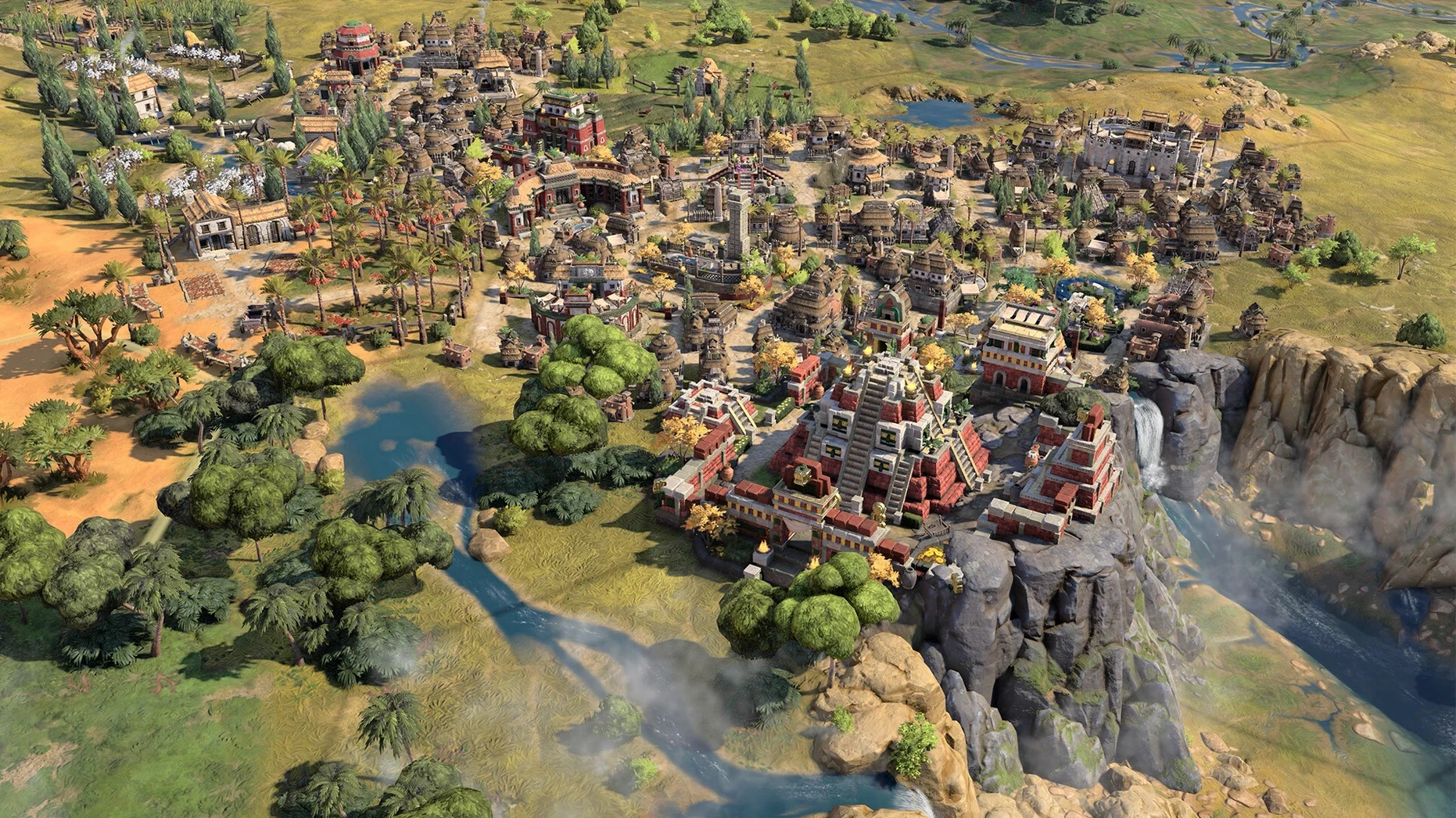
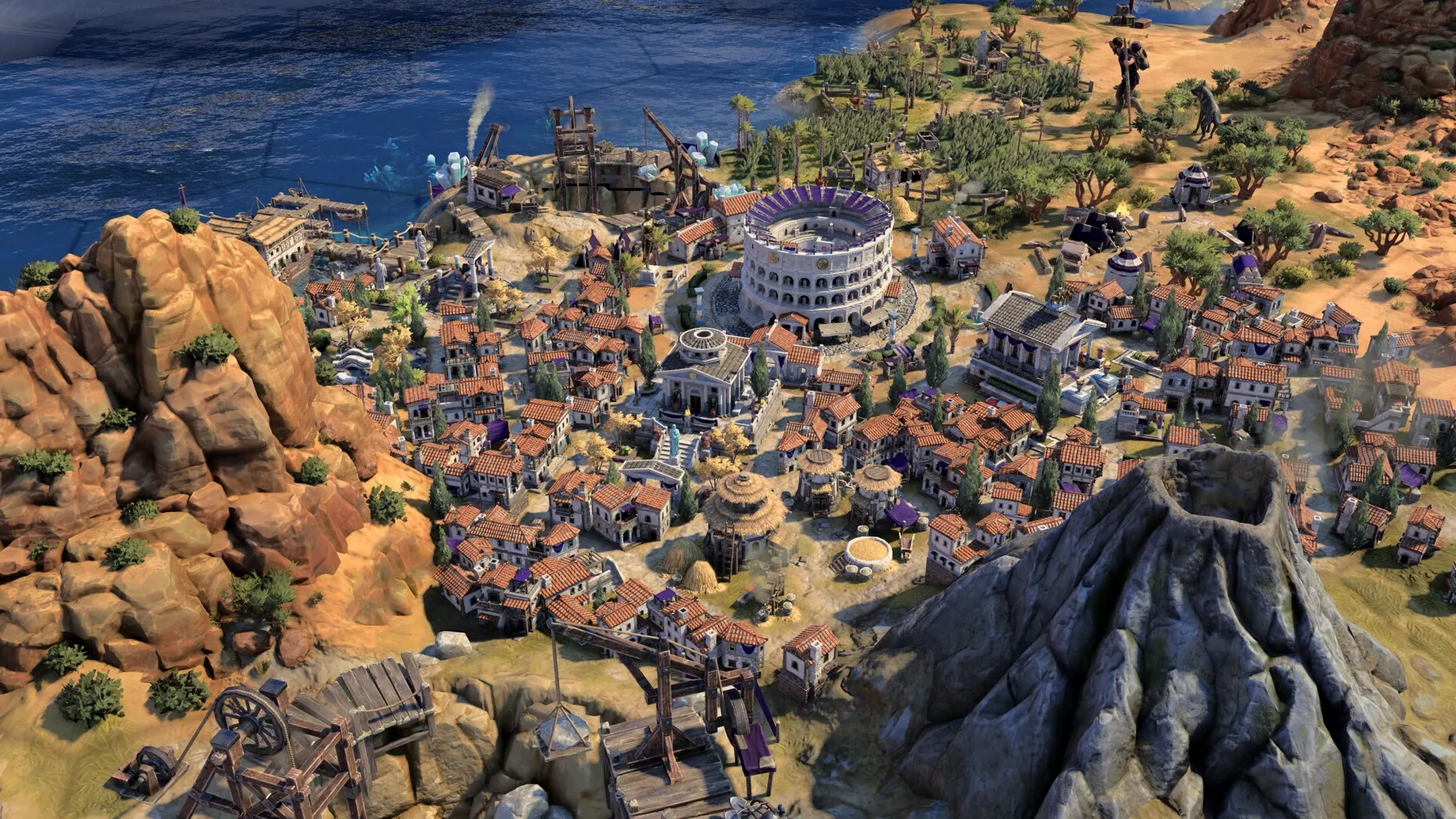
Not every strategy game fits every player. Knowing what Sid Meier's Civilization VII offers helps you decide if it is worth the download.
Angle: The Player Fit
Turn-based strategy fan — You enjoy planning moves over hours or sessions, not split-second reactions. Civilization VII rewards patience and long-term thinking.
History or empire-building enthusiast — Guiding a civilization from ancient times to the modern age, with leaders who have special abilities that improve over time, appeals to anyone who likes shaping a narrative.
Newcomer to the series — The game includes improved onboarding and gameplay tutorials. Past experience is not required.
Player who dislikes slow pacing — If you prefer action games or real-time strategy, the deliberate pace of Civilization VII may feel too slow.
Player focused on multiplayer only — While multiplayer exists, the core experience is single-player. If that is not your focus, this may not be the right fit.
Built for Apple Silicon
Civilization VII is built for Apple Silicon. The version 1.5.0 build we looked at ran on macOS Tahoe, the current name for the system on M-series Macs. No Intel MacBook or iMac from before 2020 will run this title — the architecture requirement is explicit. If your machine is an M1, M2, M3 or M4, you are set. The interface supports twelve languages, and voice is available in eleven, including English, Russian, French, Japanese and both Simplified and Traditional Chinese. The disk image installs like any other Mac app: open it, drag the application to your Applications folder, and launch from Launchpad. Quit with Command-Q. No activation step is needed, which saves time on first launch.
Scenario: The Weekend Historian
João works weekdays as a logistics coordinator in Lisbon. He played Civilization V on a Windows laptop years ago but switched fully to Mac when his company issued an M2 Air. Saturday morning he downloads Civilization VII, installs it in under five minutes, and starts a game as Egypt under Cleopatra. The onboarding walks him through founding his first city and sending a warrior to explore the fog of war. By Sunday evening he has pushed through the Exploration Age, encountered a rival civilization led by a Chinese ruler, and triggered a cultural victory path. The session never asks him to remember keyboard shortcuts from ten years ago — the interface teaches as he goes.
Two-Hour First Session
- Set aside two to three hours for your first session. The tutorial is brief, but your first few turns will involve reading leader traits and deciding on initial production queues.
- Start with a civilization whose bonuses suit a broad strategy. Avoid leaders tied to a narrow victory condition until you understand how the era changes shift benefits.
- Use the pause-and-think approach. Turn-based play means no one rushes you. Read the civilopedia entries on new improvements before building them.
- If you use a mouse and keyboard together, update to 1.5.0 — that version addressed lag with simultaneous input from both devices.
- Save manually at the start of each new era. The stability fixes in 1.5.0 target the late Modern Age, but manual saves give you a fallback point if you want to replay a different path through the same era.
Workflow: Founding Your First City and Setting a Strategy
- Launch the game and select Single Player. Choose a civilization from the list — each one shows a starting bonus and a leader ability. Pick one that matches your preferred playstyle, such as growth or culture.
- On the world map screen, your starting position appears. You see one Settler unit and one Warrior. The Settler founds your capital.
- Move the Settler to a tile adjacent to fresh water if possible — rivers and coastlines grant early bonuses. Do not settle on the first turn unless the tile is ideal. Use one or two turns to scout with the Warrior.
- Found the city. The city screen opens with a production queue. The default choice is a Scout unit. If you want to expand territory quickly, build a Monument instead to push borders out faster.
- Queue a second build item — a Builder or another Warrior — depending on whether you need improvements or protection. The game runs the queue while you explore.
- Direct your Warrior to walk in a spiral pattern around the capital. Reveal resources, tribal villages, and neighbor borders. Every tile uncovered gives you information for the next ten turns.
- Open the leader screen and review your agenda for the first era. The game suggests a tech to research and a civic to adopt. Follow the suggestions until you understand how the era tree branches.
That sequence covers the first ten to fifteen minutes. After that, you have a capital, a scouted perimeter, and a research direction — a solid start for any game of Sid Meier's Civilization VII.
No release notes filed for 1.5.1.1 Native. They are added here when a build changes how the program behaves.
| Processor | Apple Silicon |
|---|---|
| Download | 18 GB |
- Apple Silicon Mac
Questions about Sid Meier’s Civilization VII
Does Civilization VII run well on Apple Silicon Macs?
Yes. The build was tested on macOS Tahoe and supports Apple Silicon architecture. The 1.5.0 update also addressed lag that could occur when using mouse and keyboard inputs simultaneously.
What voice languages are available in Civilization VII?
The game supports 11 voice languages: Russian, English, German, Spanish, Italian, Traditional Chinese, Simplified Chinese, Korean, Polish, French, and Japanese.
How to install, in order
- Open the downloaded disk image.
- Drag the app to the Applications folder alias.
- Launch the app from Launchpad after copying finishes.
- Quit the game with Command-Q.
Comments and corrections 0
Sign in or open a free account to leave a comment.
No comments or corrections yet.