Complete Anatomy 12.6.0 — download for Mac
Office Updated
Explores a dissectible 3D model of the human body without a lab.
Screenshots
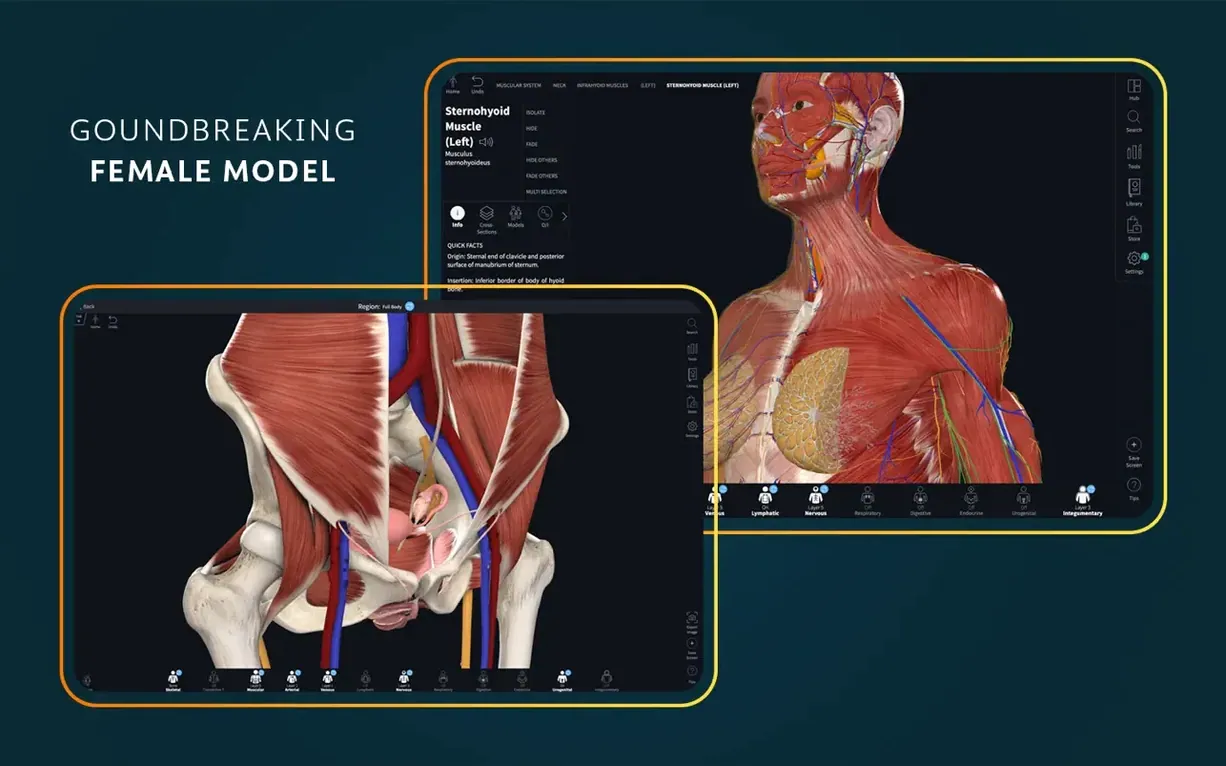
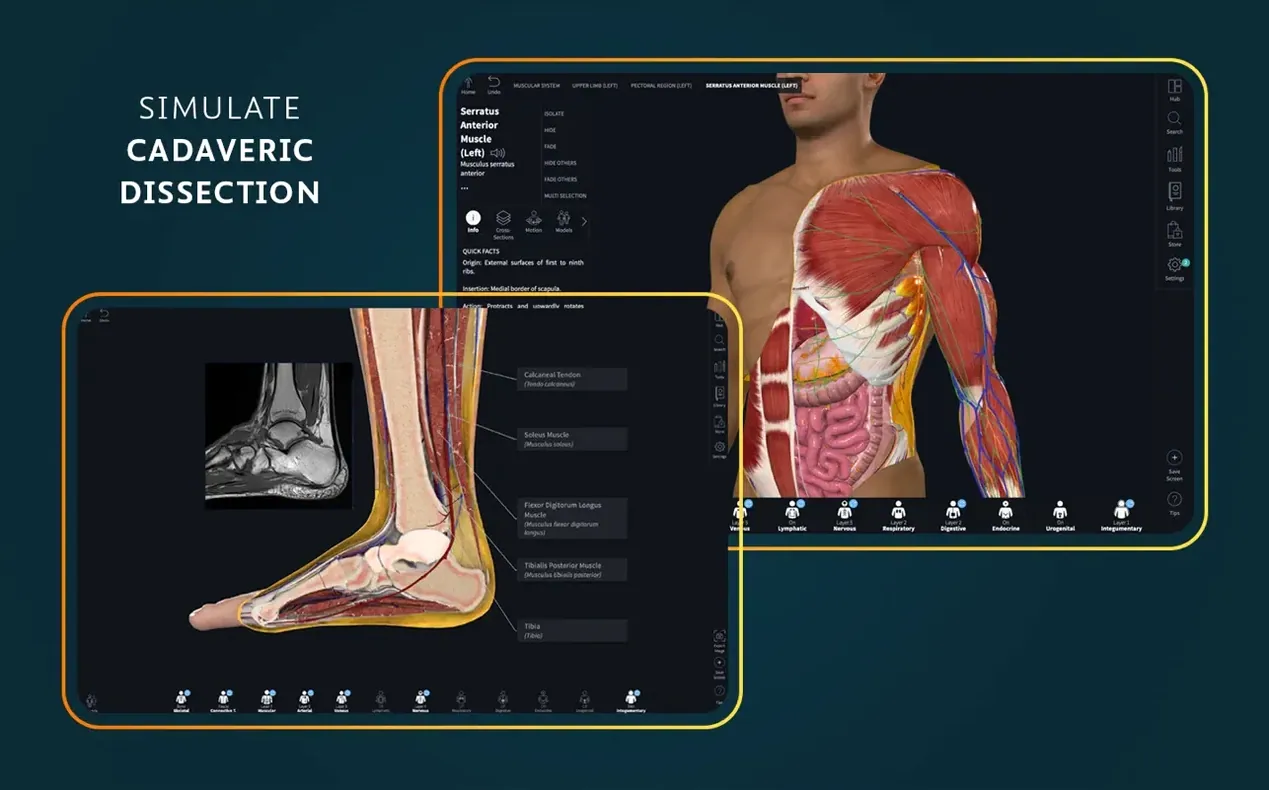
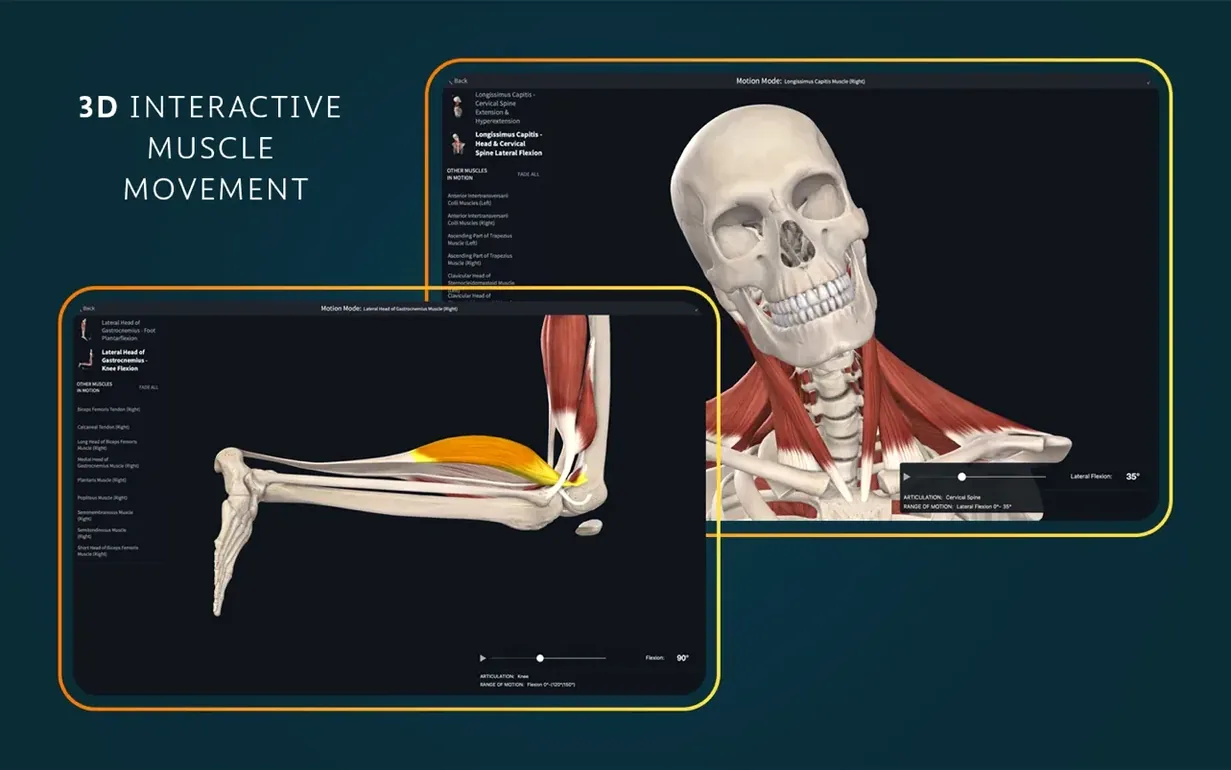
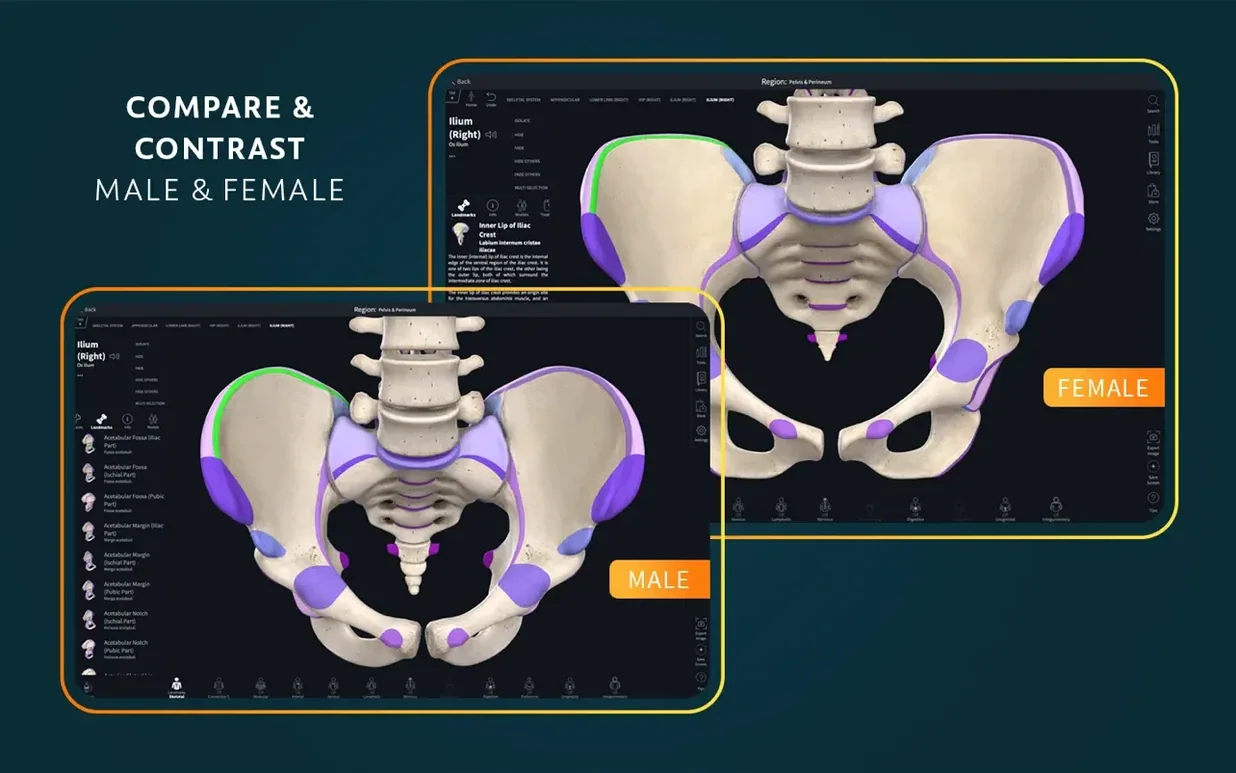
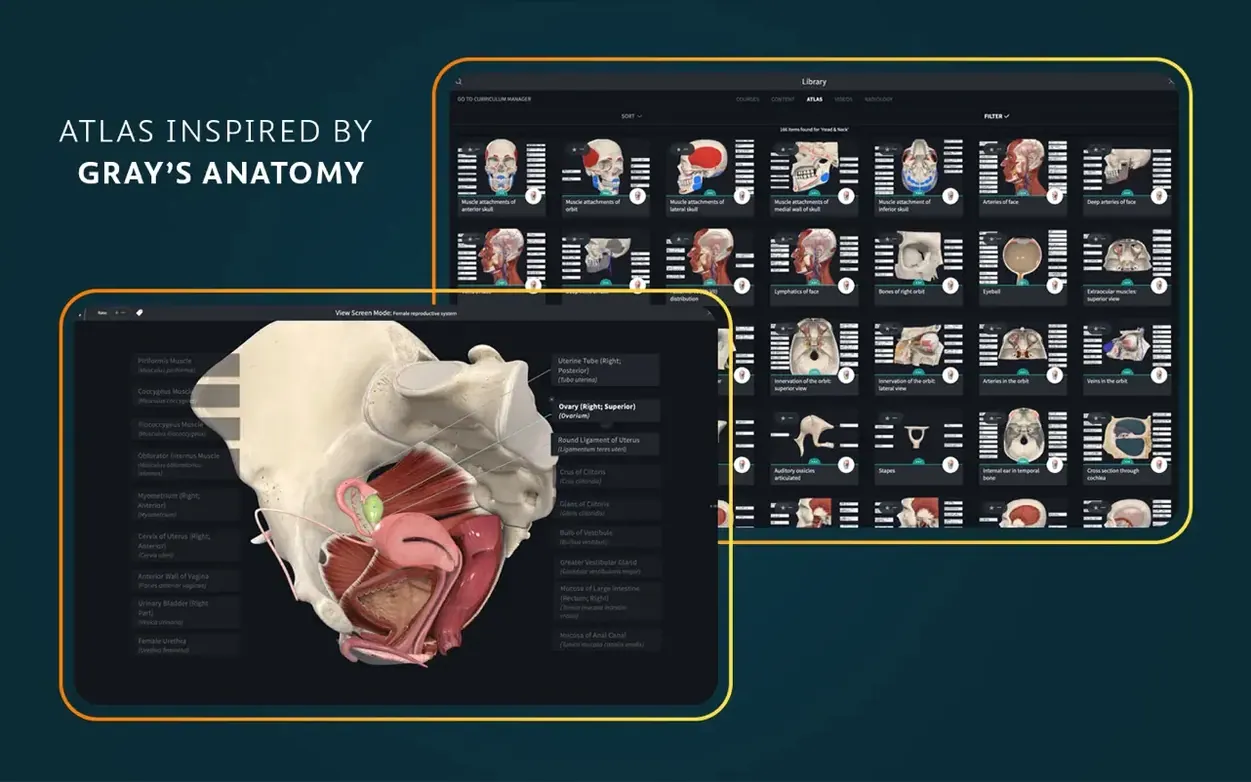
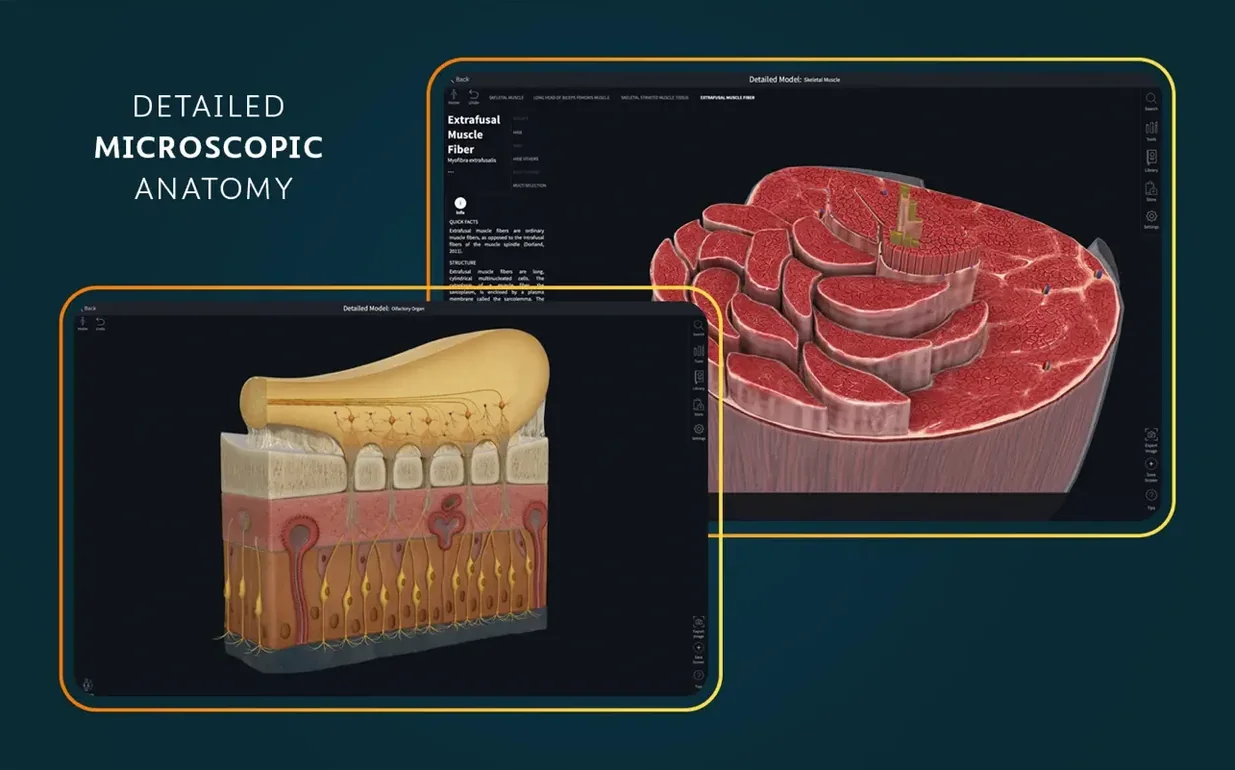
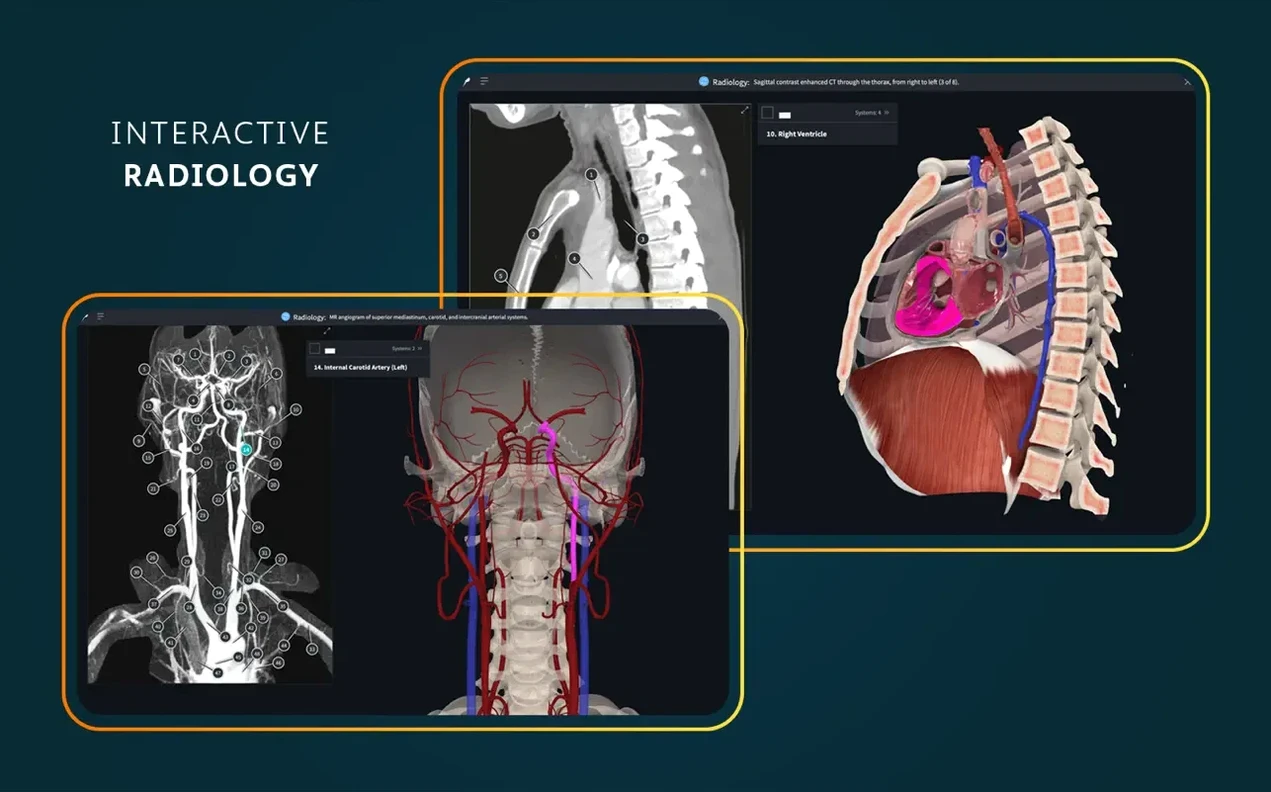
When you need to understand a complex anatomical structure fast, flipping through a textbook costs time. Complete Anatomy on Mac puts a live, dissectible 3D model on your screen — no lab required.
Explore a Beating Heart in 3D Without a Cadaver
- Exploring a beating human heart in 3D, layer by layer, without a cadaver.
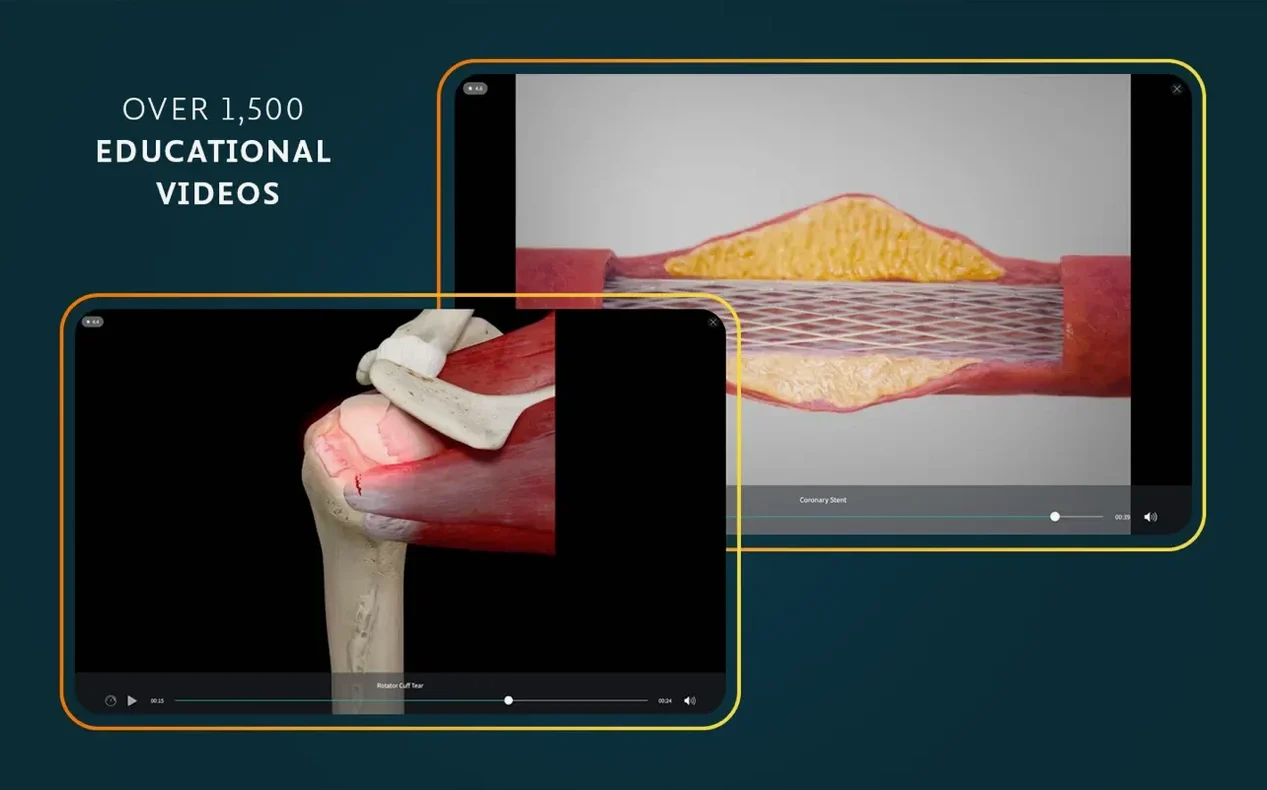
- Watching one of over 1,500 clinical videos to see procedures in context.
- Using AR mode to place a life-size skeleton on your desk for spatial reference.
- Jumping between 700+ atlas screens to locate any muscle, bone, or nerve.
Account Required for Full Functionality
- A signed-in account is mandatory for full functionality.
- The app runs on both Intel and Apple Silicon Macs (macOS 11 or later).
- Interface languages: English, German, Spanish, Simplified Chinese, French.
- Version 11.5 (released September 2025) includes general bug fixes and iOS 26 optimization.
Optimized Support for iOS 26 in September 2025 Release
The September 2025 release of Complete Anatomy 11.5 focused on behind-the-scenes work. The main change noted on the release page is optimized support for iOS 26. For Mac users this means the app stays in sync with the latest iPad and iPhone versions, so a dissection you start on your laptop continues without glitches when you pick up your tablet. Several general bug fixes and improvements were part of the update as well — nothing that rewrites your workflow, but the kind of polish that keeps the 3D models stable when you rotate or zoom fast.
Switch Language in Preferences Before Studying
Before you start a study session, open the preferences panel. Two adjustments save time later:
- Language — The app defaults to English. If you lecture or study in German, Spanish, Simplified Chinese or French, switch it before loading a model. Changing mid-session resets your active dissection.
- Account sync — Make sure the app is logged into your Elsevier account. Without it, the full atlas, clinical videos and AR mode stay locked. Sign in once, and the app remembers you between launches.
That is about all you need to configure. The interface is lean; the heavy lifting is in the 3D engine, not in menus.
Workflow: trace a nerve from origin to target
This is a typical task in neuroanatomy review. Here is how you do it in Complete Anatomy from start to finish.
- Open the app and select the full-body male or female model from the home screen. The female anatomy content is included, so choose whichever matches your study material.
- Use the search bar to type the nerve name — say, the sciatic nerve. The atlas highlights its path in yellow across the model.
- Rotate the model to see the nerve passing through the pelvis and down the posterior thigh. Pinch to zoom closer to the greater sciatic foramen.
- Toggle the dynamic cross-section tool. A translucent plane cuts through the model at the level you drag it. Move the plane up and down the leg and watch the nerve’s cross-sectional position change relative to muscles and bone.
- Turn on the real-time muscle movement layer. Flex the hip joint in the model and watch the sciatic nerve glide under the piriformis muscle. This is the motion that clinics test for.
- For clinical context, open the radiology view. The 3D model stays alongside a CT-style slice. You can compare the nerve’s expected path with what an ultrasound or MRI would show.
- If you need a refresher on the nerve’s function, switch to the clinical correlations panel and find the video on sciatic nerve entrapment — one of the 1,500+ included clips.
The whole trace takes about eight minutes once you know the tools. A textbook would require flipping between four diagrams and a separate radiology atlas.
Internet Needed for Login and Video Streams
3D Models Work Offline After Initial Download
The app downloads model data on first launch and caches it locally. After that, the interactive anatomy works offline. You only need a connection to log in at start and to stream the clinical videos or AR content.
Runs on macOS 11 or Later, Intel and Apple Silicon
Complete Anatomy requires macOS 11 or later. It supports both Intel and Apple Silicon processors, so a 2020 iMac or a 2024 MacBook Pro will work as long as the system is up to date. There is no 32-bit version.
Is the heart model really beating?
Yes. The live heart model pulses in real time and you can dissect it layer by layer — epicardium, myocardium, endocardium — while it beats. You can also pause the animation to examine a specific phase of the cardiac cycle.
How do the 39 microscopic anatomy models work?
These are separate models that open from the atlas menu. They show tissue-level structures like renal corpuscles or alveolar sacs. You zoom into them the same way you zoom into the full-body model, and they include labels for each cell layer.
What about searching for a complete anatomy mac download or a complete anatomy torrent?
Complete Anatomy offers detailed 3D models for medical students and healthcare professionals. Some users search for a complete anatomy torrent or anatomy torrent to bypass the login requirement — but without a valid account the app will not unlock the full atlas and clinical videos. The complete anatomy crack mac versions that circulate often miss the 11.5 bug fixes and do not support the iOS 26 sync. A clean copy of complete anatomy 11.5.0 from a reliable source is the straightforward way to get all 700+ screens and the 1,500 videos working without workarounds.
For a medical student or clinician who needs anatomy on demand, Complete Anatomy replaces stacks of books with one app.
- Optimized support for iOS 26.
| macOS | macOS 15 or later |
|---|---|
| Processor | Apple Silicon, Intel 64-bit |
| Download | 867 MB |
- macOS 11 or later
- Intel or Apple Silicon (ARM and x86 64-bit)
- A signed-in account is required for full functionality
Questions about Complete Anatomy
Does Complete Anatomy require an internet connection to work?
A signed-in account is required for full functionality, so an internet connection is needed at least during login and for some features.
How to install, in order
- Open the downloaded disk image.
- Drag the app into the Applications folder.
- After copying finishes, launch it from Launchpad.
Comments and corrections 0
Sign in or open a free account to leave a comment.
No comments or corrections yet.