iA Writer 8.2.0 — download for Mac
Office Updated
Provides a distraction-free writing environment with a document outline and dark mode.
Screenshots
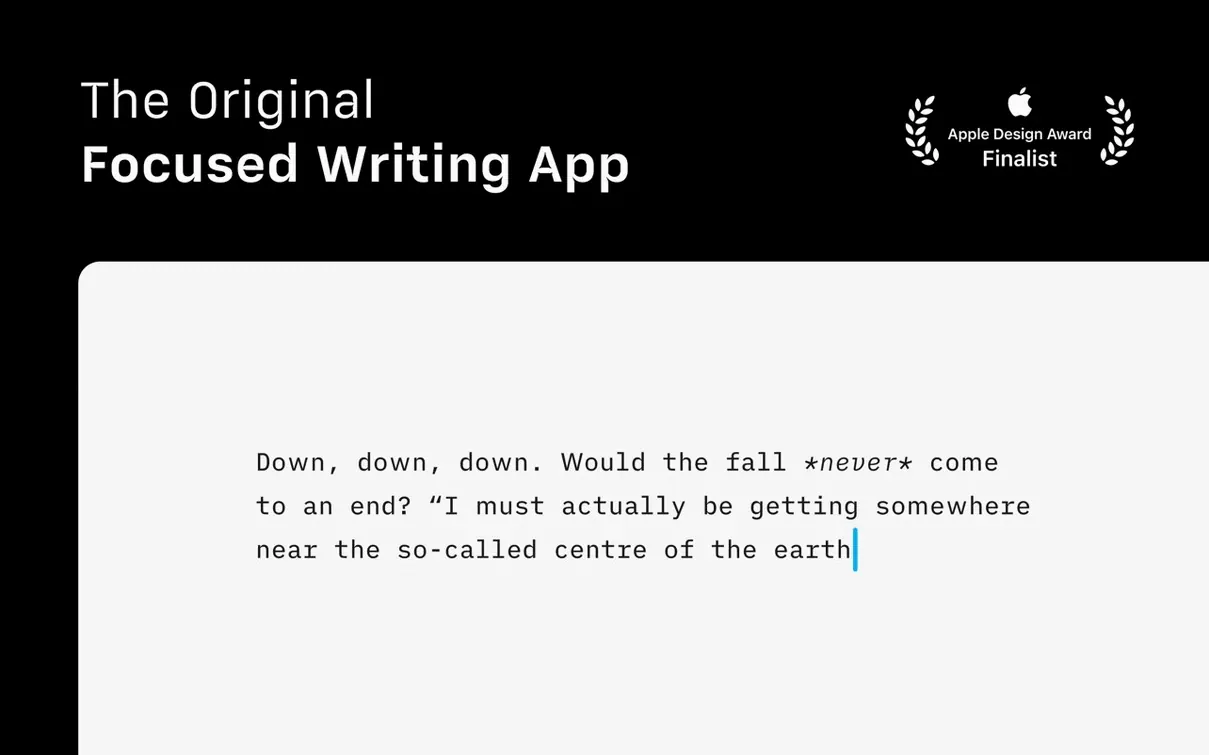
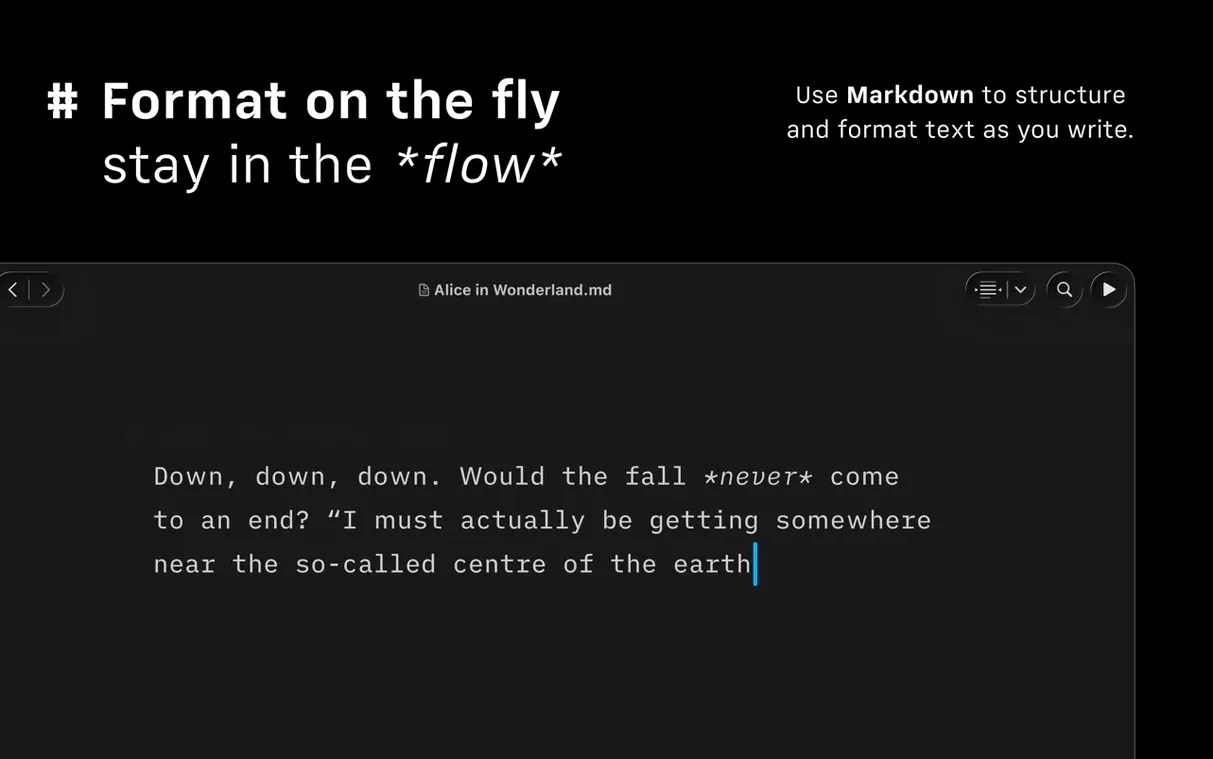
Version 8.0.9 brings a Document Outline with Quick Search for navigating long texts and a refreshed interface built for macOS 26 and later. A few small bugs are fixed.
Dark Interface and Live Preview Reduce Toggling
Dark Interface — Reduces eye strain during extended writing sessions. Works system-wide.
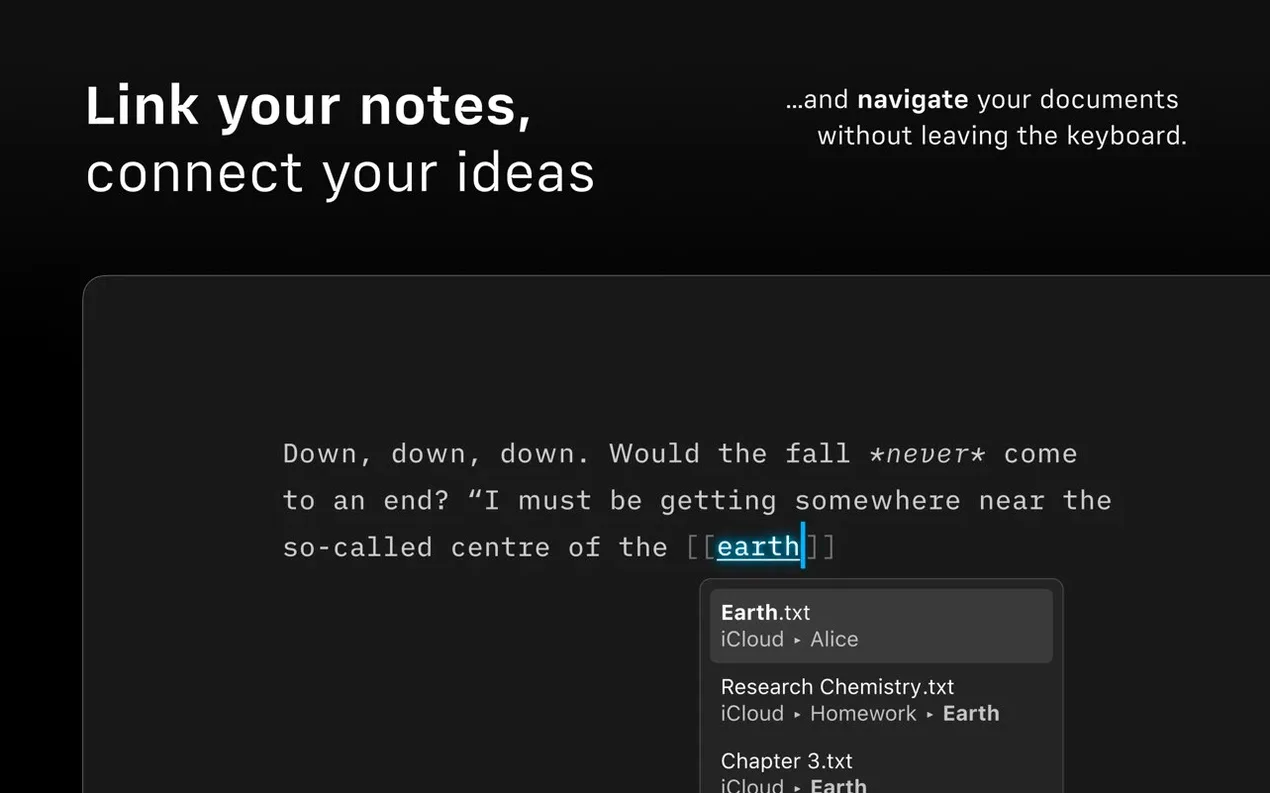
Live Preview — Text links, images, and tables render automatically in the preview pane. No toggling between views.
Document Outline — Jump between sections using Quick Search. Useful for reports or chapters with multiple headings.
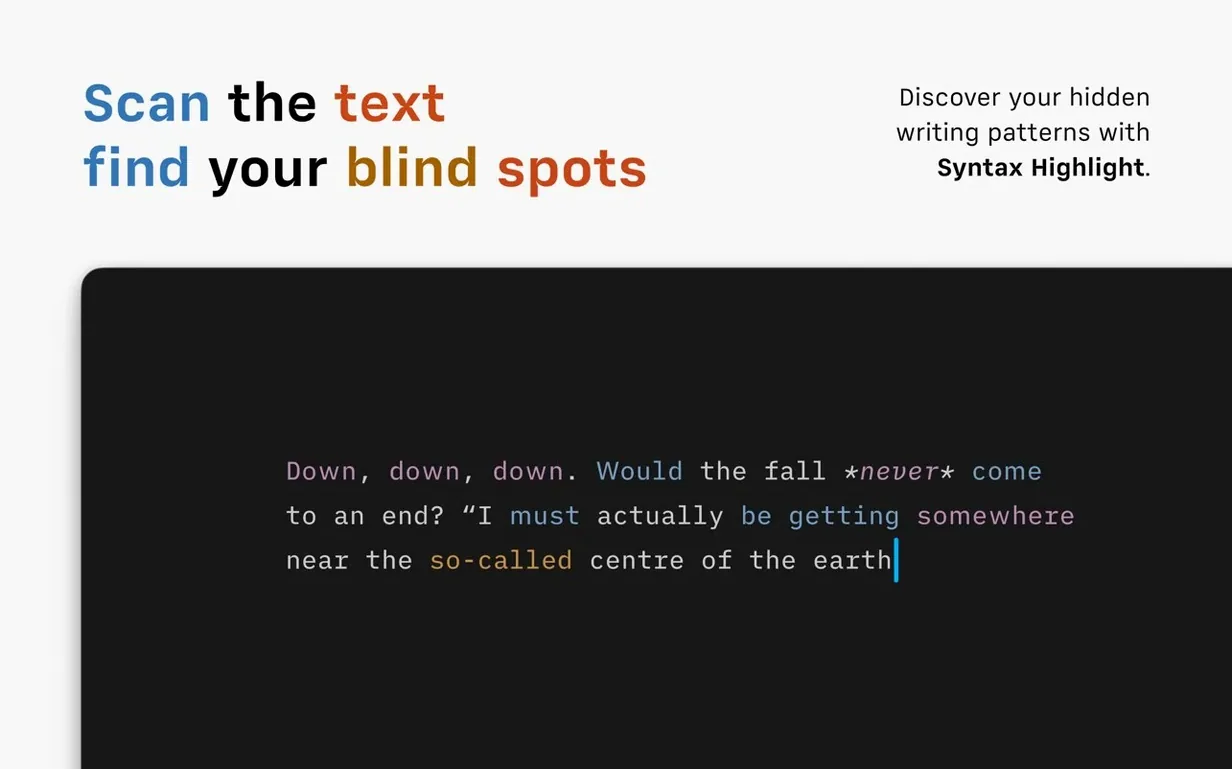
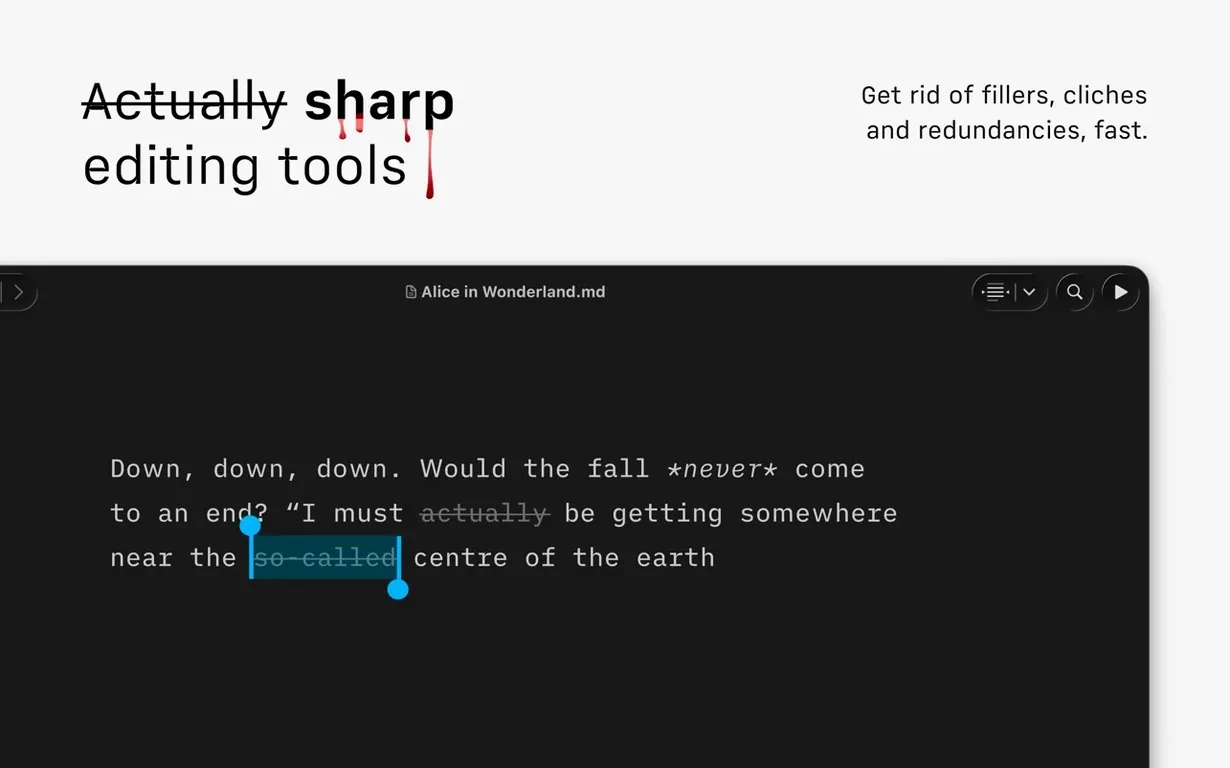
Syntax Highlighting — Flags extra adjectives, weak verbs, and repeated nouns. Catches clutter before editing rounds.
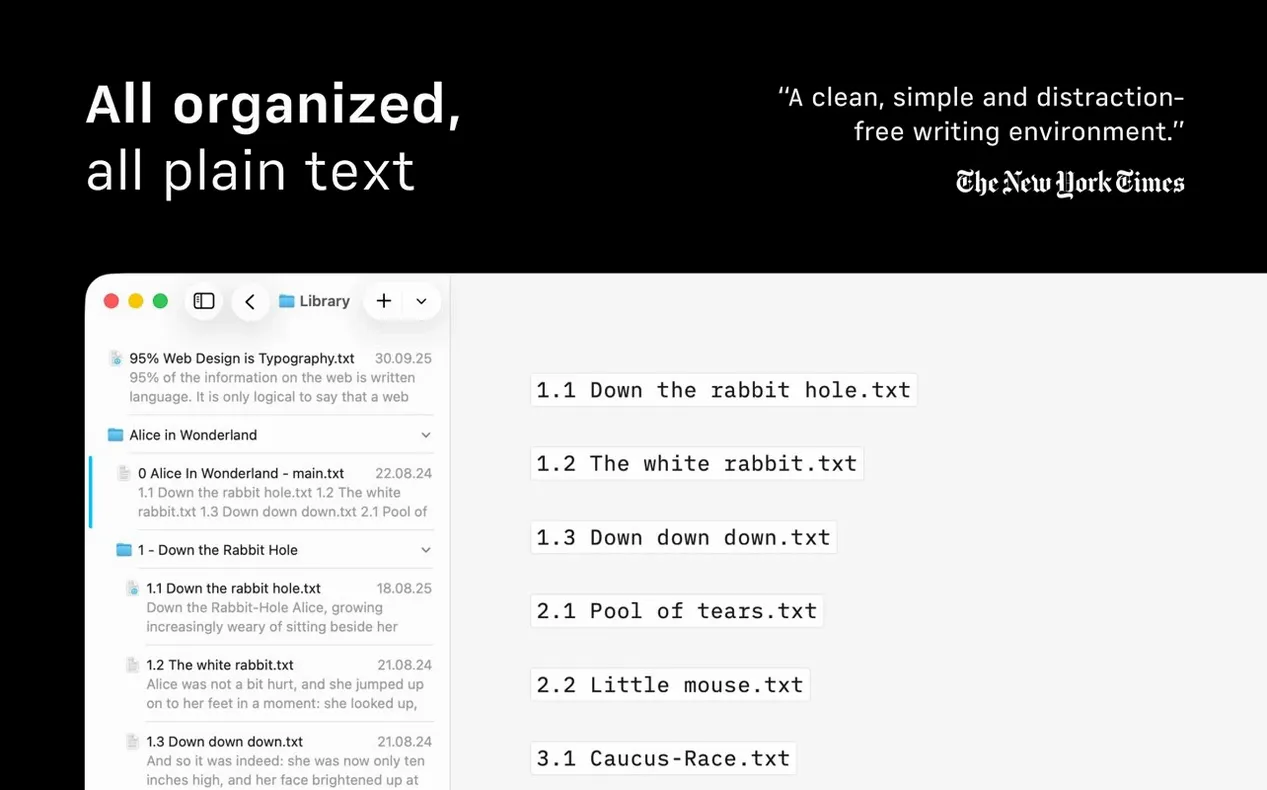
Cloud Search & Sort — Search and sort documents from different cloud services in a single window. Saves time switching between providers.
Publishing — Built-in support for WordPress and Medium. Write locally, publish with one click.
Accessibility — VoiceOver and Reduced Motion support included.
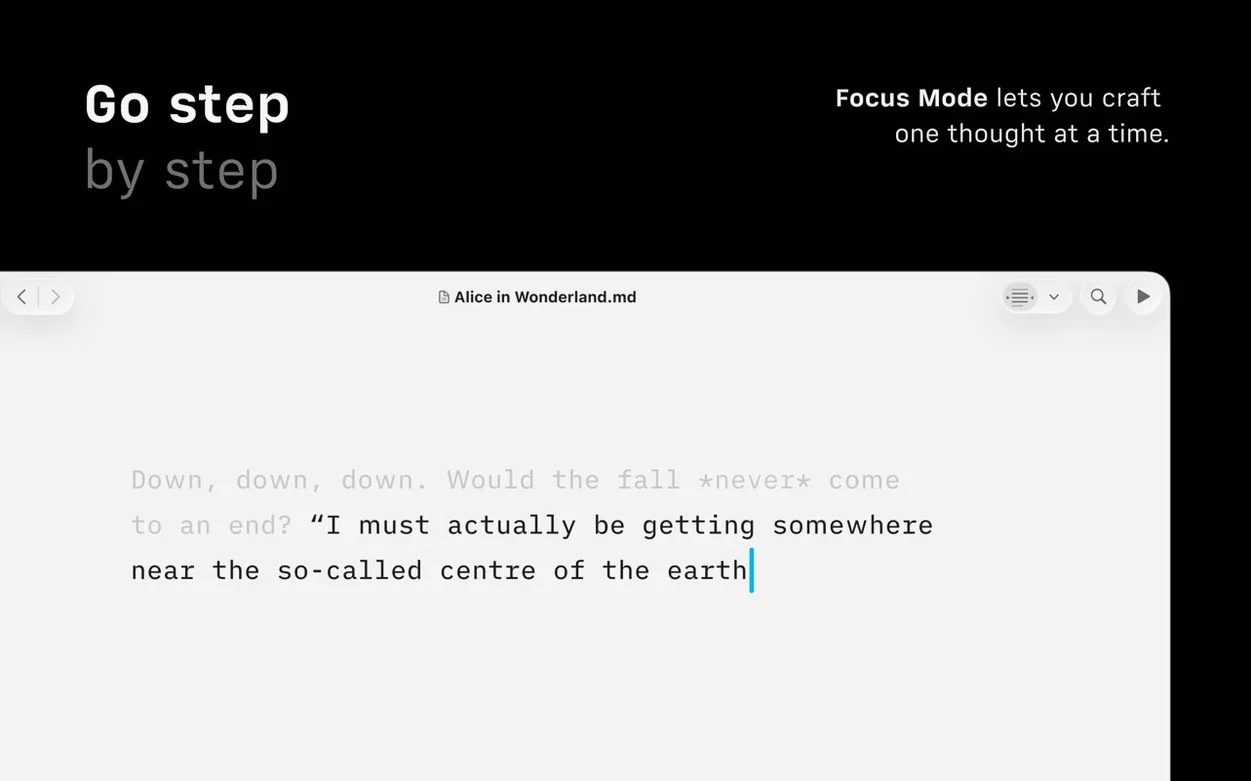
Long-Form Writers Cut Editing Time with Focus Mode
Long-form writers benefit the most — journalists, novelists, researchers, and students working on theses. The focus mode and syntax highlighting cut down editing time by catching weak prose early. Bloggers who publish to WordPress or Medium get a single writing space that bypasses cluttered browser editors. Project managers like myself use it for drafting reports, meeting notes, and documentation in Markdown, then exporting clean PDFs for clients. Anyone who writes more than a few paragraphs a day and wants to keep formatting headaches out of the way will find it useful.
Maria Consolidates Drafts from Google Drive and Dropbox
Maria writes weekly columns for two online magazines. She keeps drafts in Google Drive and Dropbox. Before iA Writer, she jumped between folders and browser tabs, copying text between editors. Now she opens iA Writer, searches both cloud services from the Library, and writes in a full-screen focus mode that dims everything except the current paragraph. When a piece is ready, she exports to WordPress for one magazine and Medium for the other without leaving the app. The Document Outline lets her jump between sections of a 3,000-word feature in seconds. She saves roughly half an hour per piece on formatting and file management alone.
Refreshed Interface and Quick Search for macOS 26
- Refreshed interface for macOS 26 and later — Menus and toolbars use the system’s updated styling. No learning curve; it just looks consistent with newer macOS versions.
- Document Outline with Quick Search — Press a key combination, type a heading name, and jump there. Replaces manual scrolling through long files.
- Command Palette — One keyboard shortcut opens a palette for formatting actions, export commands, and authorship settings. Reduces mouse use during editing.
- Compact Library layout — Hides dates and text excerpts, showing only file names. Helpful when you have dozens of drafts and want a cleaner list.
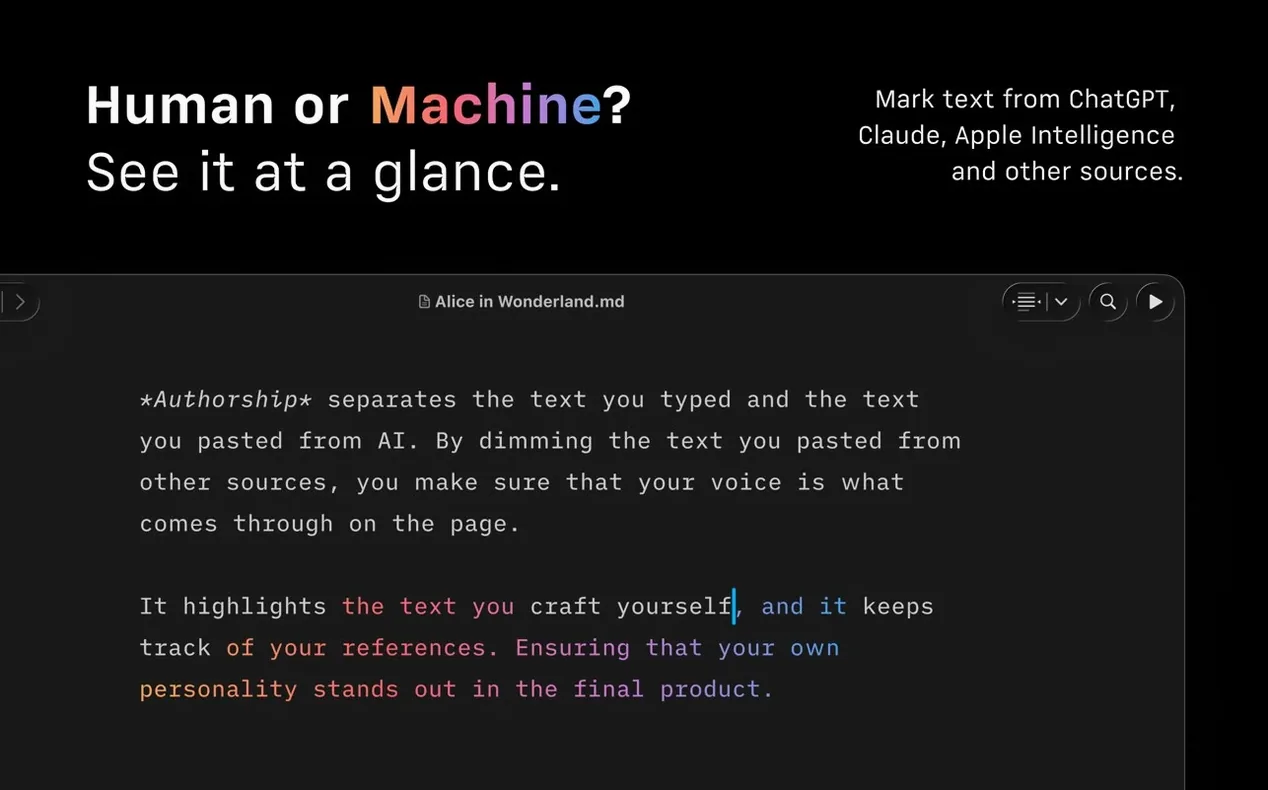
- Authorship indicators — In collaborative documents, colors appear next to sections to show who wrote what. Visible in menus without opening additional panels.
These additions don’t change how the app feels — it’s still a plain Markdown editor — but they cut navigation time and reduce clutter for daily work.
Top Concerns Before Installing iA Writer
Live Previews Remove Need to Memorize Markdown
Basic Markdown helps, but iA Writer shows live previews of links, images, and tables automatically. If you only use bold, italic, and headings, the preview pane shows the result. The app doesn’t require memorizing syntax for everyday writing.
Library Indexes Cloud Folders Without Importing
Yes. The Library can search and sort documents from different cloud services in one window. You don’t need to import files — just point the app to the folder and it indexes them.
Authorship Indicators Show Who Wrote What
Version 8 added Authorship indicators that show who wrote what in shared documents. The app works with files stored in shared folders. For real-time collaboration, you’d still use a separate tool, but for drafting and reviewing, the color-coded sections help track changes.
Can I export to formats besides PDF, HTML, and DOCX?
The built-in export covers PDF with customizable templates, HTML, and Microsoft Word DOCX. For other formats, you can copy the Markdown source and paste into a converter. The app also publishes directly to WordPress and Medium.
Runs on macOS 10.15, Intel and Apple Silicon
iA Writer requires macOS 10.15 or later and works on both Intel and Apple Silicon Macs. Version 8’s refreshed interface runs on macOS 26 and later, but the app itself works on earlier supported versions.
iA Writer 8.2.0 appeared on the Mac App Store. The release notes are published on the developer’s site — head there for the complete list of changes in this build.
| macOS | macOS 10.15 or later |
|---|---|
| Processor | Apple Silicon, Intel 64-bit |
| Download | 23 MB |
- macOS 10.15 or later
- Apple Silicon or Intel 64-bit Mac
How to install, in order
- Mount the disk image and run Open Gatekeeper friendly.
- Press Enter in the Terminal window to bypass Gatekeeper.
- Drag the app to the Applications folder.
- Start the app when installation is complete.
Comments and corrections 0
Sign in or open a free account to leave a comment.
No comments or corrections yet.