
QuickBooks Mac Plus 23.1.9 — download for Mac
Office Updated
Shows income, expenses, invoices, and recent activity on a single accounting dashboard.
Screenshots
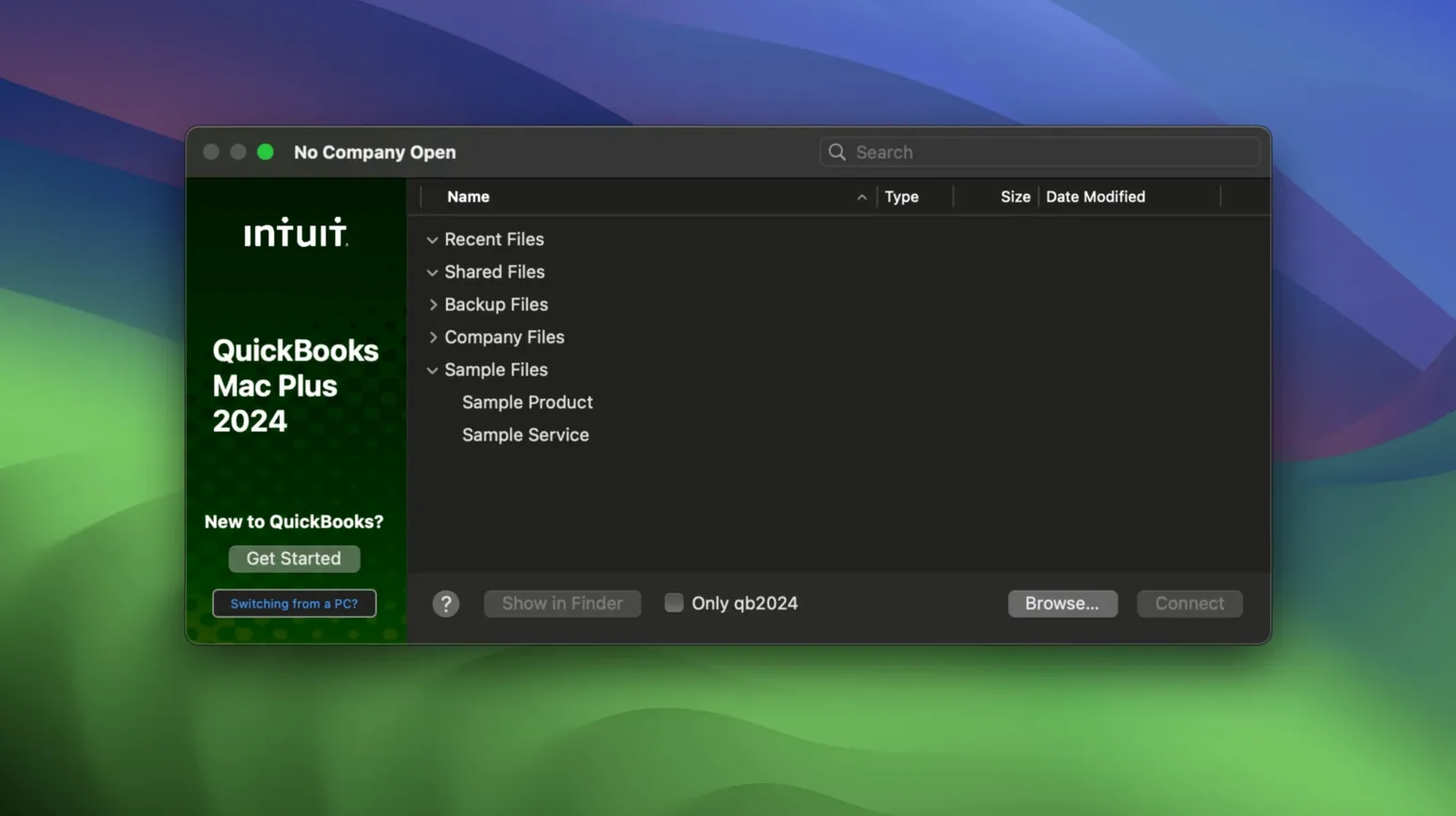
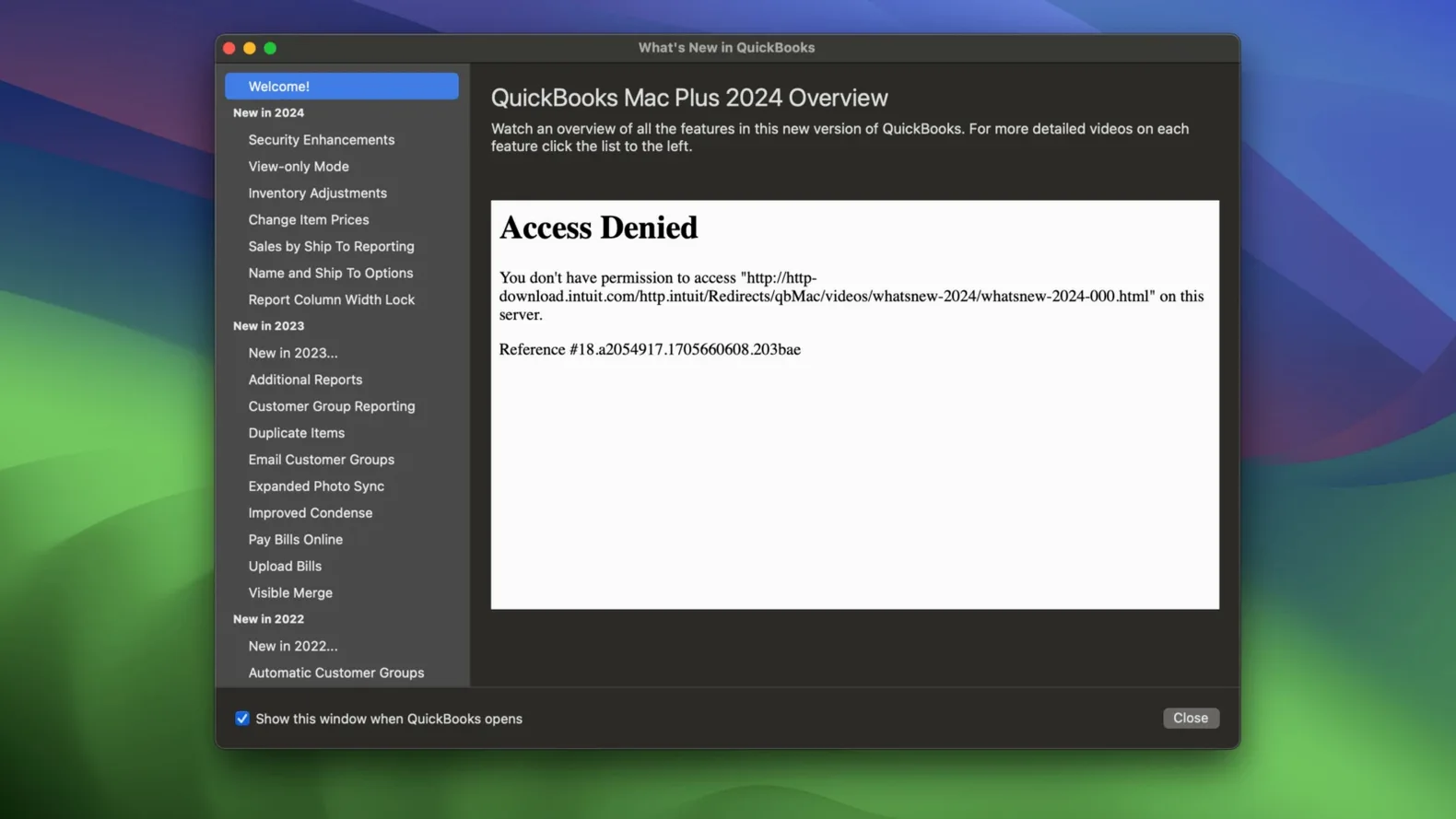
QuickBooks Mac Plus is built for small business owners who want a straightforward way to handle accounting without switching between spreadsheets and separate tools. The dashboard shows income, expenses, paid invoices, and recent activity at a glance, so you know where your money stands before you dig deeper.
Here is how the standout features fit a typical work cycle:
- Start by connecting your bank account. The app imports transactions directly, cutting down manual entry.
- Create and send invoices from the same window. You can upload receipts to match them against expenses later.
- Track income and expenses as they come in. The reporting module pulls detailed reports for tax time or monthly reviews.
- If you have employees, run payroll through the app. It handles calculations and filings in the same environment.
The current version adds a Backup Save As option and lets you set company-specific backup locations — small touches that matter when you need to protect data across multiple companies.
Skip the Bank Data Cleanup Mistake
New users often treat QuickBooks Mac Plus like a simple ledger, skipping the setup steps that prevent frustration later. The most common mistake is connecting a bank account without first cleaning up existing data. If you import transactions while the chart of accounts still has old placeholder categories, the app maps everything to whatever it finds first, and you spend the next month reclassifying entries.
Another frequent error is ignoring the inventory tool during setup. Small business owners who sell physical goods sometimes track stock in a spreadsheet and only add products to QuickBooks after a few weeks. By then, the app’s real-time inventory counts are off, and reconciling requires manual adjustments that defeat the purpose of having the feature. Enter products and services on day one, even if your list is incomplete.
Beginners also confuse the company file structure. QuickBooks Mac Plus works with company files, and some users create a new file for each fiscal period instead of continuing the existing one. That separates transaction history across files and breaks reports that need a full year’s view. Stick with one file per business entity and use the built-in backup options — now with company-specific locations in the latest release — to archive old periods.
A final common slip is ignoring the automatic tax calculation until tax season. The app can calculate taxes as you go, but only if you set up your tax rates and linking accounts when you first configure the company file. Waiting until April means retroactively adjusting hundreds of transactions.
scenario: a freelancer tracking project income
Carlos Mendes works as a project manager by day, but on weekends he runs a small carpentry business with two part-time employees. He uses QuickBooks Mac Plus to keep his freelance income separate from his day-job paperwork.
At the start of each project — a custom bookshelf, a kitchen renovation — he creates an invoice in the app and sends it from his MacBook Air. When the client pays, he records the income against that invoice line. The dashboard updates immediately, so he can see which projects are profitable before the next weekend begins.
He uploads receipts for lumber and hardware using the receipt storage feature and attaches them to the corresponding expense entry. At the end of the month, the reporting module gives him a 90-day projection of income and expenses, which helps him decide whether to take on a third project or finish the current two first. Payroll for his two employees runs through the same app, and the automatic tax calculation handles withholdings without a separate visit to an accountant.
Backup Save As and Two Daily-Use Changes
QuickBooks Mac Plus 2024 release notes from Intuit list specific changes that affect how you work day to day. Version 23.1.9.R10 Plus introduced two backup-related improvements that matter more than they sound:
- Backup Save As option — You can now choose where a manual backup goes each time you create one, rather than overwriting the same default file. This helps when you want to save a pre-tax-season snapshot to an external drive and keep your regular backups on the internal disk.
- Company-specific backup locations — If you manage multiple company files, each one can now have its own designated backup folder. No more sorting through a single directory trying to match backup dates to the right business.
Earlier 2024 updates also refined how the app imports data from Excel and Xero tables. The mapping logic improved, so fewer spreadsheet columns end up in the wrong fields. For users who migrate from spreadsheets or Xero, that means less manual correction after import.
Beyond backup and import, the inventory tracking received backend updates that keep real-time counts accurate when you reconcile against physical stock. The change is invisible in the interface but noticeable if you run weekly inventory checks.
Remove Sample Accounts Before Your First Entry
Before you enter your first transaction, adjust these settings in QuickBooks Mac Plus to save time later:
- Chart of accounts — Delete the sample accounts that come preloaded and create your own categories. Sample accounts often include categories that do not apply to your business, and leaving them clutters reports.
- Tax rates — Set up your local tax rates and link them to the relevant income and expense accounts. This activates automatic tax calculation from the start and prevents a backlog at filing time.
- Preferred invoice template — Customize the default invoice before you send the first one. Adjusting the layout, payment terms, and logo after you have sent several invoices means inconsistent branding across your history.
- Backup schedule — Configure the new company-specific backup location and decide whether you want manual backups or a set reminder. The R10 release makes this straightforward, so there is no reason to skip it.
- Bank rules — Set rules that automatically categorize recurring transactions. A monthly internet bill or a regular supplier payment should not need manual sorting every time.
- Backup Save As option for manual backups.
- Company-specific backup locations.
| macOS | macOS 12 or later |
|---|---|
| Processor | Apple Silicon, Intel 64-bit |
| Download | 169 MB |
- macOS 12 Monterey or later
- Intel or Apple Silicon (ARM) processor
Questions about QuickBooks Mac Plus
Does QuickBooks Mac Plus support bank account connections?
Yes, it supports direct bank account connections, which automates transaction imports and reconciliation.
How to install, in order
- Open the downloaded disk image.
- Drag the app to the Applications folder alias.
- After copying finishes, launch the app from Launchpad.
Comments and corrections 0
Sign in or open a free account to leave a comment.
No comments or corrections yet.