1Password 7.9.4 — download for Mac
Utilities Intel processors only Updated
Stores every login, credit card, and secure note behind one master password you never have to remember.
Screenshots
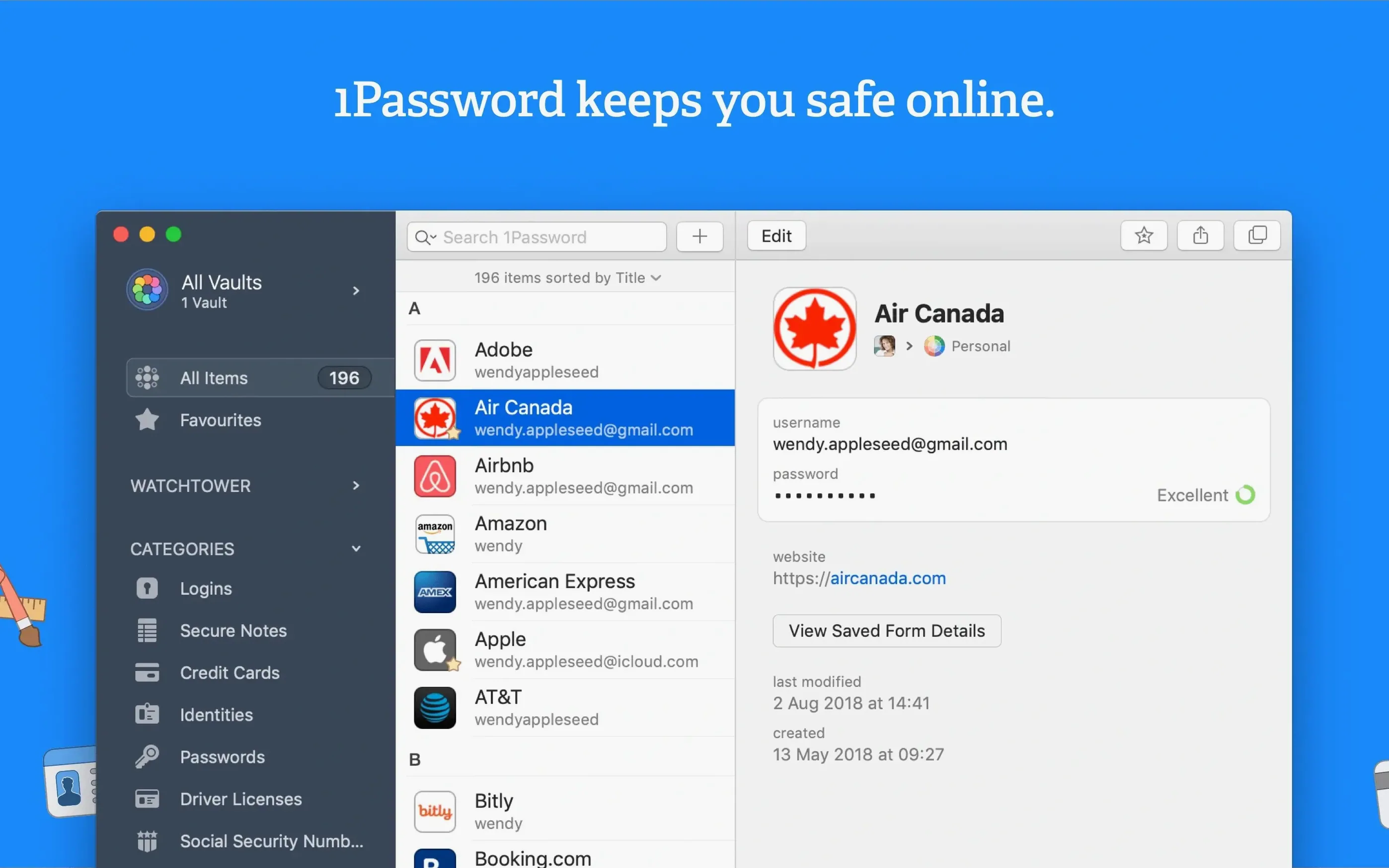
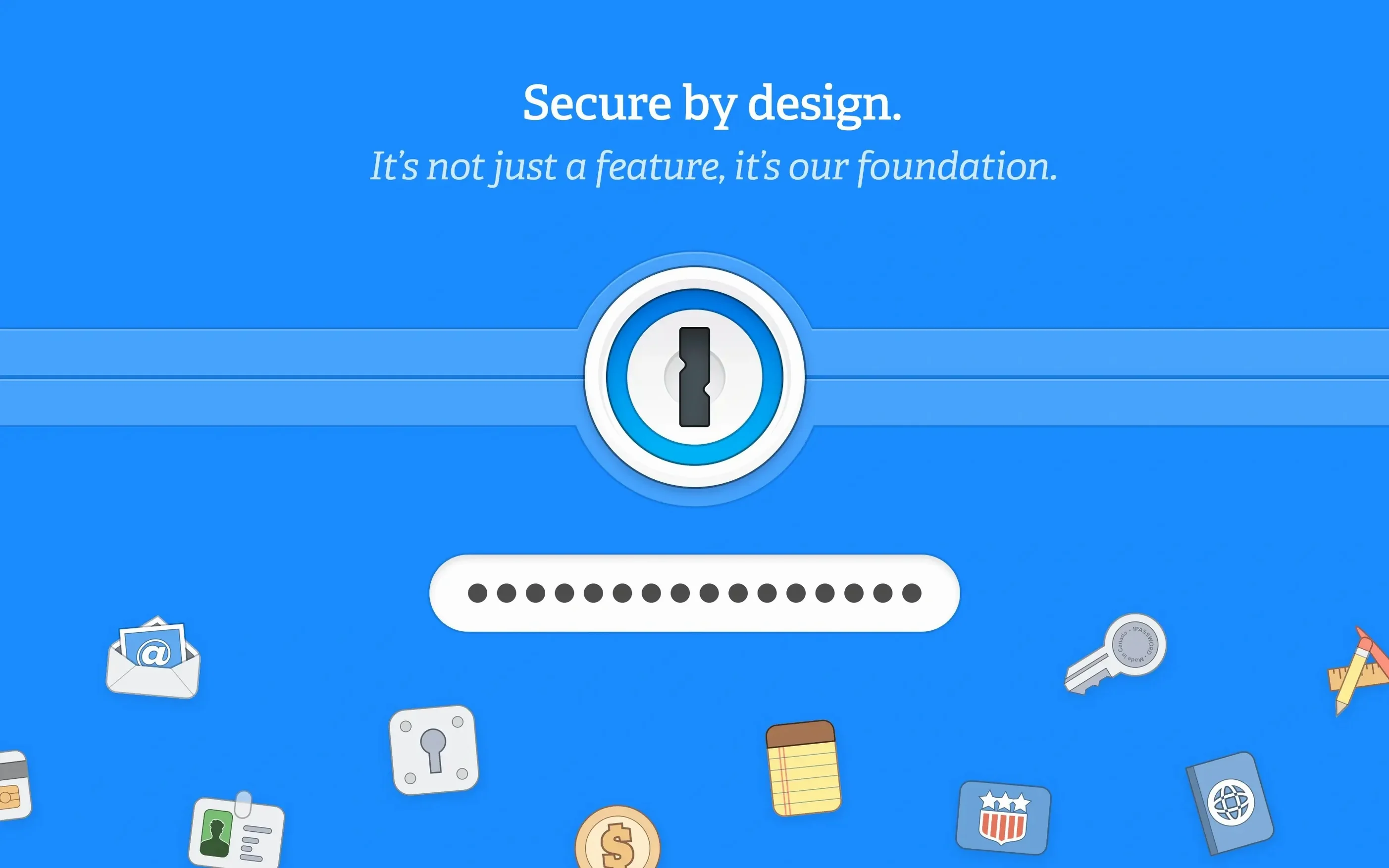
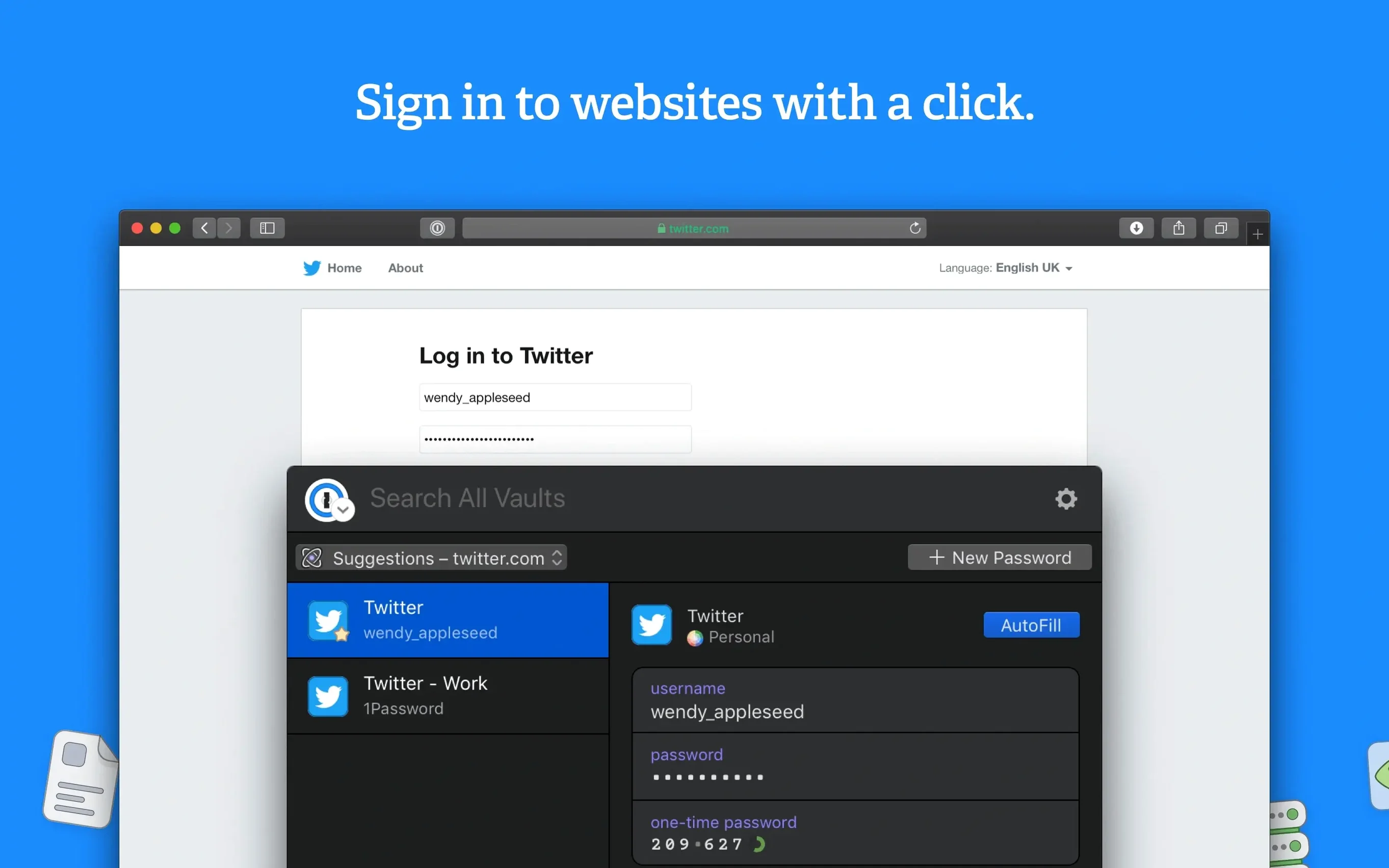
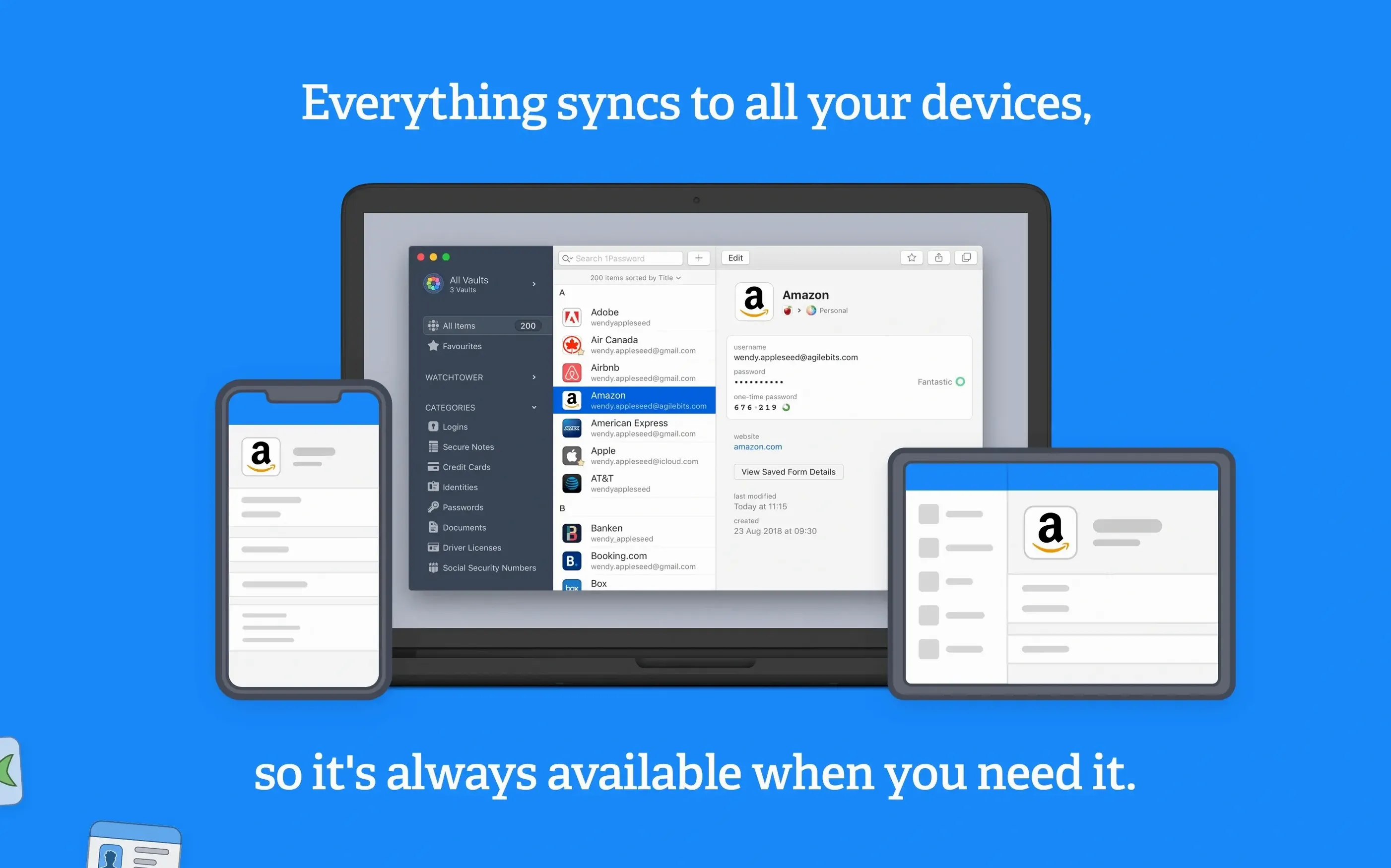
Keeping a hundred unique passwords in your head is a losing game. 1Password replaces that mental load with a single master password you never forget and a vault that remembers everything else — logins, credit cards, secure notes — locked on your Mac.
Save and sign in
When you log into an app or website, 1Password captures the username and password. The next time, it fills them in the browser so you skip the typing.
Check for weak spots
Watchtower scans your vault for reused passwords, finds accounts caught in known data breaches, and points out sites that still lack two-factor authentication.
Manage more than passwords
Secure notes hold Wi‑Fi codes or door codes. Credit card details and bank info live in the same vault, organized and easy to find when a payment form loads.
Starting a new client onboarding workflow
Walk through a typical task — setting up a new project folder with shared credentials for a three-person team. This is the kind of routine that eats up fifteen minutes if you dig through emails or a shared spreadsheet. With 1Password, it takes one session of vault organization.
Step 1: Create a new vault. Keep project data separate from personal logins. The vault holds the FTP credentials, the staging site login, the basecamp-style project management key, and the Wi‑Fi code for the meeting room. Name it after the client.
Step 2: Add every login as a new item. Type the URL, username, and password for each service. 1Password generates a random password for any account you create fresh — no need to invent one. Save the financial contact's bank details as a secure note, not a login, so the field labels match the content.
Step 3: Share the vault. Each team member gets access to the vault through their own 1Password install. Nobody ever sees the master password of the vault itself; they unlock with their own master password. The shared vault shows up alongside their personal vault in the app sidebar.
Step 4: Use the browser extension for the first login. When the developer opens the staging site for the first time, 1Password fills the fields automatically. That one act confirms the vault is set up correctly. From that day onward, opening the site means clicking Fill without touching a keyboard.
Settings to adjust on first run
The default configuration works, but two adjustments save time across a work week.
- Set the lock timeout to match your habit. Under Preferences → Security, change the auto-lock timer from the default to something shorter if you step away from the desk often, or longer if you work through lunch. The vault is encrypted either way, but a shorter lock means it re-requests your master password the moment a stranger sits at your machine.
- Turn on the browser extension early. 1Password prompts for this at setup, but if you skipped it, install the extension for your main browser. Without it, you are copying and pasting passwords by hand — the whole point of the app is to avoid that.
Those two changes take under sixty seconds and change how often you touch the app at all.
macOS compatibility patch
The current release, 7.9.4, is a maintenance update that keeps the vault in line with macOS changes. The release notes for Mac are available on AgileBits' site, and the only practical shift for everyday use is compatibility with newer macOS builds — nothing in the UI moved, no workflows were rearranged.
- The app remains Intel 64-bit, runs on macOS 10.12 and later.
- No feature was dropped or added between 7.9.3 and 7.9.4. This is a stability release.
- If you are updating from a version earlier than 7.9, you will see the Watchtower section already active in the sidebar; it was introduced before 7.9 and remains unchanged.
For anyone running 7.9.3, there is no reason to rush an update. For those on 7.8 or earlier, 7.9.4 brings all the small fixes accumulated since then without changing behavior you rely on.
No release notes filed for 7.9.4. They are added here when a build changes how the program behaves.
| macOS | macOS 10.12 or later |
|---|---|
| Processor | Intel 64-bit |
| Download | 70 MB |
- macOS 10.12 or later
- Intel‑based Mac
Questions about 1Password
Does 1Password show which sites support two‑factor authentication?
Yes. The Watchtower dashboard flags accounts where two‑factor authentication is available but not yet enabled.
Can I store items other than passwords?
Credit cards, secure notes, bank account details, and documents can all be saved as separate item types inside the vault.
How do I unlock the vault itself?
You access everything with one master password that only you know — AgileBits does not store it.
How to install, in order
- Mount the disk image and launch the Gatekeeper‑friendly opener.
- Press Enter and let the process complete.
- Follow the standard installation prompts.
- The application is ready.
Comments and corrections 0
Sign in or open a free account to leave a comment.
No comments or corrections yet.