Antivirus Zap - Virus Scanner 4.3.0 — download for Mac
Utilities Updated
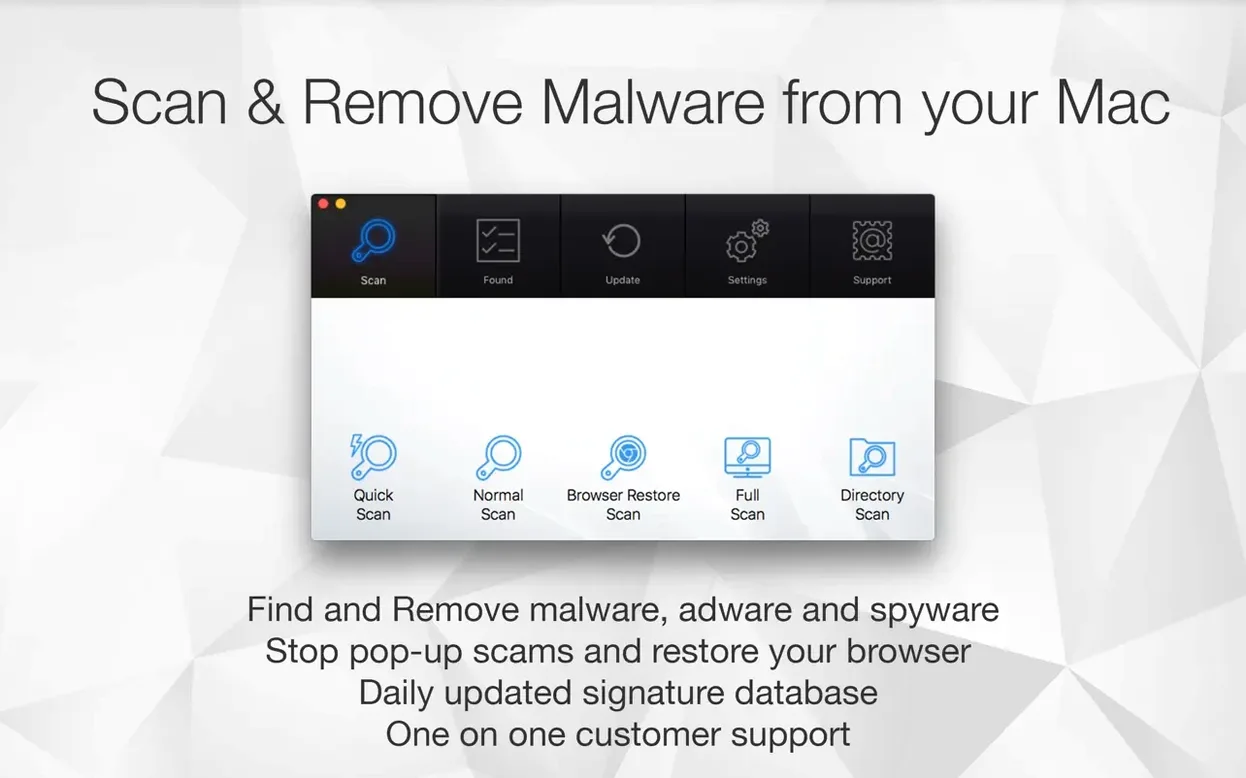
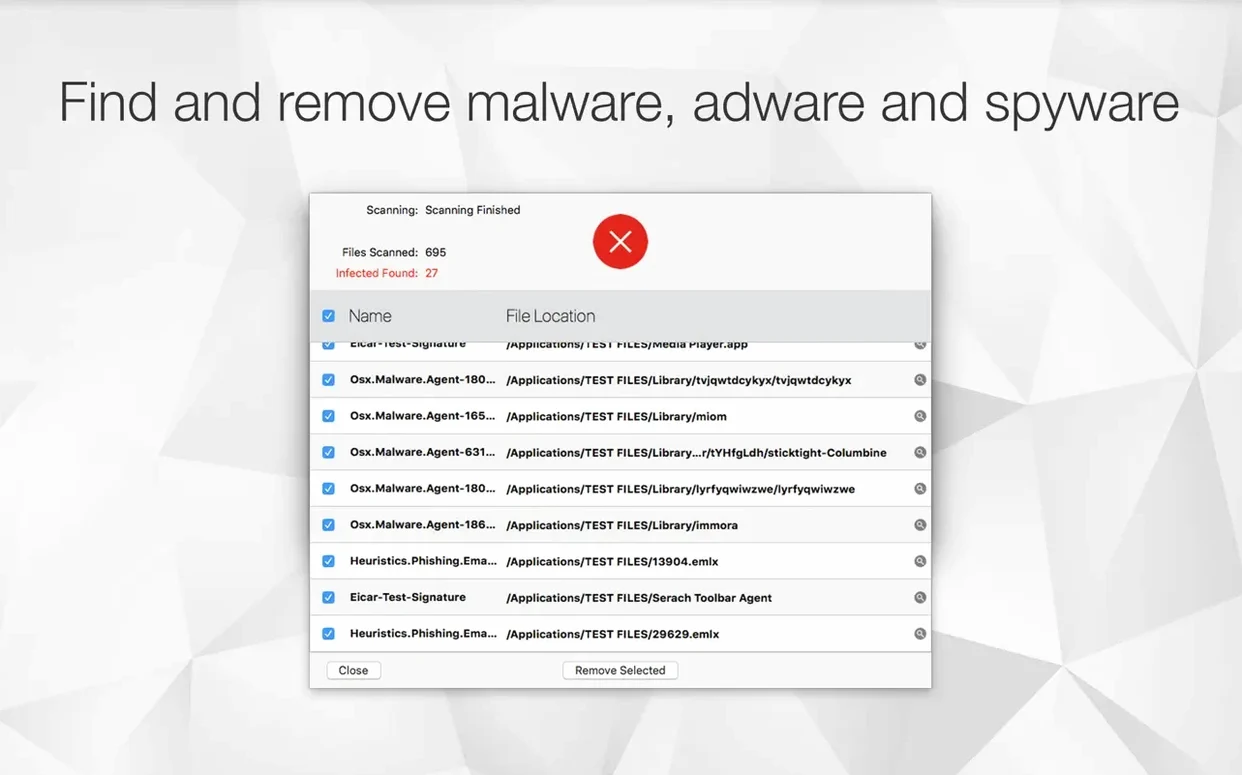
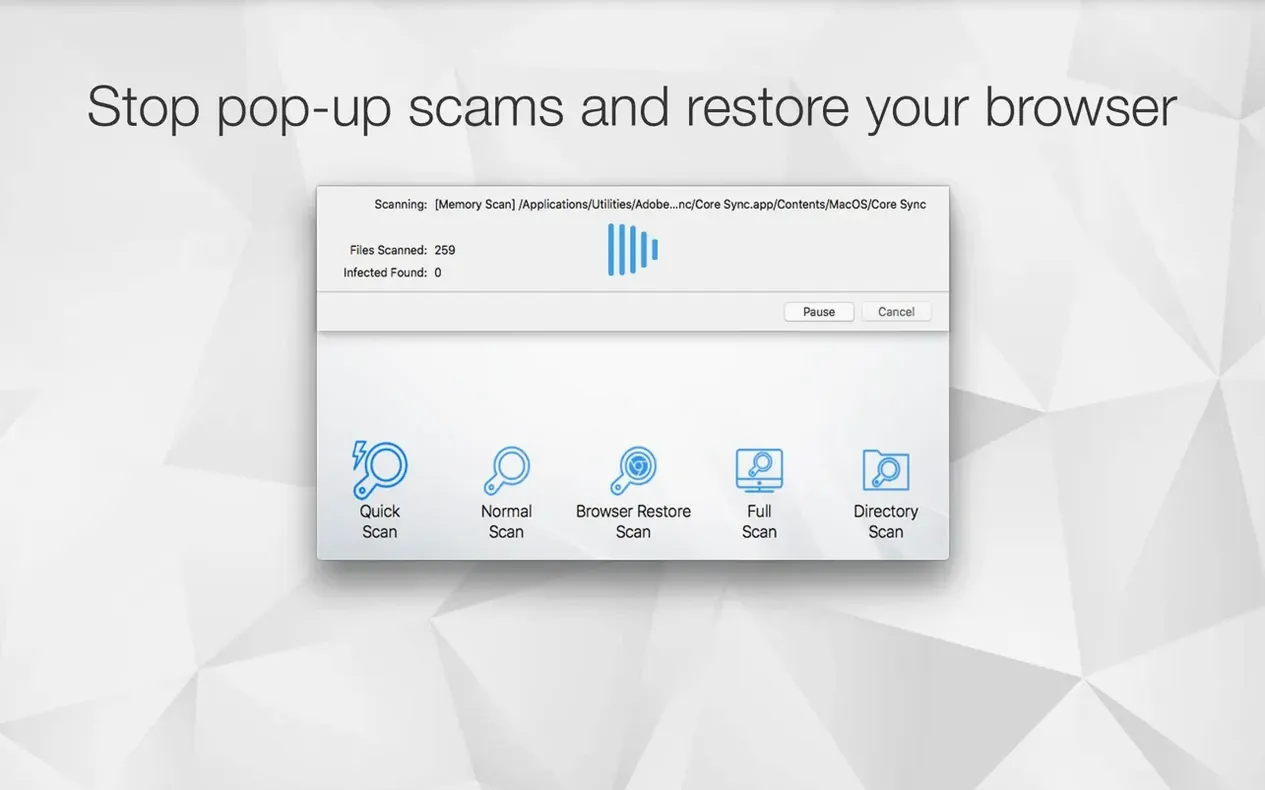
Scans the Mac for threats using quick or standard modes and restores browser settings.
Screenshots
Antivirus Zap requires macOS 13 or later and runs on Intel and Apple Silicon Macs. A copy of the app dropped into Applications and opened from Launchpad is all it takes to start scanning.
Quick or Standard Scans Plus Browser Restore
- Quick or standard scan modes to match the time you have
- Browser Restore Scan that clears cookies, extensions and caches from installed browsers
- Scheduling scans once or multiple times per day
- Finder integration for manual file checks
- Converting HEIC, TIFF, MOV and other formats to common types
- Compressing video files from the same interface
- Dropshare integration for uploading scanned files
Limited Workflow Fit and macOS 12 Support
- The file converter and video compressor share space with the antivirus toolkit, which may not suit every workflow
- Macs running macOS 12 or older are not supported
- Installation requires a manual drag to the Applications folder
Scenario: a small design studio shares one Mac
A three-person branding studio in Lisbon runs its operations from a single iMac that doubles as a file server. Designers swap USB drives with client assets, download reference images, and receive project files by email. One afternoon, a designer notices browser toolbars appearing and the home page redirecting to a search portal. The standard scan in Antivirus Zap catches two adware installers and a suspicious browser extension. The Browser Restore Scan follows up, clearing affected browser caches and the unwanted extension. The studio schedules a daily quick scan from then on, catching similar issues before they pile up. For a shared machine where files come from multiple sources, a daily scan slot keeps things predictable.
Manual Removal for Flagged Items
- Scan finishes but nothing happens. The app may flag items it cannot remove automatically. Open the scan results and check for items marked as manual removal. Some adware locks its own files, and a restart before a second scan often lets the cleanup complete.
- Browser Restore Scan keeps finding the same cookies. This usually means a browser is open during the scan. Close all browsers, run the restore scan again, and the removal should hold.
- Scheduled scans do not run. If the Mac goes to sleep at the scheduled time, the scan will not start. Set the scan for a time when the machine is awake, or adjust the power settings to prevent sleep during the scan window.
- The app says macOS 13 or later is required, but the Mac meets that. Check that the system is on a supported minor version. Occasionally, older point releases of macOS 13 may trigger the message. Updating to the latest point release resolves it.
Fits with other apps and macOS features
Antivirus Zap works alongside common Mac tools without conflict. The Finder integration lets you right-click a file or folder and send it directly for a scan, so you do not have to open the app first. For users who rely on automation, Apple Shortcuts support means you can tie a scan to a trigger — for example, a daily scan after a Time Machine backup completes. The file conversion and compression tools in the app handle a task that many users would otherwise open GraphicConverter or HandBrake for; keeping it all in one window cuts down on app switching. The Dropshare integration is handy if you routinely upload scanned or cleaned files to a shared server, though it is optional and stays out of the way if you do not use it. On a Mac running macOS 13 or later, the app behaves like a native utility, not an add-on that fights the system.
No release notes filed for 4.3.0.0. They are added here when a build changes how the program behaves.
| macOS | macOS 12 or later |
|---|---|
| Processor | Apple Silicon, Intel 64-bit |
| Download | 49 MB |
- macOS 13 or later
- Intel and Apple Silicon Macs
How to install, in order
- Open the downloaded disk image.
- Drag the app onto the Applications folder alias.
- Wait for the copy to finish, then open the app from Launchpad.
Comments and corrections 0
Sign in or open a free account to leave a comment.
No comments or corrections yet.