
AppZapper 2.0.3 — download for Mac
Utilities Intel processors only Updated
Removes every file an app places outside its bundle.
Screenshots
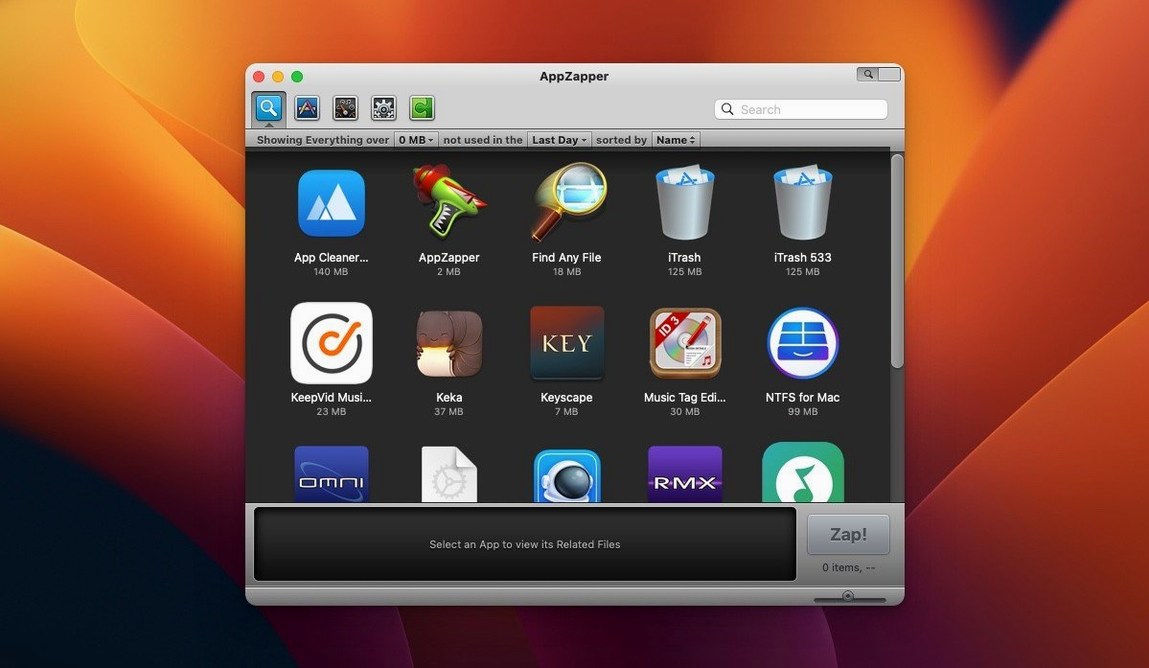
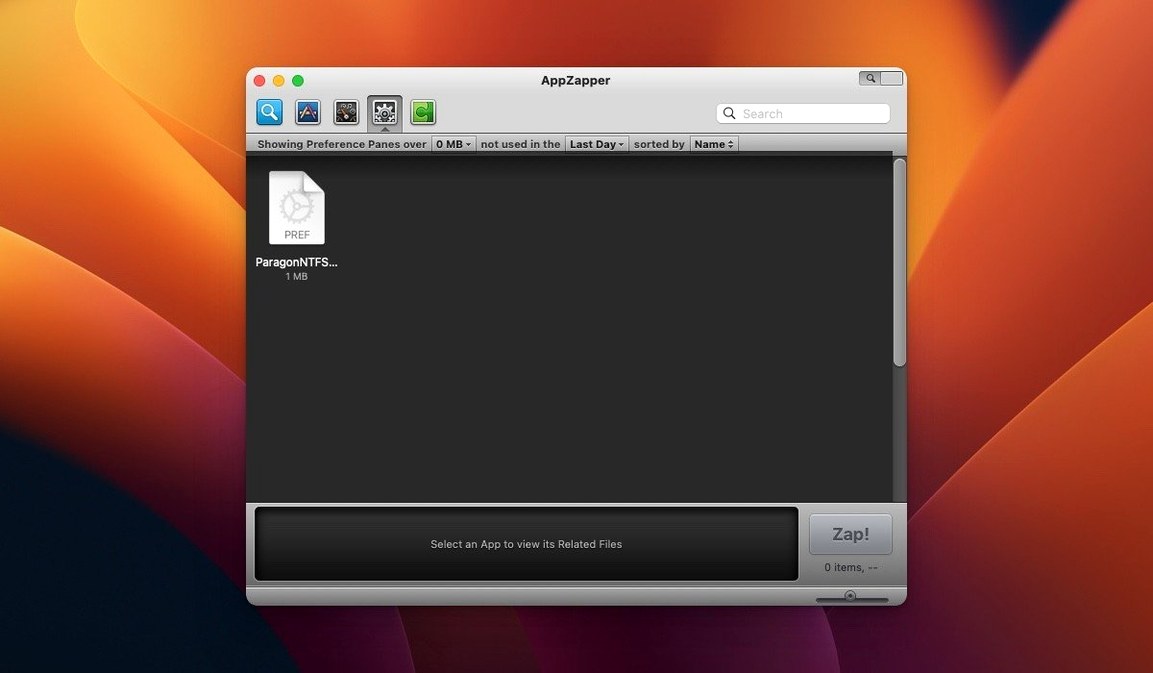
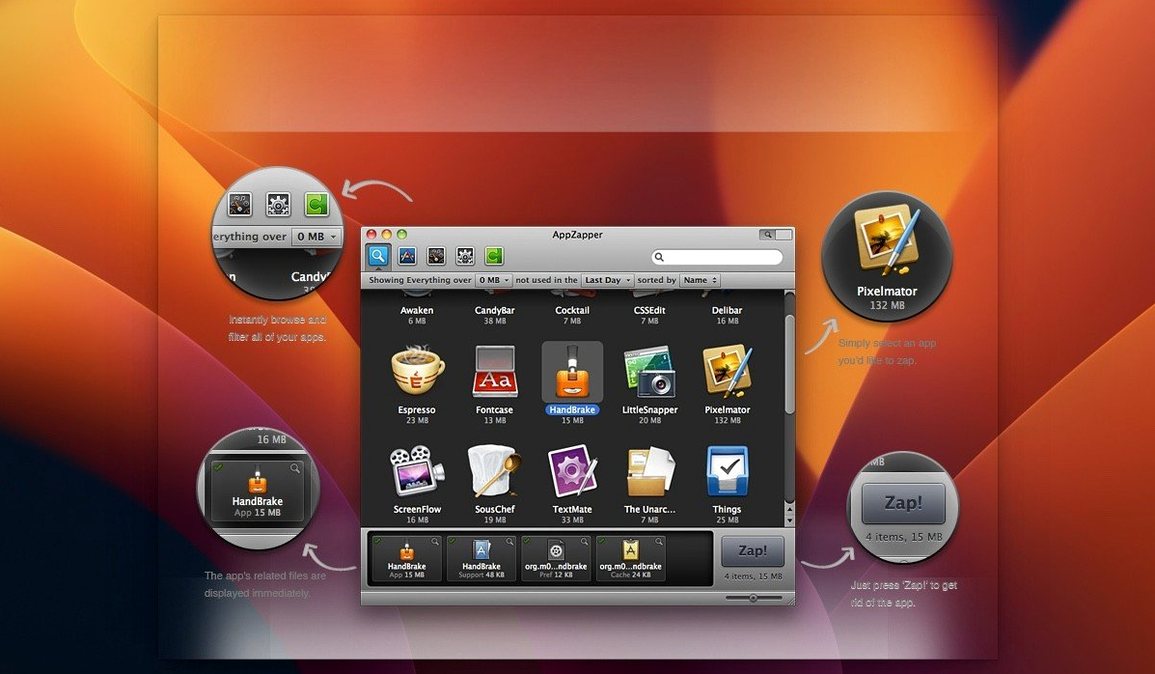
Hit the grid button in the upper-right corner and the window shifts from a list you have to squint at to a roomy icon layout. AppZapper 2.0.3 fix keeps the action simple: pick an app, see every file it lays down outside the .app bundle, and wipe them together.
- Drag any app into the main window or select it from the grid browser with large icons.
- The hit list populates instantly — preferences, caches, logs, and support files spread across the Library.
- Uncheck any file you want to keep, so a shared plug-in or a custom template survives the zap.
- Confirm once and the app plus all checked files are deleted in a single pass.
- Export an app with its related files as a bundle when you need to archive a setup before cleaning.
- Repeat for the next app without hunting through Finder folders manually.
For a project manager, the time reclaimed is concrete. Clearing out three evaluation tools after a vendor review takes under a minute instead of a distracted half-hour clicking through Library subfolders. An accountant cleaning up last year’s tax-prep software gets the same tight result — no leftover daemons or preference panes. It is a focused utility for people who track what is on their Mac and want removals that leave nothing behind.
Delete audio-plug-in suites after final cut ships
A freelance video editor keeps three or four versions of audio-plug-in suites on her iMac while a project is active. When the final cut ships, she needs those suites gone — not just the main app, but the VST presets, the license files, and the cache folders that sit in Application Support. Without a tool that maps the full file set, she spends twenty minutes checking /Library/Audio/Plug-Ins, ~/Library/Preferences, and whatever folder the developer buried a support file in. With AppZapper, she drops each suite into the window, unchecks the sound-library folder she shares across projects, and clears the rest in seconds. The grid view helps her spot a forgotten utility by its icon when the name alone doesn't ring a bell.
Drag an undetected .app file directly into the window
- The app isn't detected in the list. Some installed tools don't register in the normal macOS app registry. Drag the .app file from the Applications folder directly into the AppZapper window. The scanner picks it up and finds associated files the same way.
- A shared file shows up that you need for other work. Before you confirm the deletion, uncheck that item. AppZapper leaves it in place while still removing everything else connected to the app.
- Something was deleted too fast. Every removed file goes to the Trash first. Open Trash, locate the item, and restore it. The app and its files come back as they were.
- You get a prompt about permissions during removal. This happens when your user account doesn't have admin rights. Version 1.8.0 added authentication prompts for exactly this case. Enter an admin name and password when asked, and the removal proceeds.
Runs on macOS 10.9+ and Intel 64-bit from 2012 onward
AppZapper requires macOS OS X 10.9 or later, and it runs on Intel 64-bit architectures. That covers every Mac from the late-2012 iMac onward through the last Intel-based models. The installer ships as a disk image; mount it, open the included script to bypass Gatekeeper, then drag the app to your Applications folder. After the copy finishes, launch it from there. The interface is in English, and the window stays compact whether you use the list or the grid view. No background services, no installer daemon — just the single utility in your Applications folder.
- Grid-style app browser with large icons replaces the older narrow view.
| macOS | OS X 10.9 or later |
|---|---|
| Processor | Intel 64-bit |
| Download | 4 MB |
- macOS 10.9 or later
- Intel 64-bit processor
- English interface
How to install, in order
- Mount the disk image and launch the Open Gatekeeper friendly file.
- Press Enter in the Terminal window that appears to bypass Gatekeeper.
- Drag AppZapper to the Applications folder.
- Open it once the copy finishes.
Comments and corrections 0
Sign in or open a free account to leave a comment.
No comments or corrections yet.