Tidier 1.6.3 — download for Mac
Utilities Updated
Groups files in any folder by type, showing you exactly what is stored there with one drag.
Screenshots
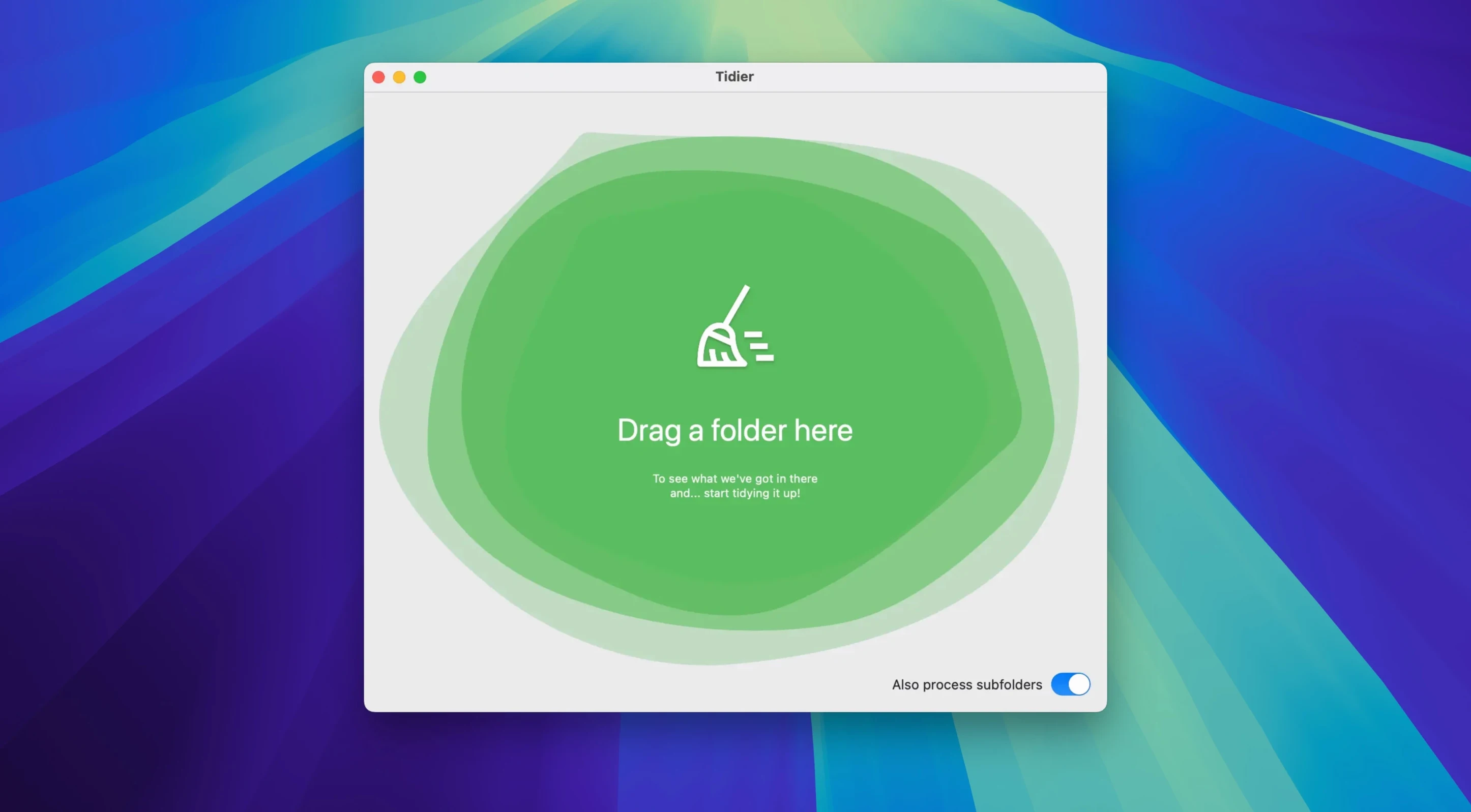
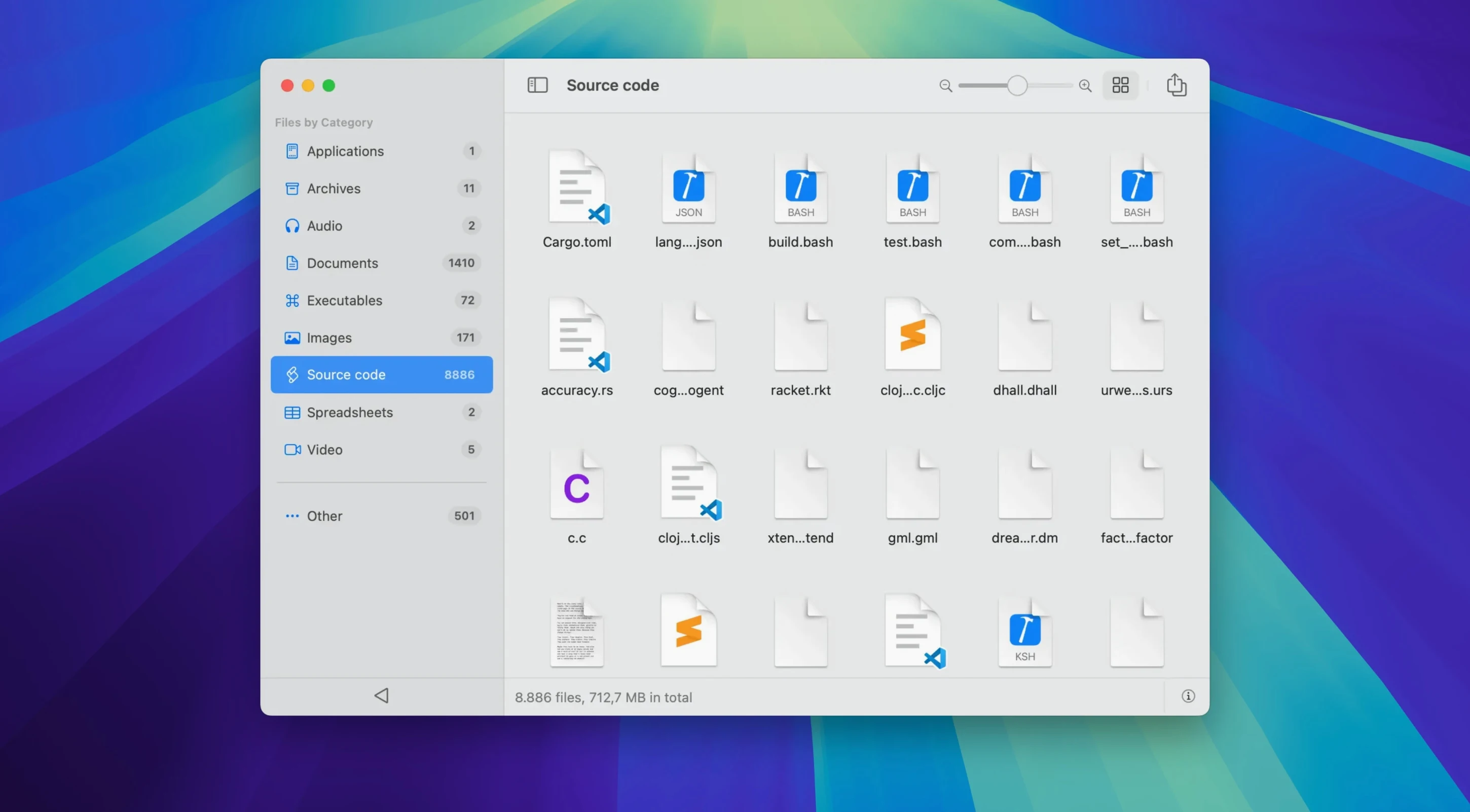
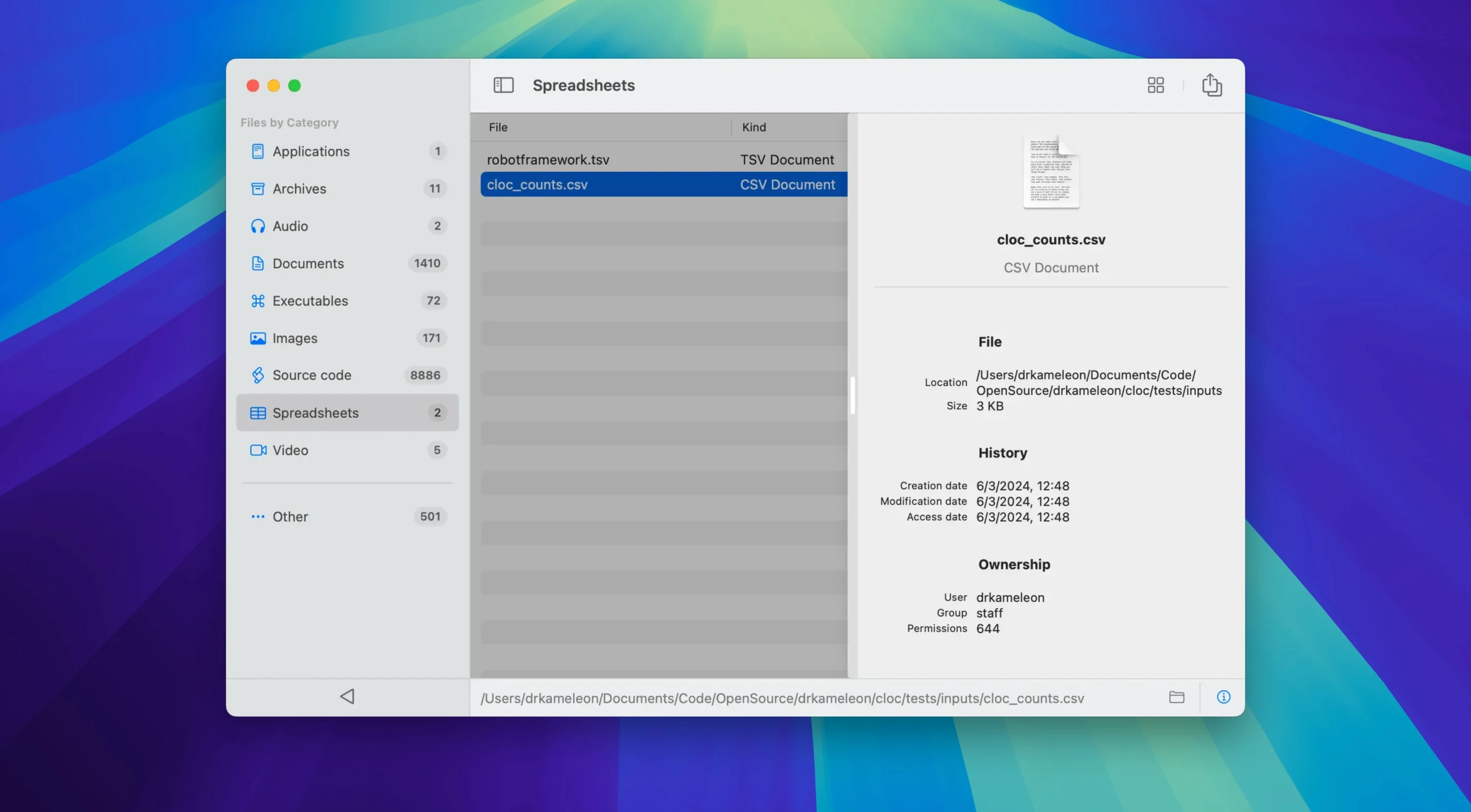
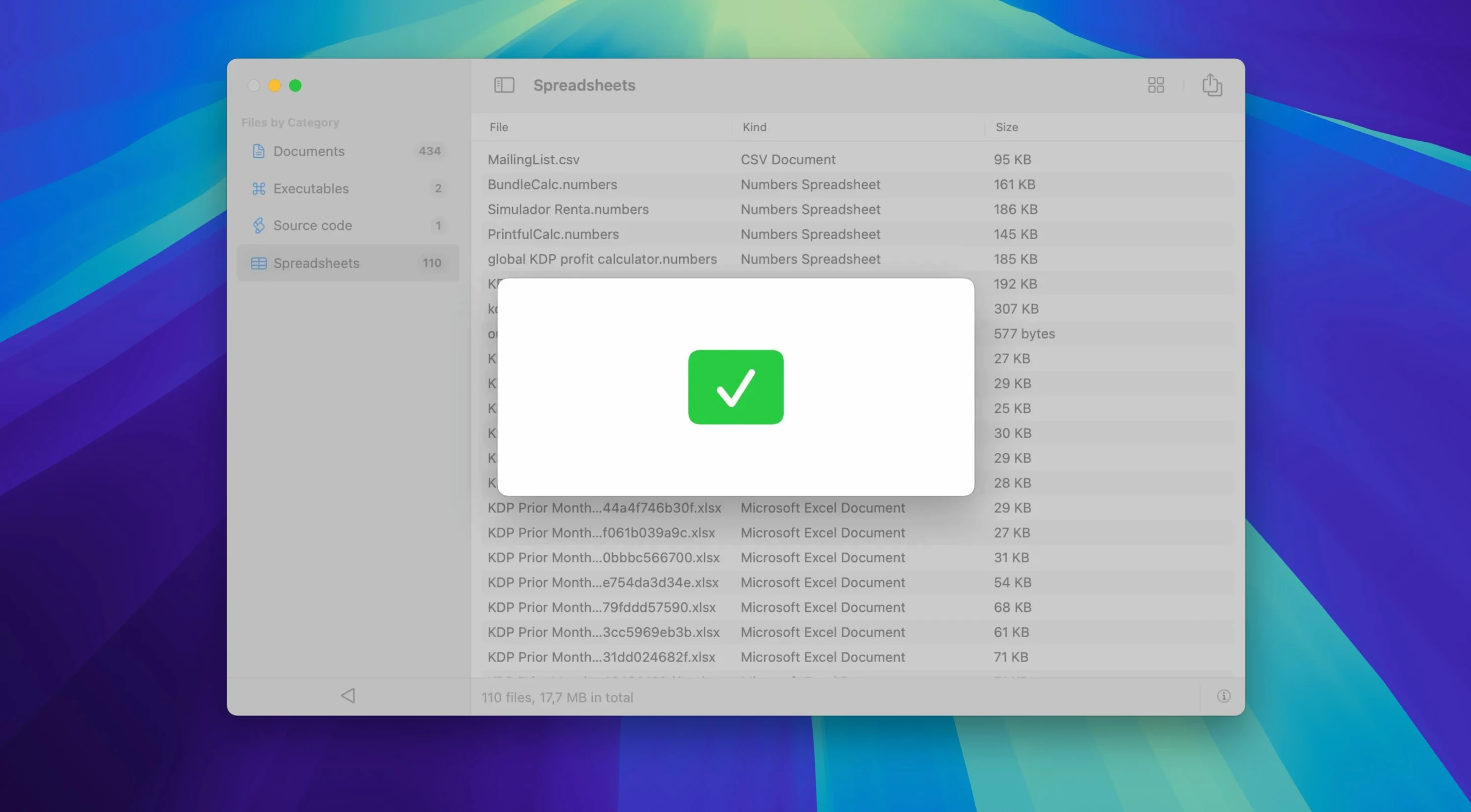
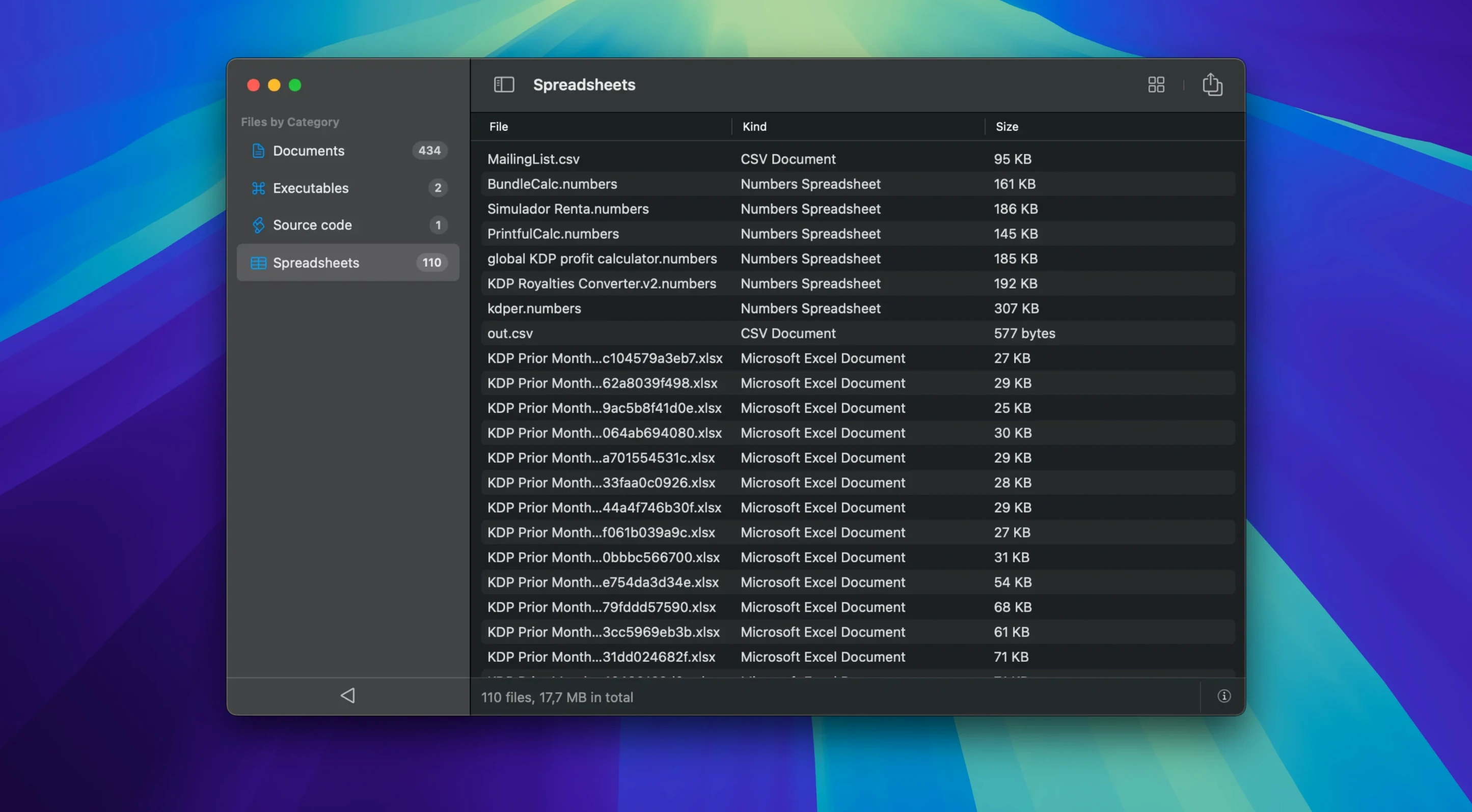
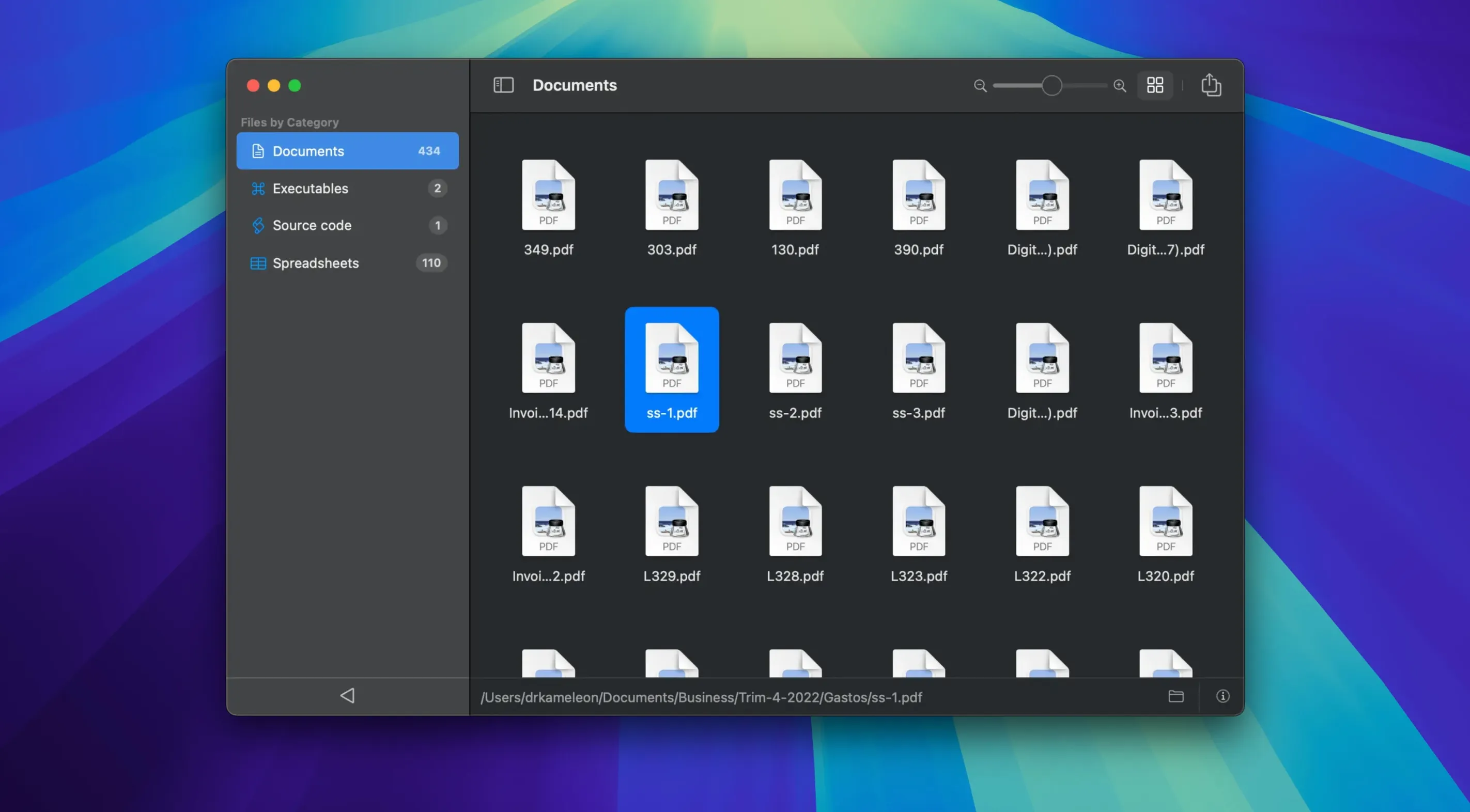
Folders accumulate everything — screenshots, PDFs, random downloads. Tidier is a macOS utility that reads the contents of a folder and groups files by type, so you can see what's actually in there.
Sort Your Downloads Folder
Drag your Downloads folder into the Tidier window. It analyzes every file and groups them — images, documents, archives, everything. You see the mess clearly in seconds.
Clean Up a Project Directory
Drop a project folder with mixed assets — PSDs, spreadsheets, notes. Tidier sorts them by type. Then you can move or delete groups, not individual files.
Preview Before You Move
Each group shows file counts and sizes. Check what you're about to reorganize before Tidier touches anything. That way you don't lose track of a stray file.
Drag and drop is the core workflow, but there are smaller touches that make it practical day to day. Tidier 1.6.3 displays file counts and total size for each group in the interface — no extra clicks or calculations. When you hover over a group, the app shows the full file names without opening anything. That matters when you have twenty PDFs named "report_final" and need to spot the right one before exporting.
Updates for Apple Silicon and Nested Folders
The current build, 1.6.3, updated compatibility for macOS Tahoe (the latest Apple Silicon release). It also refined how Tidier handles folders with subdirectories. Earlier versions flattened nested folders into one big list. Now it preserves the folder structure inside each type group, so a folder named "invoices" within your main directory stays intact when you export back to disk.
One practical result: you can organize a client project folder without scattering subfolder contents across the entire output. The architecture support stayed the same — ARM and x86 64-bit — but the sorting logic became more aware of where files came from.
Live Outside Tidier with Finder and Editors
Tidier does not open or edit files. It groups them and exports the organized result back to your file system. That means it works alongside whatever you already use — Finder for browsing, Preview for quick looks, any editor for actual work. After Tidier rearranges a folder, you can open the cleaned-up groups in the same tools you always do.
The export action writes the organized folder back to disk, not into a proprietary database or archive. So the result is a standard macOS folder structure that Spotlight indexes, Time Machine backs up, and any app can read. No lock-in.
Quick Repetitive Tasks
- Downloads sweep — once a week drag your Downloads folder into Tidier, check the groups, delete or move what you no longer need. Saves scrolling through hundreds of mixed files.
- Photo folder cleanup — drop a folder full of raw images, exported JPEGs, and sidecar XMP files. Tidier separates the image files from the metadata files, so you can archive the raws and keep the JPEGs for sharing.
- Project handover — before sending a project folder to a client, run it through Tidier to make sure all file types are accounted for. Spot the missing spec sheet before the client does.
These are not advertised features — just how the grouping logic applies to everyday tasks. The same sort that splits images from documents also separates font files from code files, which helps when you inherit a designer's messy export folder.
Handling Mixed Content
Tidier recognizes a wide range of file types but does not create an infinite list of groups. It uses logical categories — images, documents, archives, audio, video, code, and a catch-all "others" group. That keeps the interface clean even when a folder contains twenty different formats. A folder with PNGs, JPEGs, and WebPs all land under "images." A mix of Markdown, Python scripts, and HTML files goes under "code." You do not need to memorize which extensions belong where.
No release notes filed for 1.6.3. They are added here when a build changes how the program behaves.
| macOS | macOS 12 or later |
|---|---|
| Processor | Apple Silicon, Intel 64-bit |
| Download | 6 MB |
- macOS 12 or later
- Intel or Apple Silicon
Questions about Tidier
What version of macOS does Tidier require?
Tidier requires macOS 12 or later and works on both Intel and Apple Silicon Macs.
How do I start organizing files with Tidier?
You drag a folder and drop it into the Tidier app window. It analyzes the contents and groups files by type automatically.
What languages does Tidier support?
The interface language is English.
Comments and corrections 0
Sign in or open a free account to leave a comment.
No comments or corrections yet.