TunesKit iPhone Unlocker 2.7.0 — download for Mac
Utilities Intel processors only Updated
Removes passcodes and Apple ID locks from locked iOS devices.
Screenshots
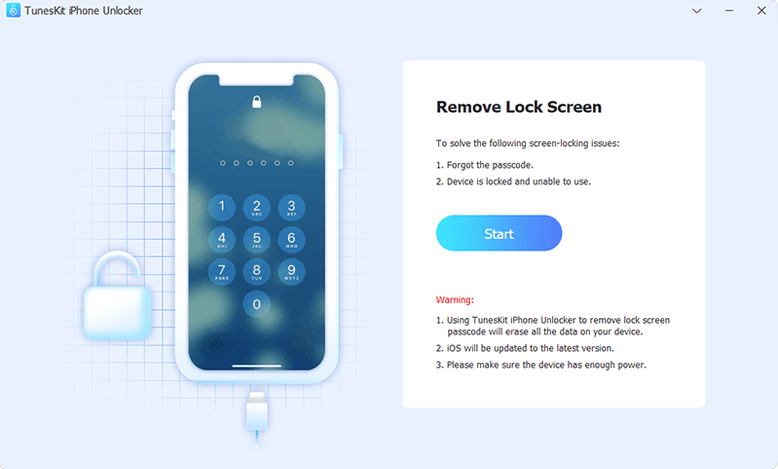
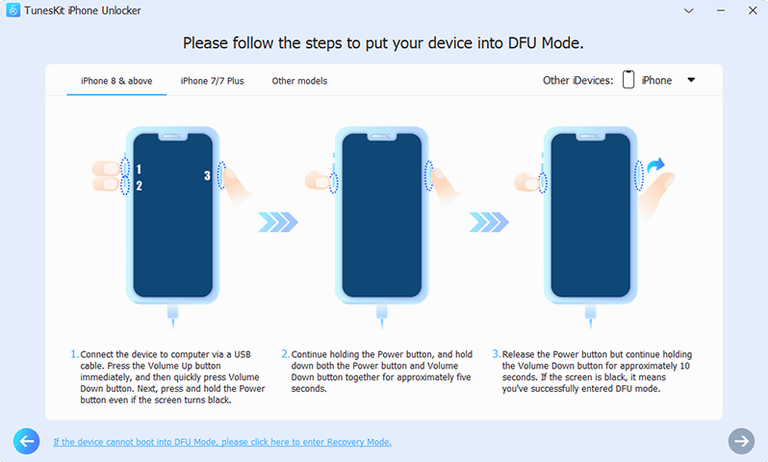
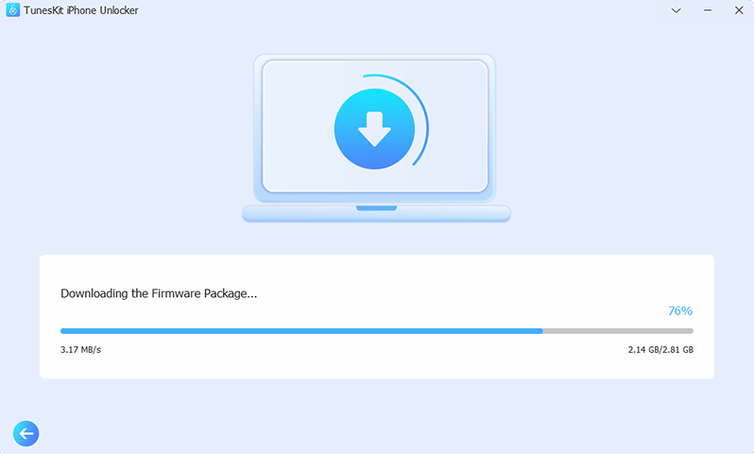
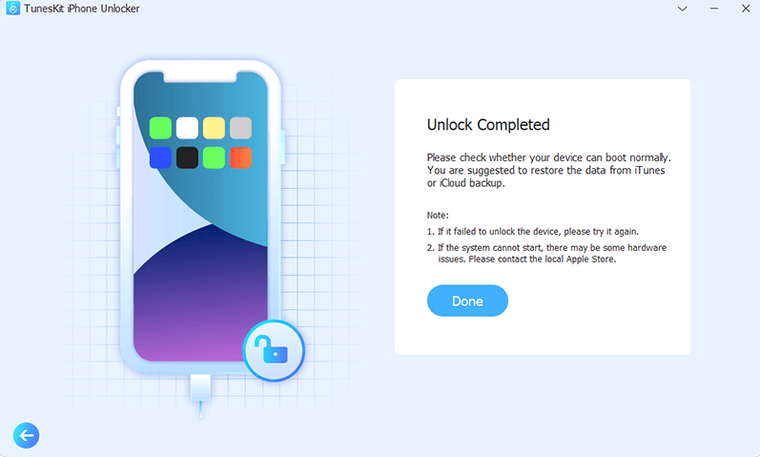
TunesKit iPhone Unlocker is a Mac utility for removing passcodes, Apple ID, and screen locks from iPhone, iPad, and iPod touch devices. One realistic scenario: an iPhone with a broken screen that won’t respond to Touch ID or Face ID, leaving the device locked after repeated failed attempts.
- Download and install the app using the included Gatekeeper bypass — compatible with macOS 10.11 and Intel 64-bit Macs.
- Connect the locked iOS device via USB; the app detects it and presents available unlock modes.
- Select the removal type — either passcode unlock or Apple ID removal — and follow the on-screen prompts.
- The process writes firmware to the device and clears the lock data without requiring user interaction on the phone.
- Once complete, the device reboots and allows normal access; Face ID and Touch ID are cleared as part of the unlock.
This workflow suits anyone dealing with a disabled iOS device where the screen is unresponsive or the passcode is forgotten. The tool covers the standard passcode removal tasks for modern iPhones and iPads.
Runs on Intel Macs from 2011 Onward
The app runs on any Intel 64-bit Mac with OS X 10.11 or later. That covers models from 2011 onward, including most MacBook Air, MacBook Pro, and iMac units from that era. The installer is a disk image file, so you mount it like a virtual disc and copy the application into your Applications folder. The Gatekeeper bypass step via Terminal is a one-time requirement — after that, the app launches from the Applications folder like any other program.
The interface is in English, with clear options for the type of unlock you need. There are no background services or system tray icons to manage. The app runs on demand, launches when you connect a device, and closes cleanly when you are done.
Works with Screenless Devices via USB
Will this work with a device that has no screen at all?
Yes. The tool does not rely on the device screen for interaction. It writes data to the device through the USB connection. As long as the device is detected by macOS, the unlock process proceeds without needing to tap or swipe on the phone.
Does it require an internet connection?
No. The app works entirely offline. There is no server check, no account login, and no phone-home request during the unlock. This matters when you are working with a device that cannot access Wi-Fi.
What if the device shows an iCloud activation lock?
The tool covers iCloud activation lock removal for iPhone 5s through iPhone X running iOS 12.0 to 16.7.15. For newer devices, passcode and Apple ID removal is still available, but the activation lock feature is limited to that hardware range.
Is the process reversible?
The unlock clears the lock data from the device. Once removed, the device boots into its standard setup or home screen. There is no undo button — but that is the point of using the tool in the first place.
Standalone App, No Driver Conflicts
TunesKit iPhone Unlocker works as a standalone application. It does not conflict with system utilities like Disk Utility or Activity Monitor, and it does not require third-party drivers. macOS recognizes the connected iOS device as a storage or maintenance device, and the app handles the rest.
If you keep your Mac organized with folder structures or project management software like OmniFocus or Todoist, the installer simply drops into a labeled folder. The app itself takes no system resources when idle — no background processes, no scheduled tasks. It is a tool you pull out only when a locked device is sitting on your desk.
For anyone managing a collection of older iOS devices — whether for resale, repair, or recycling — this utility fills the gap where macOS alone cannot help. It fits into a workflow that already uses USB hubs, disk image mounters, and a basic understanding of the Terminal for the Gatekeeper step.
No release notes filed for 2.7.0.16. They are added here when a build changes how the program behaves.
| macOS | OS X 10.11 or later |
|---|---|
| Processor | Intel 64-bit |
| Download | 64 MB |
- macOS 10.11 or later
- Intel x86 64-bit
Questions about TunesKit iPhone Unlocker
Does TunesKit iPhone Unlocker remove Apple ID from the device?
Yes, the official product page states it can remove Apple ID from iPhone, iPad, and iPod touch.
What macOS version is required to run this app?
It requires macOS 10.11 or later and supports Intel x86 64-bit architecture.
How to install, in order
- Mount the disk image and run Open Gatekeeper friendly.
- Press Enter in Terminal to bypass Gatekeeper.
- Drag the app into the Applications folder.
- Launch the app when installation is complete.
Comments and corrections 0
Sign in or open a free account to leave a comment.
No comments or corrections yet.