
VMware Fusion Pro 26H1 — download for Mac
Utilities Updated
Runs Windows and other operating systems in virtual machines on a Mac.
Screenshots
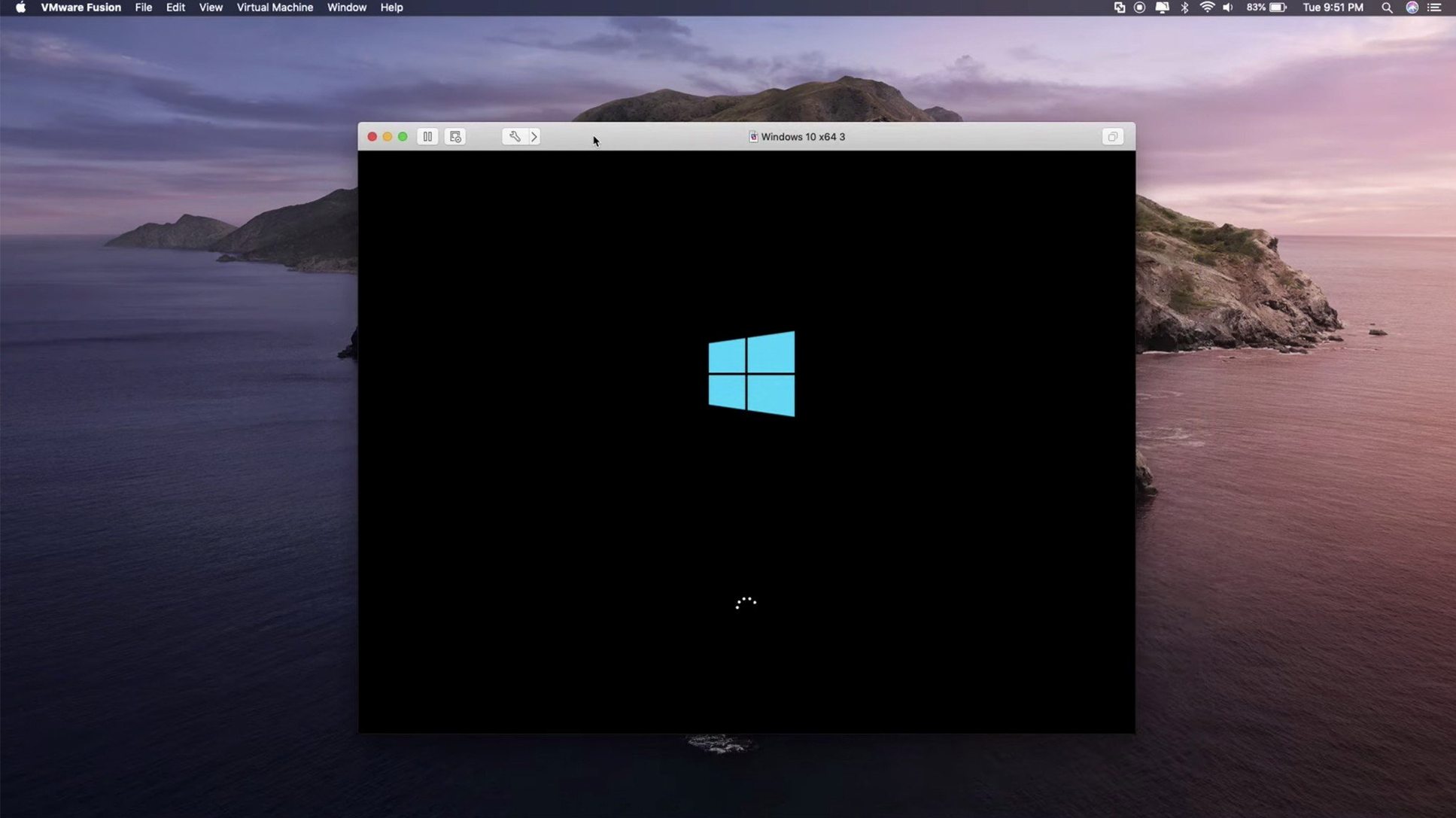
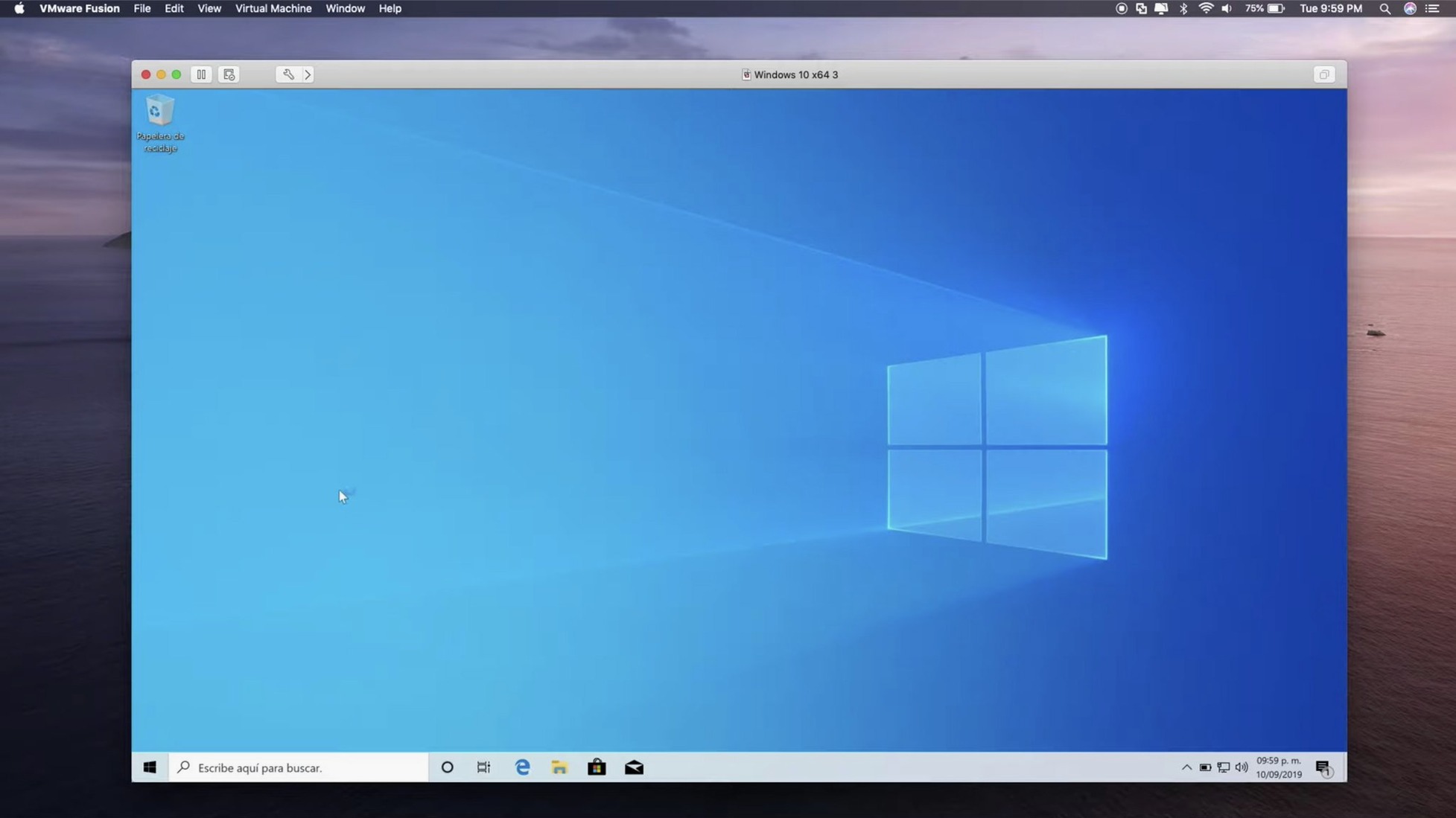
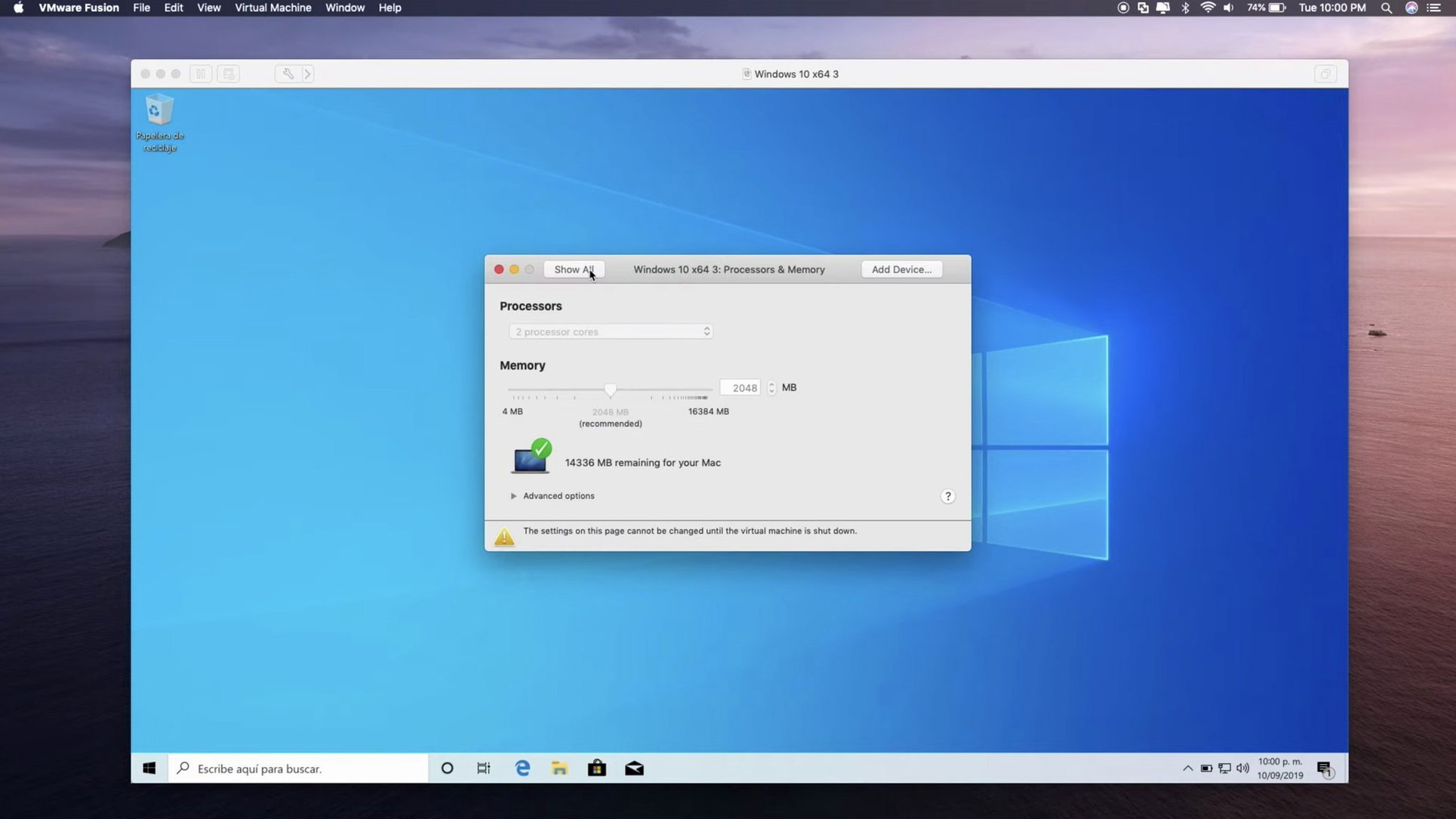
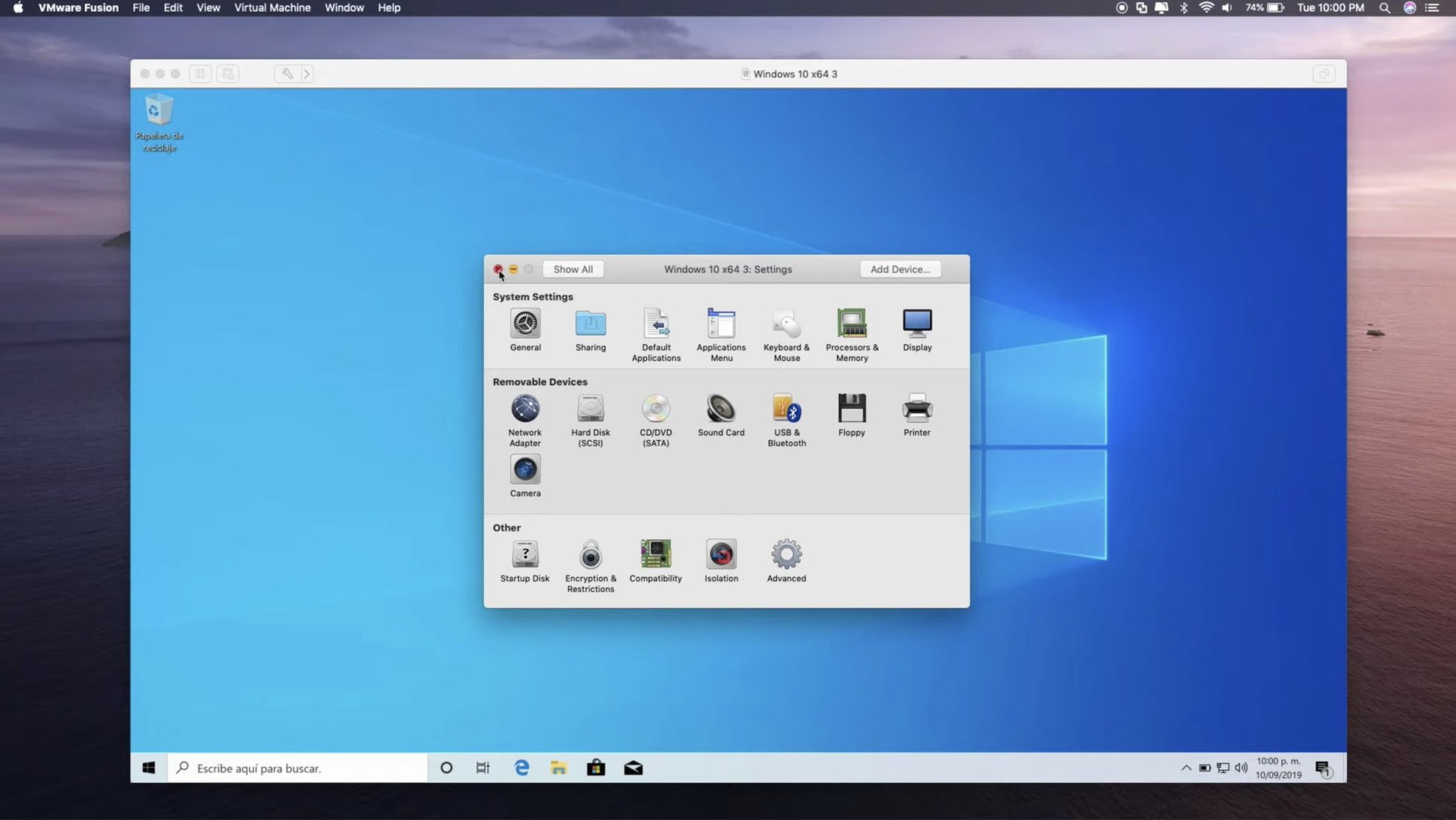
VMware Fusion has been the standard for running Windows and other operating systems on Macs for years. Version 26H1 (25388279) adds the kind of polish and deeper tooling that an experienced user notices.
Runs Windows VMs on Apple Silicon and Intel
- Running Windows virtual machines on Apple Silicon and Intel 64-bit Macs, with USB 3.1 and eGPU support.
- Connecting remotely to ARM-based ESX hosts — a welcome addition for anyone managing mixed infrastructure.
- Testing or developing on the latest guests: Ubuntu 26.04 LTS, Fedora 43/44, SUSE Linux Enterprise 16, openSUSE 16.0, and FreeBSD 15.0 are all supported.
- Tracking VM lifecycles with the new timestamps for creation and last power-on time.
Requires macOS 13 or Later, English Only
- Requires macOS 13 or later. English interface only.
- Supports both Apple Silicon and Intel 64-bit architectures, so it covers the current Mac lineup.
- The 26H1 release is focused on guest OS updates and remote connectivity — no major UI overhaul, but the backend work matters for production use.
QA Engineer Runs Windows 10, Fedora 44, Ubuntu 26.04
A QA engineer at a financial firm in Porto keeps three environments running at once: a Windows 10 guest for the bank's legacy client software, a recent Fedora 44 VM for container builds, and an Ubuntu 26.04 LTS test box for regression runs. Before 26H1, tracking which VM had been powered on last meant checking logs manually. Now the timestamps show creation and last power-on time right in the library view. That small change saves her from guessing which environment she left running over the weekend.
The same engineer also manages a handful of ARM-based test servers on the other side of the city. The new remote connection support for ARM-based ESX hosts means she can open a console session without walking to the rack or spinning up a separate VPN client. She works from her MacBook, connects to the host, and runs tests directly. It is one less context switch in a day full of them.
Enable USB 3.1 Pass-Through Before First VM
Before you launch your first VM, open the preferences and check a few items that make a real difference in daily use:
- USB 3.1 device pass-through. If you work with external drives or test hardware, enable USB 3.1 support in the VM settings so the guest sees full transfer speeds. This is especially useful for eGPU enclosures — make sure the VM is configured to recognize the device on connection.
- Display acceleration. For Windows 10 guests, verify that DirectX 11 hardware acceleration is turned on. It makes a noticeable difference for any application that uses 3D rendering, from mapping tools to basic CAD viewers.
- Guest OS selection. When creating a new VM, pick the exact guest from the list rather than a generic option. The 26H1 release adds Ubuntu 26.04 LTS, Fedora 43, Fedora 44, SUSE Linux Enterprise 16, openSUSE 16.0, and FreeBSD 15.0. Choosing the correct profile applies the right drivers and resolution defaults from the start.
These are not hidden settings — they are clearly labeled — but they are easy to skip if you are in a hurry. Taking five minutes to set them up saves time later.
Developers and Testers Benefit Most
VMware Fusion Pro fits several kinds of Mac users, but the value is not the same for everyone:
- Developers and testers. Anyone who needs to run multiple operating systems on one machine — for unit testing, browser testing, or building software across platforms — benefits from the guest OS breadth and the new lifecycle timestamps. The OCI container support through the CLI also helps developers who work with Kubernetes clusters locally.
- IT administrators. If you manage a mix of Intel and ARM infrastructure, the remote connection to ARM-based ESX hosts is a practical addition. You can check on a VM in a data center from your desk without opening a separate remote desktop tool.
- Windows-on-Mac users. People who rely on a Windows 10 VM for business applications — especially those needing DirectX 11 acceleration or USB 3.1 peripherals — get a stable environment that integrates well with macOS. The eGPU support is a bonus for anyone using graphics accelerators.
- Linux and open-source users. The addition of Fedora 43, Fedora 44, SUSE Linux Enterprise 16, openSUSE 16.0, and FreeBSD 15.0 means VMware Fusion Pro stays current with the latest distributions. If you test on bleeding-edge Linux releases, this version has you covered.
Casual users who only need to run one old Windows application might find the feature set too broad. For anyone who works with VMs daily, the tooling is worth the time investment.
Can Windows 10 Run with DirectX 11 on Apple Silicon?
Can I run Windows 10 on an Apple Silicon Mac with DirectX 11 acceleration?
Yes. VMware Fusion Pro supports DirectX 11 hardware acceleration in Windows 10 virtual machines, and it works on both Apple Silicon and Intel 64-bit Macs. The guest sees the accelerated graphics, which helps with mapping, diagramming, and basic 3D applications.
Do I need a separate tool for containers, or is that built in?
Local Kubernetes clusters and OCI containers are supported through a command-line interface. You do not need a separate container runtime — it is part of the Fusion Pro installation. The CLI gives you direct control for spinning up containers alongside your VMs.
Can I transfer a VM from an older version of VMware Fusion without rebuilding it?
Yes, the software supports opening VMs created in earlier versions. The 26H1 release adds timestamps for creation and last power-on time, which means existing VMs will show those timestamps after you open them in the new version. You do not need to recreate the machine.
Is the interface available in languages other than English?
The interface language is English. There is no built-in multi-language option. If you need a localized experience, that is worth knowing before you install.
VM Timestamps Help Clean Up Old Environments
- Creation and last power-on timestamps. They appear in the virtual machine library. Instead of manually renaming VMs to track when you built them, you can glance at the timestamp. Useful for cleaning up old test environments at the end of a sprint.
- Guest OS profiles for recent distributions. The 26H1 release adds support for Ubuntu 26.04 LTS, Fedora 43, Fedora 44, SUSE Linux Enterprise 16, openSUSE 16.0, and FreeBSD 15.0. Each profile applies the correct kernel parameters and display settings. No manual configuration is needed for these guests.
- Remote connection to ARM-based ESX hosts. This feature is listed in the what's new section, but it is easy to overlook if you do not manage ARM infrastructure. It saves you from having to install a second remote desktop application just for those hosts.
These are not flashy additions. They are the kind of changes that make a week smoother for someone who lives inside VMs.
- Adds timestamps for virtual machine creation and last power-on time.
- Adds support for remote connections to ARM-based ESX hosts.
- Adds guest OS support for Ubuntu 26.04 LTS, Fedora 43, Fedora 44, SUSE Linux Enterprise 16, openSUSE 16.0, and FreeBSD 15.0.
| macOS | macOS 13 or later |
|---|---|
| Processor | Apple Silicon, Intel 64-bit |
| Download | 479 MB |
- macOS 13 or later
- Apple Silicon or Intel 64-bit Mac
How to install, in order
- Install according to the included instructions.
- Use the included activation instructions.
- Download registration keys if needed from the included link.
Comments and corrections 0
Sign in or open a free account to leave a comment.
No comments or corrections yet.