WALTR PRO 4.0.122 — download for Mac
Utilities Intel processors only Updated
Converts audio and video files for playback in iOS Music and Movies apps.
Screenshots
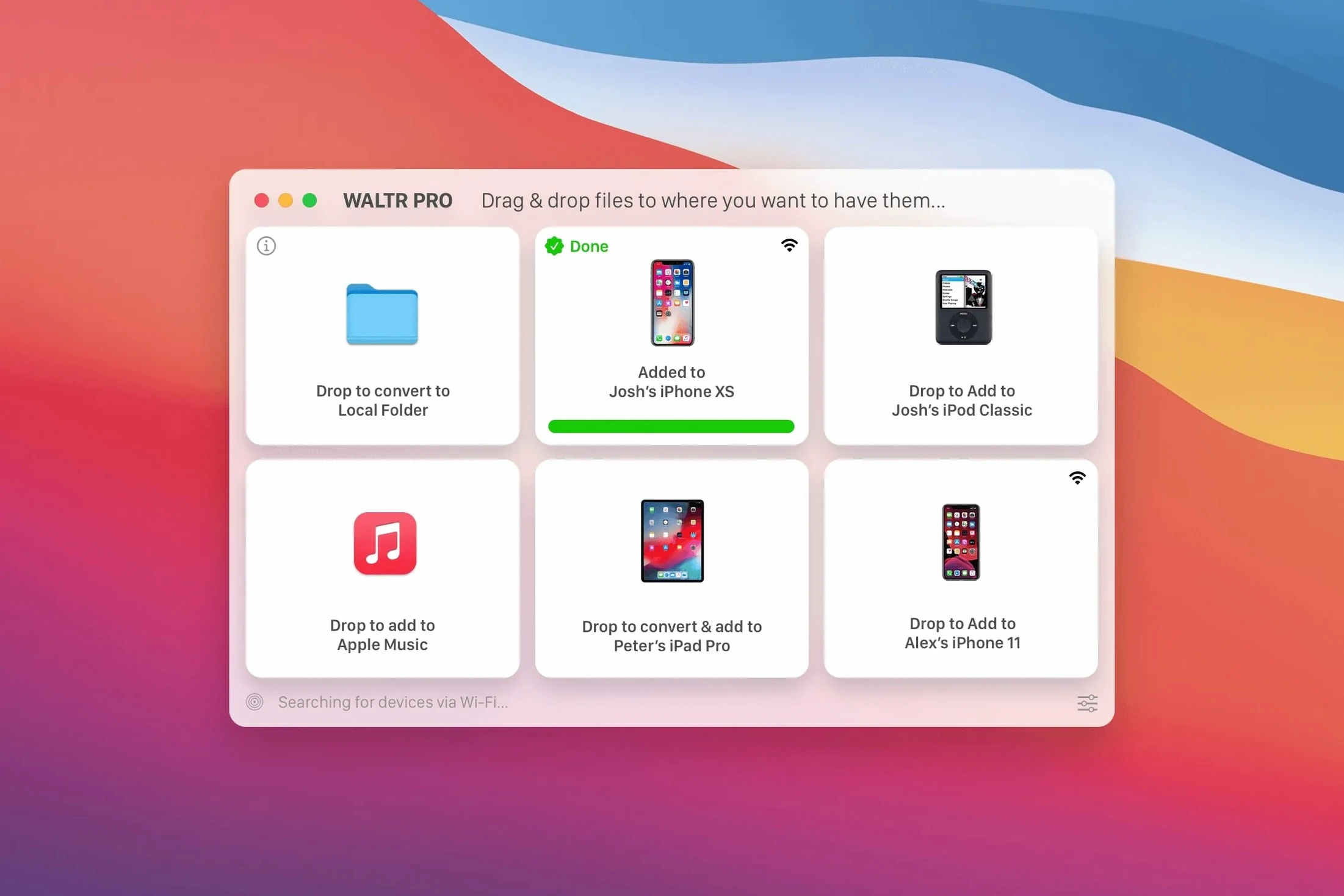
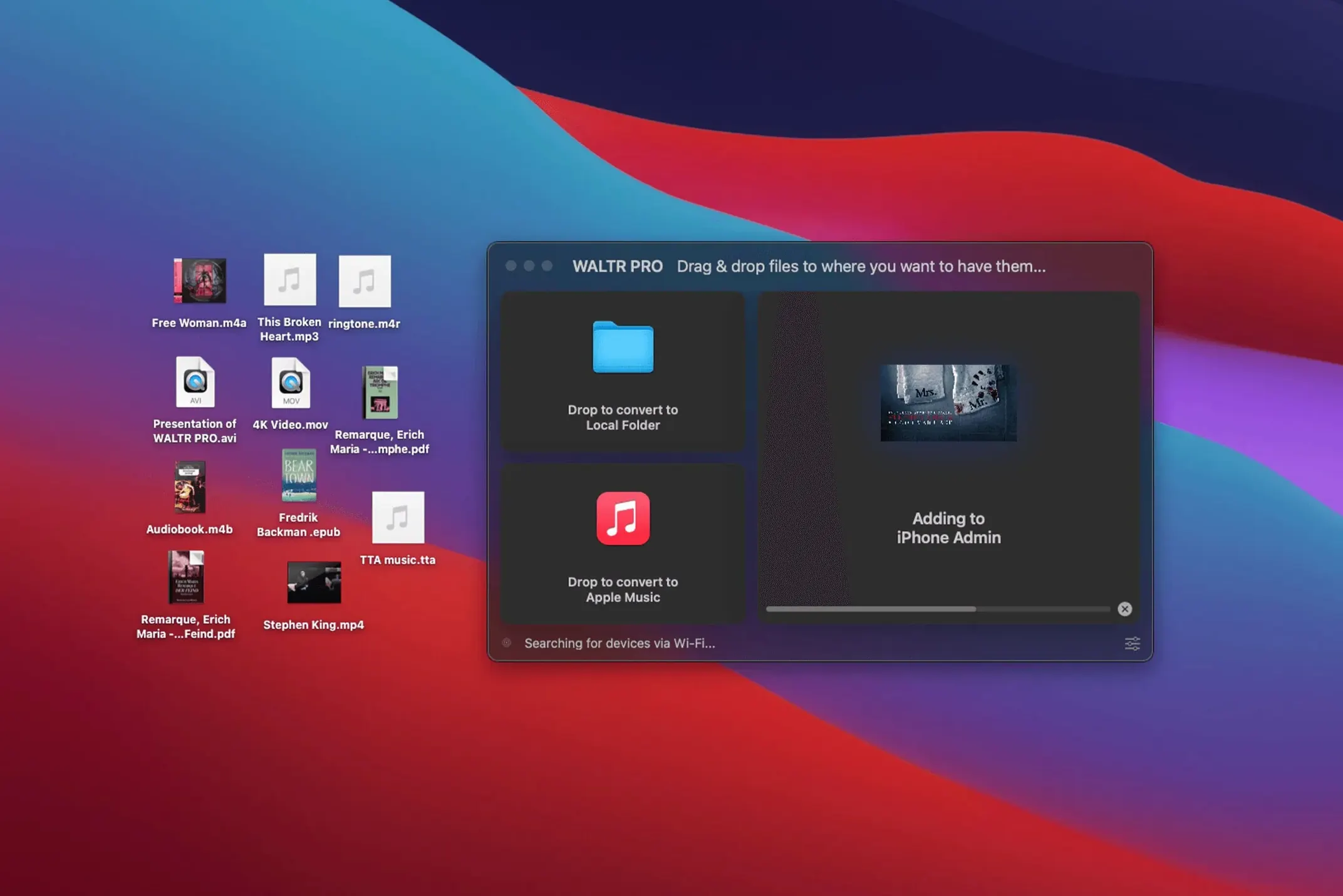
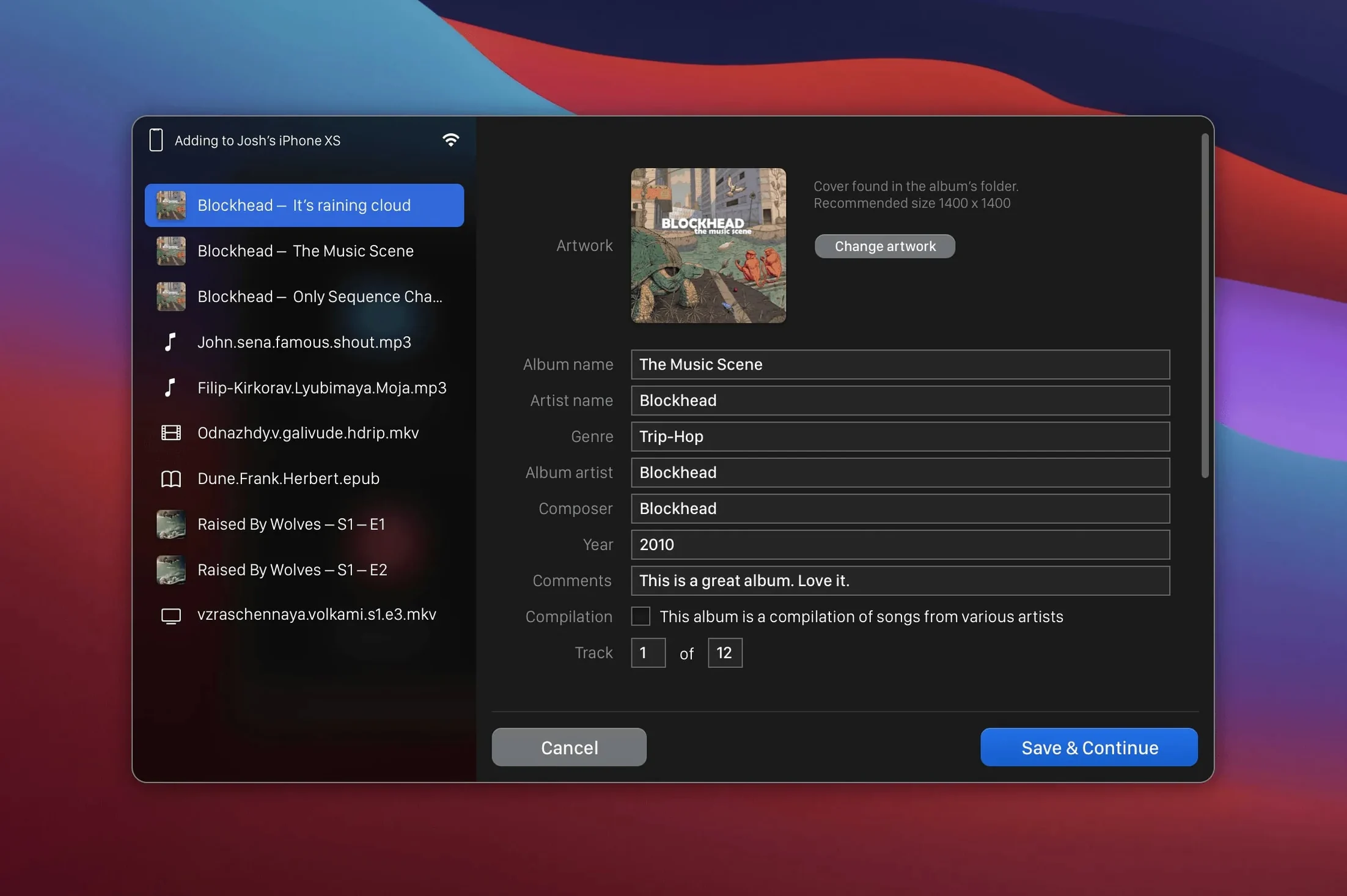
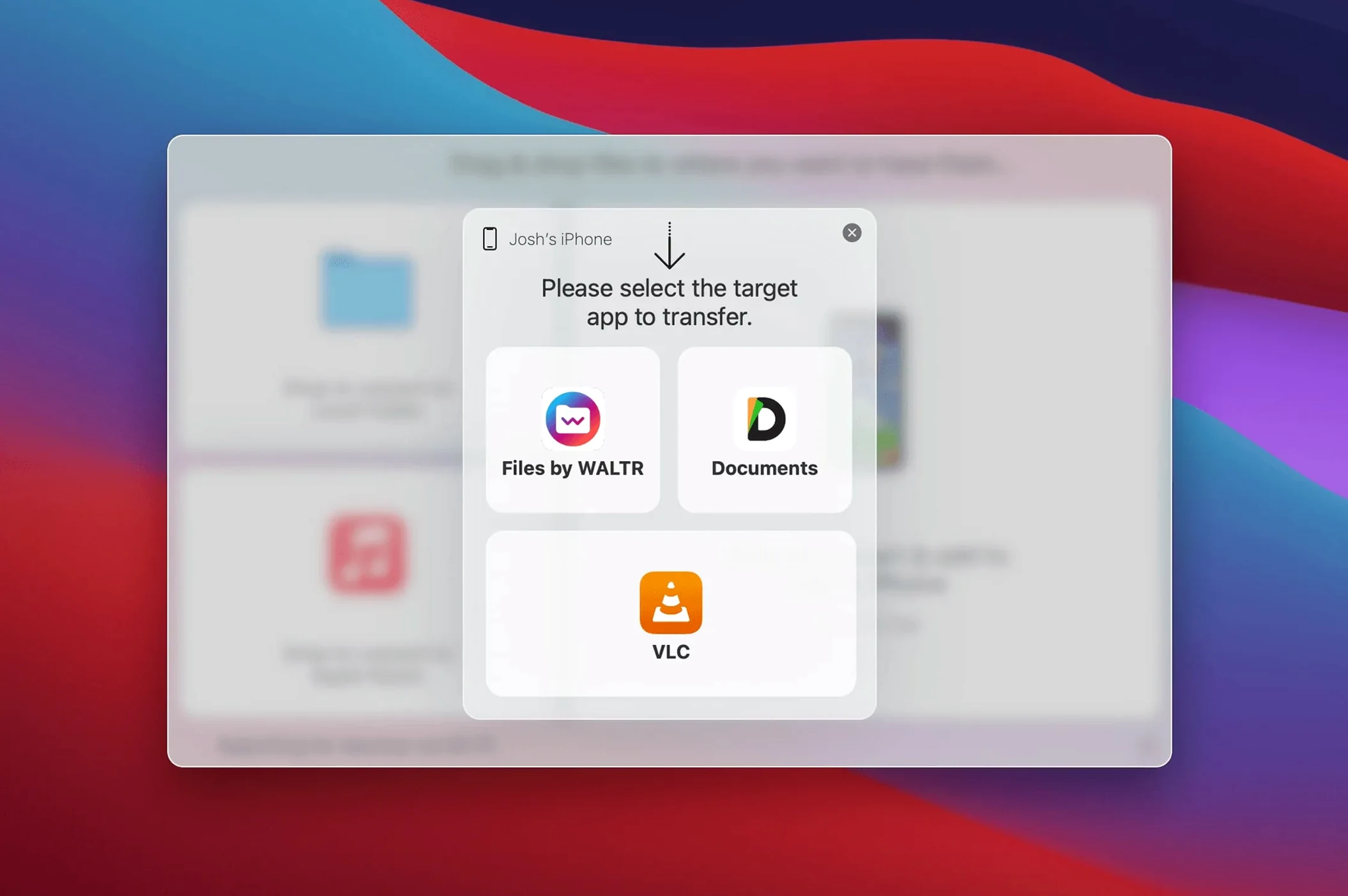
WALTR PRO handles over a dozen formats — MP3, FLAC, ALAC, MKV, AVI, WMA, M4R, and CUE among them — and converts them on the fly for playback in the iOS Music and Movies apps. No iTunes middleman, no format wrangling.
Convert a FLAC Album
Drag a folder of FLAC files onto the WALTR PRO window. The app transcodes each track to ALAC during transfer, so the album appears intact in the Music app with metadata preserved.
Drop an MKV Movie
MKV files won't play on an iPhone by default. WALTR PRO re-encodes the video to a compatible M4V container and sends it directly to the TV or Movies app. Subtitles and multiple audio tracks are kept.
Add a Custom Ringtone
Drop an M4R file onto WALTR PRO, and the ringtone lands in the iPhone's Tones section. No sync, no conversion, no extra steps — just drag and go.
No release notes filed for 4.0.122. They are added here when a build changes how the program behaves.
| macOS | macOS 10.13 or later |
|---|---|
| Processor | Intel 64-bit |
| Download | 29 MB |
- macOS 10.13 or later
- Intel-based Mac
Questions about WALTR PRO
What formats does WALTR PRO support?
It supports MP3, MP4, AVI, CUE, WMA, M4R, AAC, M4V, M4A, FLAC, ALAC, and MKV.
How to install, in order
- Mount the disk image.
- Run Open Gatekeeper friendly.
- Press Enter in Terminal to bypass Gatekeeper.
- Drag the app to Applications.
- Launch the app.
Comments and corrections 0
Sign in or open a free account to leave a comment.
No comments or corrections yet.