Safari Pedals Everything Bundle 2026.05 — download for Mac
VST Plugins Updated
Offers immediate modulation effects like phaser with simple rate control.
Screenshots

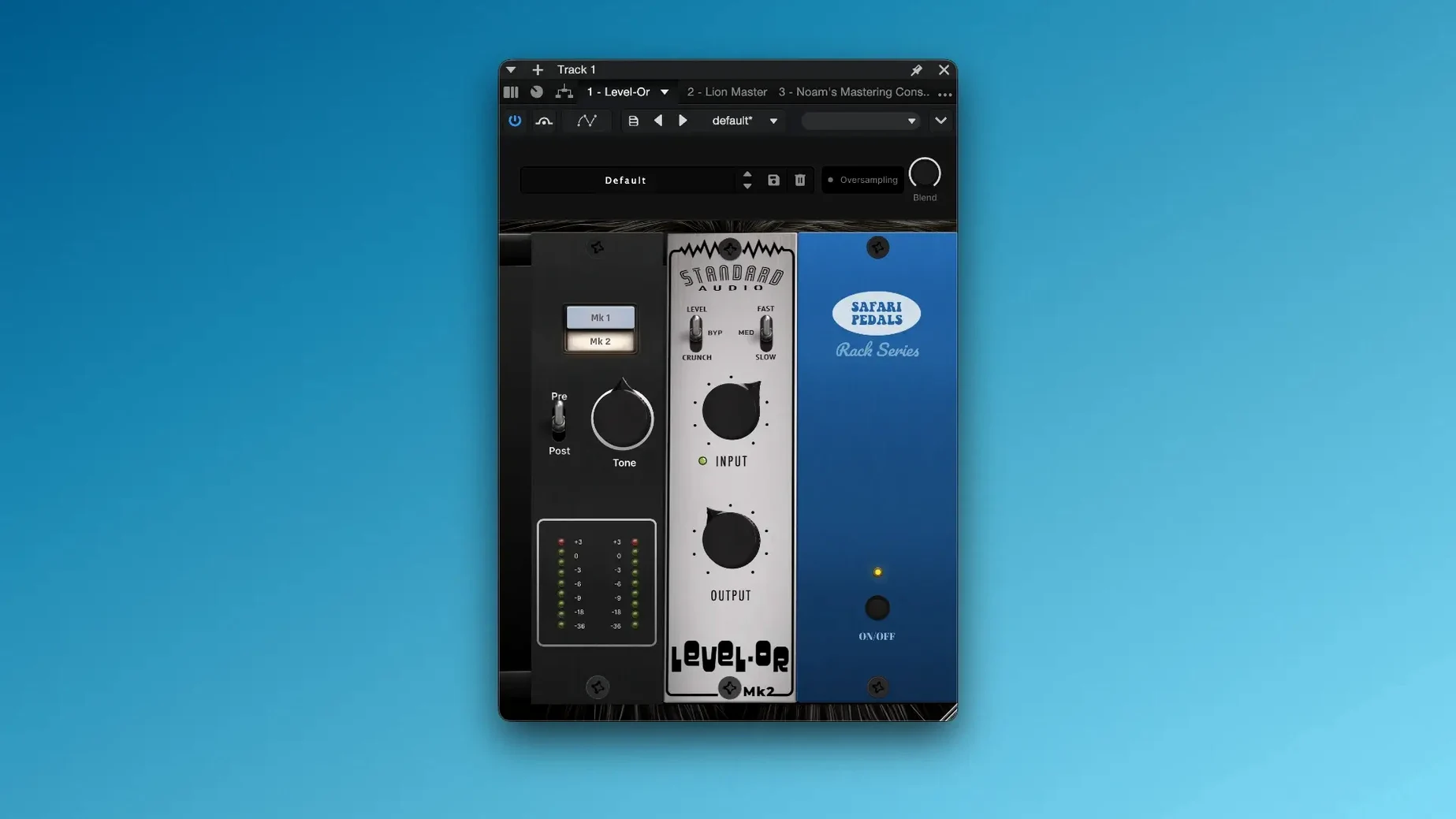
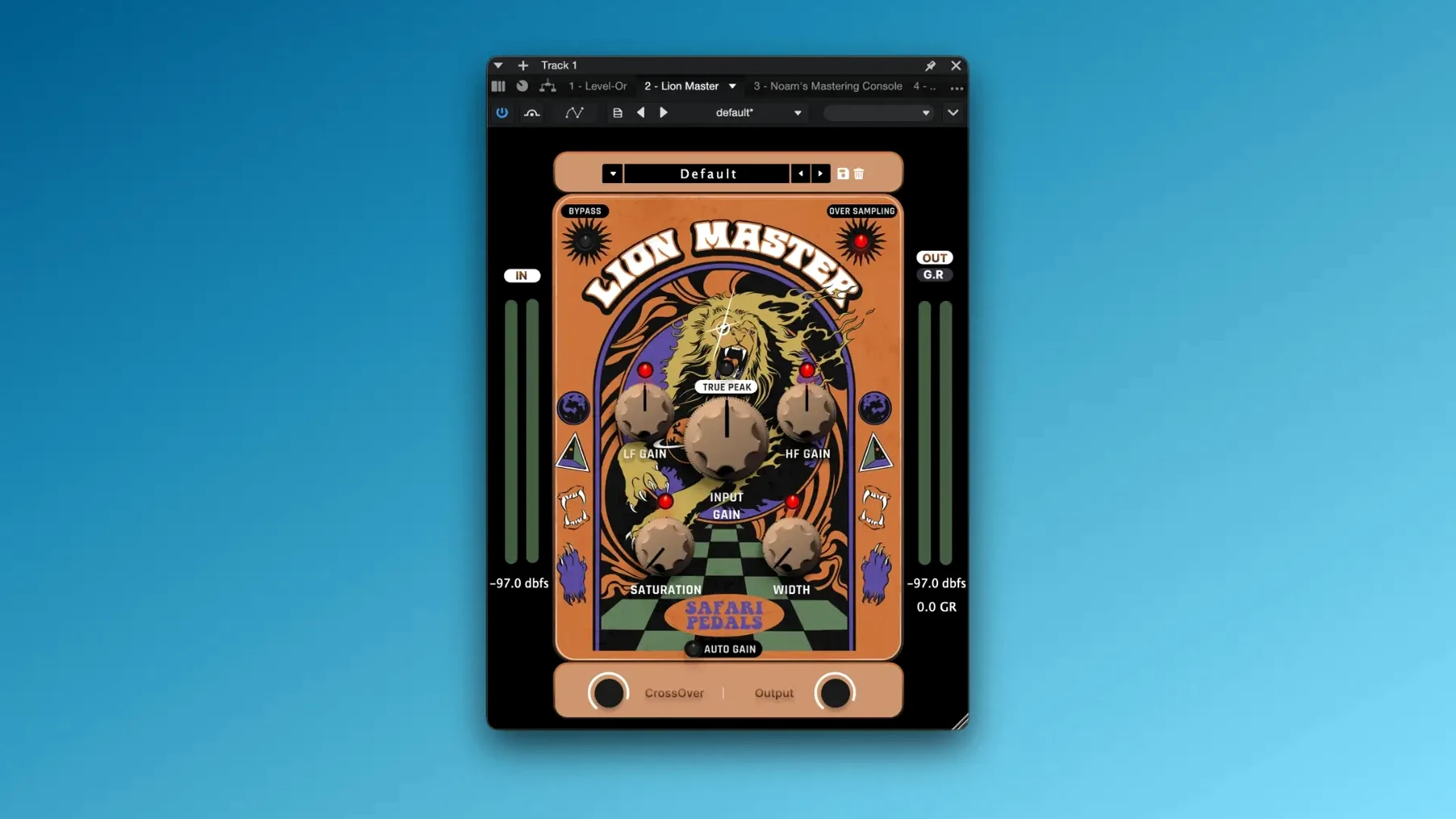
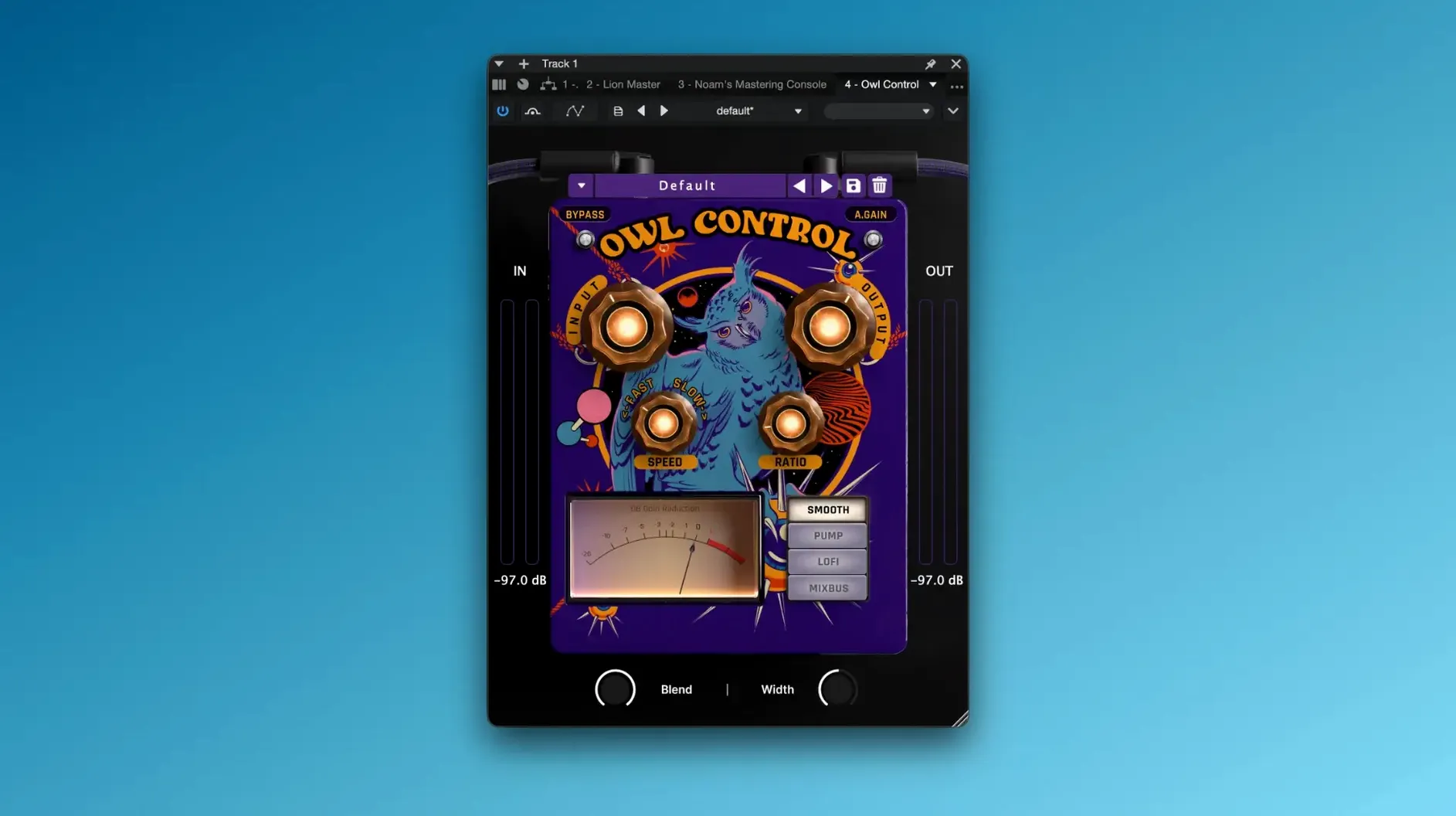
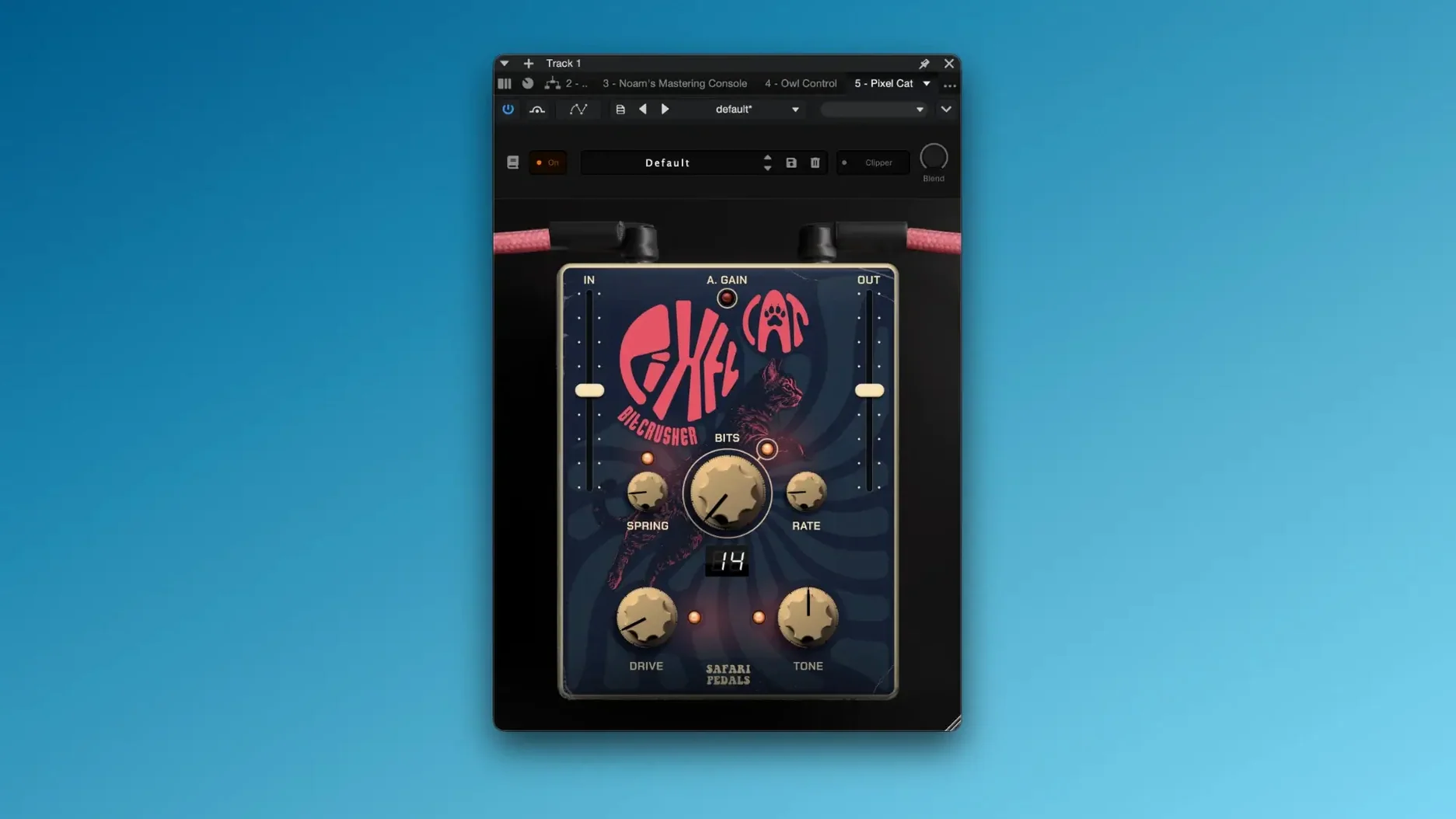
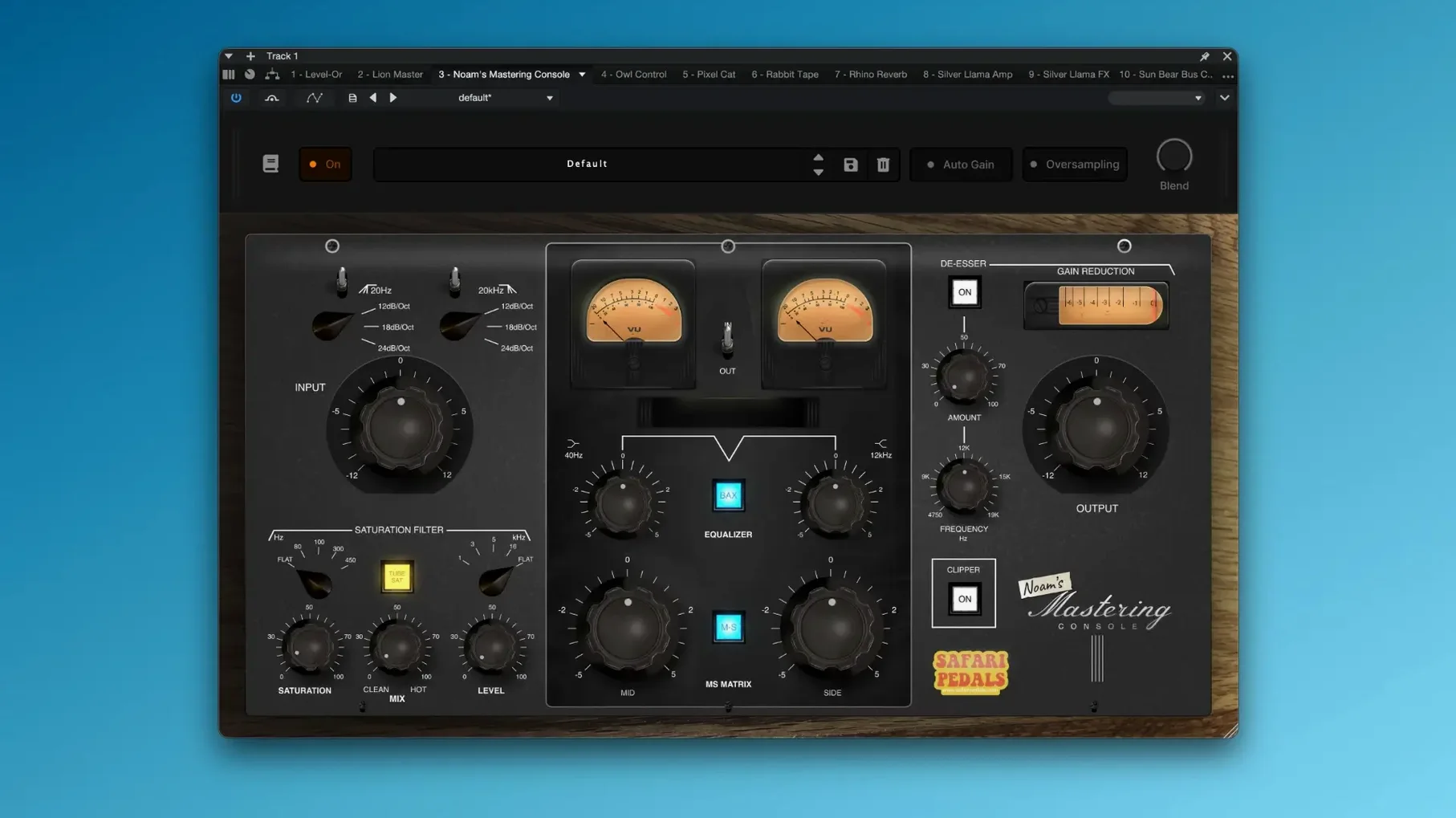
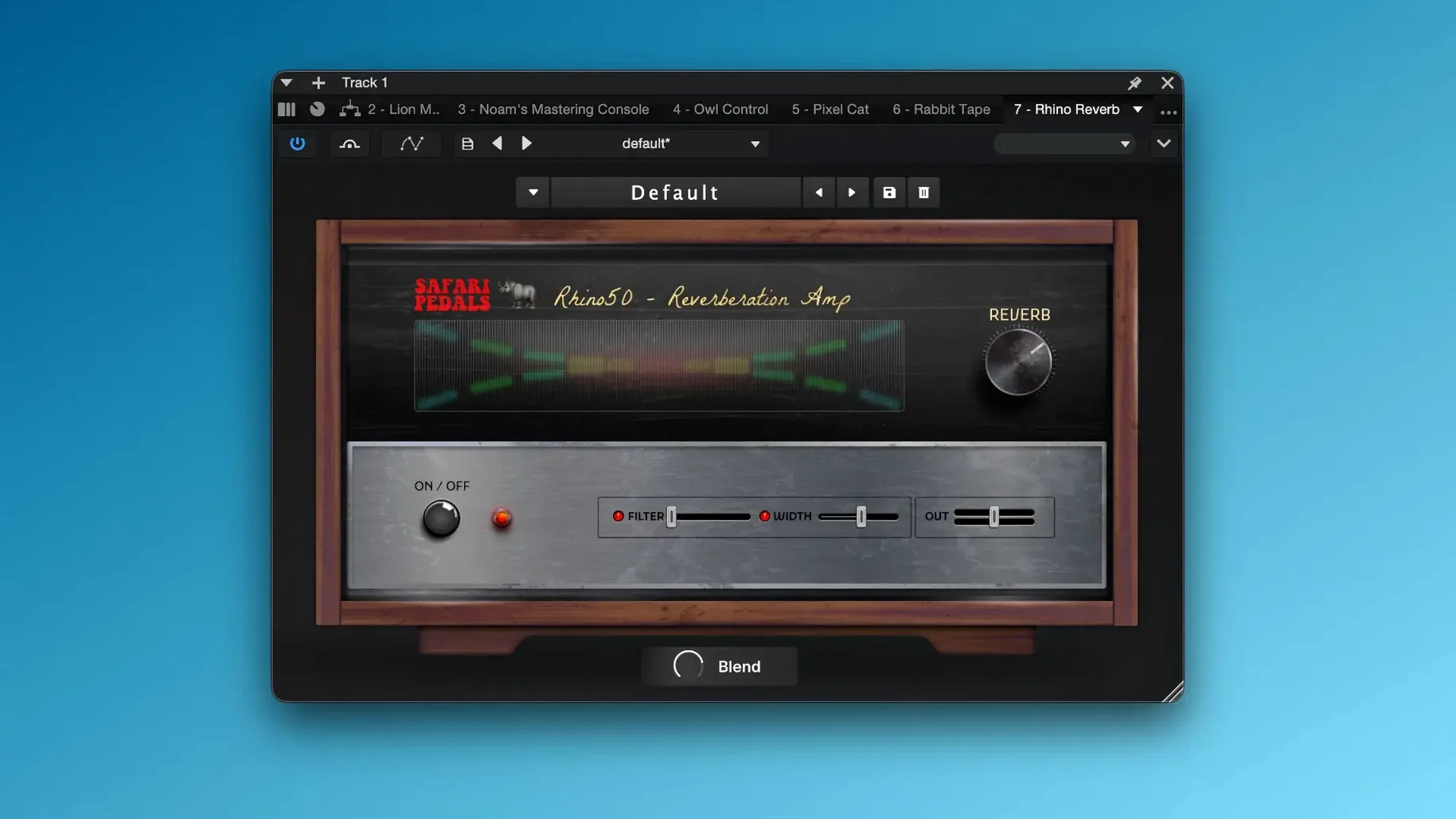
Hawk Phaser hits first. You place it on a clean guitar track and sweep the rate control—the modulation moves from a slow swirl to a tight, vocal wobble without eating the attack. That's the kind of immediate control the Safari Pedals Everything Bundle gives you: each plugin lands with a single main knob or a small set of switches, so you spend seconds dialing, not menu-diving.
1. Shape the low end with Bull Sub Machine. Crank the sub oscillator until the kick drum pushes air. The drive stays clean until you push past 80 percent; that's where it starts to saturate like a pushed console channel. 2. Add texture with Cobra Fuzz. On a synth pad, the fuzz folds harmonics in gradually. Keep the blend low if you want grit underneath, high if you want the pad to tear. 3. Set the room with Dirty Dog Reverb. The decay knob goes from a tight spring to a cavernous hall. Pre-delay is fixed—you just choose size and let the tail bloom. 4. Widen with Flamingo Verb. Use it on a background vocal bus. The stereo spread widens the reverb tail without collapsing the center. 5. Add movement with Yak Delay. Sync the delay to tempo or let it drift. The feedback knob self-oscillates smoothly when you push it past three o'clock. 6. Master the bus with Lion Master. A single threshold and makeup gain. It catches peaks and glues without squashing transients. 7. Finish with Cassette Bunny. New in this version. It adds warble, hiss, and high-frequency roll-off. Set the wear control to 40 percent for a worn tape feel; push it to 80 for lo-fi disintegration.
The bundle also includes Dragon EQ for surgical cuts, Owl Control for dynamics, and Sun bear for saturation. Every plugin follows the same logic: one or two controls that do exactly what their name suggests. That's the point.
I manage a small mixing studio in a converted garage in Porto. Most of my work comes from local bands recording live takes in one room, so I need plugins that work fast and don't break the flow. Last Tuesday, a client brought in a raw drum track recorded with a single overhead mic and a kick mic. The snare sounded thin, the room noise was uneven, and the cymbals had a harsh edge. I pulled up the Everything Bundle and reached for Hawk Phaser first. A slow sweep across the overhead bus smoothed out the cymbal harshness without making it sound phasey. Then Dirty Dog Reverb added depth to the snare — a short decay, maybe two seconds, gave it a room feel without washing out the kick. Bull Sub Machine filled the low end on the kick bus. The client heard the mix back and said it sounded like we had recorded in a proper studio. That session took under an hour, and I used four plugins from the bundle.
Clearing Mud with Dragon EQ and Adding Air
You open a session with a vocal track that needs presence. You start with Dragon EQ. A narrow cut around 300 Hz clears the mud, then a gentle shelf at 8 kHz adds air. Next, Owl Control catches the loudest peaks — set the threshold so the compressor engages on the first syllable of each phrase. The gain reduction stays around 3 dB. Then you add Flamingo Verb on an aux send. A medium decay, stereo spread at 60 percent, sends the vocal into a wide space without losing the center. For the final touch, Cassette Bunny on the master bus at 30 percent wear adds a subtle tape wobble. The vocal sits forward, the room feels open, and the track has a character that wasn't there twenty minutes ago. That's the session flow: EQ, compress, reverb, texture. Four plugins, no submenus, no latency issues on a standard session.
Cassette Bunny Replaces External Tape Emulation
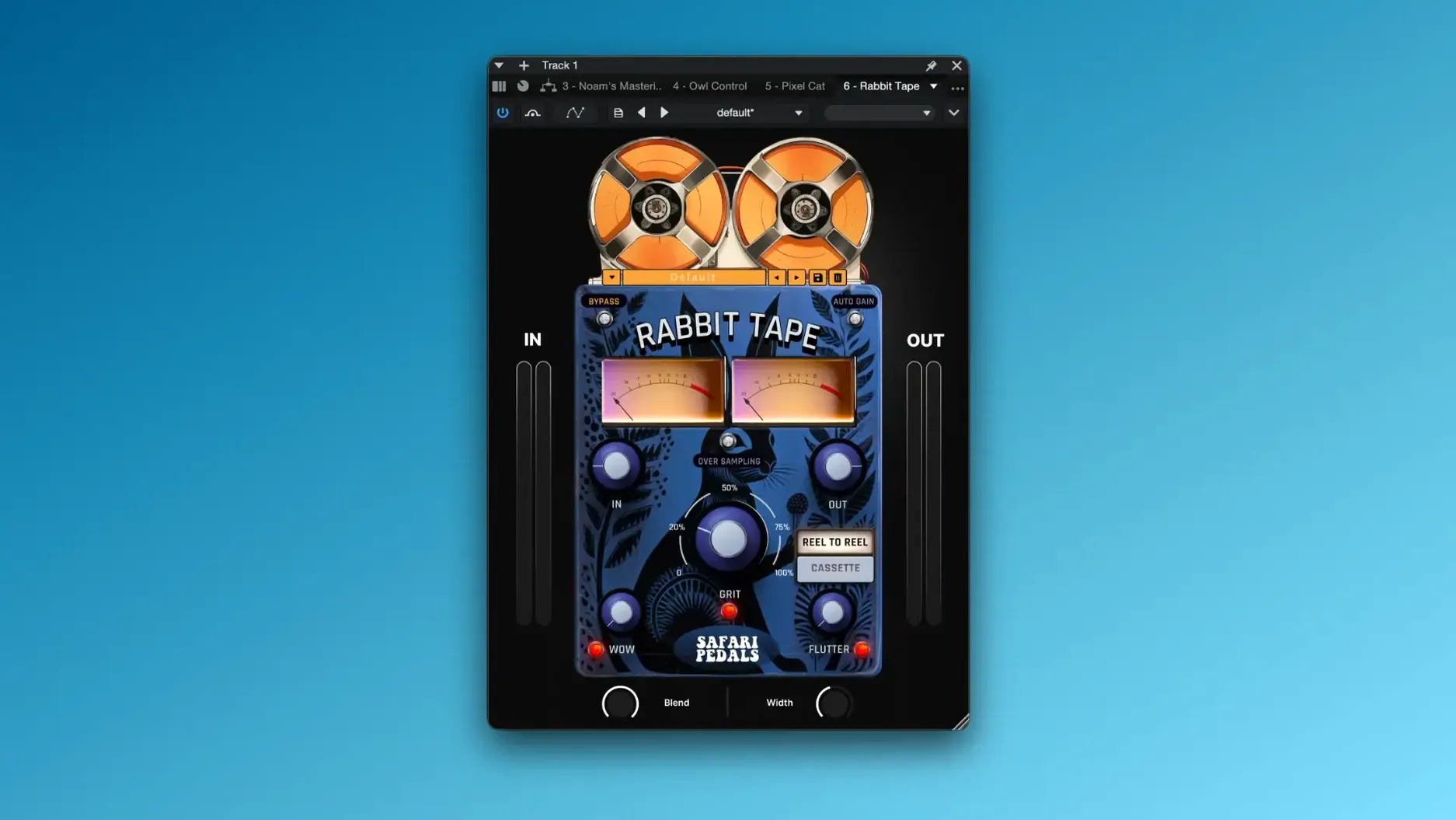
Version 2026.05 adds Cassette Bunny to the bundle. Before this update, you had to layer a tape emulation plugin from another developer if you wanted lo-fi character. Now you get warble, hiss, and high-frequency roll-off inside the same workflow. The wear control lets you dial in a subtle tape feel for a vocal bus or push it to 80 percent for full lo-fi disintegration on a drum loop. The plugin also includes a noise floor control, so you can add hiss without oversaturating the mix. For producers who work with sampled beats or live recordings that need a worn-in sound, Cassette Bunny saves a step. You no longer need to bounce to tape or reach for a separate saturation plugin. It sits in the same folder as the rest of the bundle, ready on a stereo track or a master bus.
The bundle now totals twenty-three plugins. If you already own the Everything Bundle, the update adds Cassette Bunny without changing how the other plugins behave. The install process stays the same: open the files, follow the included instructions, and the plugin appears in your VST3, AU, or AAX folder. No extra activation steps beyond the standard method provided in the package.
- Added Cassette Bunny.
| macOS | macOS 11 or later |
|---|---|
| Processor | Apple Silicon, Intel 64-bit |
| Download | 628 MB |
- macOS 11 or later
- Apple Silicon or Intel
- Interface language: English
Questions about Safari Pedals Everything Bundle
Does the Everything Bundle include all Safari Pedals plugins?
It includes the ultimate collection: Hawk Phaser, Dirty Dog Reverb, Lion Master, Cobra Fuzz, Yak Delay, Dragon EQ, Owl Control, Flamingo Verb, Bull Sub Machine, Sun bear, and the new Cassette Bunny.
What is Cassette Bunny?
Cassette Bunny is a tape-emulation effect added in version 2026.05. It adds warble, hiss, and high-frequency roll-off with a single wear control.
What are the Mac system requirements?
macOS 11 or later, Apple Silicon or Intel. Interface language is English.
How to install, in order
- Open the files included in the package.
- Follow the included installation and activation instructions.
Comments and corrections 0
Sign in or open a free account to leave a comment.
No comments or corrections yet.