Factorio 2.1.24 — download for Mac
Games Updated
Builds and expands an automated factory that mines, assembles, and researches new technology.
Screenshots
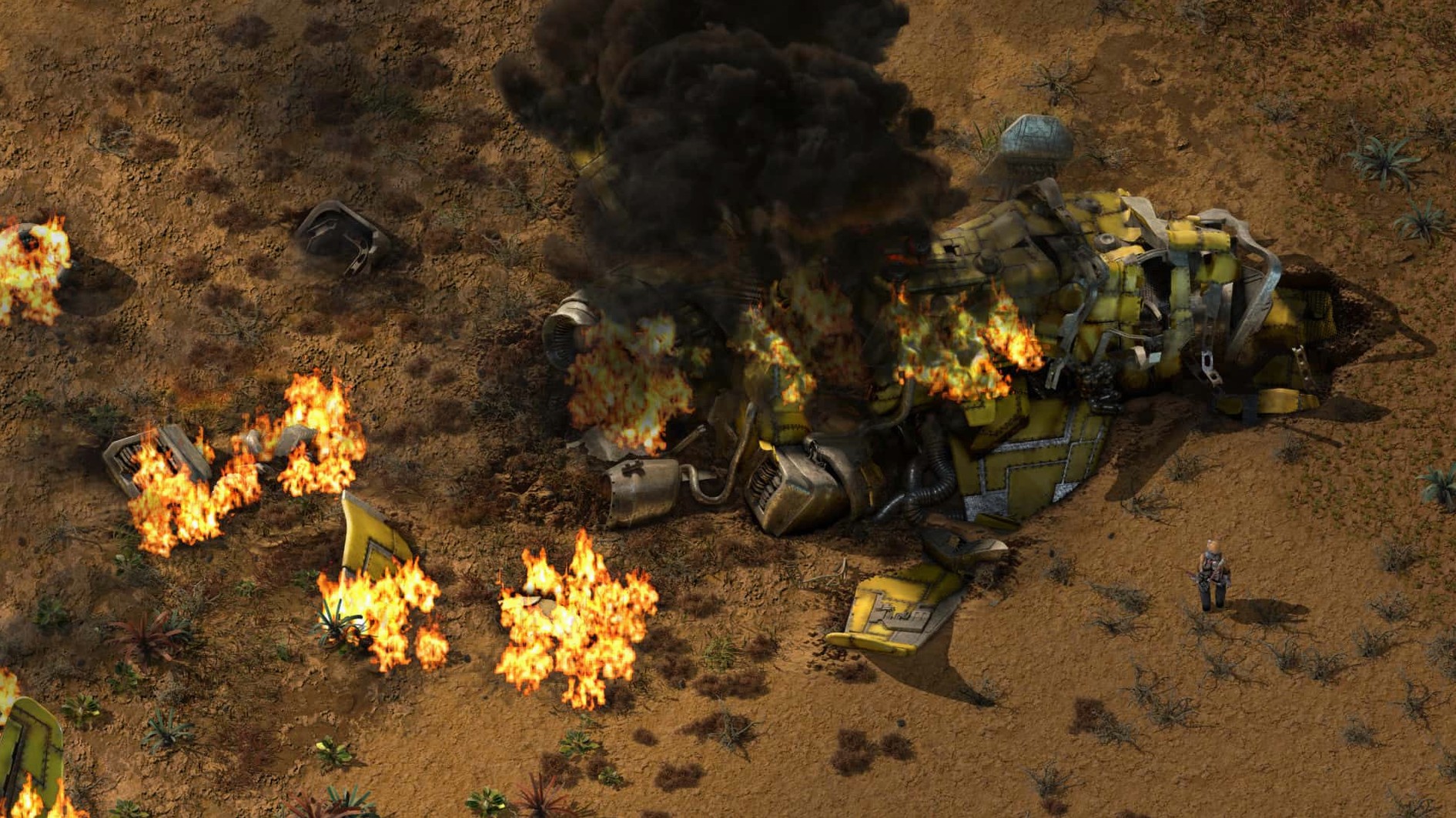
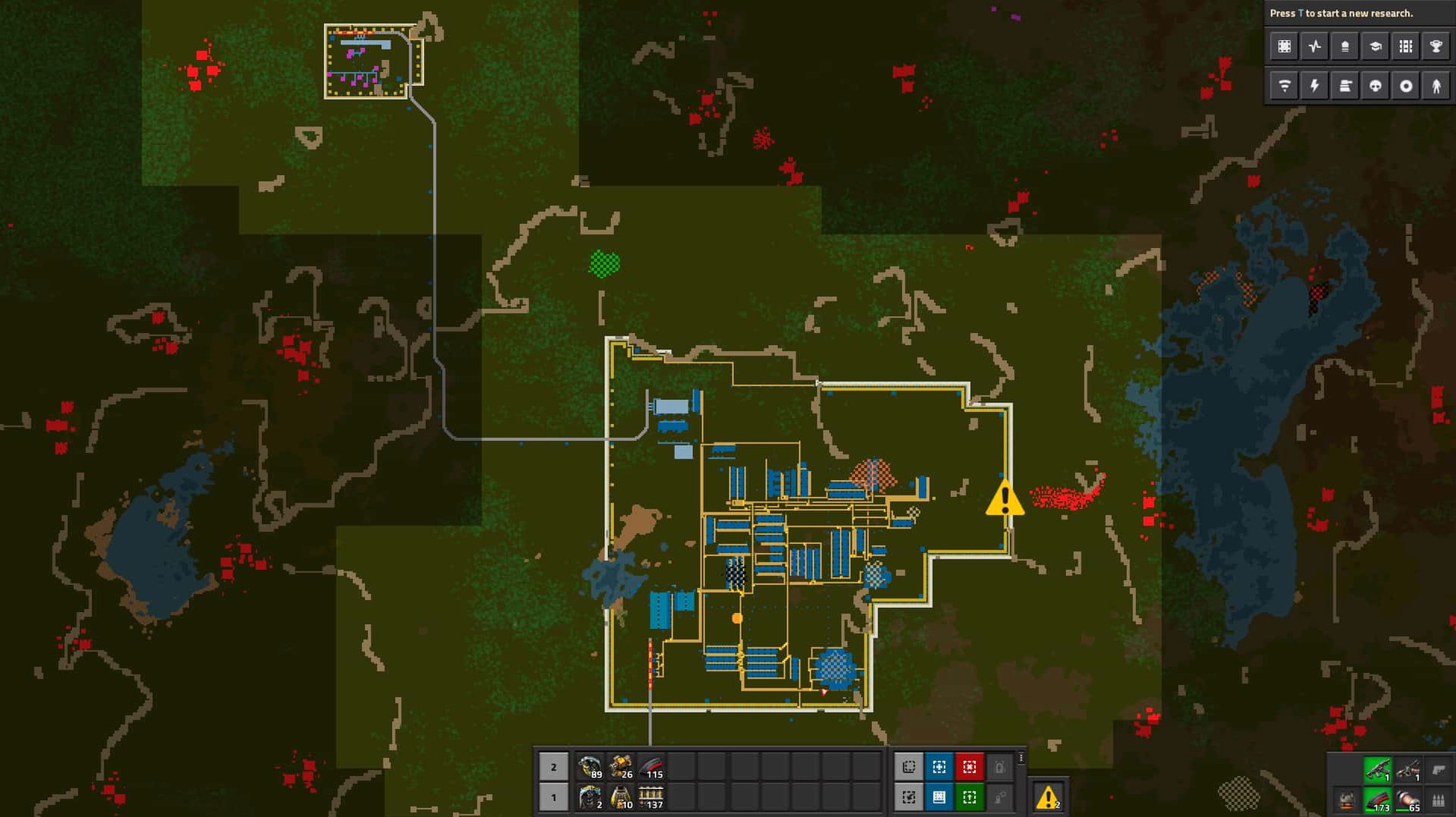
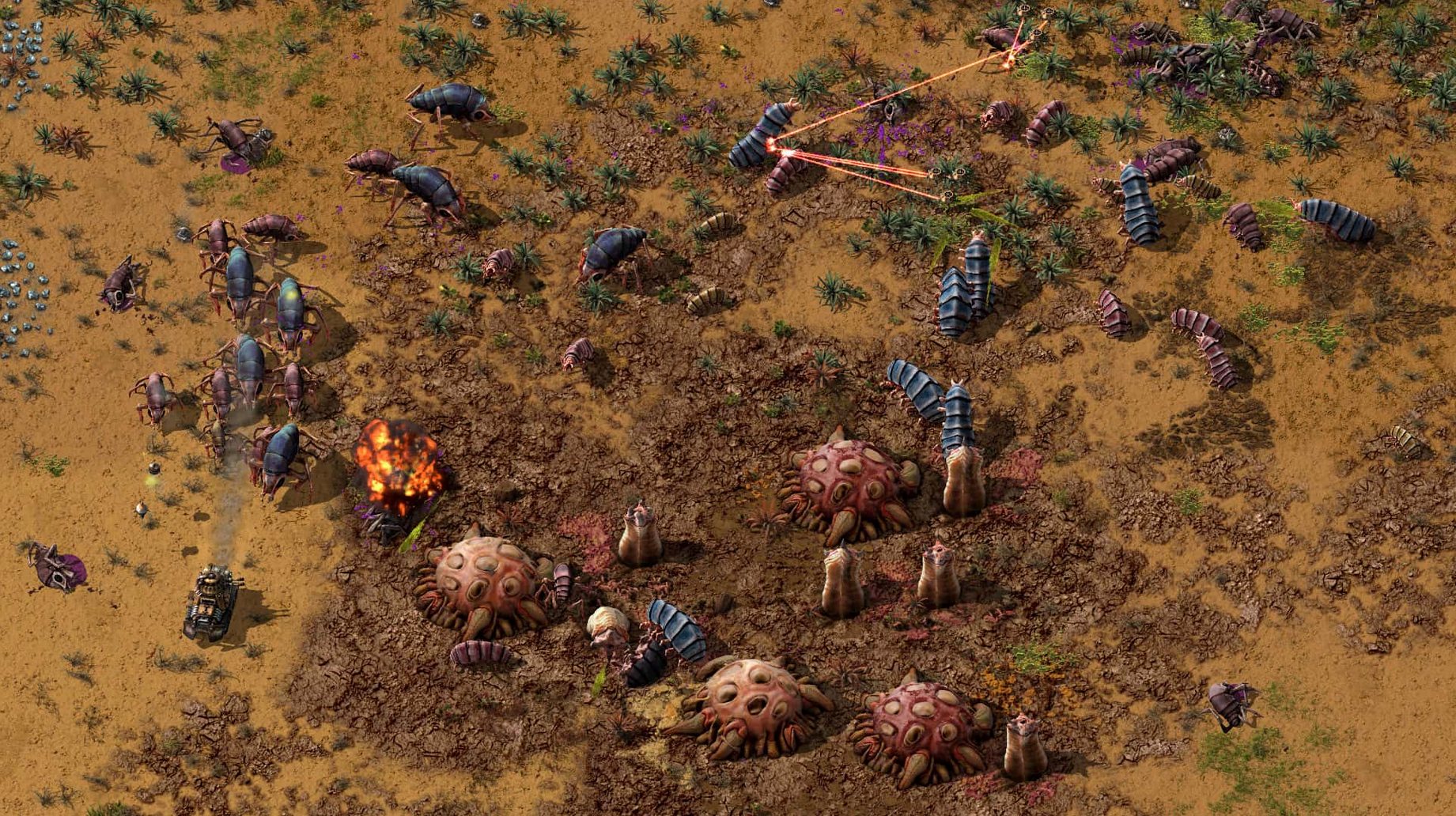
Factorio is a factory-building game where you build and expand an automated factory in an endless 2D world.
Mining iron and copper by hand to logistics networks
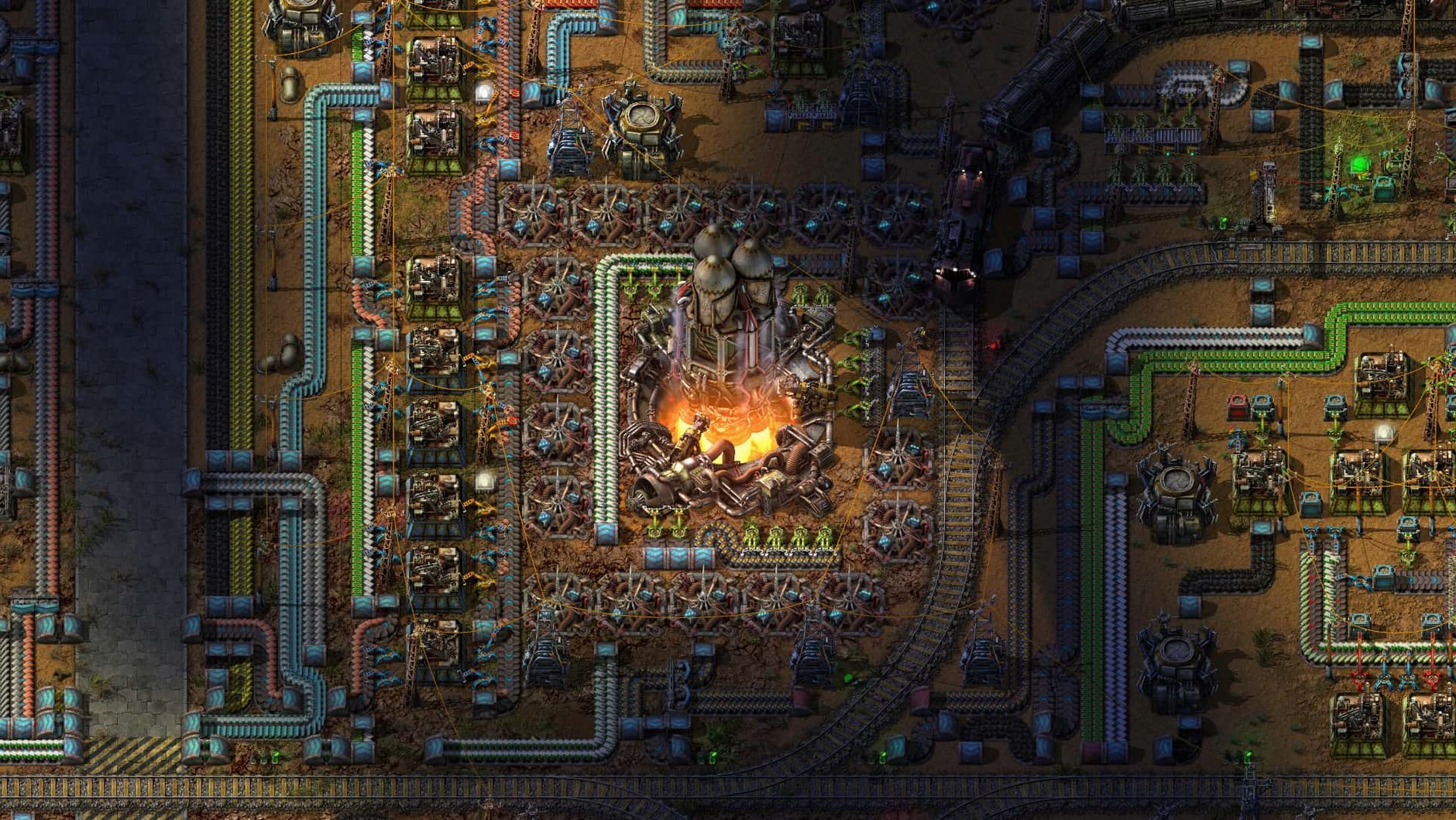
You start by mining iron and copper by hand, then build drills, belts, and assemblers to automate production. From there, you research technologies, set up oil processing, build solar farms, deploy robots, and create a logistics network to move items across your base — all while expanding to new resource patches.
Defending against pollution-driven enemies with turrets and tanks
Enemy creatures attack your factory as pollution spreads. You build turrets, walls, and ammunition production lines to defend your base, and you can go on the offensive with tanks and rockets to clear new areas.
What kind of content does it offer besides the main campaign?
The main mode is sandbox, giving you freedom to build without objectives. The built-in map editor lets you design scenarios, and mods add new items, mechanics, and challenges. Multiplayer is supported, so you can build factories with others.
Native macOS app for ARM and Intel Macs
Factorio runs as a native Mac application with no emulation layer. Version 2.0.77 supports both ARM (Apple Silicon) and 64-bit Intel Macs, so it works on M-series machines and older Intel models alike. The build was tested on macOS Tahoe with a 2024 Mac mini M4, which means it is prepared for the latest macOS release without compatibility wrappers.
The game is delivered as a disk image. You open it, drag the game folder into Applications, and launch it from Launchpad — no extra installers or launcher accounts needed. It is DRM-free, so once it is on your machine, you run it as you would any other application.
Mods install into ~/Library/Application Support/factorio/mods, and the built-in map editor lives inside the game itself. If you have used Factorio on another platform, the file structure and save locations will feel familiar.
Scenario: A logistics-focused player sets up a multiplayer session
You and two friends decide to build a factory complex together. One person focuses on ore processing and smelting, another handles oil refining and plastic production, and the third builds the defense perimeter and ammunition supply. Because the map is effectively endless, you claim separate resource patches and connect them with long rail or belt lines.
The 2.0.77 fixes for inserter and rocket silo deadlocks matter here: when three people are wiring up dozens of assemblers and silos simultaneously, a deadlock that stops production wastes everyone's time. With those bugs cleaned out, the session runs without the kind of stuck assemblers that used to require a manual reset. The Lua prototype reads for fluid properties also help if you are modding mid-session — you can check what a fluid container actually holds, down to its visualization color, without guessing.
Apple Silicon support without Rosetta
Does the game run on Apple Silicon without Rosetta?
Yes. Factorio ships as a native ARM binary, and the same build also runs on 64-bit Intel. You do not need compatibility layers or third-party tools.
Is there a separate multiplayer launcher?
No. Multiplayer is built into the game. You do not sign into an external service. The DRM-free model means you can host a game and share an IP address or use a local network without account verification.
Will my existing mods and saves carry over?
Saves are stored in the standard macOS application data folder. Mods go into the mods subfolder. If you are moving from a Windows or Linux save, you copy the files into the same relative location. The mod system is unchanged between platforms.
How many languages are available?
The interface supports twenty languages, including English, Russian, German, Spanish, French, Japanese, Korean, and both Simplified and Traditional Chinese. Voice is music-only, so you are not locked into a single audio language.
DRM-free with local multiplayer hosting
- No account registration. Because the game is DRM-free, you launch it directly without logging into a storefront or launcher. This also means multiplayer games can be hosted locally without an external server.
- A single disk image. The download is one .dmg file. Open it, drag to Applications, done. No serial code entry, no activation window.
- Mods in a standard folder.
~/Library/Application Support/factorio/modsis the same location used on other platforms, so moving mods from a Windows or Linux install is a straight file copy. - Built-in map editor. You do not need a separate tool to design custom levels. The editor is part of the game, accessible from the main menu.
- Twenty language options. The interface supports a broad range of languages, so teams with different native languages can each run the game in their own locale.
The 2.1.24 fix Native build addresses recent issues reported by the community. No new features are included; this is a focused stability update for both Apple Silicon and Intel Macs.
| Processor | Apple Silicon, Intel 64-bit |
|---|---|
| Download | 5.7 GB |
- Apple Silicon or Intel 64-bit Mac
Questions about Factorio
Is there a story or campaign in Factorio?
The main mode is sandbox with no fixed story. There is a built-in map editor, and players can create or download custom scenarios and mods.
Does Factorio support multiplayer?
Yes, Factorio supports multiplayer so you can build and manage factories with other players.
Can I use mods in Factorio on Mac?
Yes. Install mods in ~/Library/Application Support/factorio/mods. The game includes full mod support.
How to install, in order
- Open the downloaded disk image.
- Drag the game to the Applications folder shortcut.
- After copying finishes, launch the game from Launchpad.
- Install mods in ~/Library/Application Support/factorio/mods.
Comments and corrections 0
Sign in or open a free account to leave a comment.
No comments or corrections yet.