Farming Simulator 25 1.25.1 — download for Mac
Games Updated
Simulates farming with persistent tire tracks that show where you have worked.
Screenshots
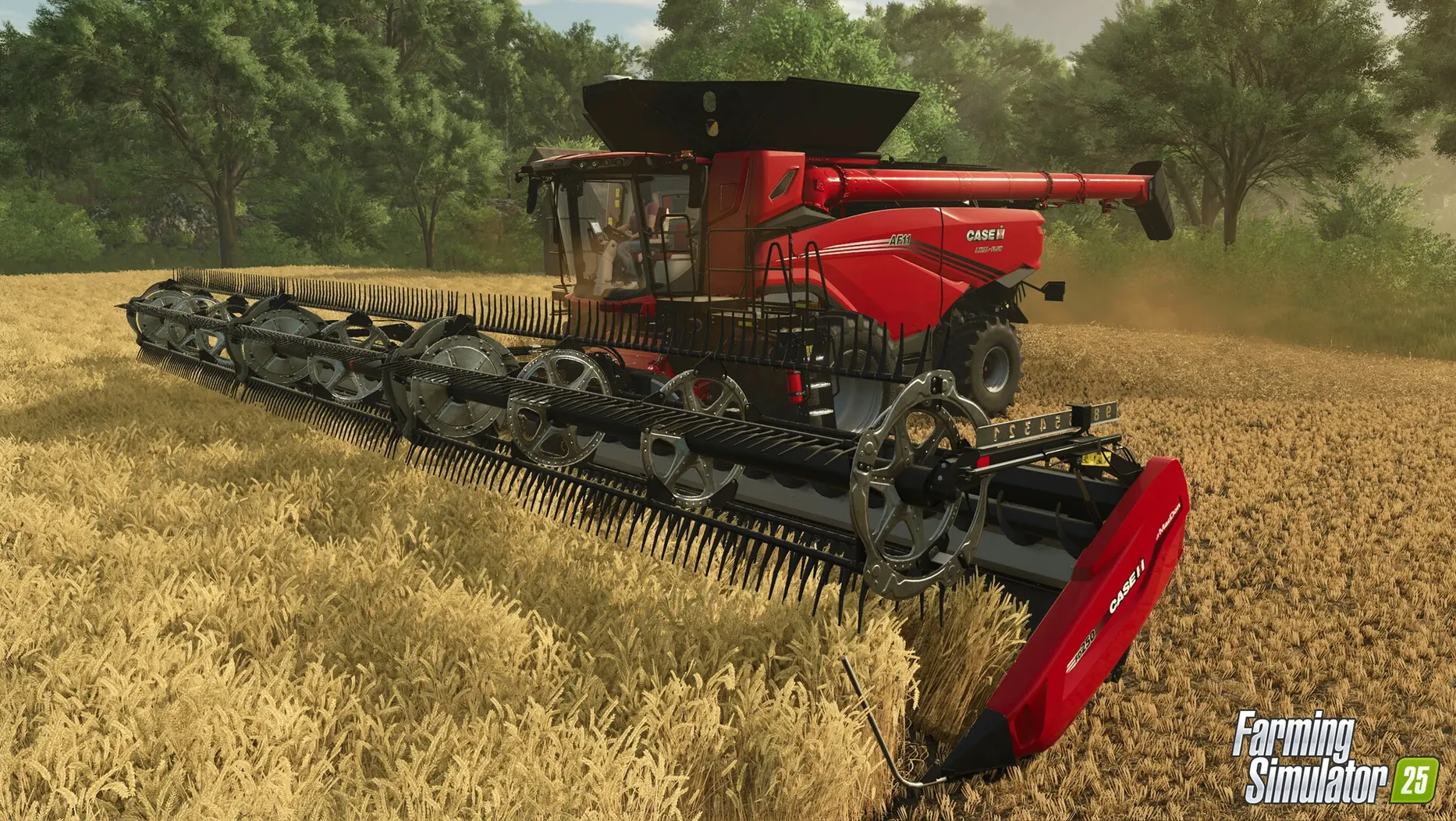
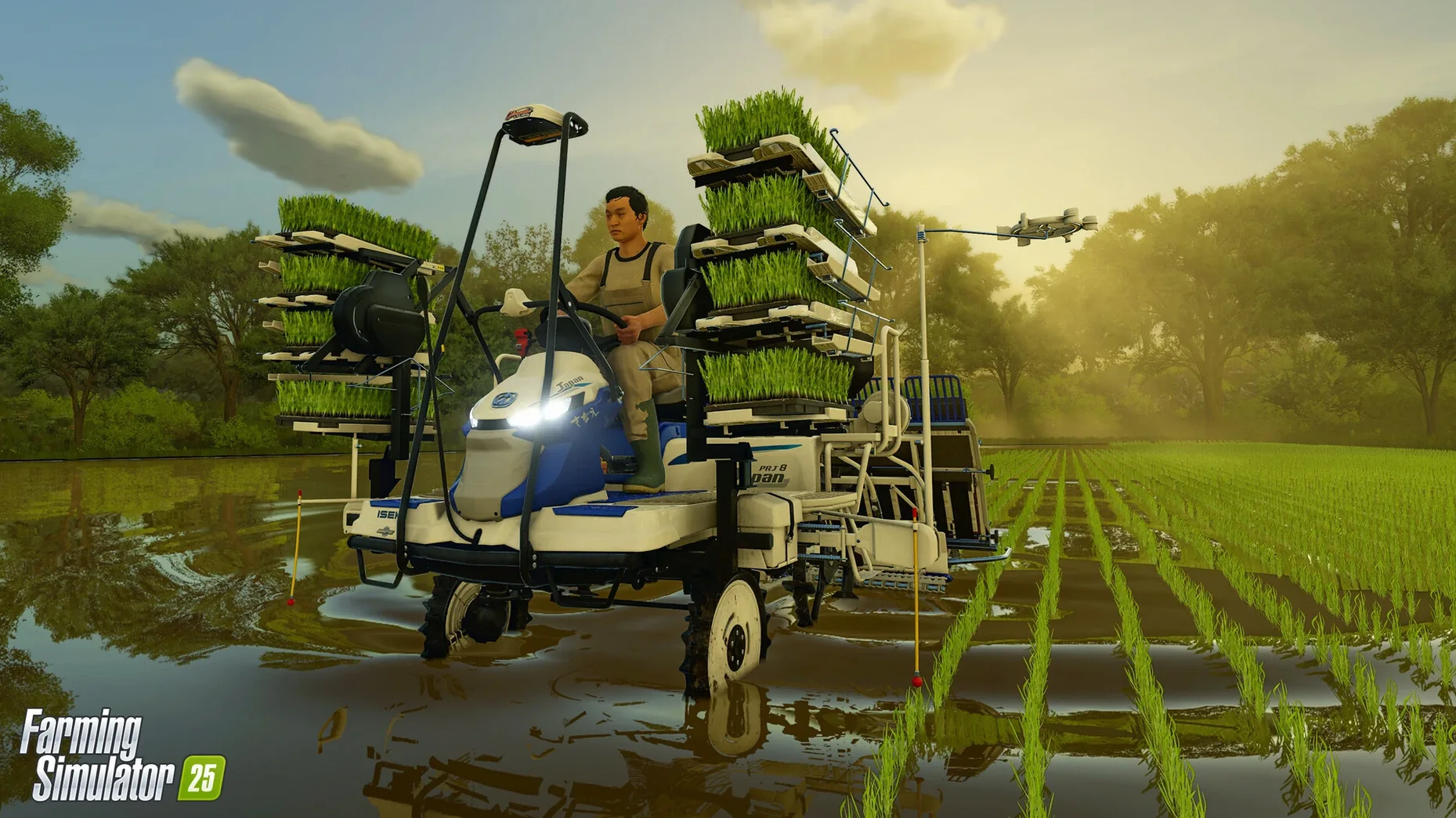
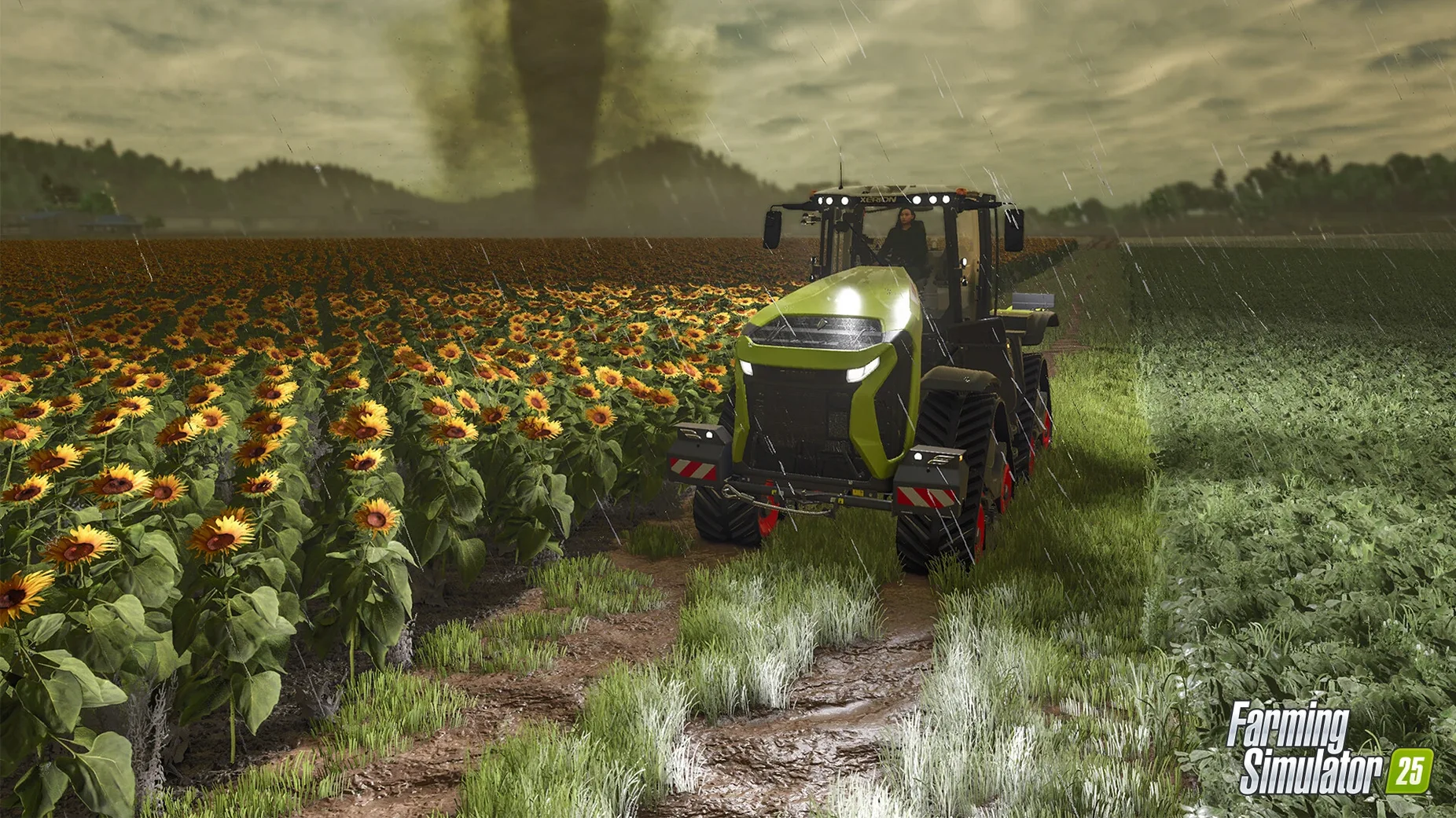
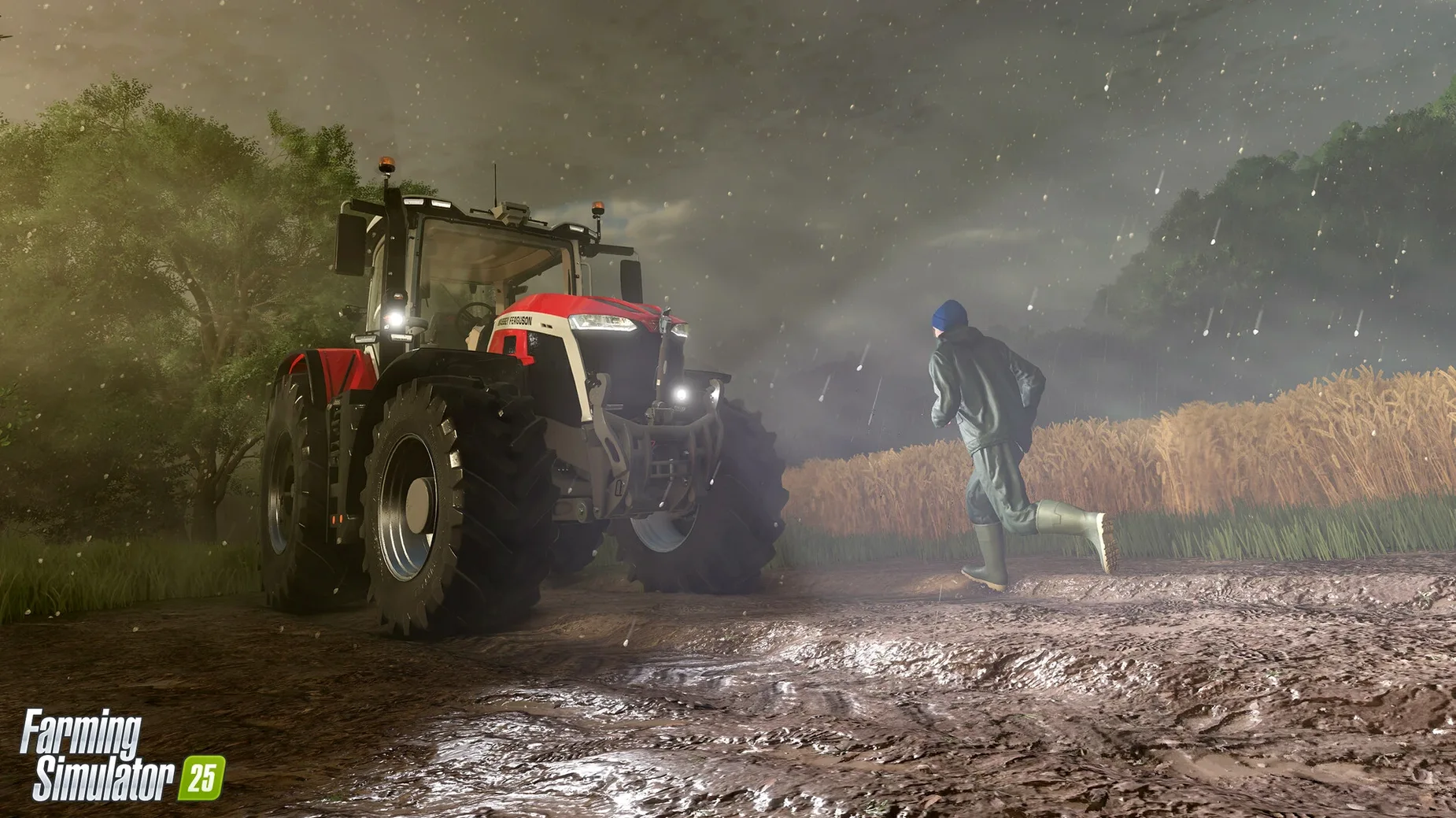
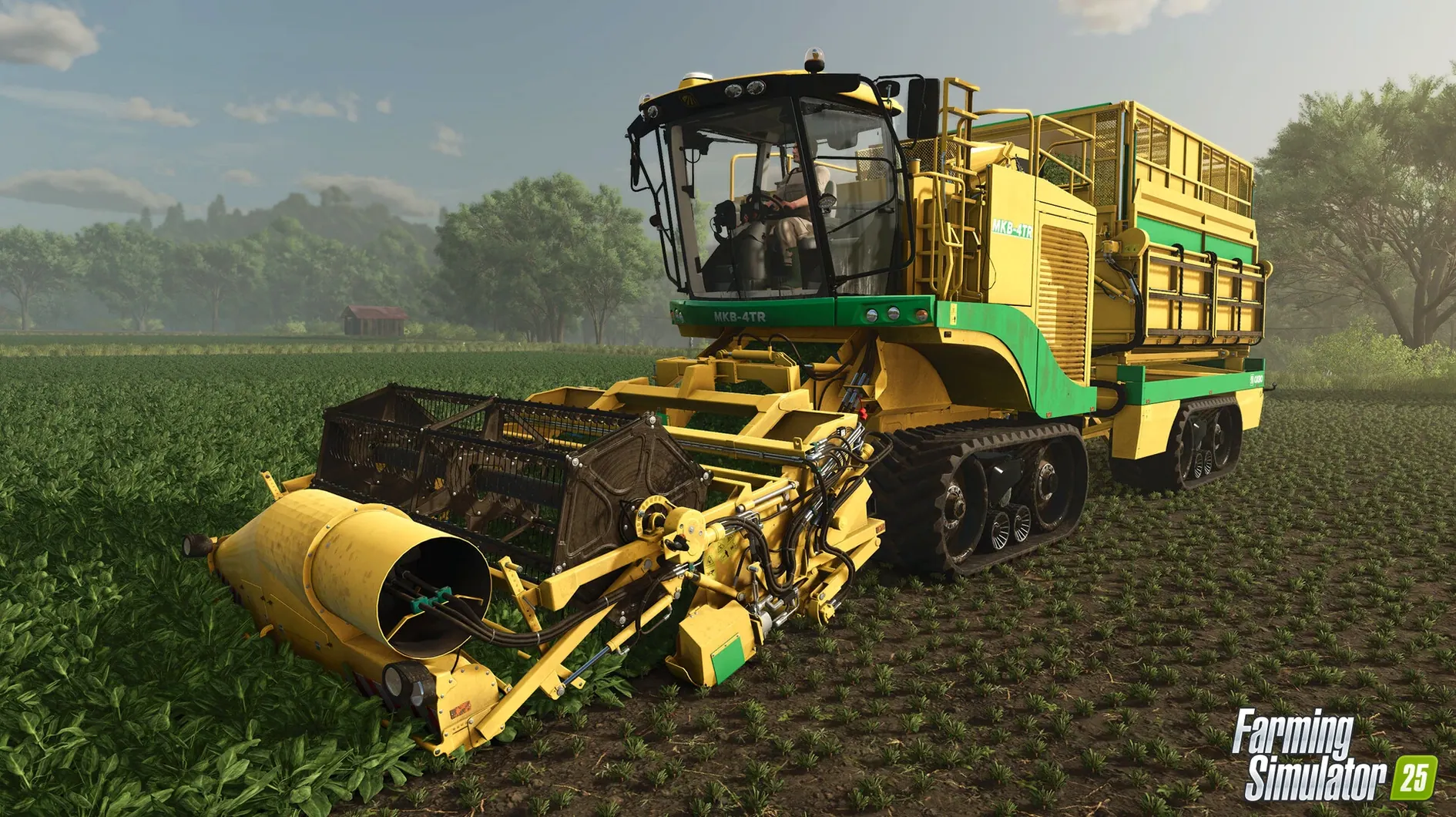

A farming sim torrent that keeps fields feeling alive does more than look pretty. Farming Simulator 25 on Mac runs on GIANTS Engine 10, so tire tracks stay pressed into the soil after you drive over it. That small detail changes how you plan a day's work — you can see exactly where you've been and where the ground still needs attention.
Methodical Workers and Animal Lovers
- Players who like methodical work: GPS-assisted steering takes the guesswork out of long rows, letting you focus on crop rotation and livestock.
- Animal enthusiasts: water buffalo and baby animals add a layer of daily care that rewards routine.
- Weather watchers: hurricanes and hail aren't just cosmetic. They affect the landscape and force you to adjust planting or harvesting schedules.
Slow Pace and Hands-Off Steering
- Players wanting instant action: this is a slow burn, not a race.
- Those who prefer hand-controlled driving: the assisted steering can make the game feel less hands-on than older entries.
Working With the Community
ModHub lets you pull in user creations, so the base game of more than 400 machines from over 150 manufacturers expands as you see fit. Update 1.23.1.0, released September 9, 2026, brings bug fixes and general improvements, keeping the sim stable for long sessions.
Spreadsheet Logic for Optimization
Farming Simulator 25 suits Mac users who treat games like a system to optimize rather than a story to finish. People who enjoy spreadsheet logic — planning a planting window, tracking animal feed levels, managing shop inventory — will find the loop satisfying. The cooperative multiplayer mode also appeals to small groups who want to divide tasks: one player handles forestry while another manages the rice paddies. It works well for players who like to set a goal for a session and work toward it without interruption.
Mac users new to the series benefit from the accessibility features built into this version. The interface gives you options to reduce visual clutter or adjust text size, which makes the learning curve gentler. Players who come back after a gap also get something: the weather system and the two rice varieties mean no two seasons play the same way.
Tire Tracks and Weather Warnings
- The deformation feature that leaves tire tracks also marks where machinery has traveled. This helps avoid driving over recently seeded ground.
- Weather events like hurricanes and hail are announced in advance, so you have time to move animals indoors or harvest early.
- The GPS-assisted steering can be toggled per vehicle. You decide when to turn it on, not the game.
- Once you download a machine or map, it stays in your library until you remove it.
- Baby animals appear over time, not all at once. Checking the barn daily becomes a habit, not a chore.
Workflow: Starting a Rice Farm on the East Asia Map
This walkthrough covers the first two in-game days for a player who wants to focus on rice, one of the two varieties available. The steps assume you start with a basic tractor and a small field.
- Open the map and select the East Asia setting. This gives you access to the right crop cycles for rice.
- Check the weather forecast. If hail is predicted, delay planting until the storm passes. Hurricanes and hail can flood fields, so wait for clear days.
- Prepare the field with the tillage tool. The GPS-assisted steering helps you cover the field in straight passes without overlapping.
- Switch to the rice planter and fill it from your seed inventory. Drive the same pattern you used for tilling.
- After planting, set a timer or check the crop screen regularly. Rice grows differently than spinach or green beans, so monitor its progress.
- When the crop is ready, use the harvester. If the ground shows tire tracks from earlier passes, you know the soil is compacted. Avoid driving on wet patches.
- Sell the harvest at the local market or store it in your silo. You can also process it through your farm shop if you have one set up.
- Repeat the cycle. Each season teaches you something about timing and weather patterns on this map.
DMG Install and First Update
Install the game by opening the downloaded DMG file, then dragging the app into the Applications folder alias. Wait for the copy to finish before opening it from Launchpad. Update 1.23.1.0 will apply automatically on first launch.
Start with the tutorial. It walks you through basic controls and the interface. Spend the first session exploring the map without worrying about profit. Drive a tractor, check the GPS steering, watch how the weather changes the landscape. Open ModHub and browse the top-rated creations — adding one machine that interests you can make the second session feel less overwhelming.
Adjust the accessibility options early. If the text feels small or the HUD is too busy, the settings let you scale things down. Set the language to your preference from the list of 23 options. English voice is available if you prefer it.
Do not start with forestry. It requires different tools and a larger time investment. Begin with vegetables like spinach, peas, or green beans. These crops grow quickly and give you fast feedback on your farming sim torrent choices.
macOS 11.3 and 45 GB Setup
Farming Simulator 25 runs on macOS 11.3 or later and supports both Intel and Apple Silicon Macs. The 45 GB install size means you should clear space before setup. Use the Finder's storage management to check your free disk space.
For long sessions, macOS's virtual desktops help. Keep a browser open on a second desktop for ModHub browsing or looking up machine specs. The game does not need full-screen exclusivity, so switching between desktops is smooth.
If you play in cooperative multiplayer, use macOS screen recording or third-party capture tools to share tips with your group. The game's interface is clear enough to capture on a standard monitor without extra software.
The save system works with macOS's Time Machine. If you back up regularly, your save files are included. This is useful if you want to keep separate states for single-player and multiplayer progress. For farming simulator 25 torrent users, the same save and mod structure applies — the game treats all installations equally.
A project manager who enjoys logistics software at work will likely feel at home here. Someone who wants a quick match after dinner probably won't.
A fresh build of Farming Simulator 25, version 1.25.1.0 Native, has arrived for Mac.
| Processor | Apple Silicon, Intel 64-bit |
|---|---|
| Download | 31 GB |
- macOS version not specified
- Apple Silicon and Intel 64-bit support
Questions about Farming Simulator 25
Does Farming Simulator 25 include weather events?
Yes, hurricanes and hail are part of the game, and weather changes visibly affect the landscape and your fields.
Can I add custom content to the game?
Yes, user creations can be downloaded from ModHub and added to your farming setup.
How many machines are in the game?
Farming Simulator 25 includes more than 400 machines and tools from more than 150 manufacturers.
How to install, in order
- Open the downloaded disk image.
- Drag the app into the Applications folder alias.
- Once copying finishes, open the app from Launchpad.
Comments and corrections 0
Sign in or open a free account to leave a comment.
No comments or corrections yet.