Firewatch 1.12a — download for Mac
Games Intel processors only Updated
Walks you through a first-person mystery set in Wyoming wilderness with radio conversations.
Screenshots
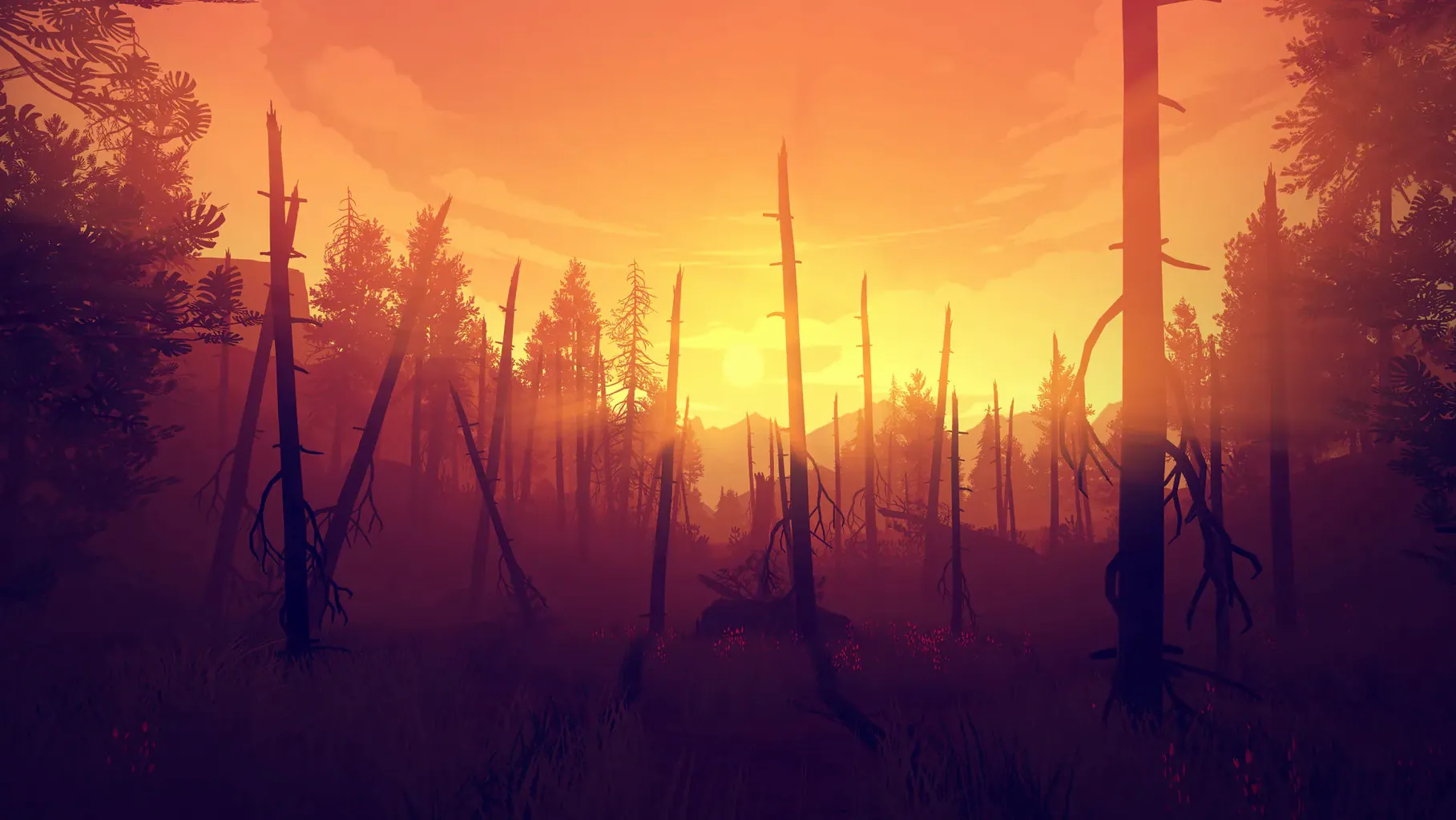
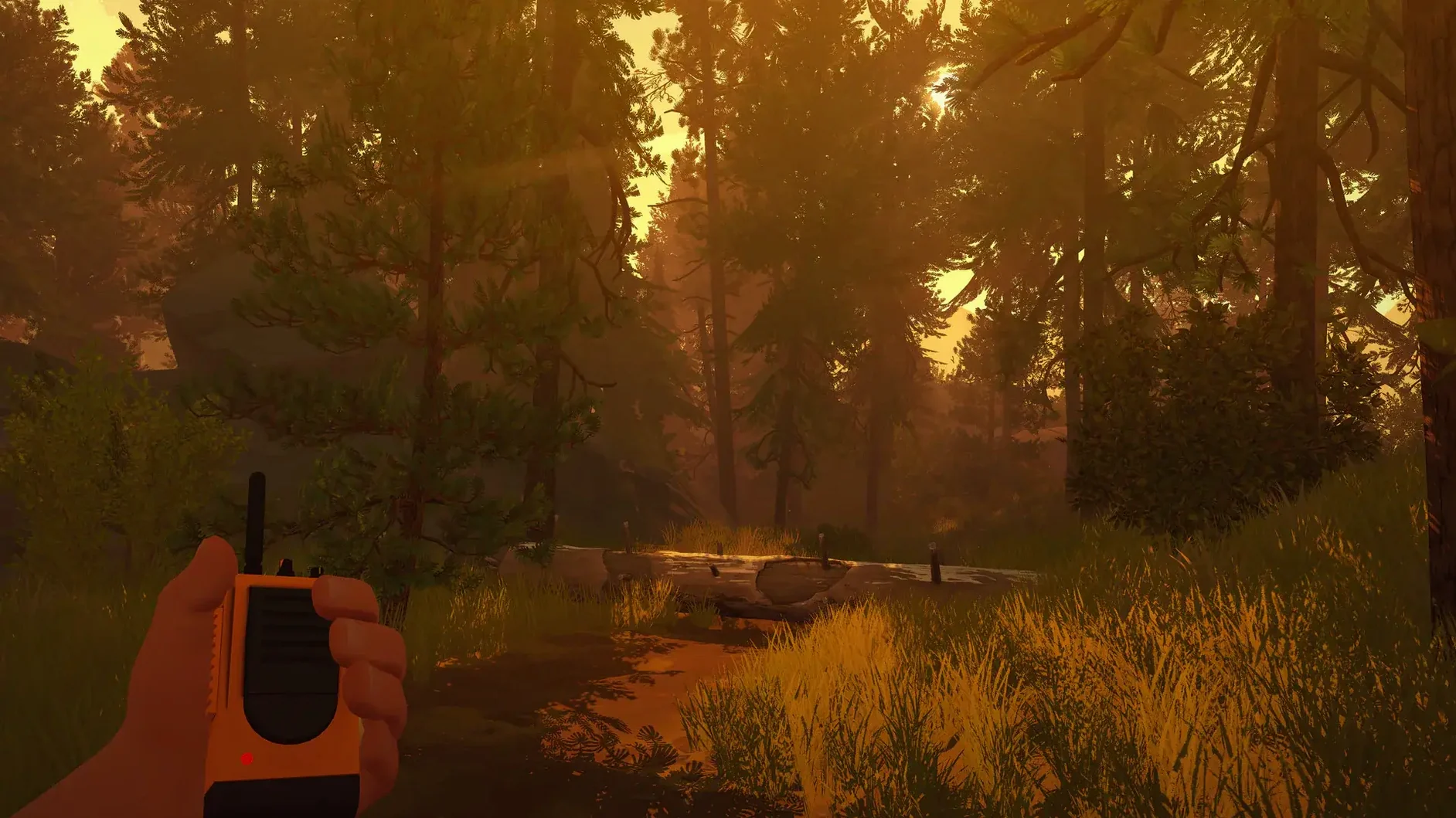
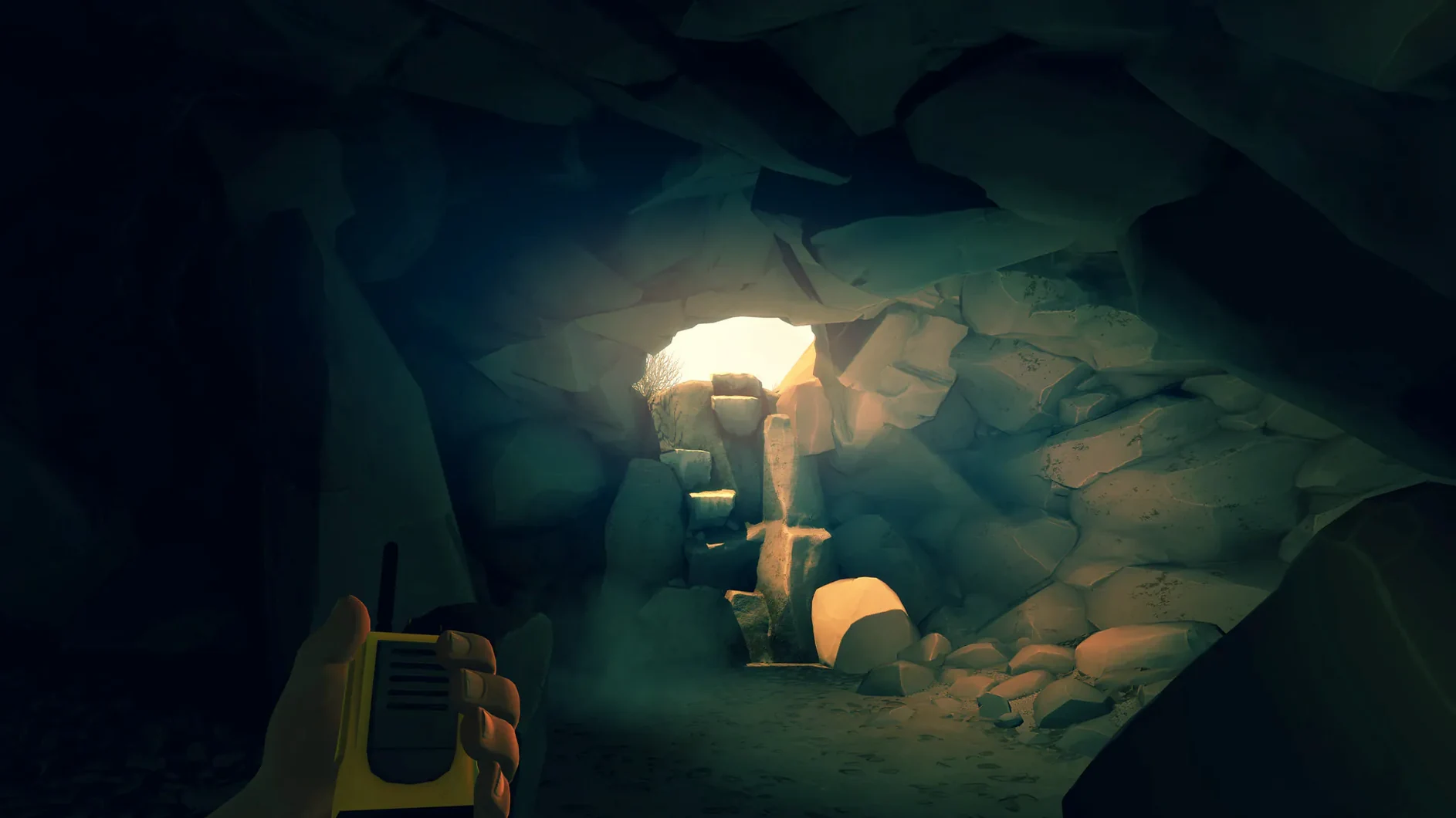
Firewatch runs on Intel-based Macs. I played through version 1.12a on a MacBook Air (M1, 2020) running macOS Sonoma without issues, so Rosetta 2 handles it fine. The game is a first-person mystery set in the Wyoming wilderness, and what you actually do minute to minute is closer to a walking simulator with purpose than an action game.
| Detail | Info |
|---|---|
| Developer | Campo Santo |
| Release date | 2016-02-09 |
| Current version | 1.12a |
| Architecture | Intel (runs via Rosetta on Apple Silicon) |
Your day-to-day work is simple: climb out of your lookout tower, hike through marked and unmarked trails, and talk to your supervisor Delilah over a handheld radio. The story kicks in when something odd pulls you deeper into the forest. Most of your time is spent navigating the terrain, reading maps, finding notes, and deciding how to answer Delilah’s questions. There are no combat sequences — just exploration, conversation choices, and a slowly unraveling mystery that makes every ridge and ravine worth walking.
How Firewatch Fits With macOS and Other Apps
Because Firewatch is a DRM-free download, it lives wherever you put it and launches without a launcher or background service. That matters when you keep a clean Mac: the game folder sits in Applications, and nothing else changes on your system. Uninstalling is a simple drag to the trash.
The game works well with macOS window management. You can run it in a windowed mode and keep a browser or notes app alongside — useful if you want to jot down map coordinates or references without tabbing out. The Escape key pauses the action and brings up the menu, which lets you switch tasks quickly without saving and quitting.
If you use a trackpad, the two-finger scroll gesture works for camera movement, though a mouse is more precise for the quick head-turns you make when scanning tree lines. Steam Overlay is absent here (this is a standalone build), so you won't get shift-tab interruptions — a plus if you prefer a focused session.
Screen recording via macOS's built-in tools works fine. I've captured clips of the forest walks without stutter, and the game doesn't fight with OBS or QuickTime screen recording. The audio output routes normally through your system's speakers or headphones; there is no proprietary audio layer that breaks Bluetooth headsets.
No More Workarounds on Sonoma
The 1.12a update is a maintenance release that addresses stability on newer operating systems. For everyday use, this means the game launches reliably on macOS Sonoma without the workaround steps earlier builds sometimes required. The save system is unchanged — autosave checkpoints at story beats, and you can manually save from the pause menu.
- Native support for Retina and high-DPI displays improved in this build. Text on menus and in-game notes renders clearly on the MacBook Air's 13-inch screen without scaling tweaks.
- Controller support remains consistent. An Xbox or PlayStation pad connects via Bluetooth and maps to the same button layout as the Windows version.
- Localization files were updated for German and French subtitles. The voice track stays in English regardless of your system language.
If you downloaded an earlier version from another source, 1.12a is the one to have. Earlier builds can show a black screen on Apple Silicon Macs; this version boots directly into the main menu.
No Fail States: Explore Without Fear
First-time players often treat it like a game with fail states. There are none. You cannot fall to your death, run out of stamina, or miss a time-limited objective. The only consequence of wandering off the trail is that you might miss a dialog prompt from Delilah, which she repeats if you don't answer.
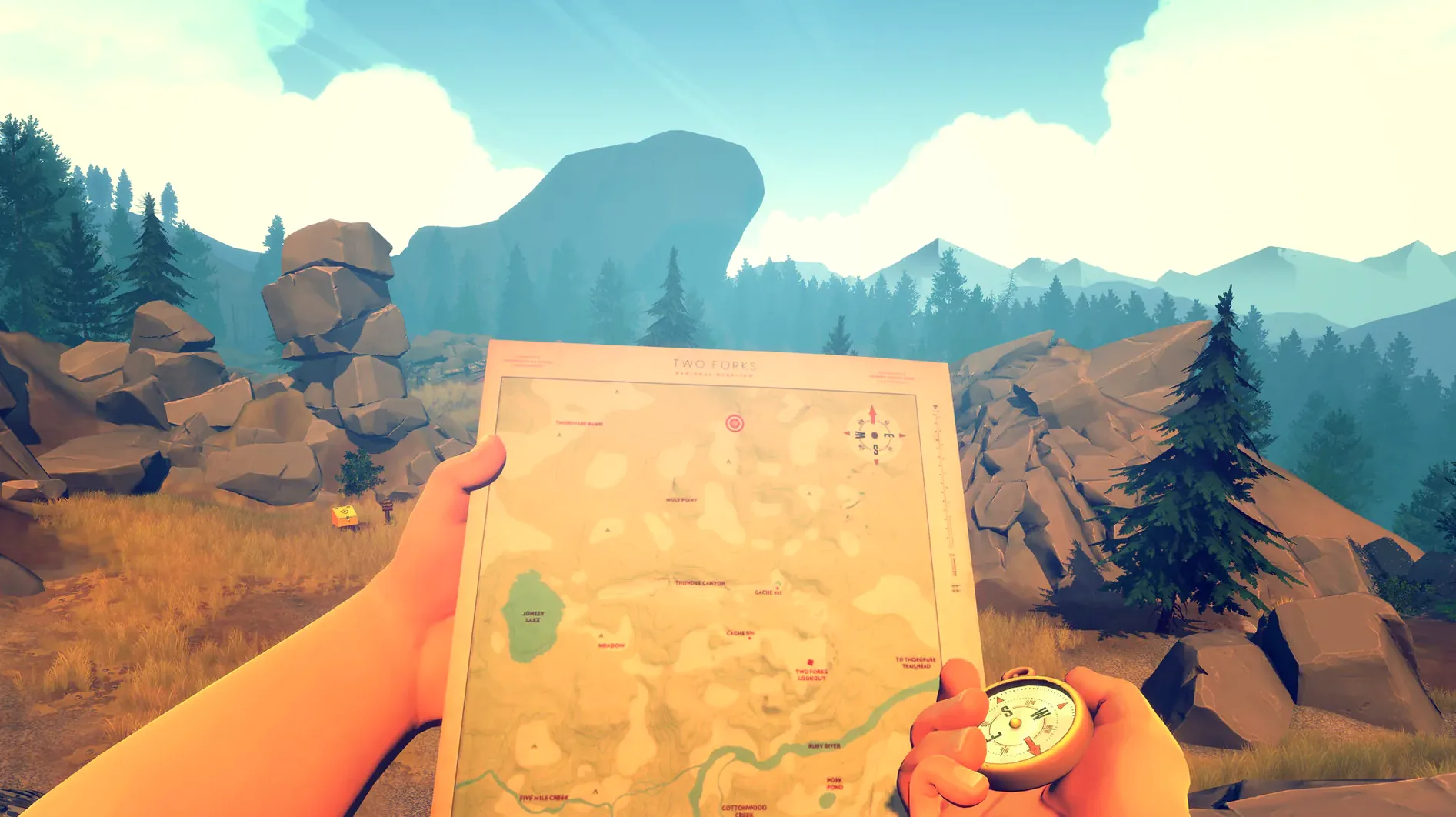
A common error is rushing through the opening tutorial. The game gives you a map and a compass early on, and skipping the tutorial text leaves some players confused about how to orient themselves. Take the thirty seconds to read the paper map — north is always at the top, and landmarks like the tower, lake, and lookout points are labeled. Without that, you'll circle the same ridge for ten minutes looking for a cutoff trail.
Another mistake is ignoring the radio. Delilah calls you at specific trigger points, and if you don't respond, the conversation thread closes permanently. You can miss story context this way. The radio icon appears in the upper-left corner when she's speaking; press the assigned key (default R on keyboard, or a face button on controller) to reply.
New players also underestimate how much the dialog choices matter. The game does not announce relationship meters or branching paths. A sarcastic reply early on changes Delilah's tone for the rest of the chapter. If you want a warmer story, pick the patient, curious answers. If you want to see what a tense partnership looks like, choose the blunt ones. Both playthroughs are valid, but beginners who pick randomly sometimes wonder why Delilah sounds hostile later — it's because of those early choices.
Finally, don't ignore the environmental details. In a firewatch torrent download scenario, some players skip the notes, maps, and photographs scattered in cabins and campsites. These aren't filler. They contain backstory that explains the mystery. If you only follow the waypoint marker, you'll finish the game in about two hours with half the story missing. The real content is in the things you stop to read.
For a firewatch mac torrent download, the game runs as a self-contained folder. Beginners sometimes move the game folder after installation, which breaks the executable's path. If you install to Applications, leave it there. Relocating it later means you need to re-run the installer or manually update the launch shortcut.
No release notes filed for 1.12a. They are added here when a build changes how the program behaves.
| Processor | Intel 64-bit |
|---|---|
| Download | 2.1 GB |
- macOS (exact version unknown; works on Sonoma via Rosetta)
- Intel processor (Apple Silicon supported through Rosetta 2)
Questions about Firewatch
Does Firewatch support Apple Silicon natively?
No, version 1.12a runs on Intel architecture. On Apple Silicon Macs it works through Rosetta 2 without problems.
How to install, in order
- Follow the standard installation procedure.
- Choose the install location at the end of setup.
- Applications is the recommended install folder.
Comments and corrections 0
Sign in or open a free account to leave a comment.
No comments or corrections yet.