
Fears to Fathom: Episode 5 - Woodbury Getaway 1.11 — download for Mac
Games Updated
Drops you into an episodic horror where you survive a cult encounter in a remote cabin.
Screenshots
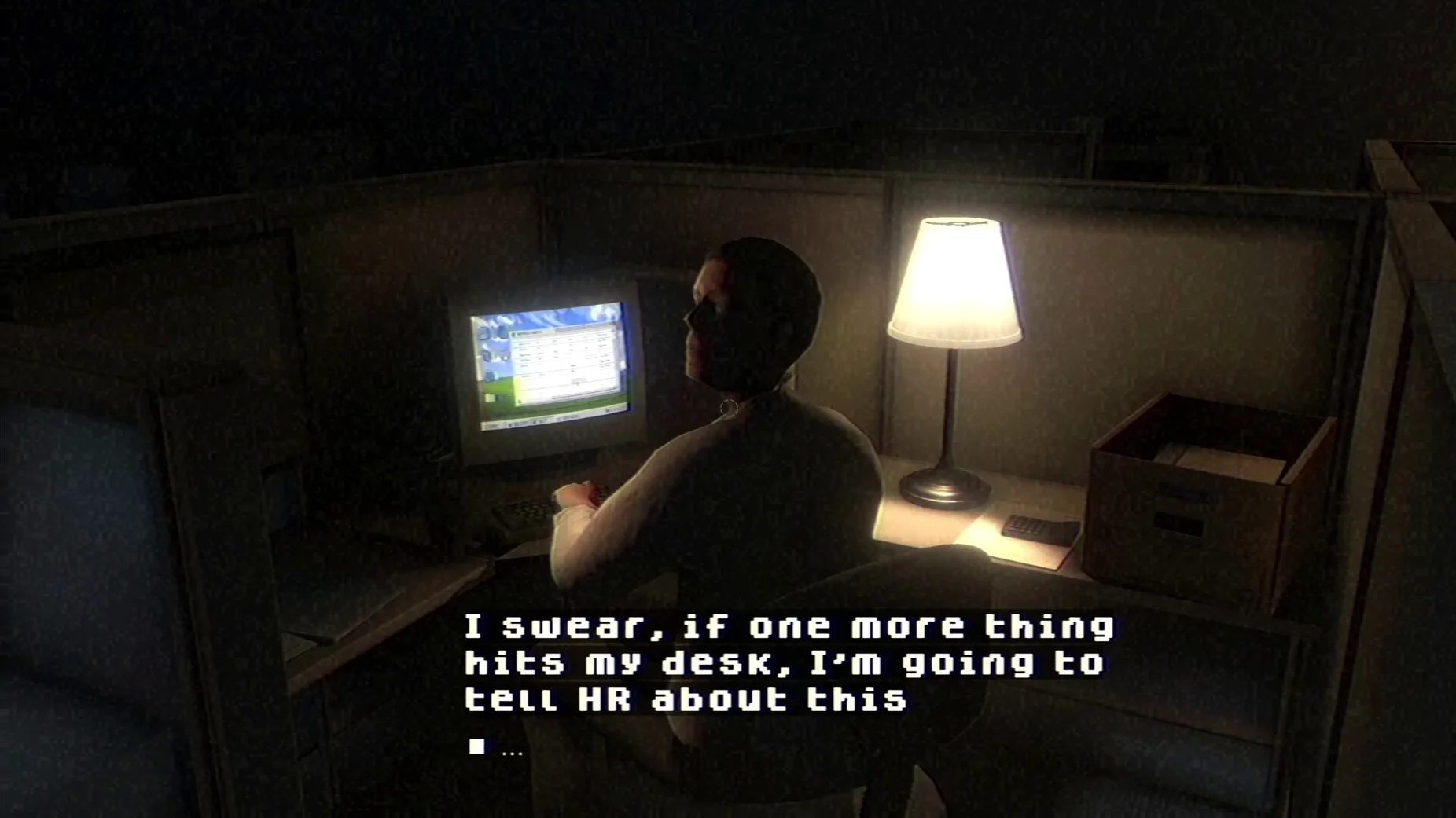
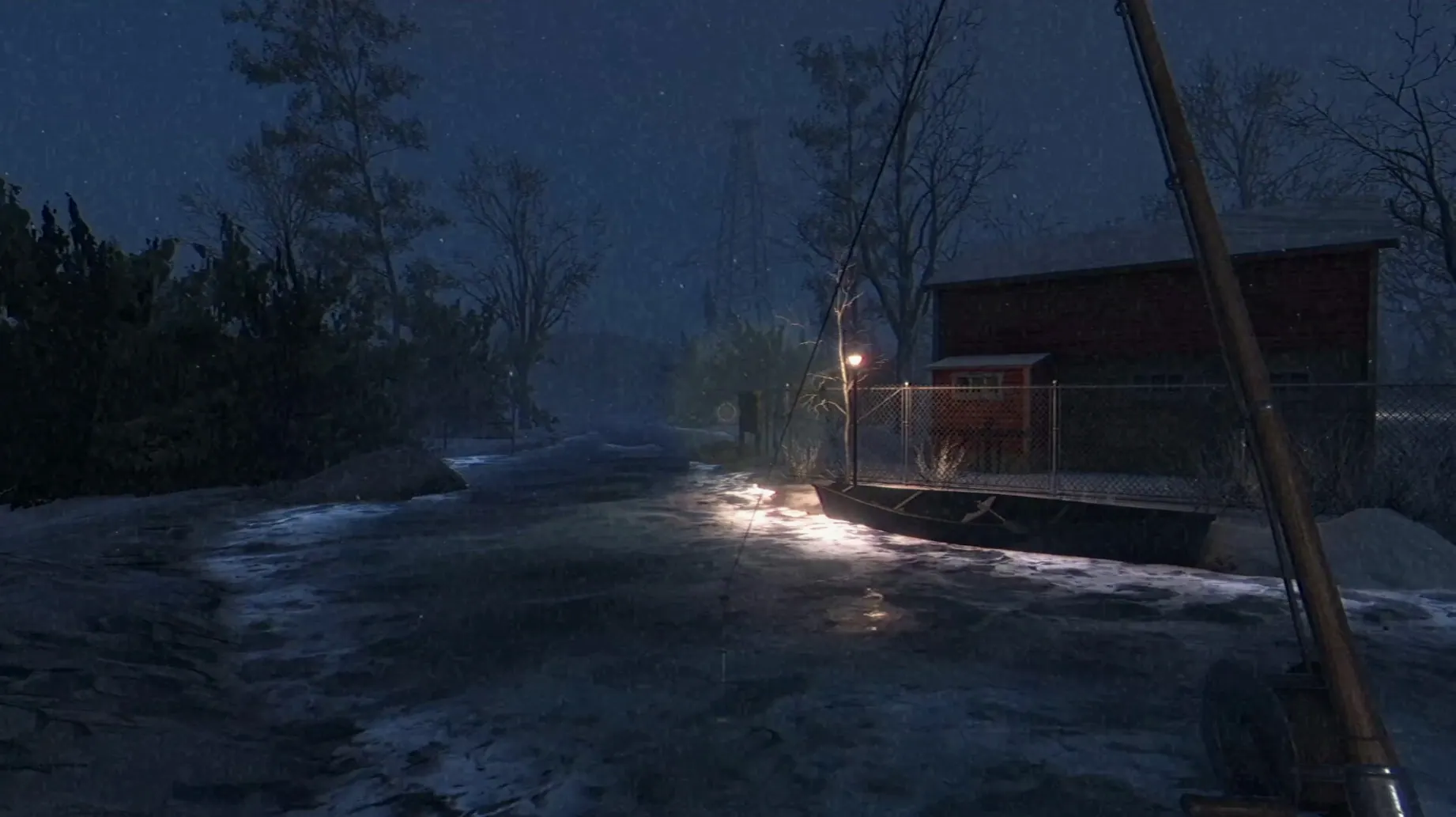
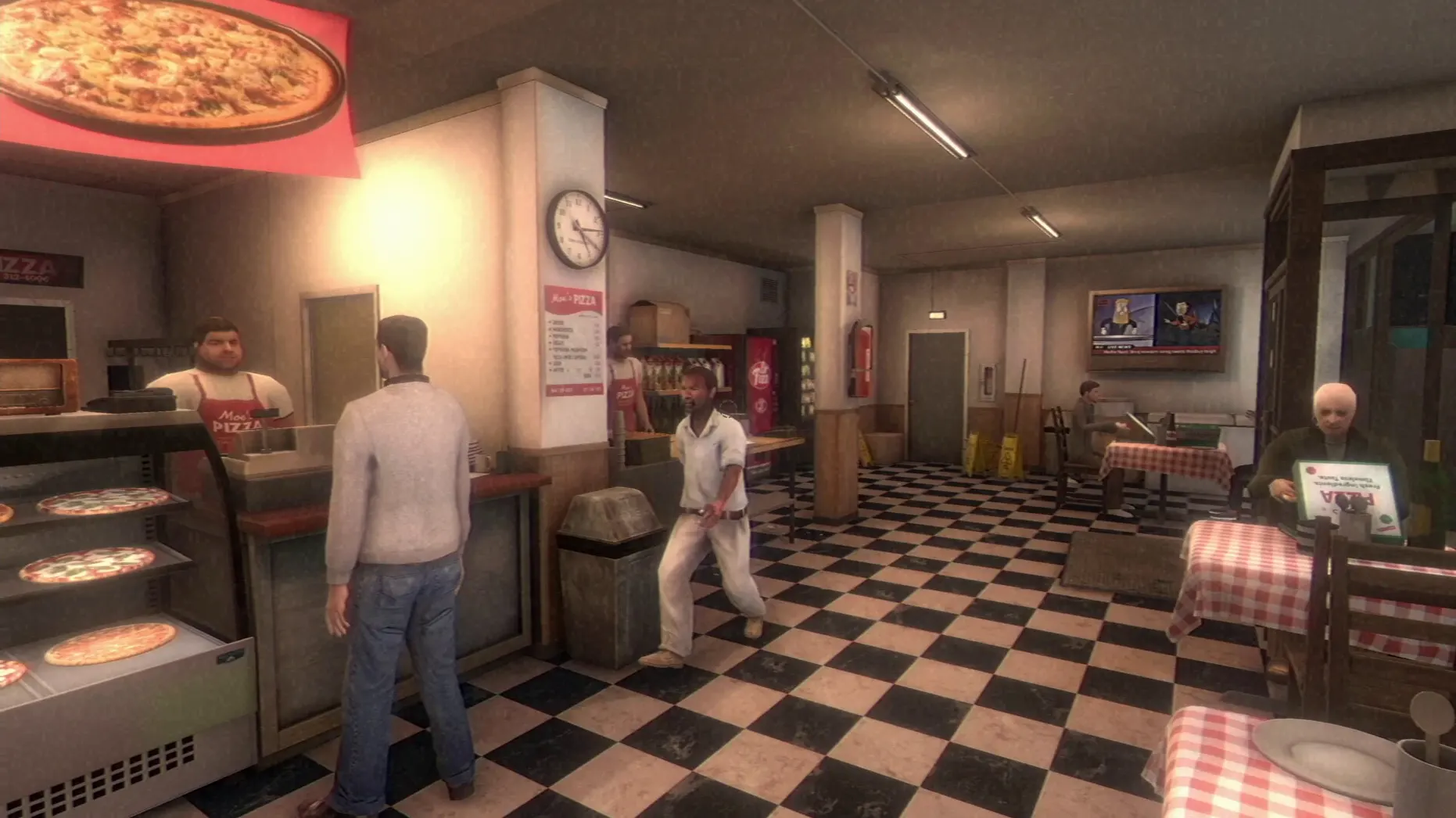

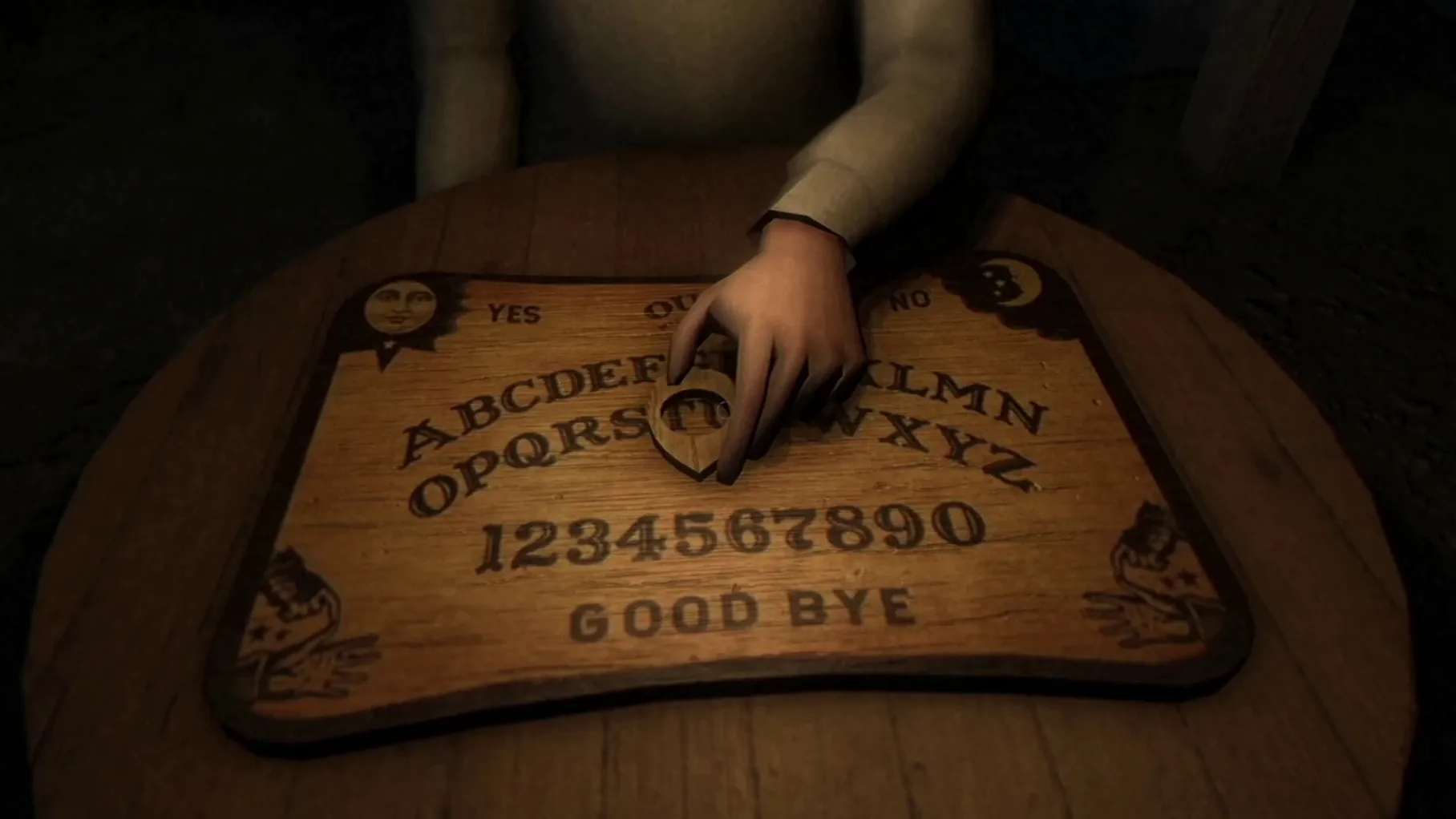
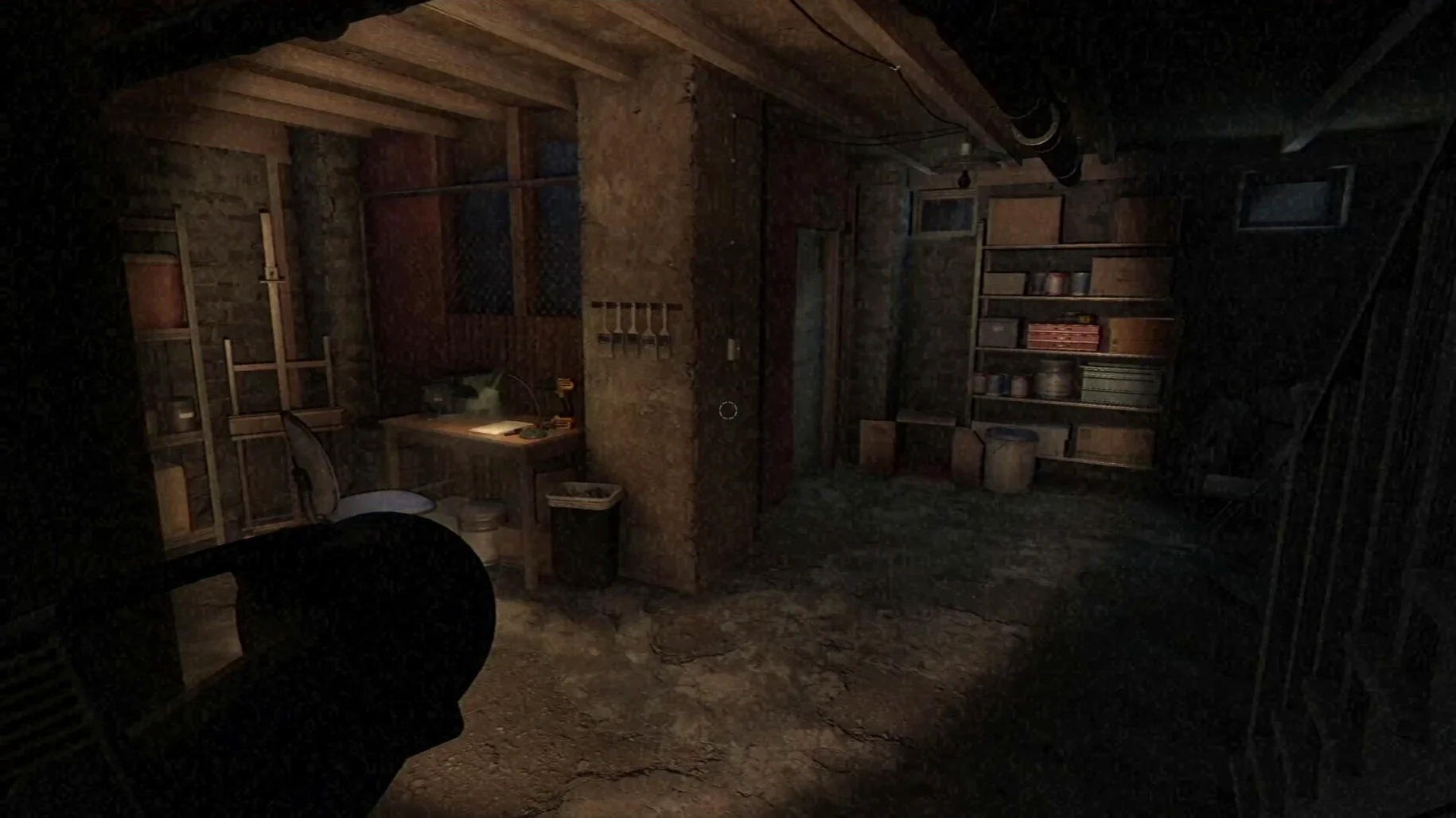
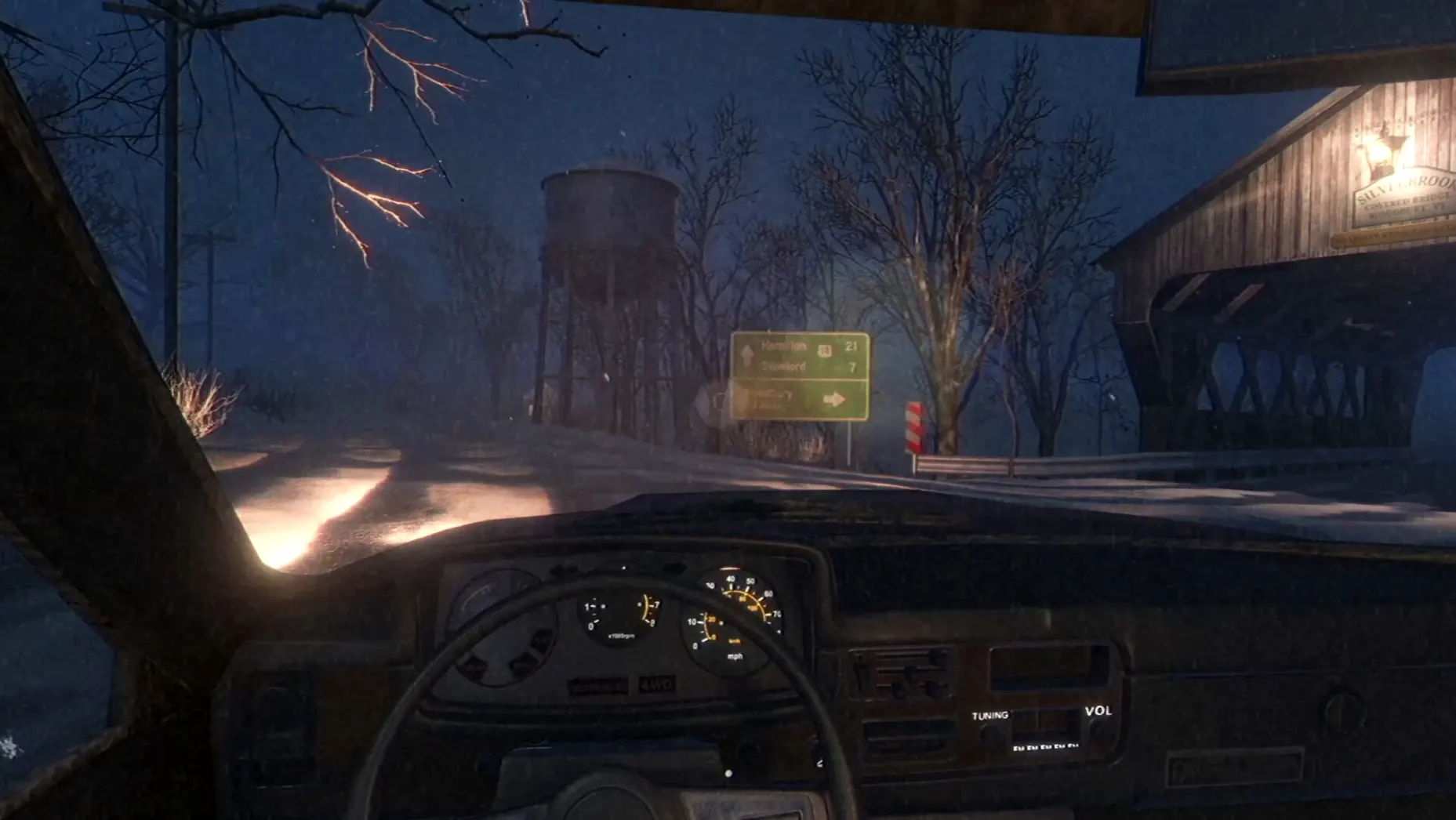
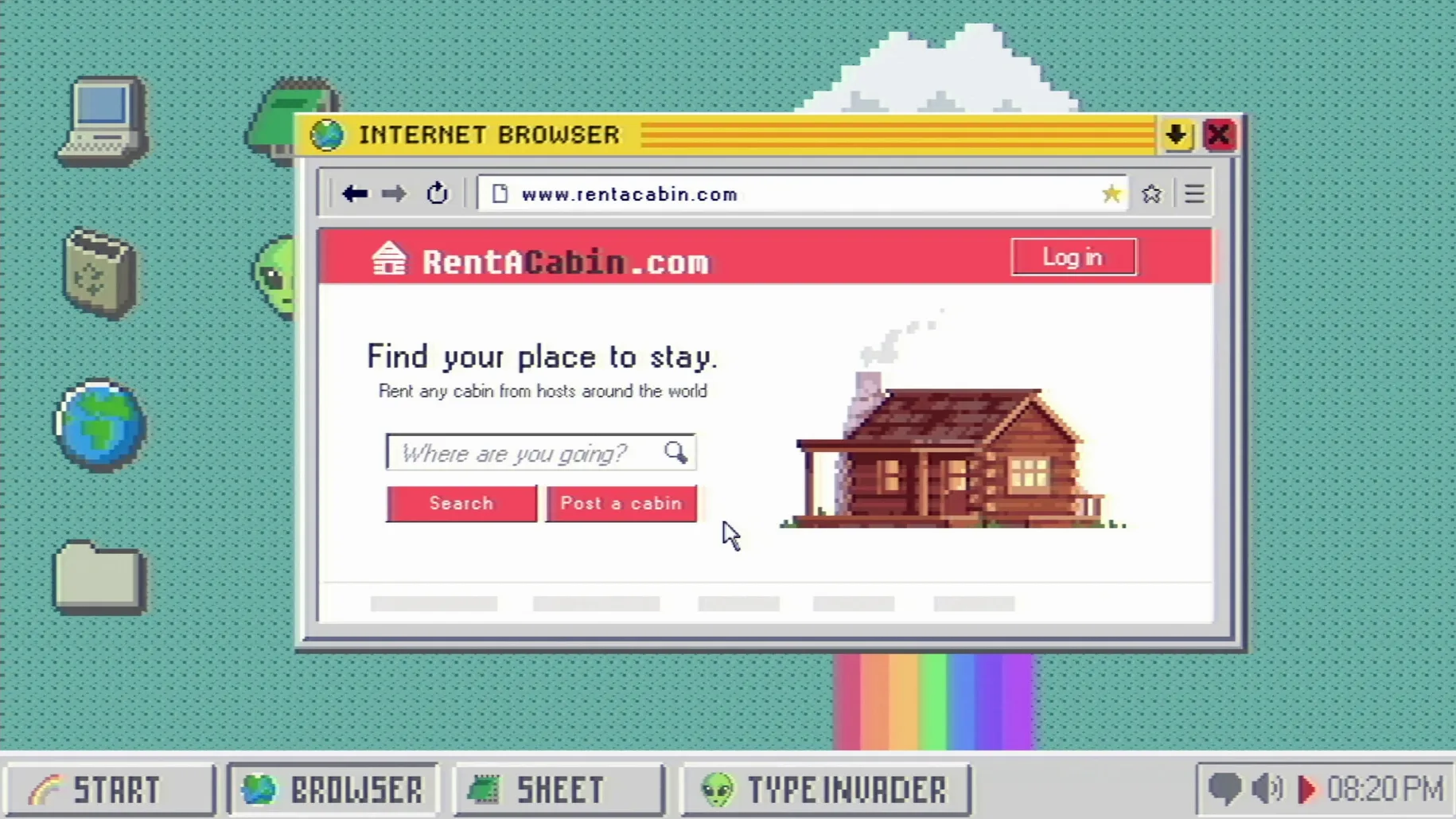
Players who follow episodic horror will find that Fears to Fathom: Episode 5 - Woodbury Getaway stays true to the series formula while refining the delivery. The current build (version 1.11) runs on Apple Silicon Macs via Wineskin, and the developer, Rayll Studios, has kept the focus on the survivor-told short story format that defines the series.
M3 Pro Mac Tested on Sequoia
- Version 1.11 is the latest stable release — no new content added, but the build is tested on macOS Sequoia with an M3 Pro MacBook Pro.
- You control Sydney Harper, a 23-year-old consulting firm employee, through a weekend trip that turns into a psychological horror event.
- The game still uses VHS-style visuals and text messages from NPCs to build tension.
Survivor's Tale in Seven Languages
The core experience hasn't changed: this is a single-player horror episode told from a survivor's perspective. The interface languages remain Russian, English, German, Spanish, Portuguese, French, and Japanese. The install method uses a disk image with a Fix file for launch errors — same approach as earlier episodes. For anyone who values narrative-driven horror with a retro visual filter, this version delivers what the series is known for, without unnecessary tweaks.
How Woodbury Getaway Compares to Similar Mac Horror
For Mac users who play psychological horror, the options are narrower than on Windows. Fears to Fathom: Episode 5 sits alongside games like The Mortuary Assistant and Iron Lung in the sense that all three rely on atmosphere rather than combat. The Mortuary Assistant leans into jump scares and inventory management, while Iron Lung uses a cramped submarine cockpit for its tension. Woodbury Getaway differentiates itself with the VHS aesthetic and the episodic survivor-narrator structure. The text messages from NPCs give it a contemporary digital unease that the other two don't replicate. It is also shorter — a single weekend scenario you can finish in a sitting — which suits players who want a contained horror experience without commitment to a longer campaign.
Wineskin Load Times on Apple Silicon
New players often wonder if the Wineskin wrapper affects performance. The answer depends on your Mac model. On Apple Silicon machines, the game runs through translation layers, which means it may take a few seconds longer to load than a native build, but the photorealistic graphics and voice input work as expected. Another frequent question is whether you need to play earlier episodes first. You do not. Each episode is a self-contained story told by a different survivor, so starting with Episode 5 will not leave you lost on the plot. Players also ask about controller support. The game is designed for keyboard and mouse, though some have used gamepads with mapping software; the install steps do not cover that setup, so be prepared to test it yourself.
Fix File Fixes the First-Run Error
The most common error is skipping the Fix file after a failed launch. The disk image includes a Fix utility for a reason — if the game shows an error on first run, running that file resolves it. Dragging the app to Applications and opening it without the Fix step is the usual cause of frustration. Another mistake is ignoring the text messages. New players sometimes treat them as flavor, but they contain clues about the story and the environment. Also, do not assume the VHS filter is purely cosmetic; it alters how you perceive lighting and shadow, which matters in a game built on atmosphere. Finally, a few users try to install the game from the disk image while it is still mounted for other tasks, which can cause file conflicts. Unmount and re-mount cleanly before dragging the app folder.
No release notes filed for 1.11. They are added here when a build changes how the program behaves.
| Processor | Apple Silicon |
|---|---|
| Download | 4 GB |
- macOS (version not specified)
- Apple Silicon
- Wineskin (included in the build)
How to install, in order
- Open the downloaded disk image.
- Drag the app to the Applications folder alias.
- After copying finishes, open the app from Launchpad.
- If the game shows an error on launch, run the Fix file from the disk image.
Comments and corrections 0
Sign in or open a free account to leave a comment.
No comments or corrections yet.