Farmer's Life 1.1.6 — download for Mac
Games Updated
Runs an open-world farm where you raise animals, grow crops, and maintain machinery.
Screenshots
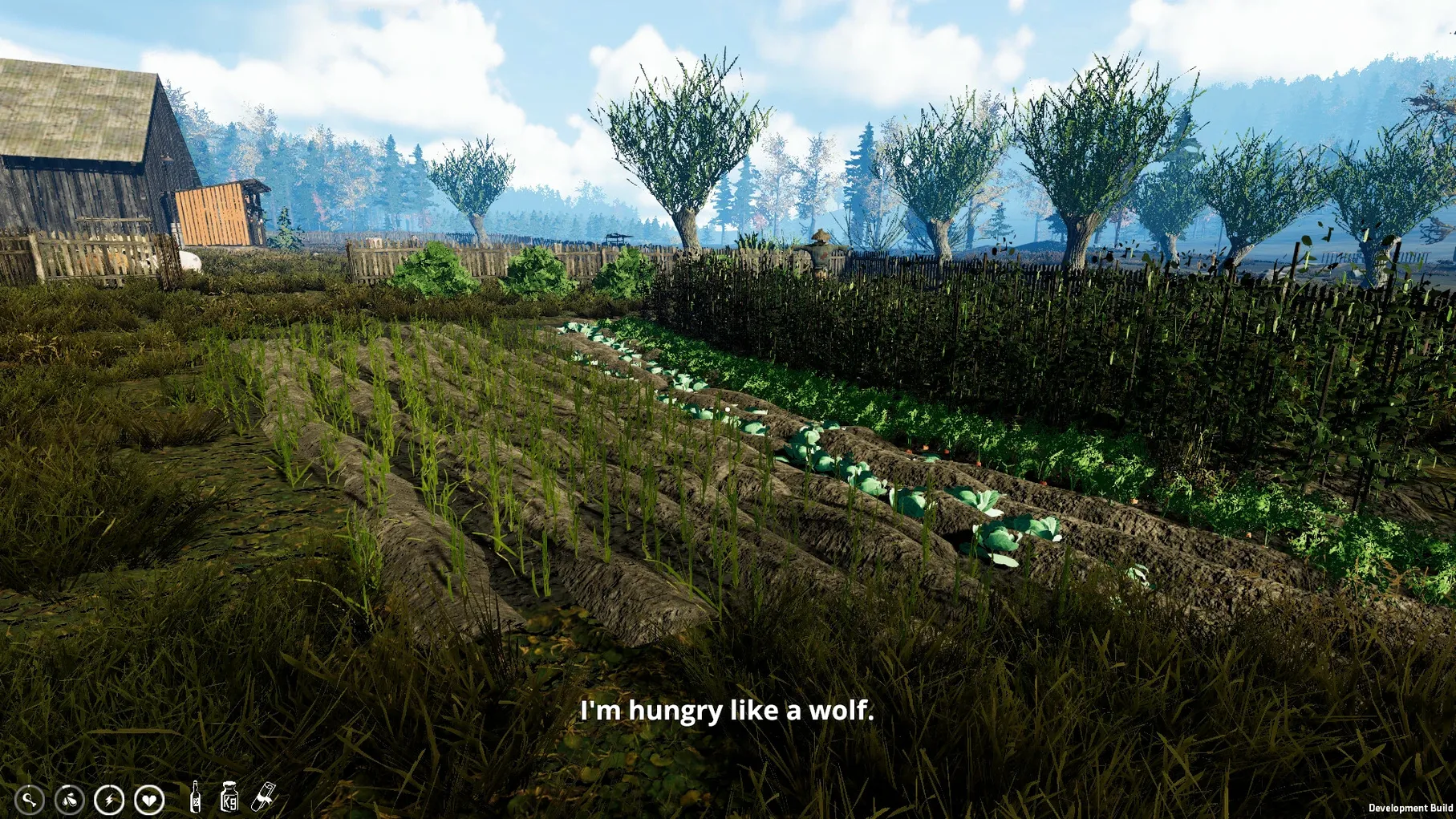
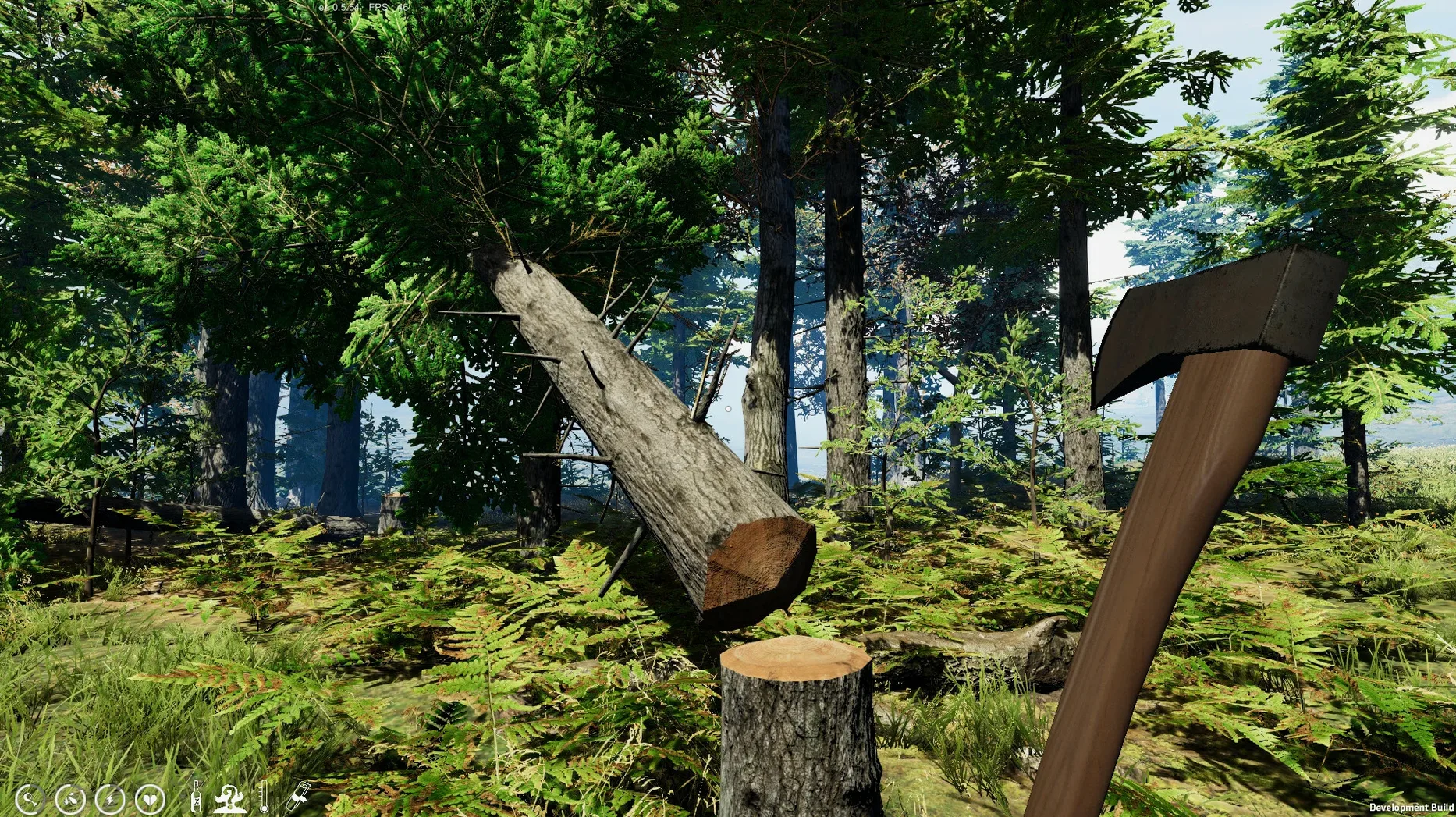
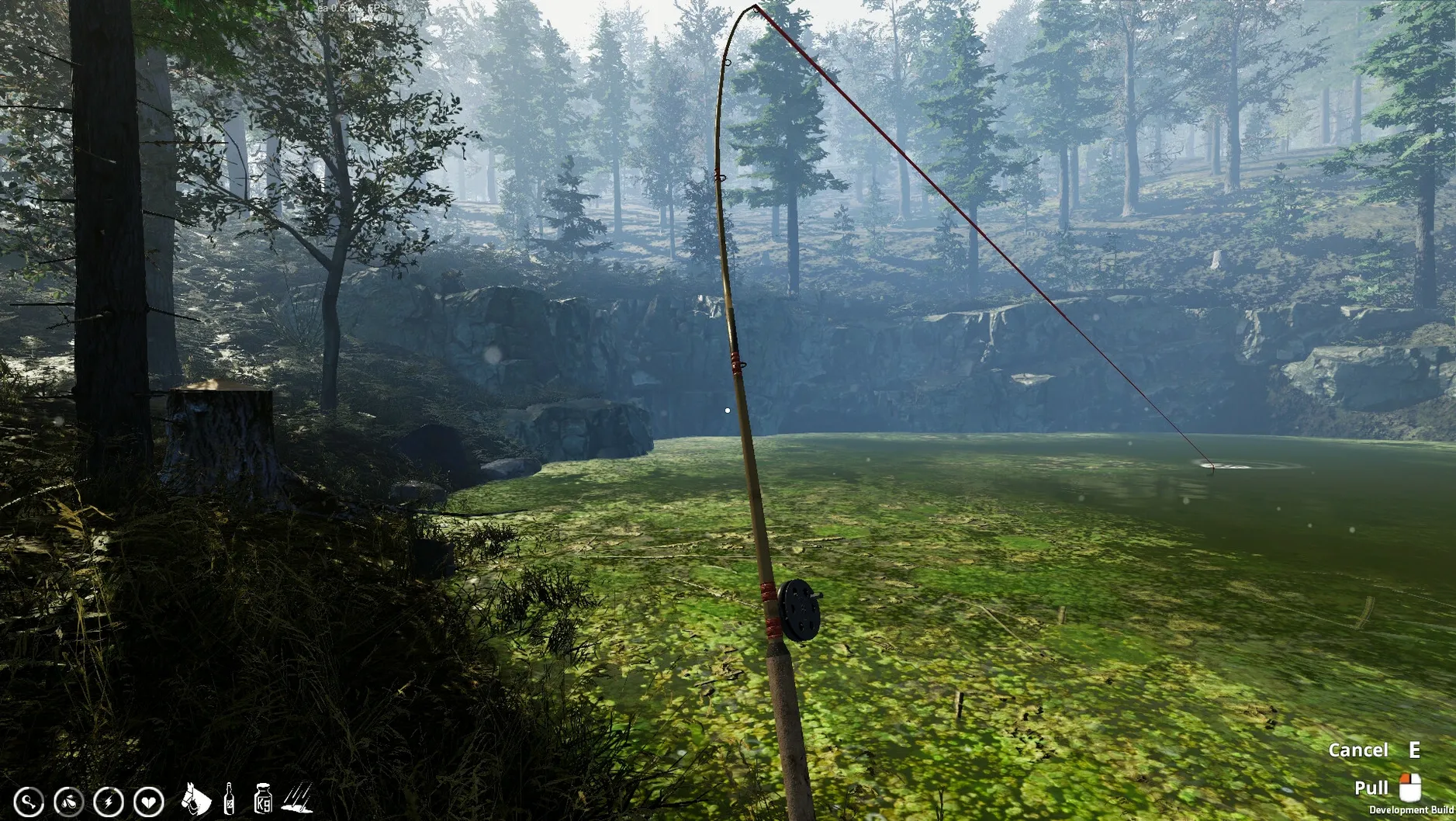
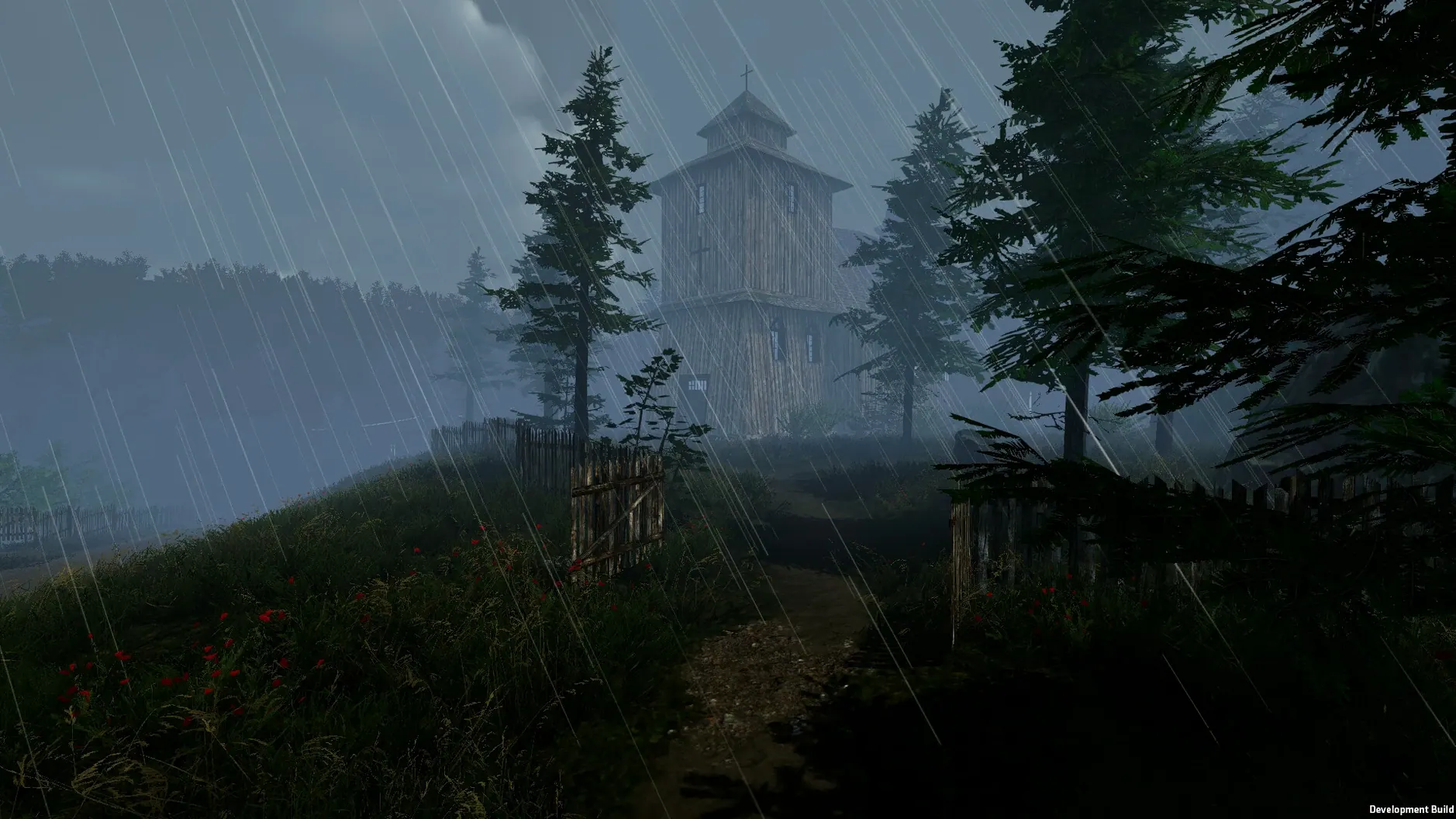
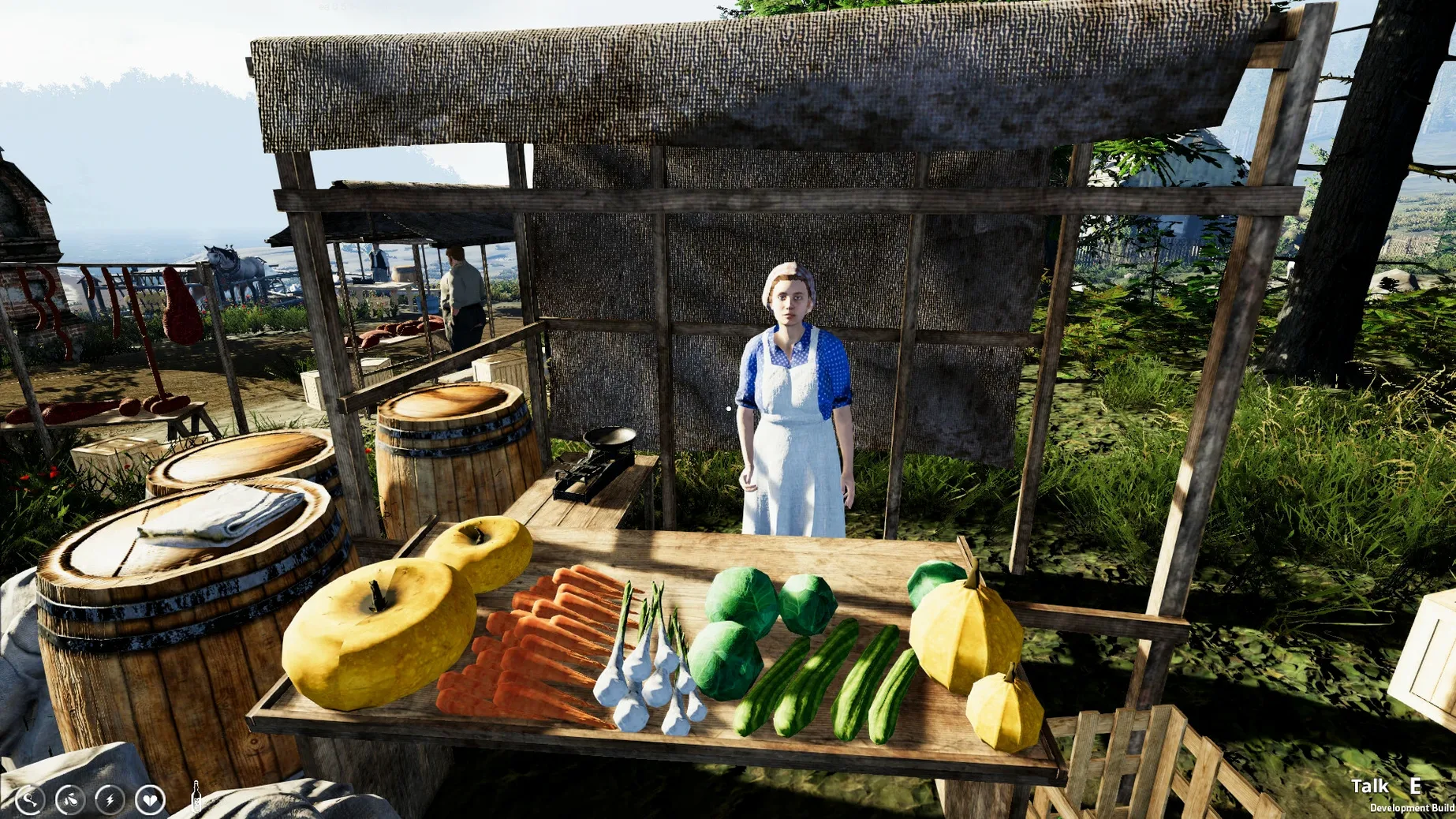
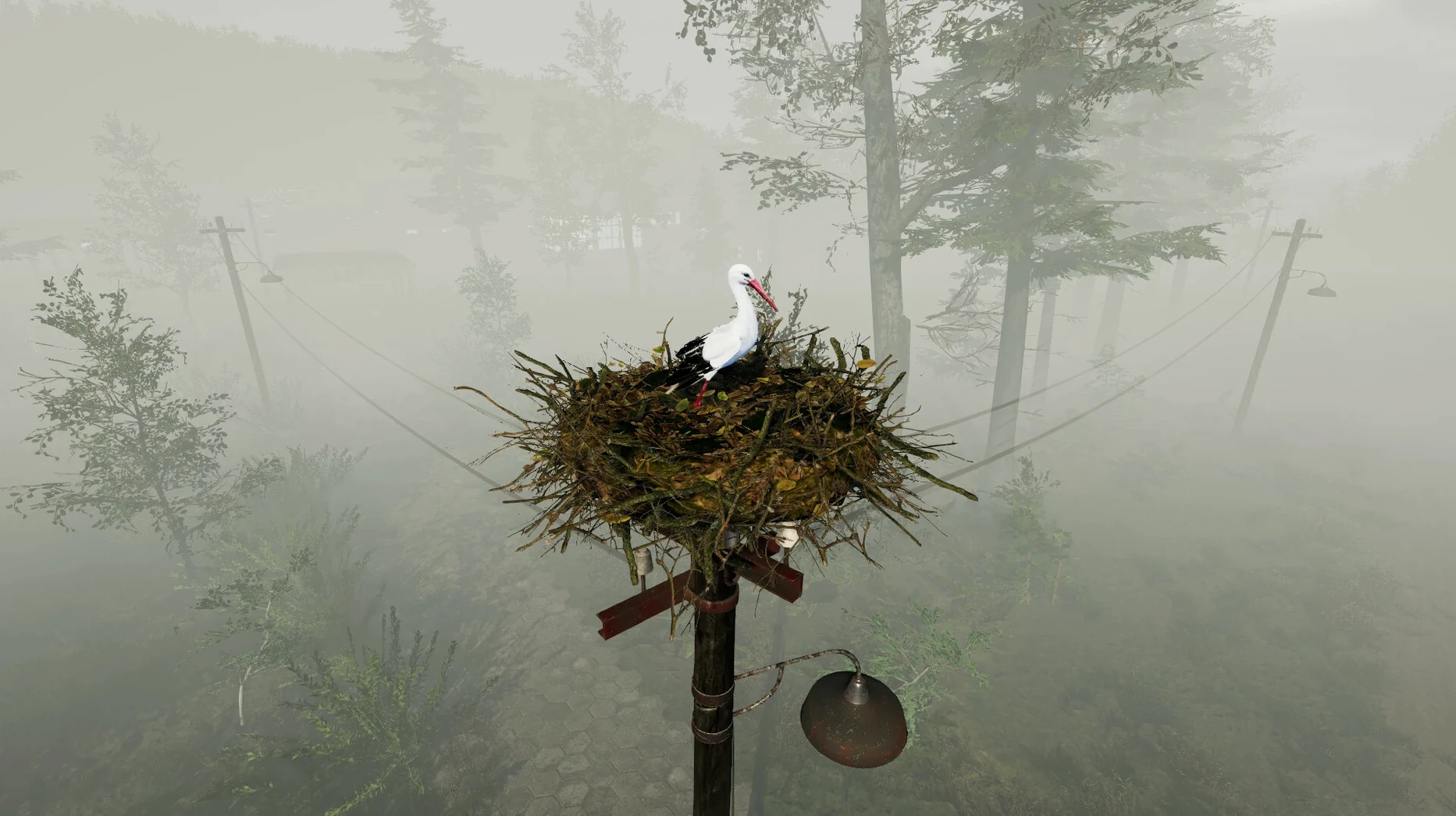
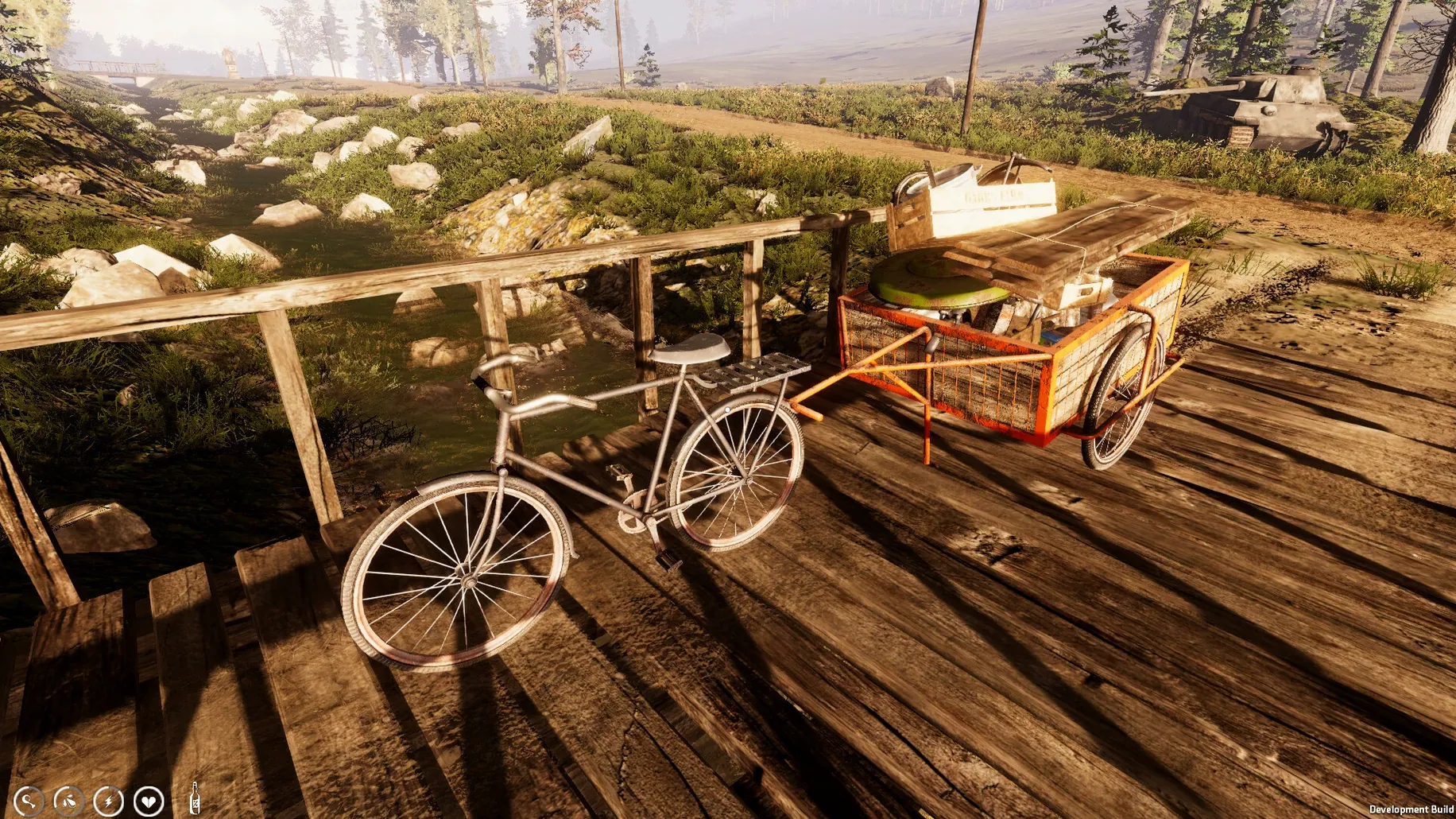
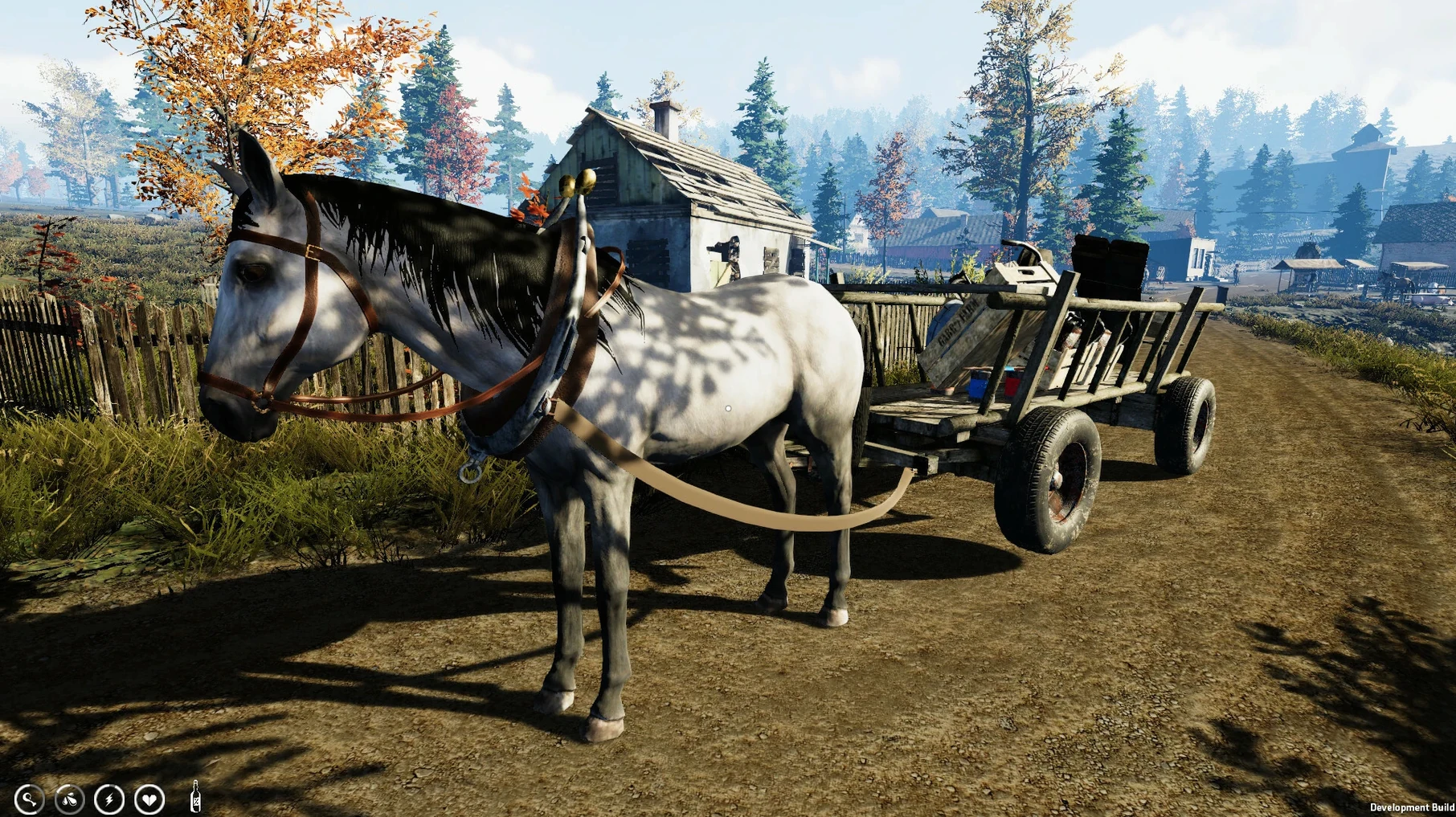
Farmer's Life runs on Apple Silicon Macs only — tested on a Mac mini 2024 M4 and macOS Tahoe. It's an open-world farming simulation where you start with little and work up to a full spread of animals, machines, and crops. Here is what you actually do, minute to minute, once the game loads.
1. Gather Resources from the Wild
Your first hour is about collecting. Walk or ride a bicycle through the open world and pick raspberries, blueberries, mushrooms, and wood. Crack eggs from nests, collect honey from hives. This is your starting income and your food supply.
2. Tend the Animals
Once you have a few animals — chickens, pigs, goats, sheep, cows, or horses — you need to feed them, clean their pens, and collect eggs or milk. Each species has its own routine, and you will juggle them as the herd grows.
3. Operate the Machines
Farming machines come later. You use a mower for grass, a plow and seeder for planting, a spreader for fertilizer. An excavator digs and moves earth. The tractor pulls most attachments. Each machine has its own controls and fuel management.
4. Cook and Sell
Use the horse cart or motorcycle to haul produce to town. The motorcycle is faster but carries less.
The loop is simple: gather, tend, machine, cook, sell. Upgrade vehicles and expand your farm as money comes in. That's the daily work in Farmer's Life.
Wineskin Wrapper Launch
This release is built as a Wineskin wrapper, which means it handles the Windows‑native game files through a compatibility layer rather than a native macOS port. In everyday use, that translates to a few practical differences. The game launches from a standard macOS application icon, not a terminal command. If you see an error on first launch, the disk image includes a Fix file — run that once, and the game should start correctly afterward. No activation key is required, so after installation you go straight to the main menu. The language selection lives inside the game settings under the Game or Gameplay section, with fourteen text languages and two voice languages (English and Polish) to choose from.
ARM Native on M4 Macs
Farmer's Life is compiled for ARM architecture and has been tested on macOS Tahoe and a Mac mini 2024 M4. That means it runs on Apple Silicon hardware — no emulation layer for the processor. The game loads from a mounted disk image, then you drag the app into your Applications folder alias. Total install space is moderate for an open‑world title, though the exact size depends on the disk image. Because the build uses Wineskin, system resources are managed through that compatibility layer; background tasks like large file transfers or video rendering may affect responsiveness while the game is open.
Black Screen? Run the Fix File
- After copying the game to your Applications folder, open Launchpad and click the Farmer's Life icon. If the window stays black or shows an error, close it, locate the Fix file inside the mounted disk image, and run it. Then relaunch.
- Set your language before starting a new game. Open the settings panel (Game or Gameplay section) and pick English, Russian, German, Spanish, Italian, French, Polish, Portuguese, Turkish, Hungarian, Czech, Simplified Chinese, or Korean. Voice stays in English or Polish regardless of text language.
- Spend the first in‑game day gathering wood, raspberries, blueberries, and mushrooms. These resources are free and sell quickly at the trading market. Avoid buying animals until you have a steady food supply from foraging — poultry eats less than cows or horses early on.
- Build a small fence and a shed before winter. Seasonal changes affect crop growth and animal health, so basic shelter protects your starter livestock through cold months.
- Keep the game saved before attempting a hunt. Foxes, boars, deer, and bears roam the map, and hunting them yields meat and materials, but a poorly aimed approach can drain your health bar fast.
- If you plan to brew and sell alcohol later, stockpile honey and raspberries from the first week.
No release notes filed for 1.1.6. They are added here when a build changes how the program behaves.
| Processor | Apple Silicon |
|---|---|
| Download | 4.6 GB |
- Apple Silicon Mac (ARM architecture)
- macOS Tahoe or later (tested on this version)
- Tested on Mac mini 2024 M4
Questions about Farmer's Life
Can I change the language in Farmer's Life?
Yes. Go to the game settings under the Game or Gameplay section and pick from one of the supported languages.
What vehicles are available in the game?
You can use a bicycle, horse cart, tractor, and motorcycle. Each has different speed and cargo capacity.
Does the game include cooking?
Yes.
How to install, in order
- Mount the downloaded disk image and drag the app into the Applications folder alias.
- After copying finishes, launch the app from Launchpad.
- If the game shows an error at launch, run the Fix file in the disk image.
Comments and corrections 0
Sign in or open a free account to leave a comment.
No comments or corrections yet.