Football Manager 2026 26.3.2 — download for Mac
Games Updated
Lets you manage a football team with reworked tactics and squad tools.
Screenshots
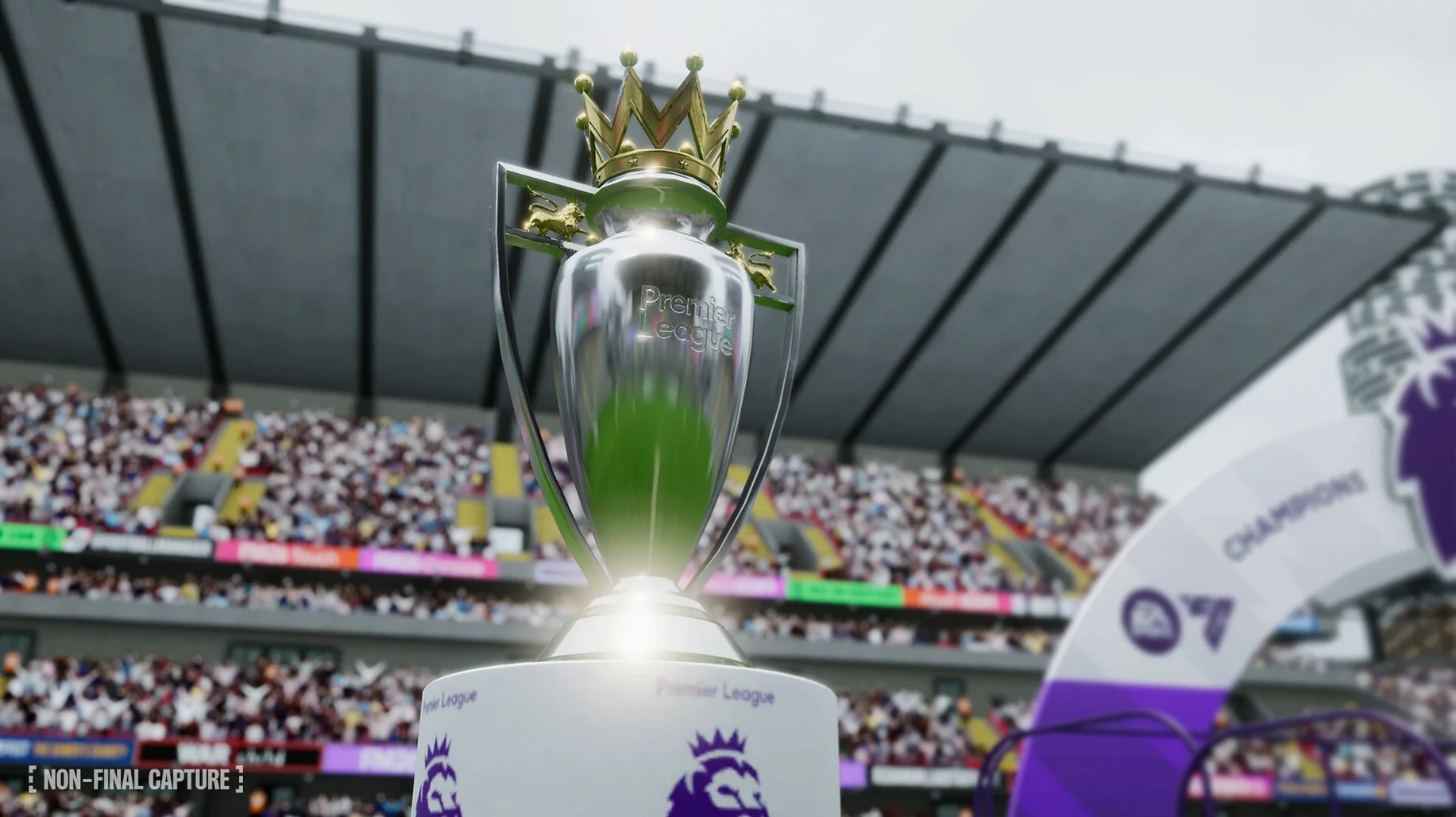
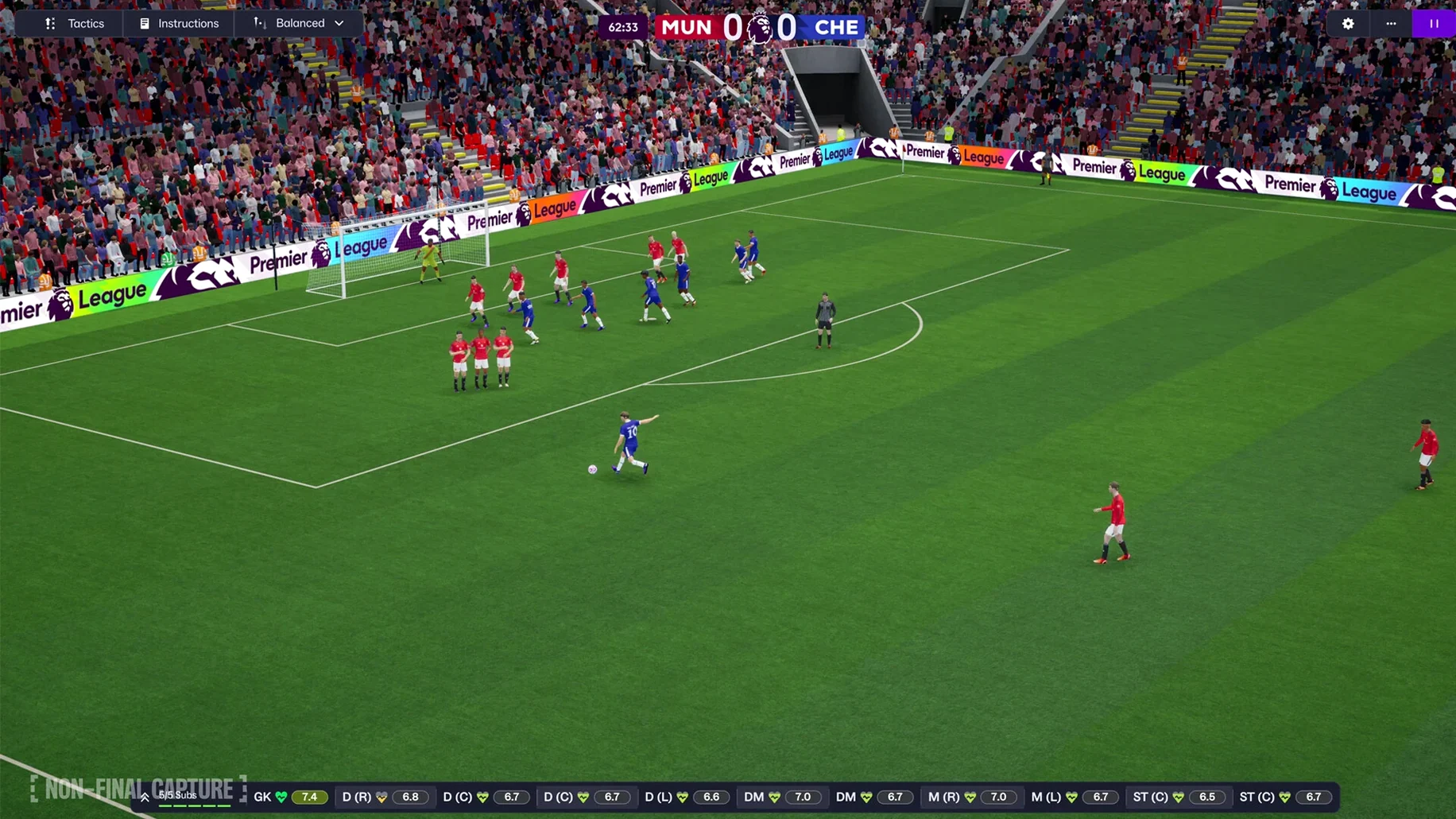
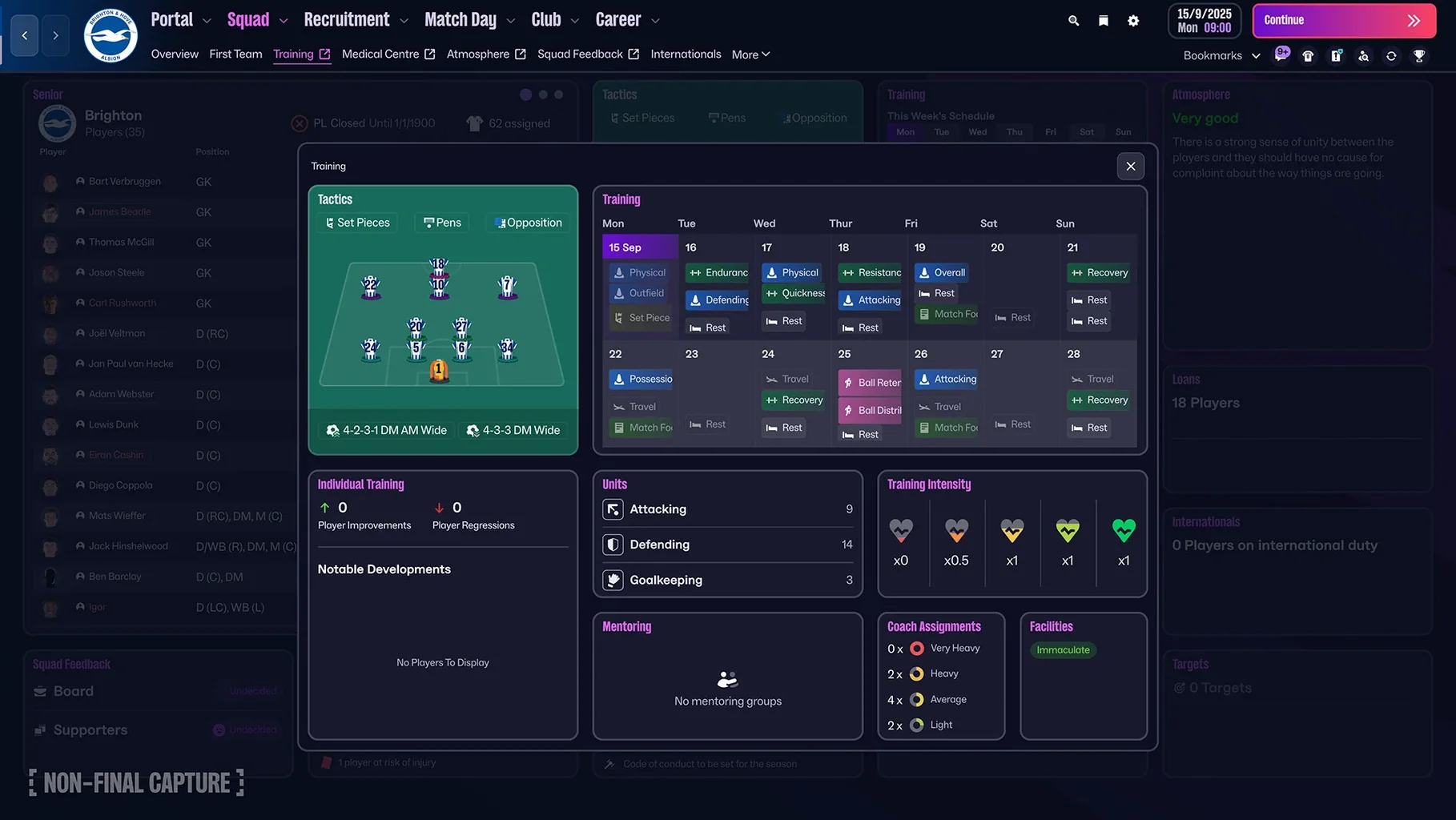
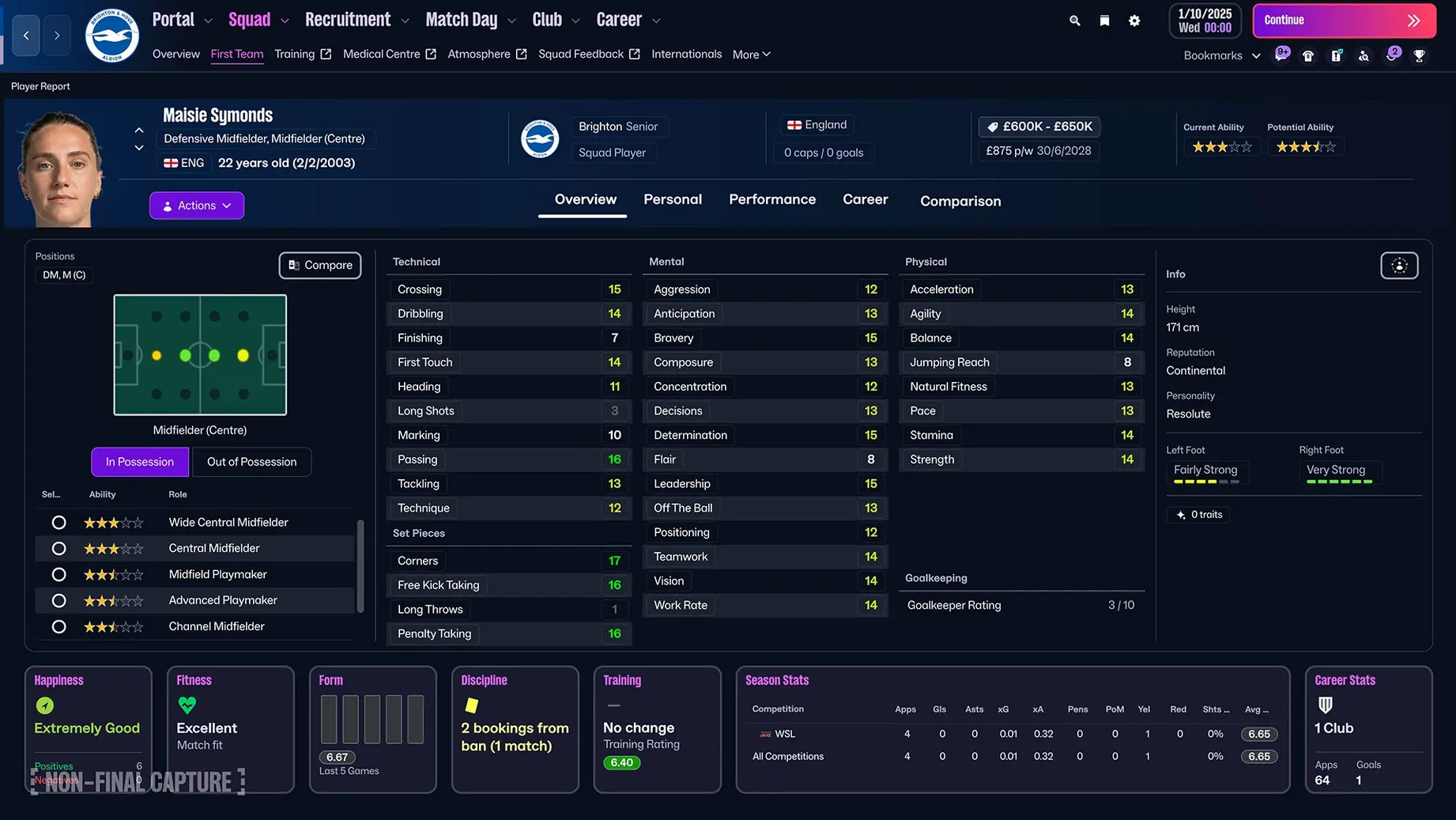
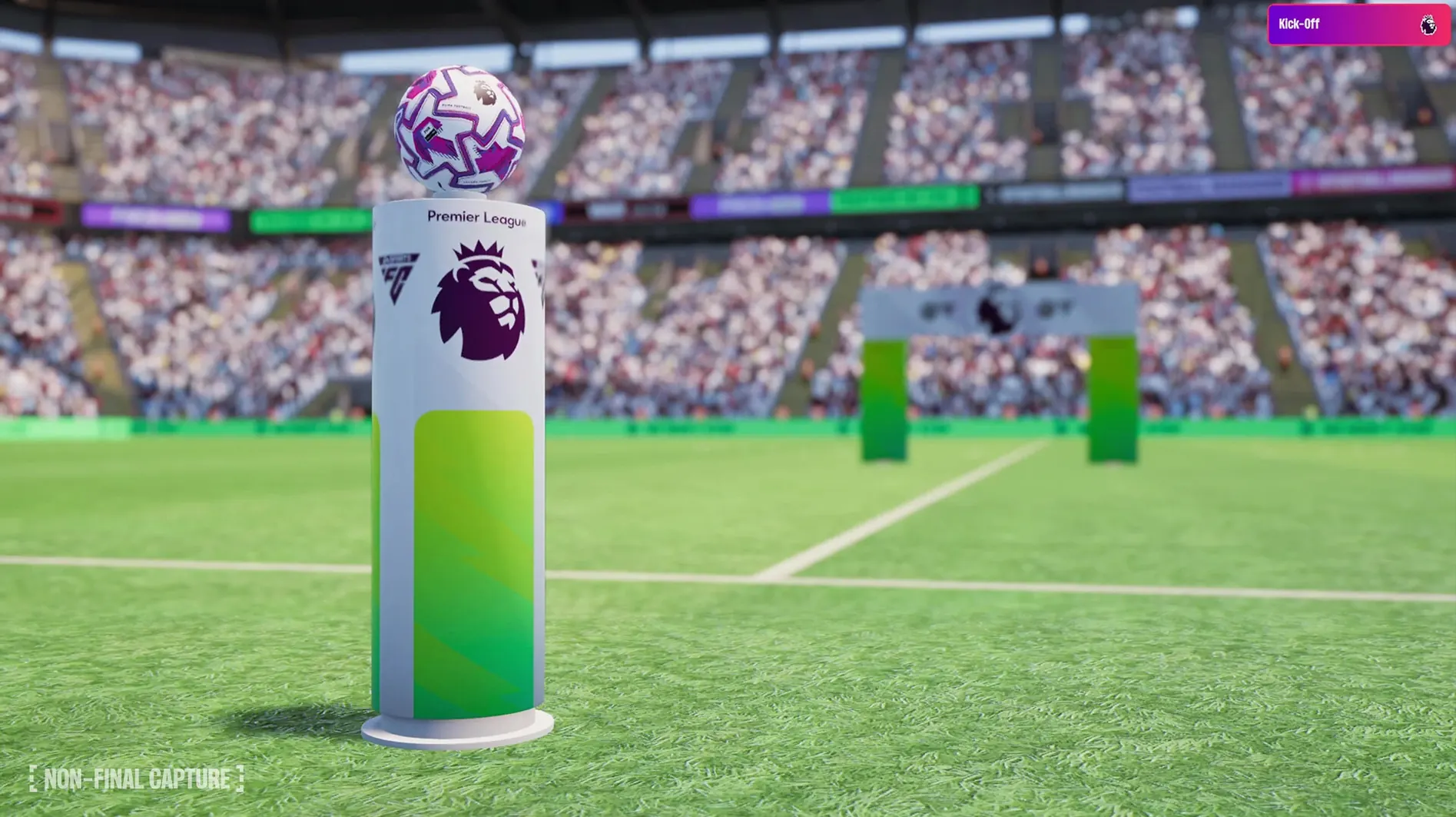
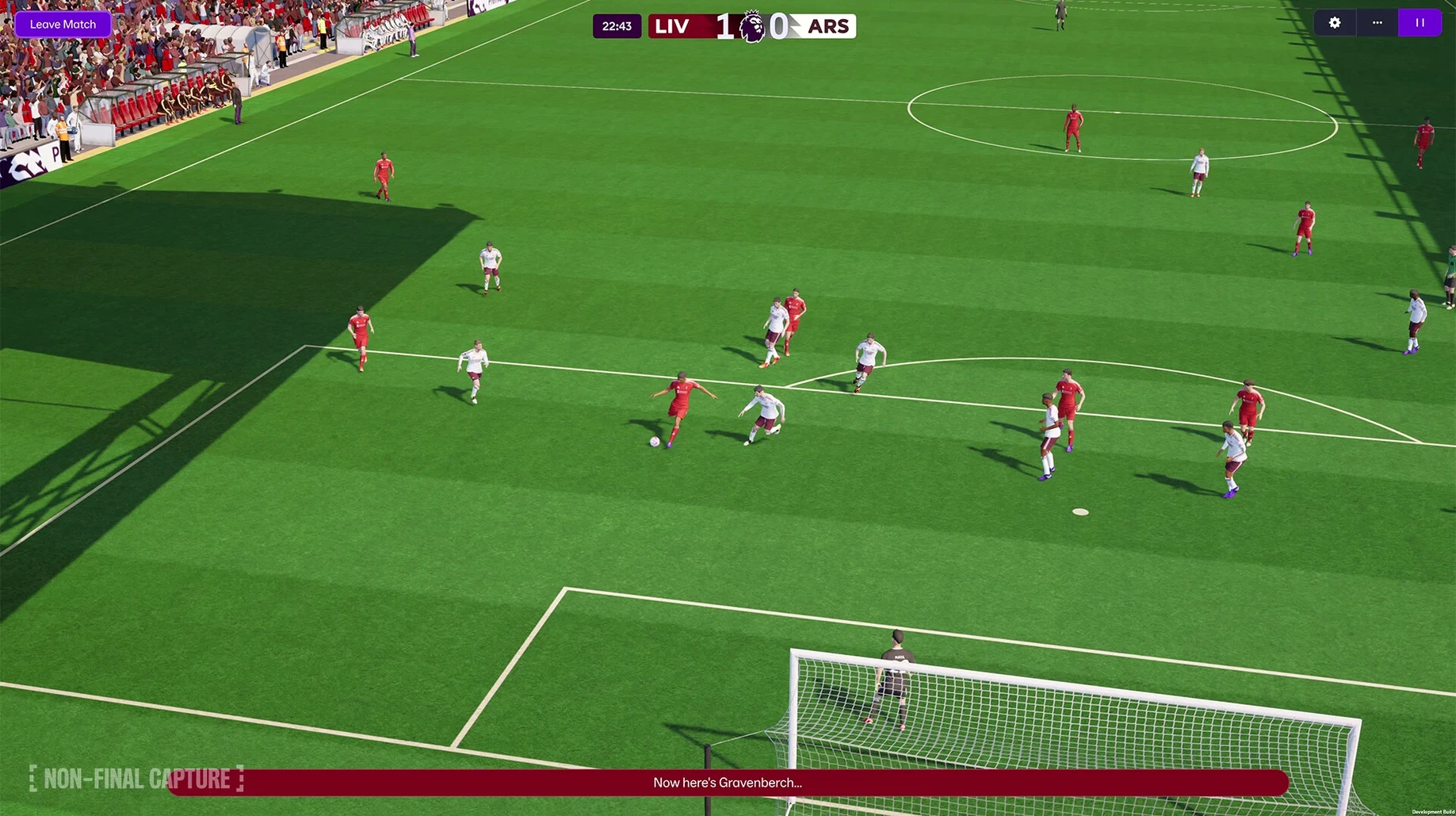
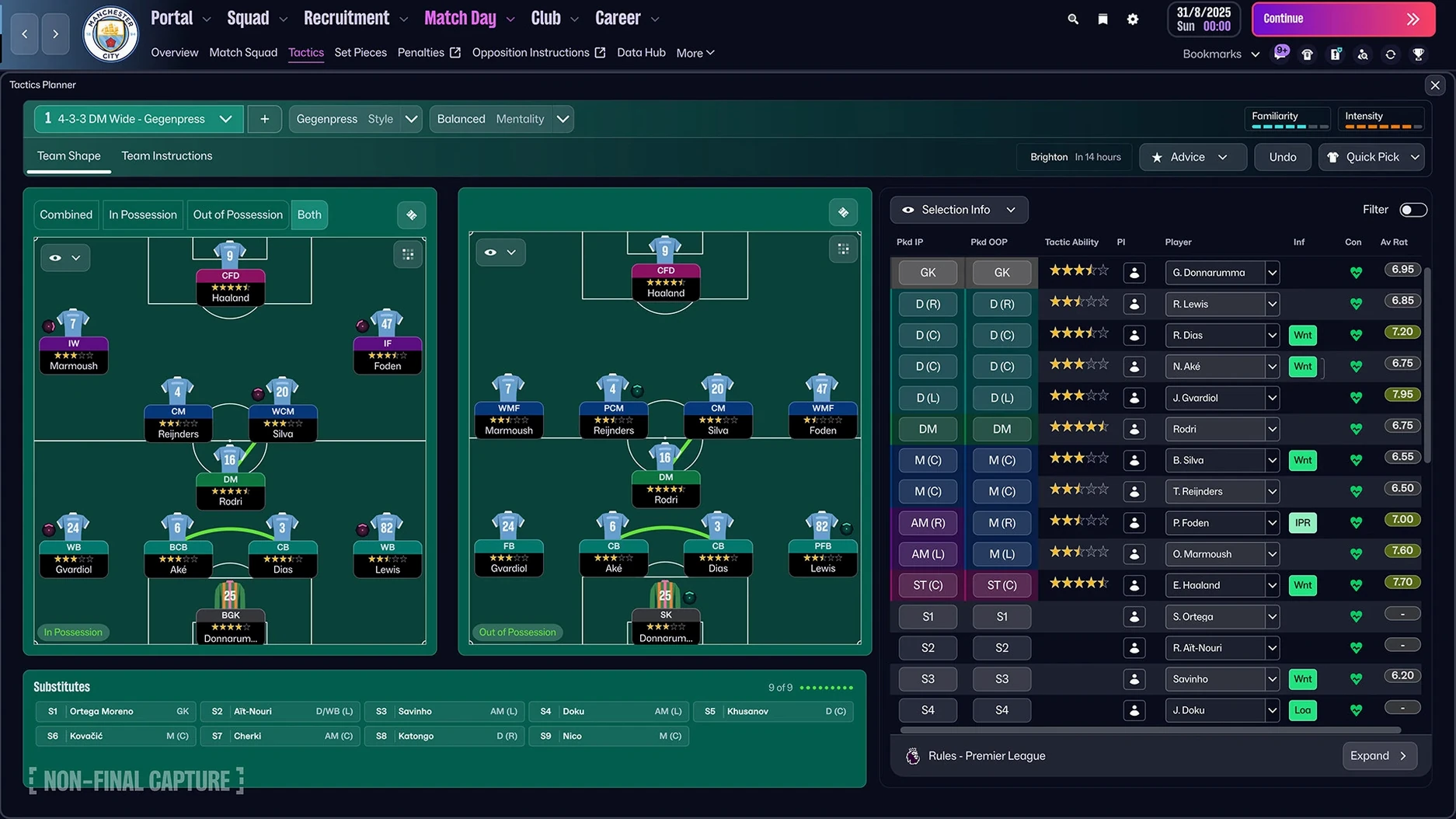
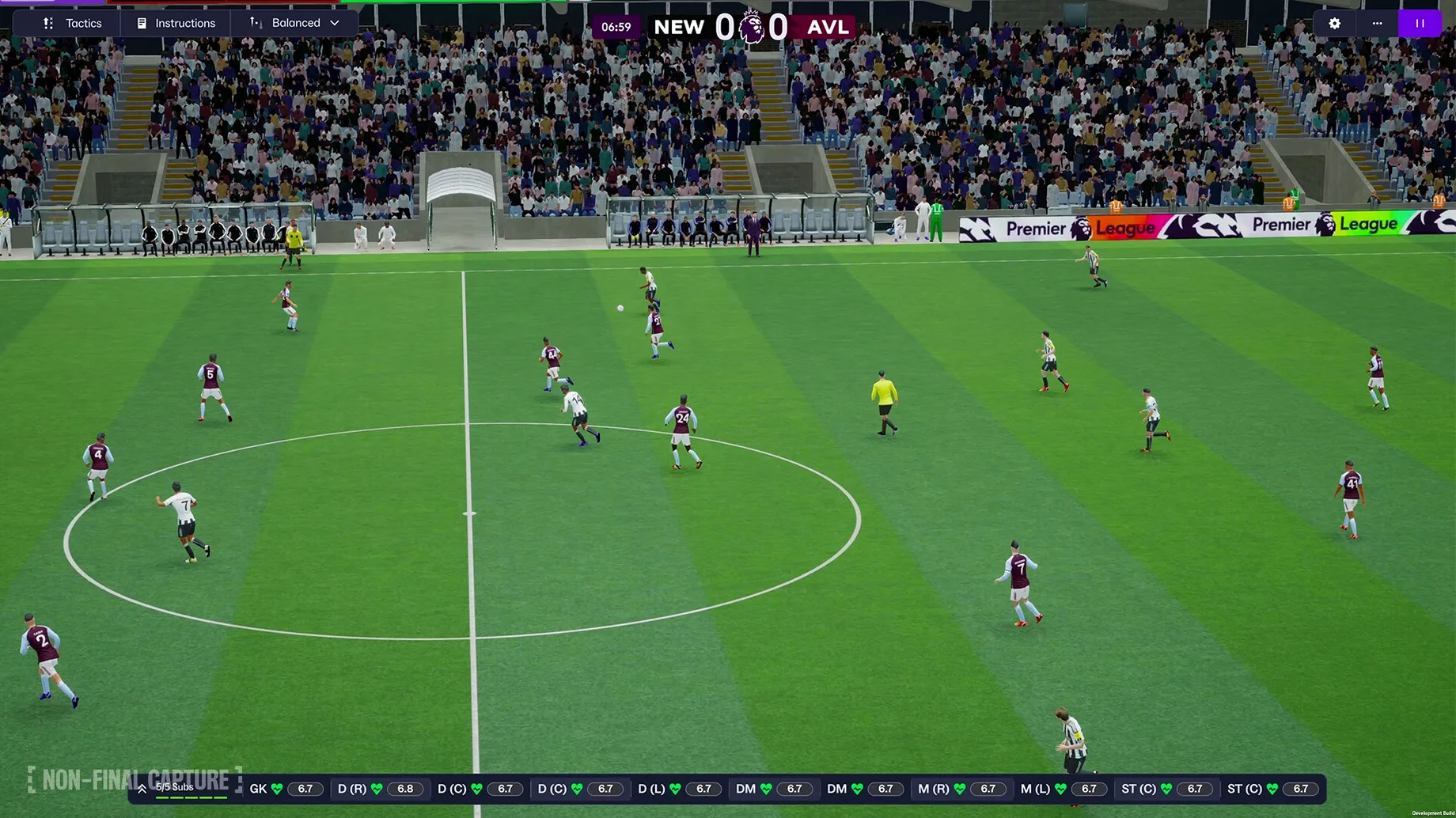
Football Manager 2026 (version 26.3.2.2329565) is the first in the series built on the Unity engine. The move brings a reworked interface and a new information portal that pulls together squad data, fixtures, and news in one view. Separate attacking and defensive tactics now sit alongside updated player roles, giving more control over how a team plays in and out of possession.
Women's football debuts with 14 leagues
- Managers who want women's football for the first time in the series — 14 leagues from 11 countries are included.
- Players looking for authentic Premier League management, with official club badges, kits, and player photos.
- Anyone who wants to set up match plans with distinct tactical approaches for attack and defense.
- Users on both Apple Silicon and Intel Macs — the game supports ARM and 64-bit x86 architectures.
Requires macOS 11.0 or later
- Football Manager 26 Touch requires macOS 11.0 or later.
- Match presentation has been enhanced, but the core simulation depth remains the draw.
- Interface languages cover 17 options, including English, French, German, Italian, Spanish, Portuguese, Russian, Japanese, Simplified Chinese, Korean, and others.
Best for Women's Super League and NWSL managers
Football Manager 26 suits a wider range of Mac users than earlier editions. The addition of women's football means anyone managing a squad in the Women's Super League or the National Women's Soccer League now has a proper simulation, not a side mode. Long-time series players will appreciate the separate attack and defense tactics — it stops you having to compromise between what you want to do with and without the ball. Newcomers coming from strategy games or other sports sims will find the improved manager creation and character editor lower the barrier to starting a serious save. If you mainly play on a MacBook Air or a compact machine like a Mac mini, the ARM support means you are not stuck running through a translation layer.
What the Mac experience looks like
The game runs natively on both Apple Silicon and Intel Macs — ARM and 64-bit x86 architectures are covered. Testing was done on macOS Tahoe and a Mac mini 2024 M4, so compatibility with current and recent macOS releases is in place. The reworked user interface and the portal for football-related information are the two most visible changes on screen. Languages span 17 options, so if you prefer the interface in Russian, Greek, Danish, Polish, Thai, or any of the others, it is ready to switch. The download is a disk image; you open it, drag the app to the Applications folder alias, and launch from Launchpad once the copy finishes. No activation step is involved.
Set up a women's squad from the start
You open the disk image, drag the app across, and launch it. The manager creation screen comes up first — the improved process here guides you through picking a background, coaching qualifications, and starting reputation. You set up a women's league save in the National Women's Soccer League. From the new portal, you see your squad roster, upcoming fixtures, and league news in one column instead of tabbing between menus. You go into the tactics screen and set an aggressive attacking shape for when you have possession, then swap to a compact defensive formation for when the other team has the ball. The separate tactics mean you can save both without overwriting. A quick bookmark on the player search page flags three transfer targets. You open the TransferRoom tools and filter by position and contract status. During a match, the enhanced presentation shows a cleaner view of player movement and goal events. After the match, you check the FMPedia glossary to look up a stat you are less familiar with. You close the session with the game saved and the bookmarks ready for tomorrow.
Streamlined for Apple Arcade and touch controls
- Football Manager 26 Touch – The same simulation core, but built for Apple Arcade and touch controls. It requires macOS 11.0 or later. The main interface is simplified for smaller screens and touch input, so you lose some of the deeper tactical screens and the portal layout. If you play on a MacBook and prefer a full desktop interface, the standard edition is the better fit.
- Older Football Manager versions – Earlier editions (FM 2023, FM 2024) lack the Unity engine, women's football, separate attack and defense tactics, and the new portal. The interface in those versions is more menu-driven and slower to navigate. FM 26's character editor and manager creation are also noticeably more detailed. If you already own an older version, the main reasons to move are the new tactical system and the expanded league coverage.
- General strategy sims on Mac – Games like Cities: Skylines or Crusader Kings III share the management genre but not the football focus. FM 26 is narrower but deeper in its domain — you are managing players, contracts, tactics, and league rules, not infrastructure or dynasties. For someone who wants football specifically, these alternatives do not cover the same ground.
Fix launch issues by fully copying to Applications
- The game does not launch after installing. – Make sure the app was fully copied to Applications before launching. Dragging from the disk image while it is still mounting can cause an incomplete copy. Eject the disk image, re-open it, and drag again, waiting for the copy to finish before launching.
- Interface text shows in the wrong language. – Languages are set from the in-game options menu. If the default is not yours, look for a flag or language icon on the main settings screen and switch to English, French, German, or your preferred option from the 17 supported.
- Crashes or freezes during match playback. – This can happen if the game is running alongside memory-heavy apps. Close any browser tabs, video editors, or virtual machines before launching. Also make sure macOS is updated to a recent version — the game was tested on macOS Tahoe, and older system versions may lack required graphics libraries.
- Save file not appearing after reloading. – FM 26 saves to the default documents folder by default. If you moved your user folders or use cloud storage that syncs the folder, check that the save location is local and not restricted by sync permissions. Manually setting a save destination inside the game options avoids confusion.
- Portal or bookmarks not displaying correctly. – The portal and quick bookmarks rely on the reworked UI. If elements are missing or overlapping, try resetting the interface zoom setting to default. Also verify that your display resolution is set to a supported ratio — ultra-wide or non-standard aspect ratios can cause layout issues in the new interface.
- Built with Unity engine.
- Women's football introduced with 14 leagues from 11 countries.
- Premier League licensing: official club badges, kits, and player photos.
- Separate attacking and defensive tactics.
- Reworked user interface and information portal.
| Processor | Apple Silicon, Intel 64-bit |
|---|---|
| Download | 6.4 GB |
- macOS: 11.0 or later (FM Touch)
- Architecture: ARM and 64-bit x86
How to install, in order
- Open the downloaded disk image.
- Drag the app to the Applications folder alias.
- After copying finishes, launch the app from Launchpad.
Comments and corrections 0
Sign in or open a free account to leave a comment.
No comments or corrections yet.