
House Flipper 1.26252 — download for Mac
Games Updated
Gives you tools to clean, renovate, and decorate properties step by step.
Screenshots
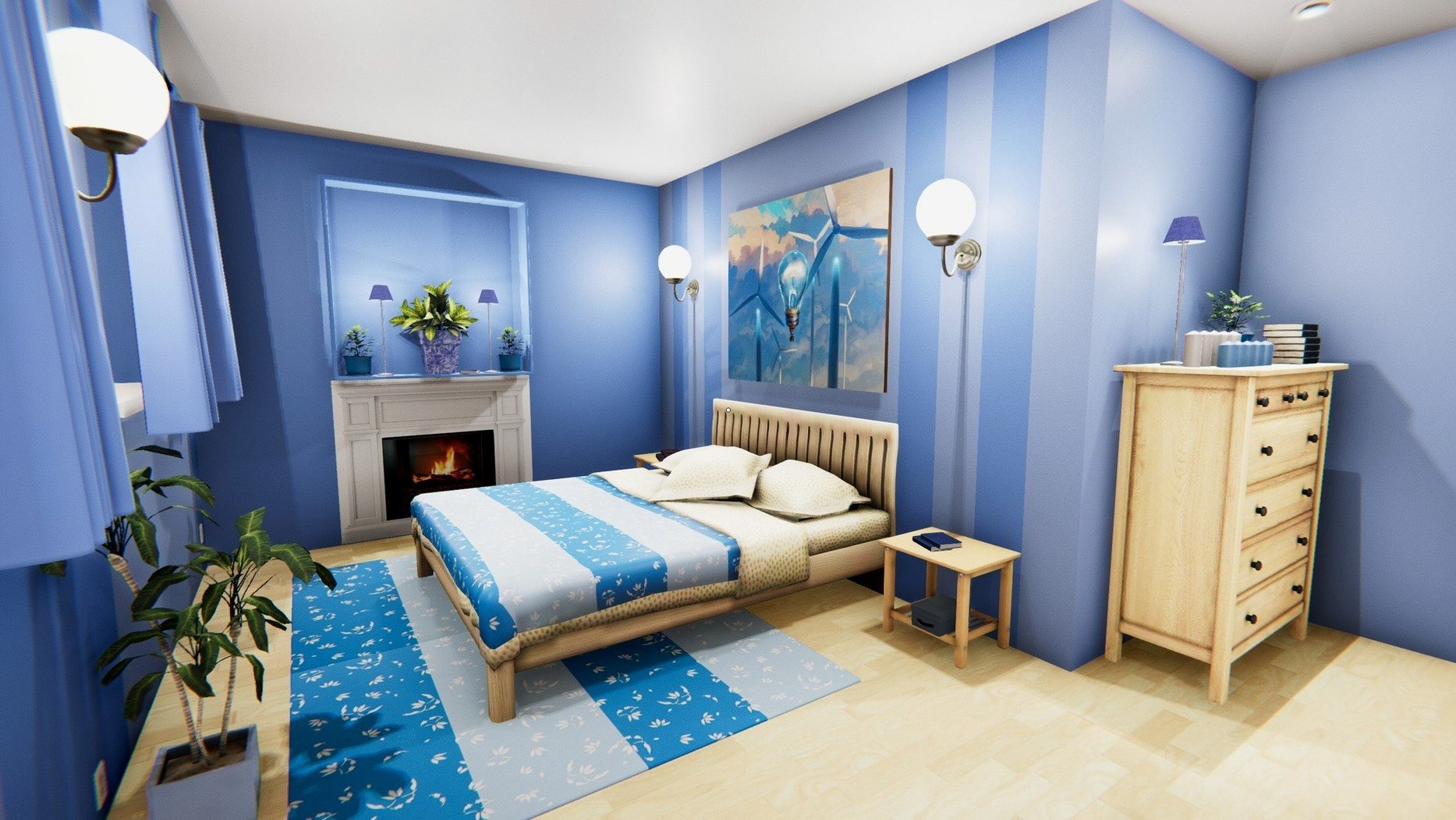
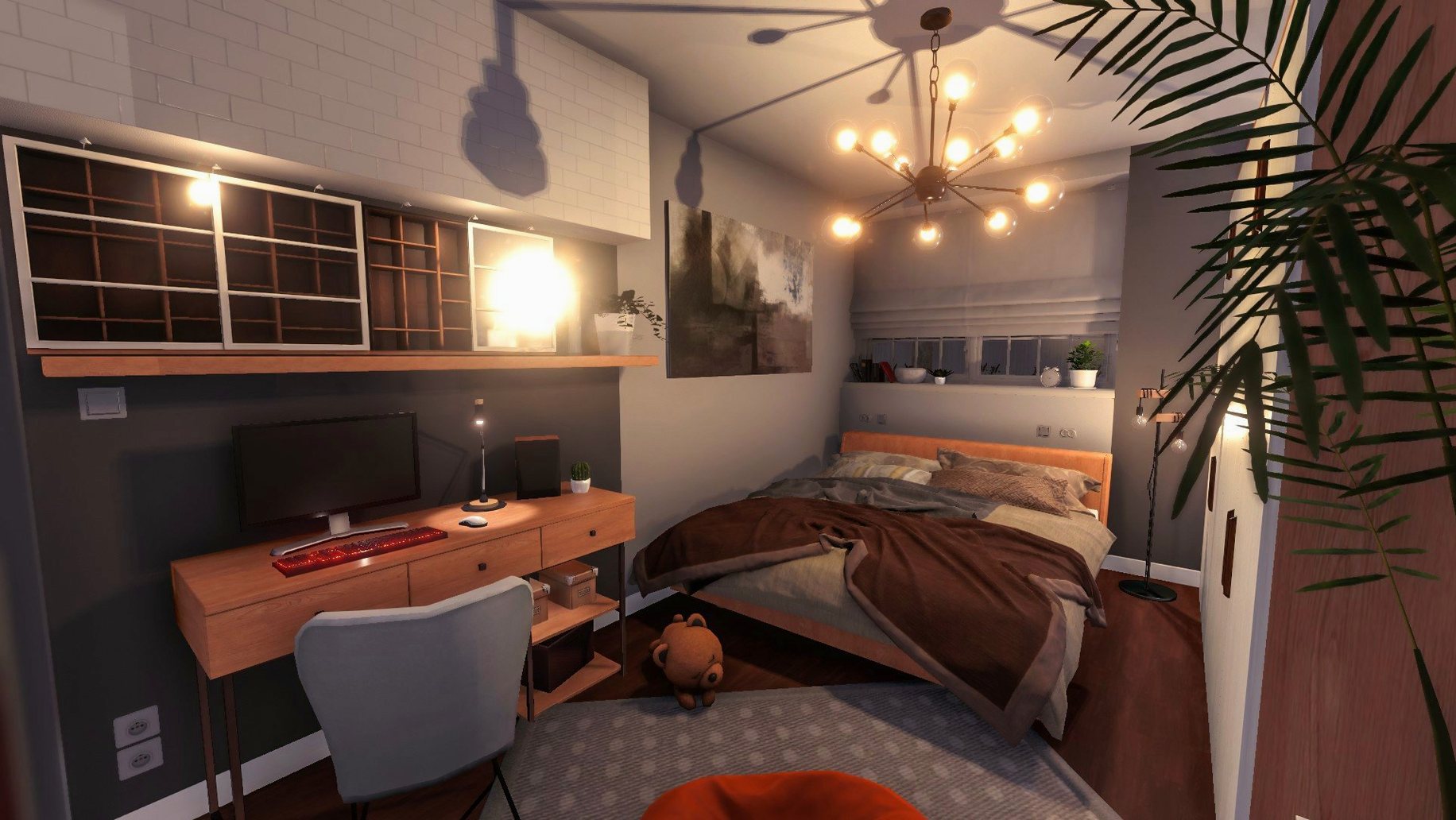
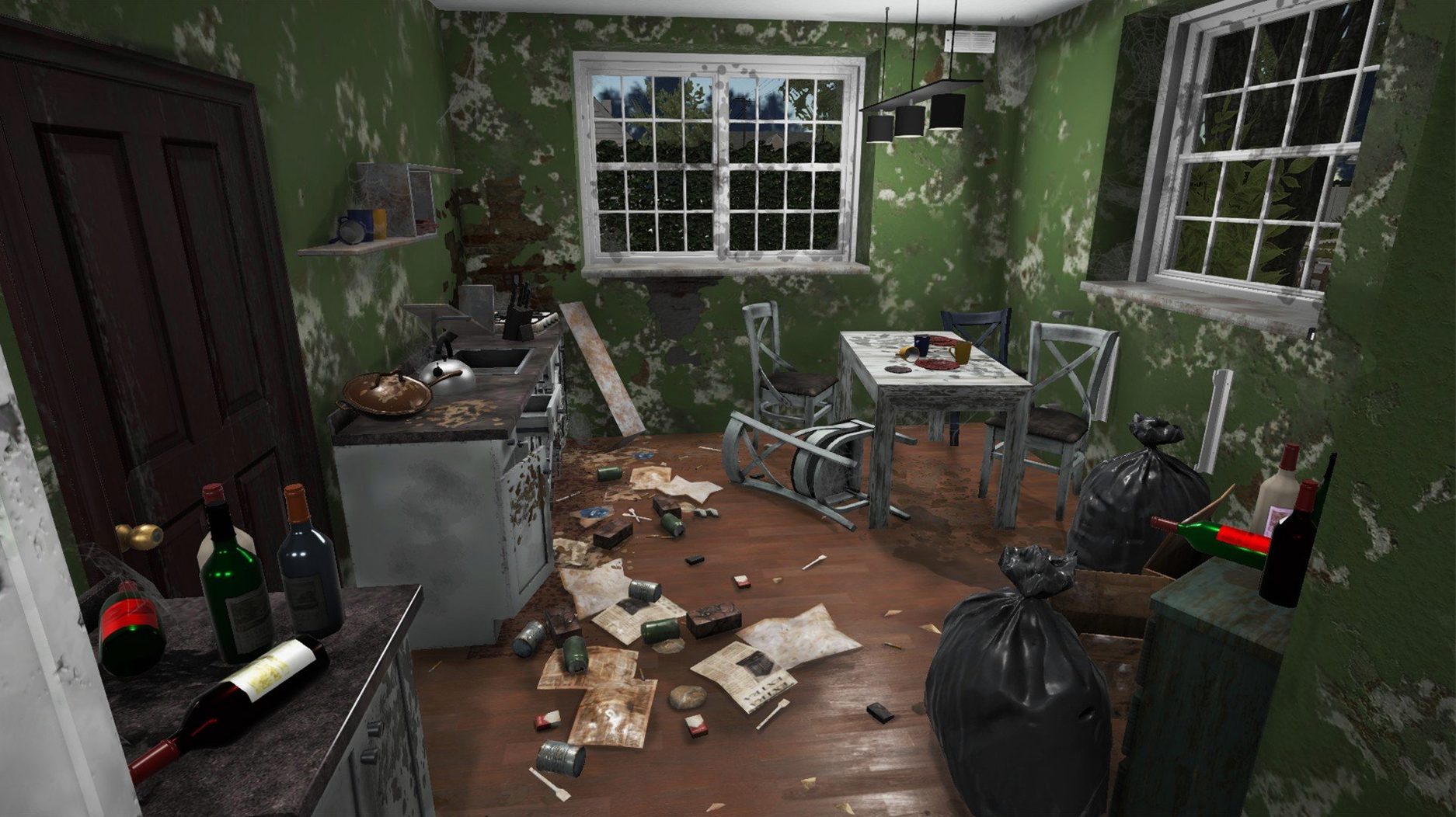
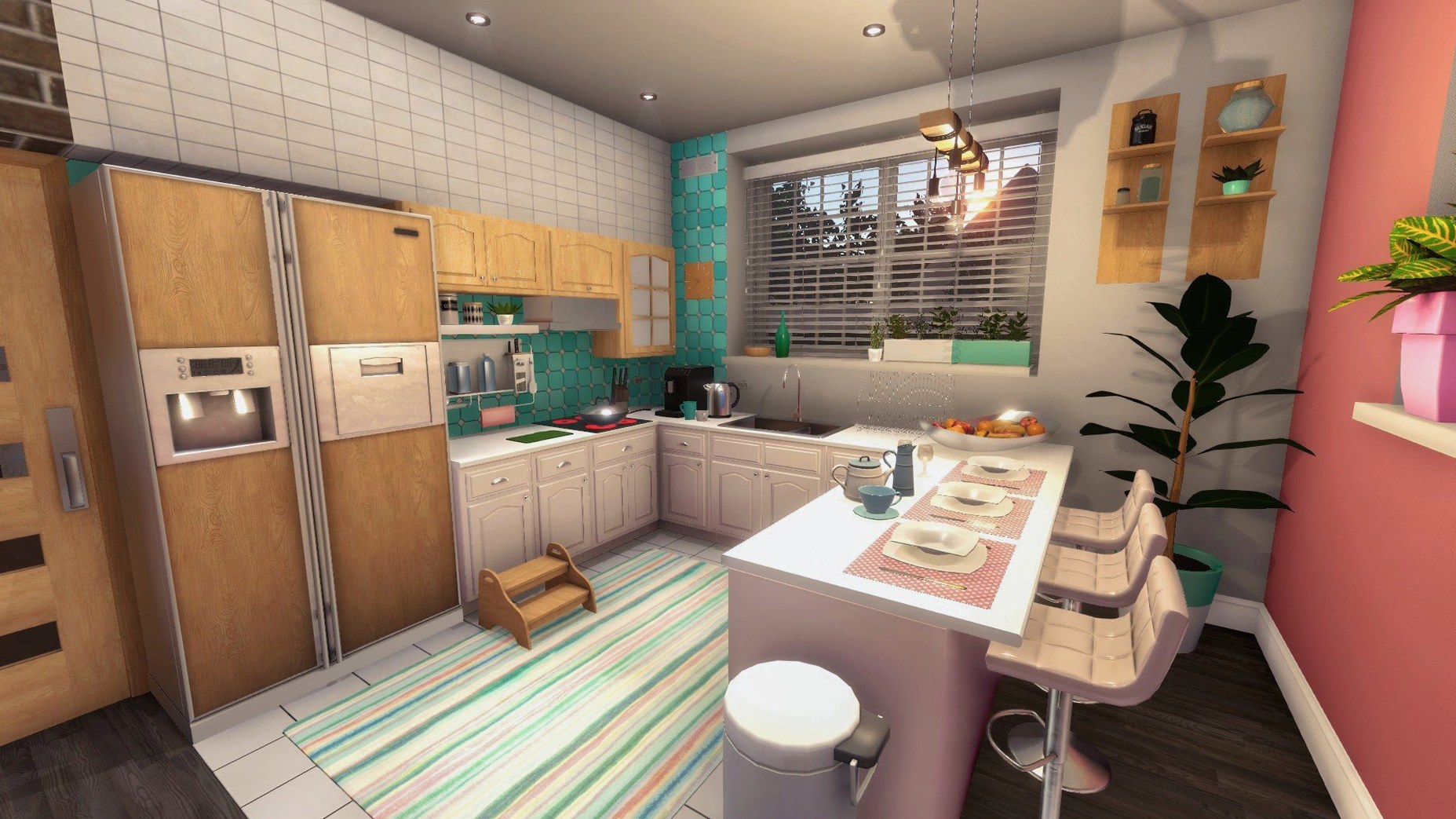
Real estate agents, interior design hobbyists, and anyone who enjoys a methodical cleanup process will find a steady rhythm in House Flipper. The game hands you a set of tools — paint roller, mop, hammer, window cleaner, trowel, and a tablet for orders — and lets you work through each property step by step.
- Clean the mess. Start by scrubbing floors, washing windows, and hauling out trash. Every grimy surface is a small task you can complete before moving on.
- Repair and demolish. Use the hammer to knock down unwanted walls. Patch holes with the trowel. The repair phase gives you control over the layout.
- Furnish and sell. Pick furniture, appliances, and decorations from the tablet. Once the place looks right, list it and take the profit. Experience earned here unlocks better skills for bigger projects.
This workflow appeals to players who enjoy progress measured in square meters cleaned and rooms redecorated. If you want action, story, or fast outcomes, House Flipper probably isn't your game. It rewards patience and a taste for domestic transformation.
A First Job Walkthrough — The Starter House
To see how the game flows, start with the first available property, often a small one-bedroom unit in poor condition. Begin inside the living area. Open the tablet to see the client's list of required tasks — they will ask for specific repairs, painting, and furnishings. Do not skip straight to decorating; the order matters.
- Clear debris. Pick up broken glass, old boxes, and leftover furniture. Drag each item to the trash icon that appears on screen. The room will already look more usable after removing what is broken.
- Wash the walls and floors. Use the mop on floors, the window cleaner on glass surfaces. The game counts these as separate jobs; completing them adds experience points and makes the space ready for paint.
- Repair holes. Check walls for damage. Use the trowel to fill cracks and holes. The repair tool works on any damaged surface you find.
- Paint. Select the paint roller, choose a color from the palette on the tablet, and cover the walls. Work in sections — the roller leaves a consistent coat if you move it across the whole wall once.
- Install fixtures. Place radiators, shower cabins, and air conditioners where the client requests them. Each item has a designated spot; you just need to click the installation point.
- Furnish. Open the tablet's catalog and pick furniture, decorations, and appliances that match the client's style. Drop them into the room. The game tracks how close you match the brief.
- Collect payment. Once the checklist is complete, the client pays you and the property is marked as finished. You keep the profit and the experience.
This sequence works for every job in the game. The tools and tasks do not change; only the size and condition of the property does.
Tighter Mop and Paint Roller Response
Version 1.26252 is the current build, and it brings a few adjustments that affect how the game plays day to day:
- Tool responsiveness is tighter. The mop and paint roller register contact with surfaces more reliably than in earlier builds, so you spend less time re-sweeping a floor that the game missed.
- Clicking installation points for radiators and shower cabins now confirms placement with a short animation. This makes it easier to see whether the item actually snapped into place, especially in rooms with tight corners.
- The tablet interface loads the furniture catalog faster when scrolling through categories. In previous versions, the list would stutter when switching between kitchens and living room sets.
- Trash and debris despawn more consistently after being dragged to the disposal icon. Earlier builds sometimes left a single shard of glass that required a second pickup.
These changes do not rewrite the game. They remove small frictions that slowed down experienced players who already know the routine.
Raise Mouse Sensitivity for Better Aim
Before you start your first job, open the settings menu and adjust two things:
- Mouse sensitivity. The default value can feel sluggish when aiming the paint roller or hammer. Raise it by one or two ticks. This makes the cursor snap to surfaces faster and reduces the drag you feel when cleaning large areas.
- Language. The game supports over a dozen languages. If you prefer English but want the tablet menus in your native language for furniture names, set it here. The audio is music only, so no voice acting needs changing.
These are the only settings that have a direct impact on how the tools handle. The rest are visual preferences you can ignore until later.
Fix Paint Roller Streaks by Moving Slowly
Even with a straightforward interface, a few things trip people up during their first few jobs.
The paint roller leaves streaks or misses spots. The roller only paints the area directly under the cursor. Move it slowly across the wall in straight lines. If a patch remains unpainted, the tool likely did not cover that section — go back over it. Do not lift the roller mid-stroke; keep it on the wall until the entire surface is uniform.
You cannot find a required item in the tablet. The catalog groups furniture by category: chairs, tables, appliances, decorations. If the client asks for a specific radiator or shower cabin, filter by the appliance subcategory first. The item may be listed under "fixtures" rather than "furniture."
Debris does not disappear after clicking the trash icon. Click the item to highlight it first, then drag it to the icon that appears. Some objects, like a broken cabinet, require two clicks: one to select the object, another to confirm disposal. If nothing happens, click the object again and watch for the highlight ring.
Your experience bar stops moving. Experience accumulates only from using tools, not from browsing the catalog or walking around. If the bar seems stuck, pick up a mop or a hammer and clean or demolish something. The bar updates after each action.
These snags are small, but clearing them early keeps the momentum going through a renovation session.
No release notes filed for 1.26252. They are added here when a build changes how the program behaves.
| Processor | Apple Silicon, Intel 64-bit |
|---|---|
| Download | 13 GB |
- macOS (architecture: Intel and Apple Silicon)
How to install, in order
- Mount the downloaded disk image.
- Drag the app into the Applications folder shortcut.
- Launch the app from Launchpad after copying finishes.
Comments and corrections 0
Sign in or open a free account to leave a comment.
No comments or corrections yet.