
Stellaris 4.5.3 — download for Mac
Games Intel processors only Updated
Builds and manages a galactic empire through real-time exploration and expansion.
Screenshots
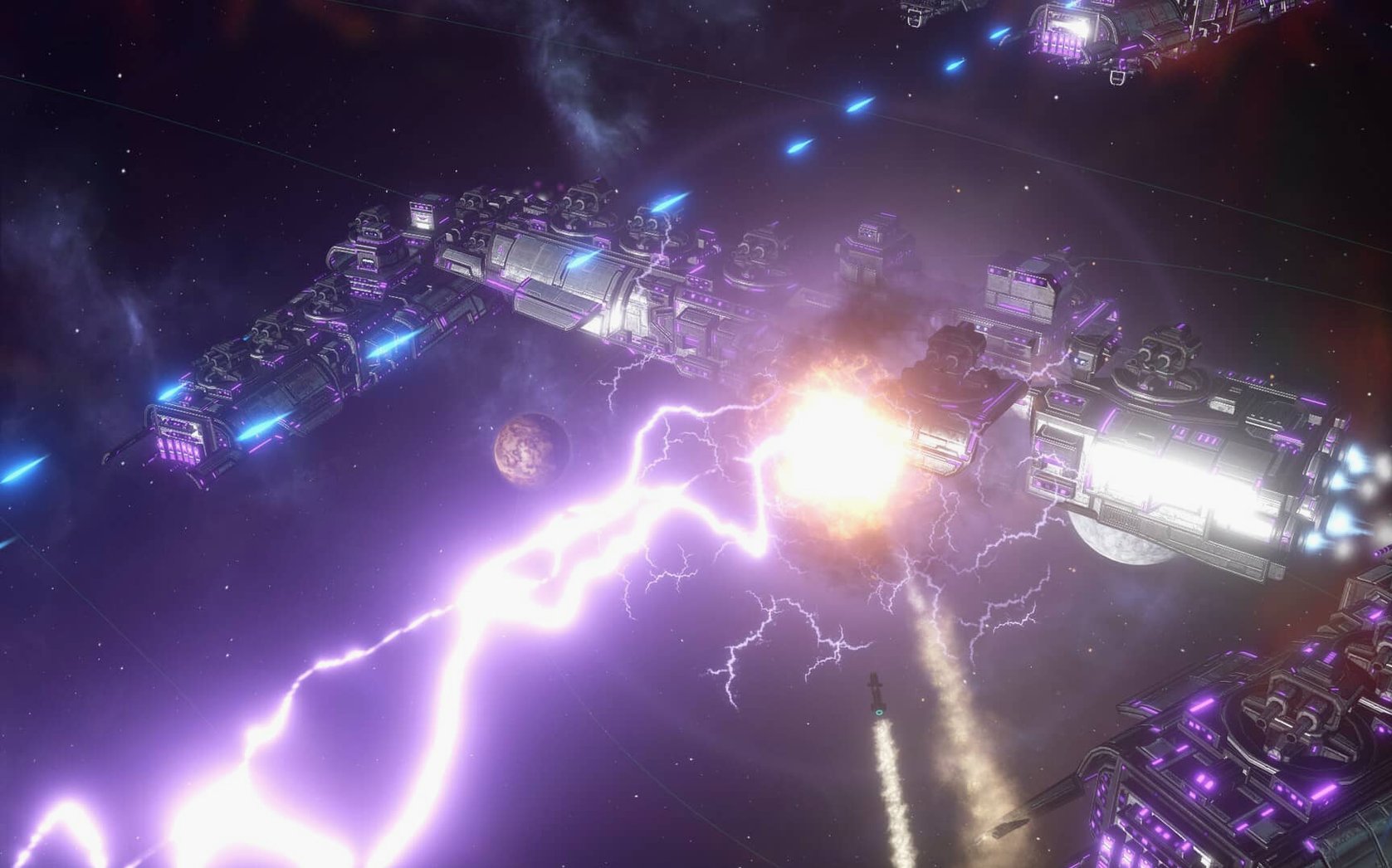
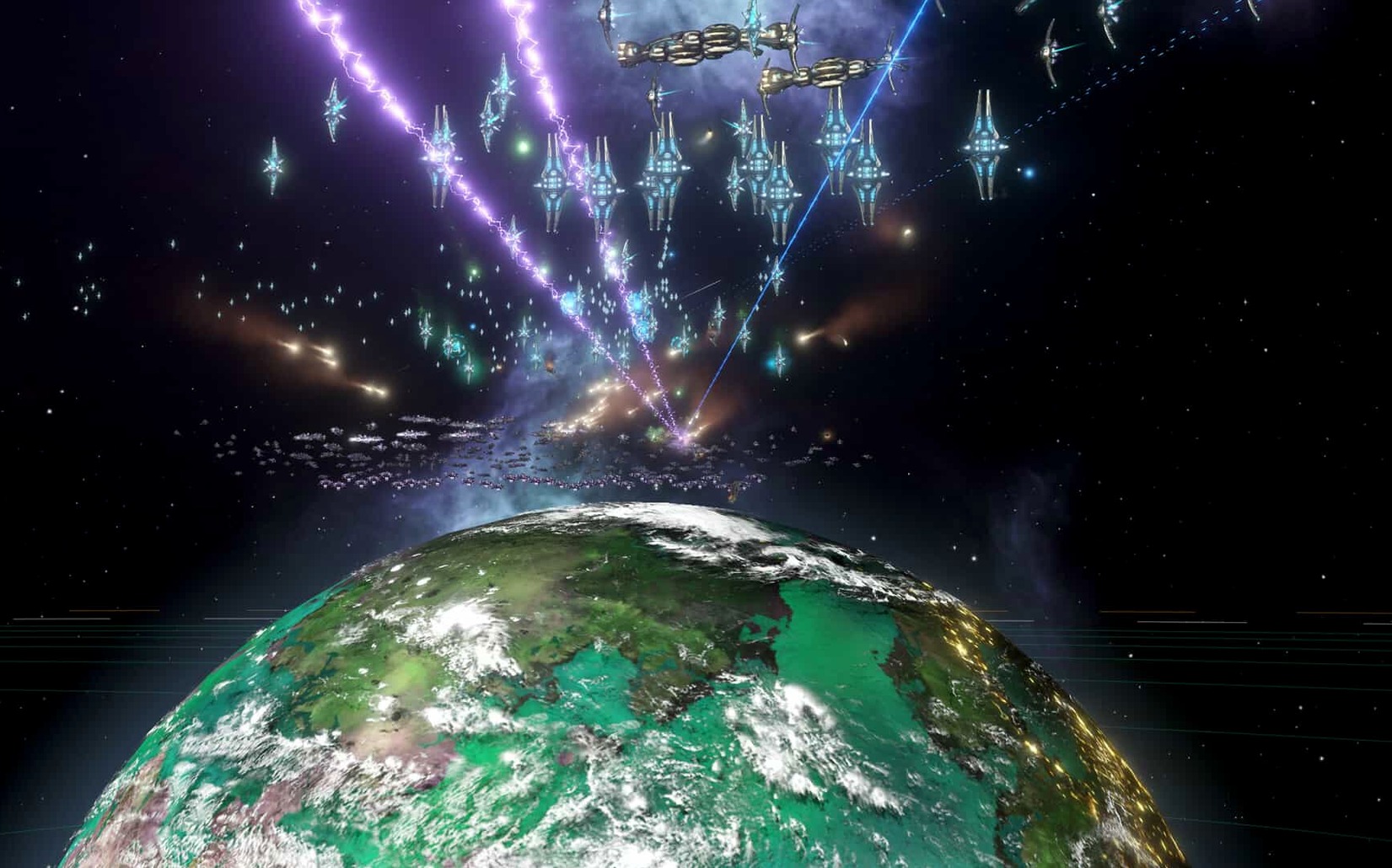
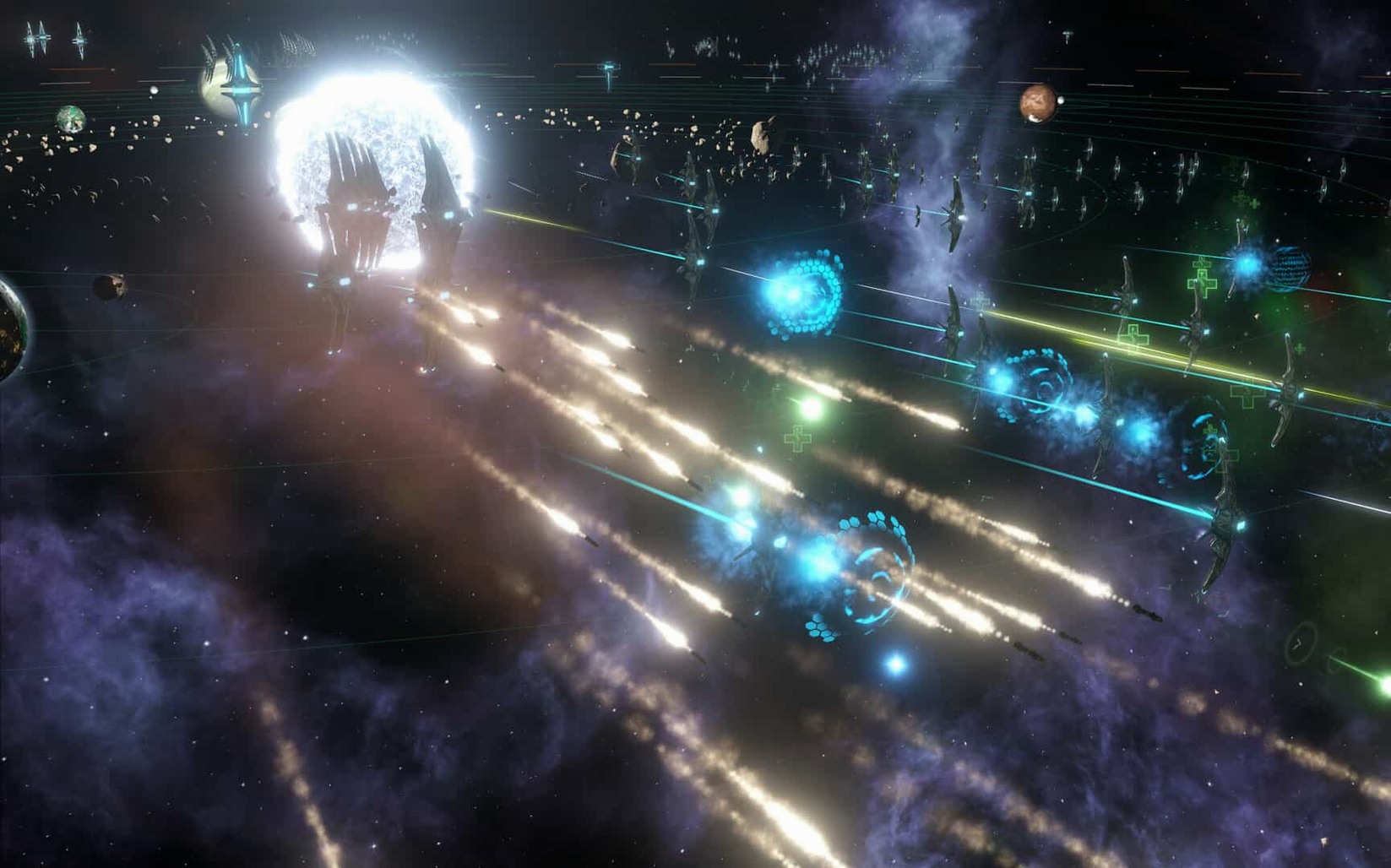
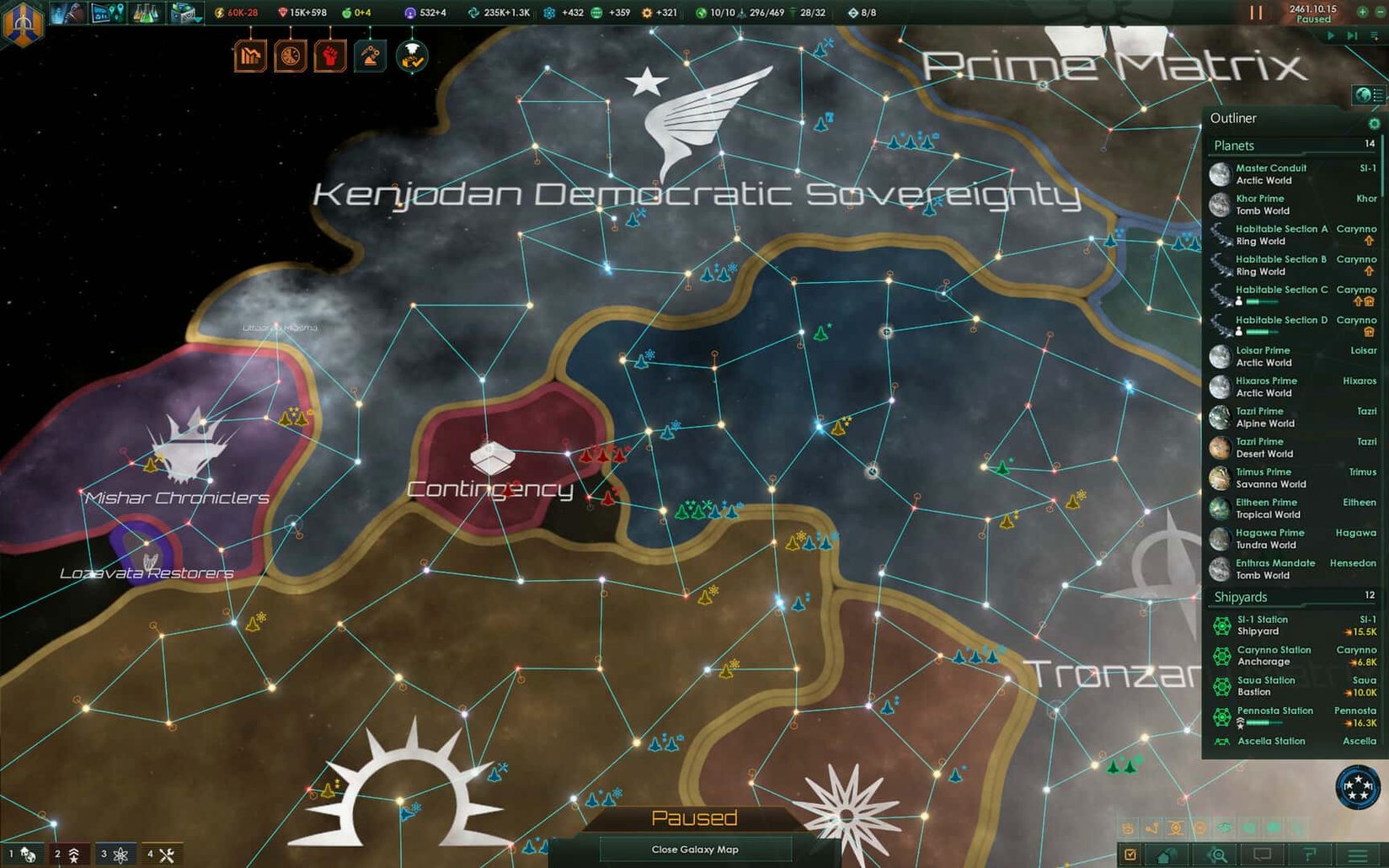
Stellaris is a real-time 4X grand strategy game about building and managing a galactic empire. You start with a single star system and expand outward, researching technologies to reach distant worlds and encountering alien civilizations along the way. The game plays in real time, meaning every decision about exploration, diplomacy, and warfare unfolds continuously. As your settlements grow and gain more inhabitants, they become harder to manage, so you can assign artificial intelligence to handle autonomous regions while you focus on the bigger picture. The base content includes multiple pre-built empires, a technology tree, and a dynamic galaxy that generates unique events and crises each playthrough. Version 4.5.1 is a hotfix that addresses a Synaptic Lathe ownership issue, improves fleet automation behavior, and fixes multiplayer out-of-sync problems involving custom AI empires. It also resolves several crash cases, including startup, galaxy generation, alliance wars, first contact, federation law votes, and subject release events. The game supports interface languages in Russian, English, German, Spanish, Simplified Chinese, Polish, Portuguese, and French.
Native on Tahoe, Launcher-Managed Mods and DLC
Stellaris runs natively on macOS Tahoe and works with the standard Mac ecosystem. On a 64-bit Intel machine, the game uses its own launcher to manage settings, mods, and DLC before loading the main executable. You can run it in a window or full screen, and macOS handles the display scaling automatically. The game saves to your Documents folder, which makes it easy to back up save files using Time Machine or cloud sync services like Dropbox or Google Drive. If you use a second monitor, Stellaris respects your extended desktop setup, so you can keep the galaxy map on one screen and reference notes or a wiki on the other. The DRM-free build means you do not need an active internet connection to launch the game, which is helpful for portable play on a MacBook without Wi-Fi.
Apple Silicon Support Denied, Rosetta 2 Varies by System
Does this version support Apple Silicon? No. Version 4.5.1 is listed for 64-bit Intel architecture only. It runs through the Rosetta 2 translation layer on M-series Macs, and results vary by system. If you are on an M4 machine, the experience is functional but not native.
Can I play multiplayer with the Steam version? The DRM-free build does not connect to Steam servers directly. Multiplayer sessions require all participants to use the same build and version. You can set up a local network game or use a virtual LAN tool if everyone has the same copy. The 4.5.1 hotfix includes a fix for out-of-sync issues, so stability is improved for those matches.
How do I install mods? You download a mod archive, extract it, and place the folder there. The game launcher detects it and lets you enable or disable mods before starting. The community maintains archives of mods compatible with version 4.5.1.
Will my saves from 4.5.0 work? Yes, saves from 4.5.0 load in 4.5.1 without issues. The hotfix does not change save game structures, only fixes the Synaptic Lathe, fleet automation, and crash logic.
Scenario: A Solo Player Running a Federation
Lena manages a small architecture firm and plays Stellaris to unwind after a week of deadlines. She starts a new game as a fanatical purifier empire on a large spiral galaxy. She knows the first hour is the most important: she dispatches her initial science ship to scan nearby systems while her constructor builds a mining station on the closest mineral-rich moon. By the third hour, she has three colonies, each with a specialized purpose. One produces alloys, another generates energy, and a third serves as a shipyard. As her society grows, internal conflicts arise — factions form, and a region demands autonomy. She assigns an AI governor to that sector and shifts her attention to an aggressive neighbor who has just closed its borders. The 4.5.1 hotfix matters here because fleet automation now follows her selected actions, so her patrol ships do not go rogue during the border standoff. She keeps the galaxy map zoomed out, notices a leviathan moving through unclaimed space, and decides to steer her science vessel away — one fewer emergency to manage during a tense diplomatic turn. Two hours later, she wins a defensive war and absorbs two new systems without needing to reload a single save. That is the kind of session you get when the crash fixes and automation logic work as intended.
Version 4.5.3 Native is available. This release carries forward the Intel-native build for macOS.
| Processor | Intel 64-bit |
|---|---|
| Download | 21 GB |
- macOS (version not specified by developer)
- Intel 64-bit processor
Questions about Stellaris
Does Stellaris run on Apple Silicon Macs?
No, Stellaris requires an Intel-based 64-bit processor. It does not natively support Apple Silicon (M1/M2/M3) processors.
What was the original release date of Stellaris?
Stellaris was originally released on May 9, 2016 by Paradox Development Studio.
How to install, in order
- Mount the downloaded disk image.
- Run the standard installation process.
- Choose the install location when prompted.
- Use the Applications folder if available.
- To switch the interface to Russian, launch the game once and close it after the menu loads.
- Open Documents, then Paradox Interactive, then Stellaris.
- In settings.txt, change l_english to l_russian and save the file.
Comments and corrections 0
Sign in or open a free account to leave a comment.
No comments or corrections yet.