
Software Inc 1.8.41 — download for Mac
Games Updated
Builds a software company from an empty lot by designing offices and managing development.
Screenshots


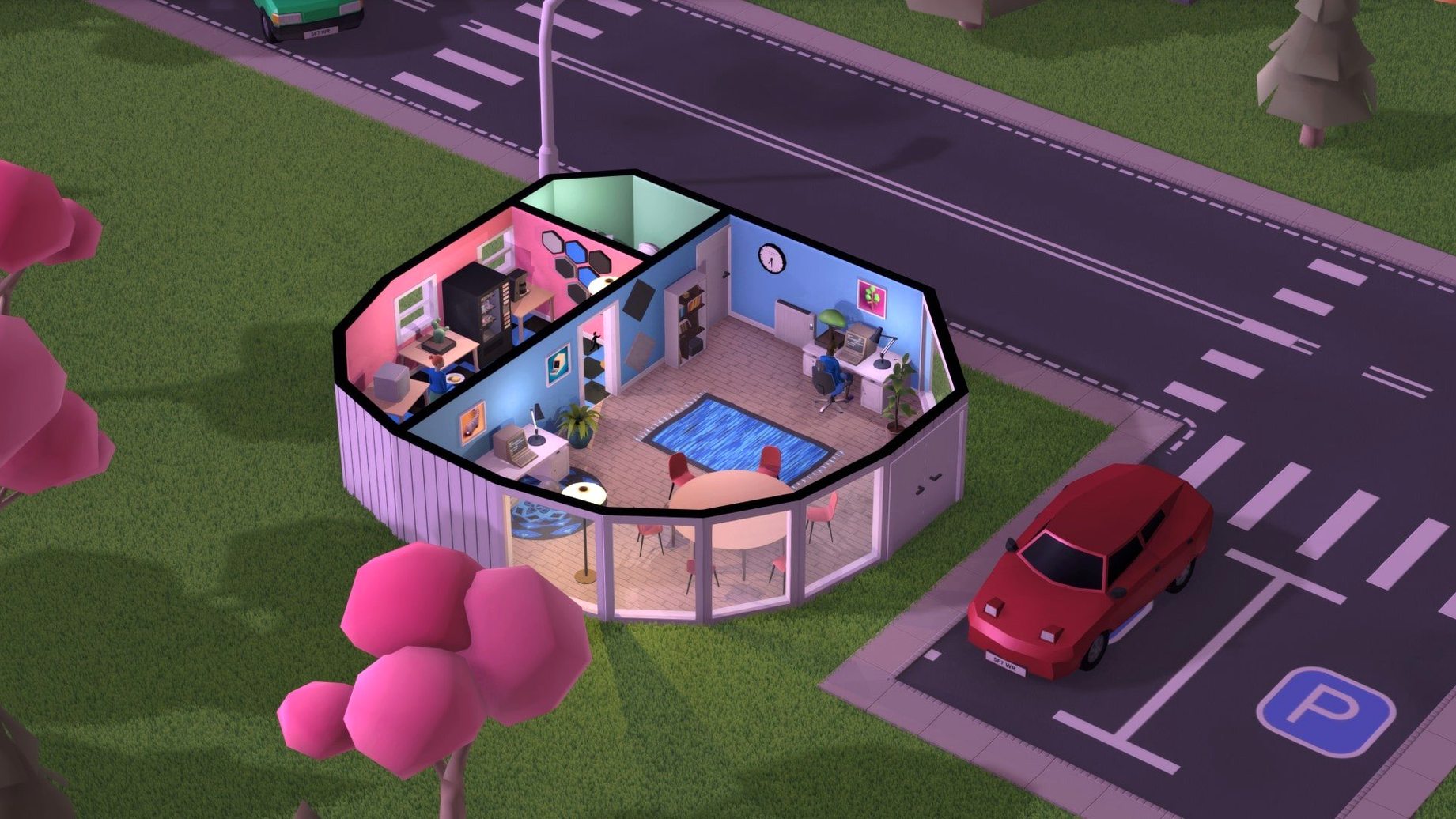
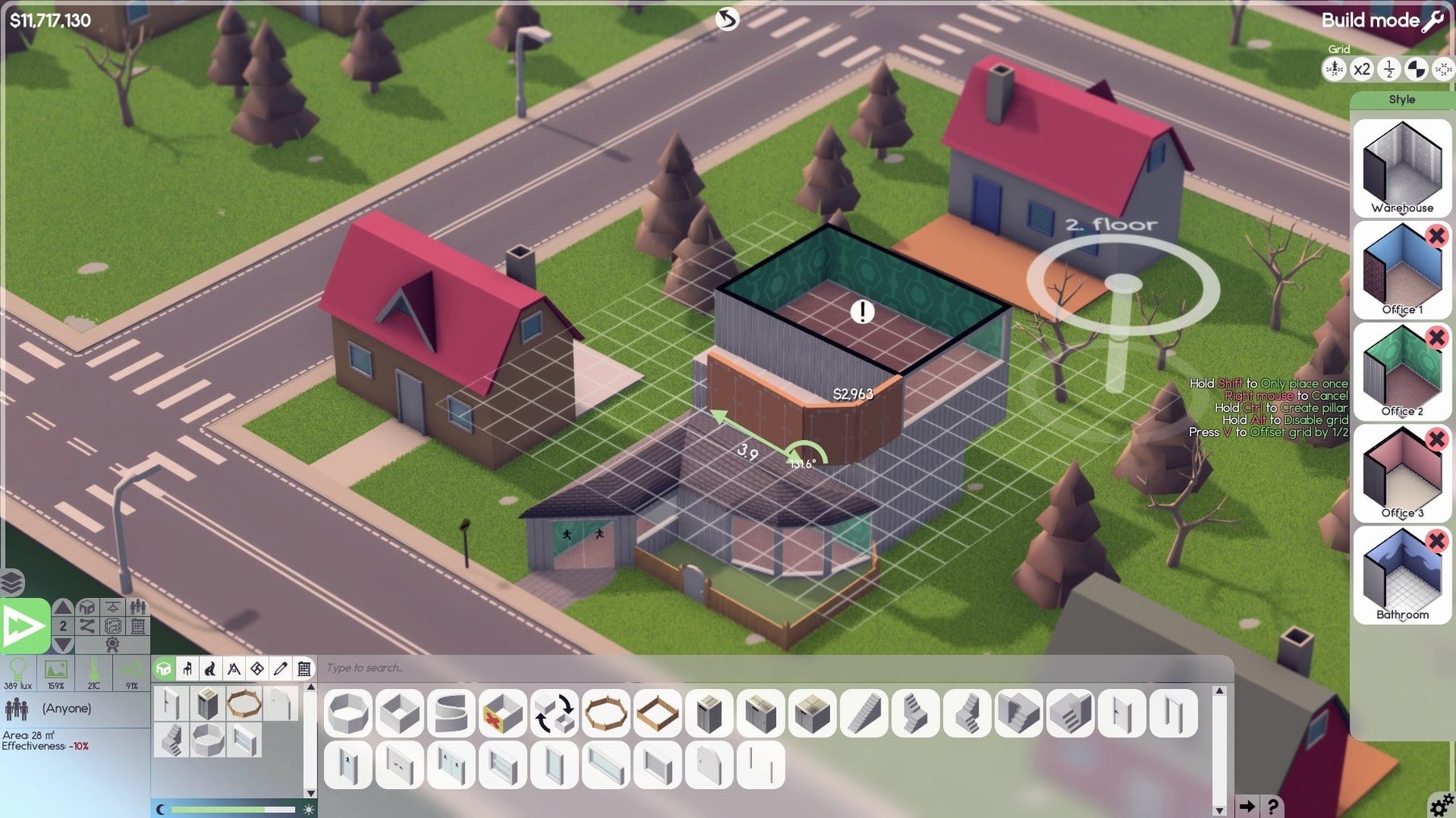
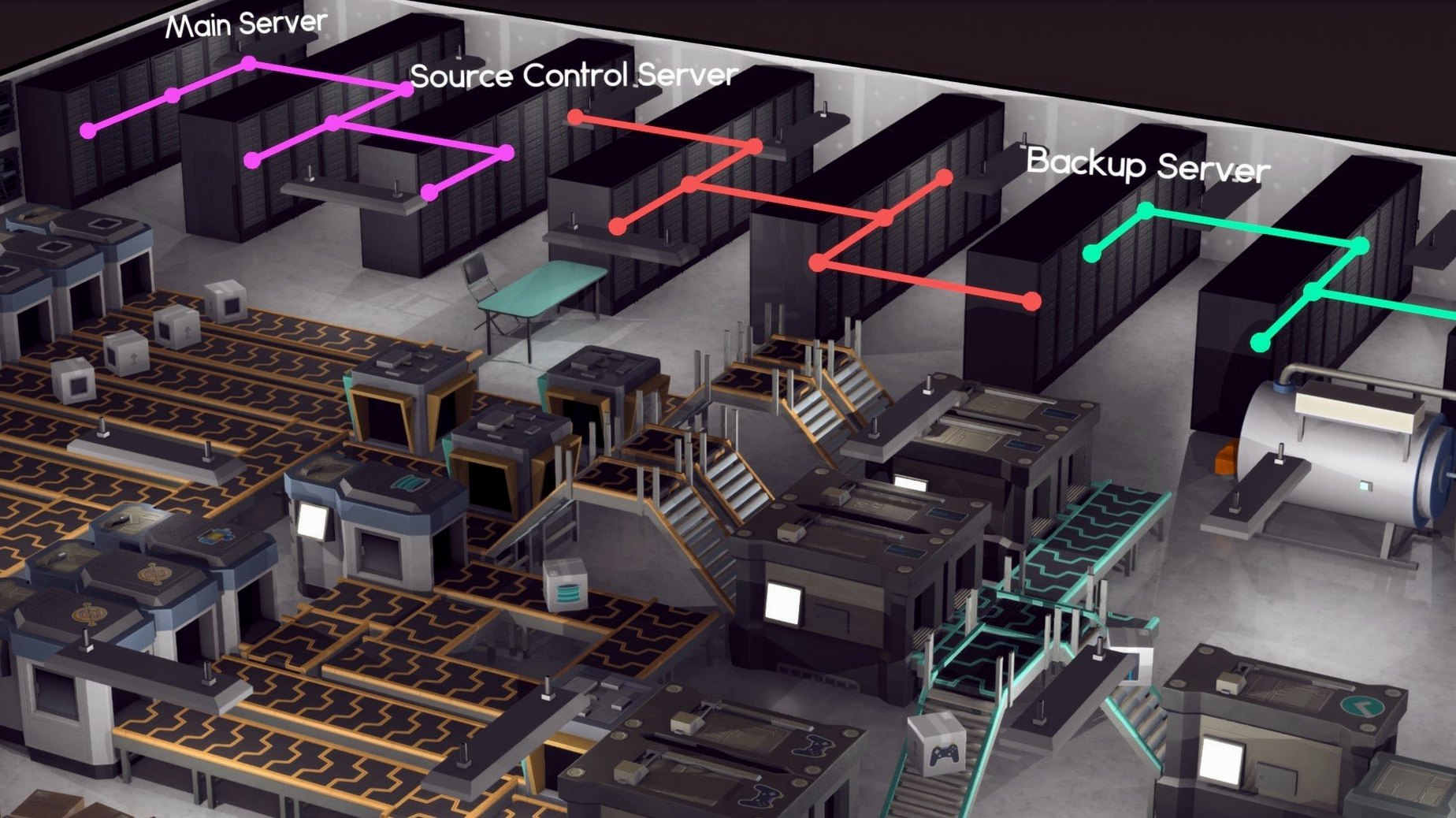
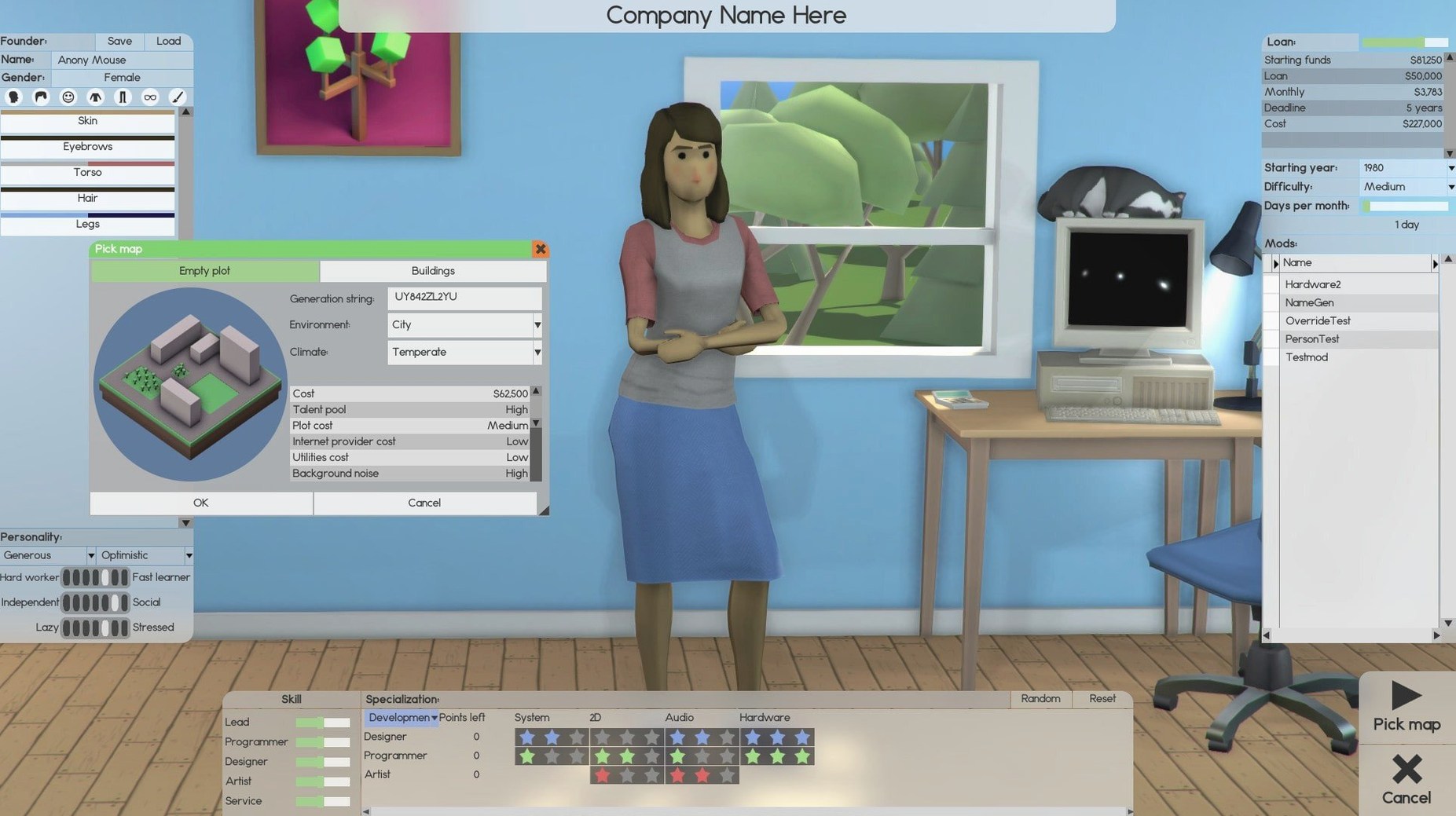
Software Inc runs on any Mac with an Intel or Apple Silicon processor — both 64-bit x86 and ARM architectures are supported. You start with an empty lot and build a software company from scratch. Here is what you actually do minute to minute in the game:
- Design office floors: build rooms, place furniture, add decorations, expand up to ten floors high with basements. You decide where developers sit, where the break room goes, and how the parking lot fits.
- Hire and manage staff: recruit programmers, artists, designers, and support roles. Assign them to projects, set salaries, and keep morale up with good facilities and clean spaces.
- Develop products: create programs, plan features, set release schedules, and build franchises over time. You choose the tech stack and the scope of each release.
- Launch an online store and run servers: set up distribution, buy server hardware, and balance bandwidth costs against revenue. Servers support your development and your sales.
- Maintain the office: hire cleaning and repair staff to fix broken furniture and equipment. Keep the place running so your team stays productive.
- Build infrastructure: lay roads and parking lots, plan expansions, and manage the physical layout as your company grows.
The core loop is planning, building, hiring, and releasing — every decision affects the next. If you like office-building sims or staff-management games, this is a direct fit.
Turn Off the Looping Music First
Before you start hiring and building, open the options panel and adjust a few defaults. The game’s music plays by default — you might want to lower the volume or turn it off early, because it loops continuously during long sessions. The same menu lets you choose full-screen or windowed mode; if you work on a multi-monitor setup, windowed mode helps you keep a browser or spreadsheet open alongside the game.
Two other settings save time later: the auto-save interval and the notification preferences. Auto-save every five or ten minutes is sensible for a game where one wrong hire or a missed deadline can set you back. Notifications about employee needs, broken equipment, and contract offers stack up quickly, so setting them to show only urgent items keeps the screen clean. These are small changes, but they make the first few hours smoother.
Arranging Desks and Plants Before Hiring
You are the kind of player who spends forty minutes arranging desks and plants before hiring the first developer. Hundreds of room configurations exist, but you start with a single floor and a modest budget. You draw a reception area near the entrance, a row of cubicles along the window wall, and a small break room in the back corner. Furniture placement matters: you can rotate chairs, move whiteboards, and plant a rubber tree next to the coffee machine. After you hire three developers and a support agent, you watch them walk through the office you built. If an employee passes a broken chair every day, morale drops, so you hire a maintenance worker early. The game rewards that kind of planning — later, when you expand to a second floor, you already know how to lay out a development wing without wasting space.
No Internet Required After Download
Some players wonder whether the game requires an internet connection. It does not. Once downloaded, the whole simulation runs offline — no server calls, no login screen. You can play on a laptop without Wi-Fi without any issues.
Another frequent question is about save files. The game stores saves locally, so you can back them up manually or copy them to another Mac. There is no cloud save, but the save folder is easy to find. This also means you can experiment with different strategies: save before a big hire, try it, and reload if the new team does not mesh.
A few people ask whether the game uses real-time or turn-based logic. It is real-time, but pause is available. You can freeze the game, review your office, check employee stats, and queue up construction work, then unpause and watch it happen. For a game that involves managing ten floors and dozens of staff members, the pause button is essential.
No release notes filed for 1.8.41. They are added here when a build changes how the program behaves.
| Processor | Apple Silicon, Intel 64-bit |
|---|---|
| Download | 273 MB |
- macOS version: not specified
- Architecture: Intel (64-bit) and Apple Silicon (ARM)
- Other: none listed
Questions about Software Inc
Can I build multiple floors in Software Inc?
Yes, you can build offices up to 10 floors high, including basement levels. Each floor can be individually decorated and furnished.
Does Software Inc support Macs with Apple Silicon?
Yes, it runs on both Intel and Apple Silicon Macs (ARM and x86 64-bit architectures).
How to install, in order
- Open the downloaded disk image.
- Drag the app into the Applications folder shortcut.
- After copying finishes, launch the app from Launchpad.
Comments and corrections 0
Sign in or open a free account to leave a comment.
No comments or corrections yet.