Sokobond 2.0.2 — download for Mac
Games Intel processors only Updated
Moves atoms on a grid to bond them into target molecules like a chemistry puzzle.
Screenshots
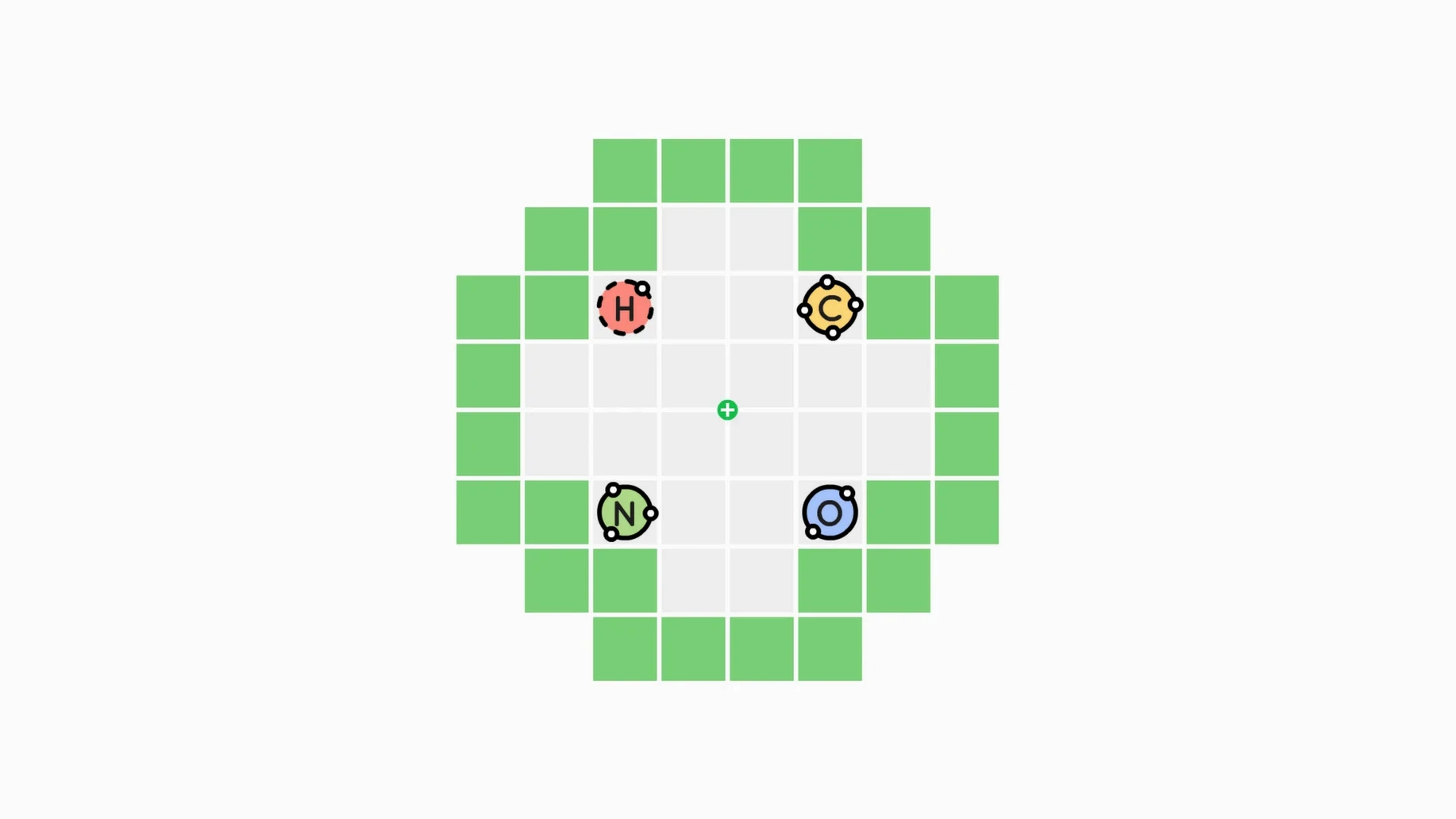
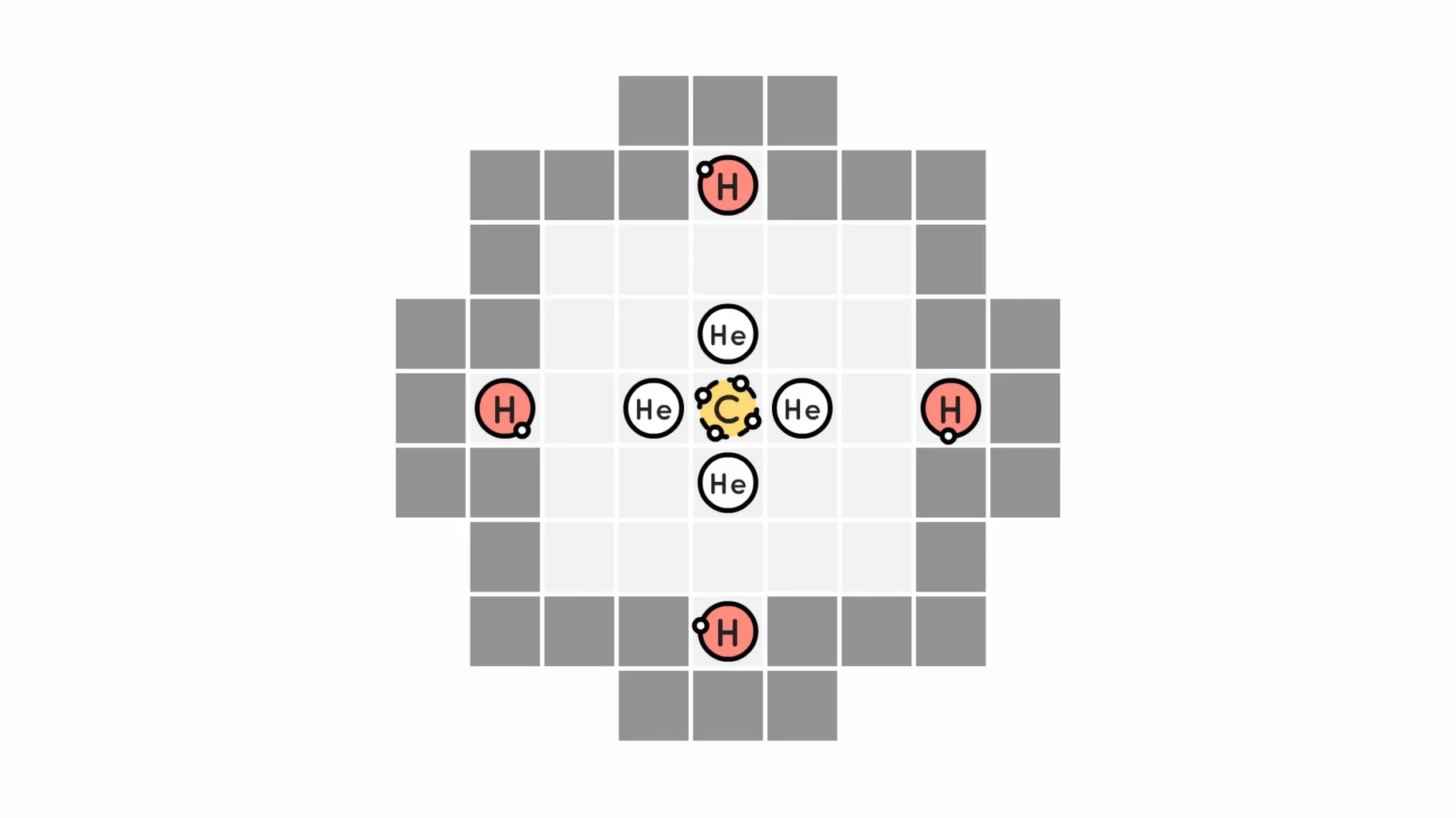
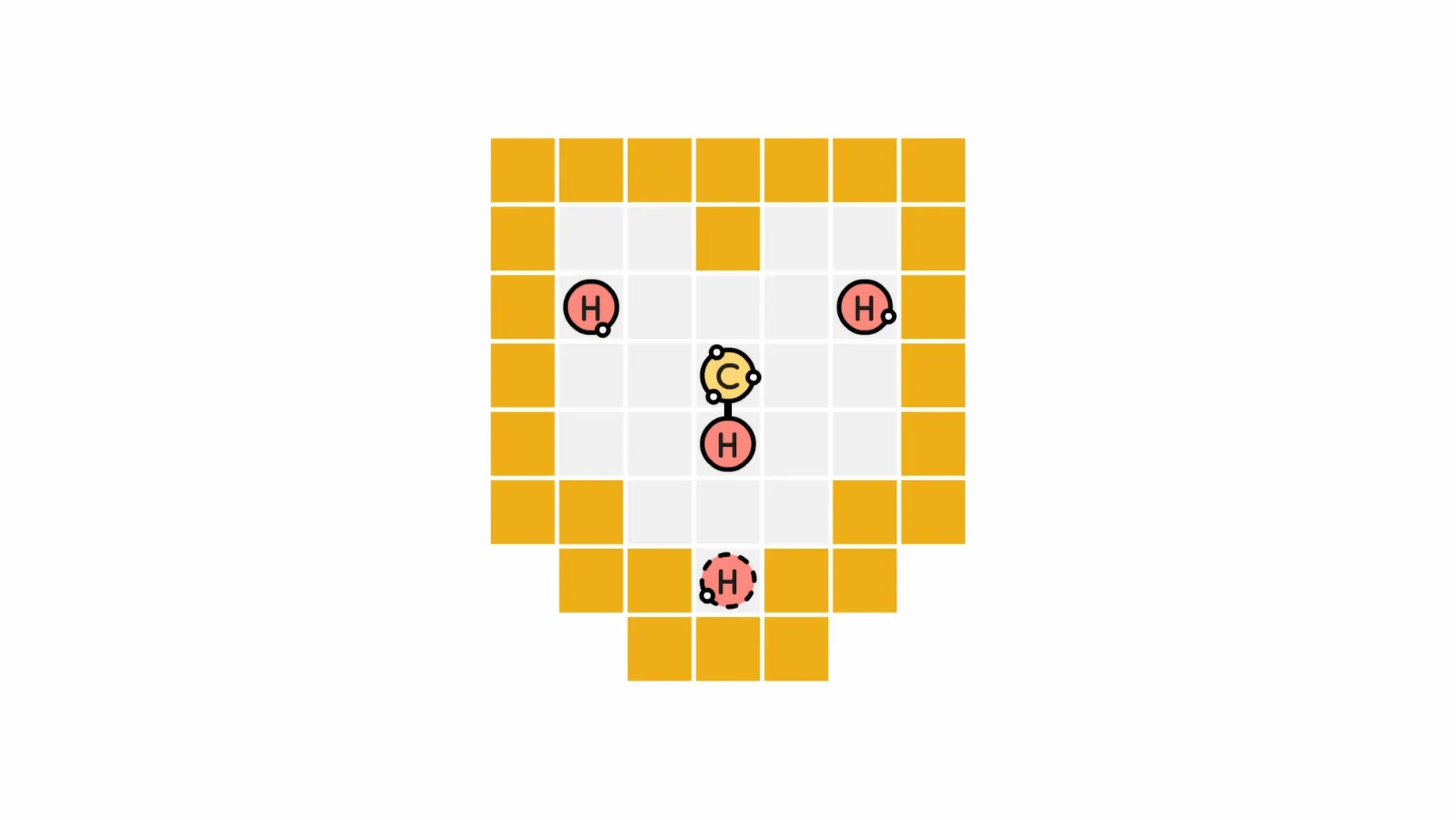
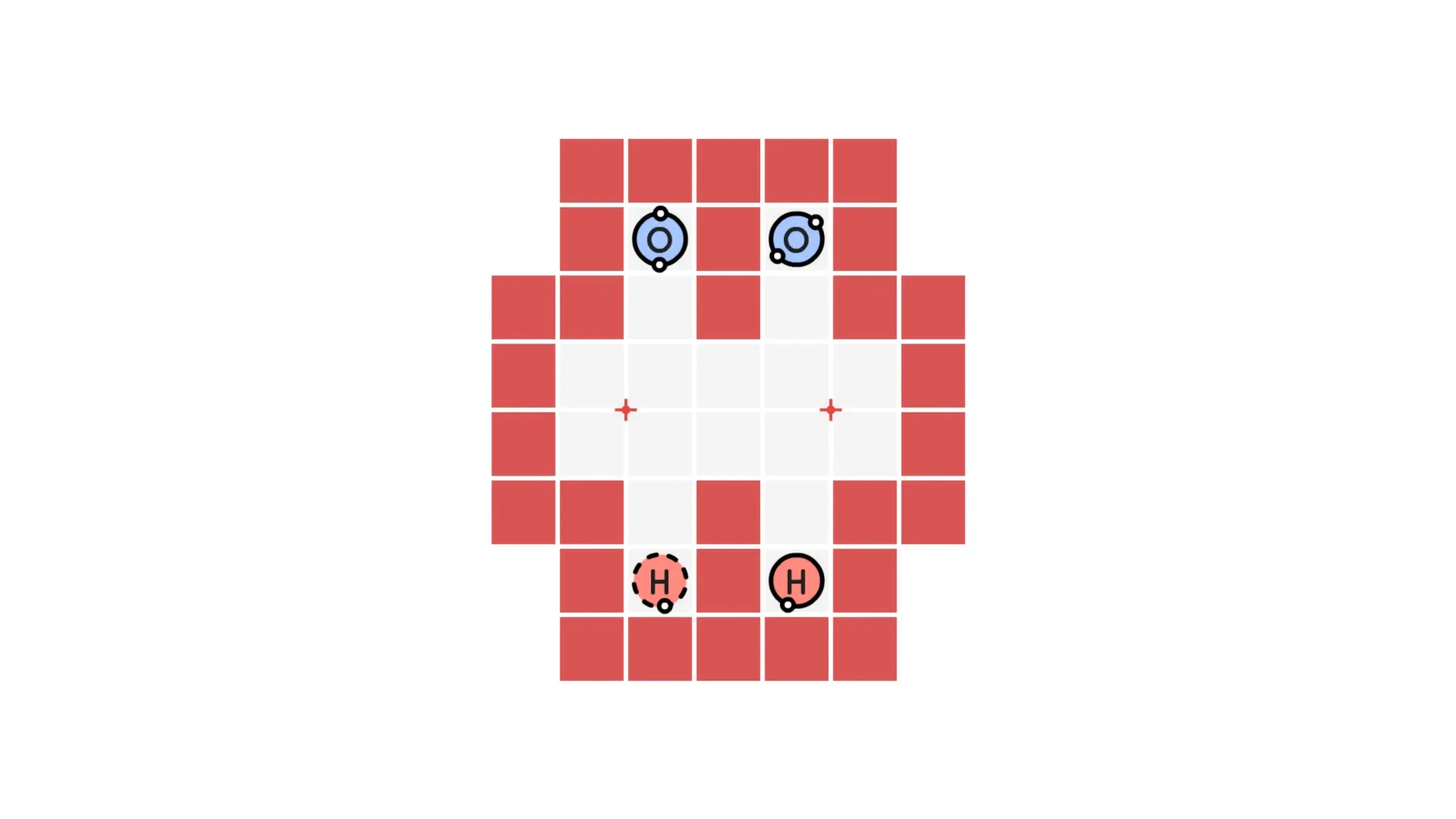
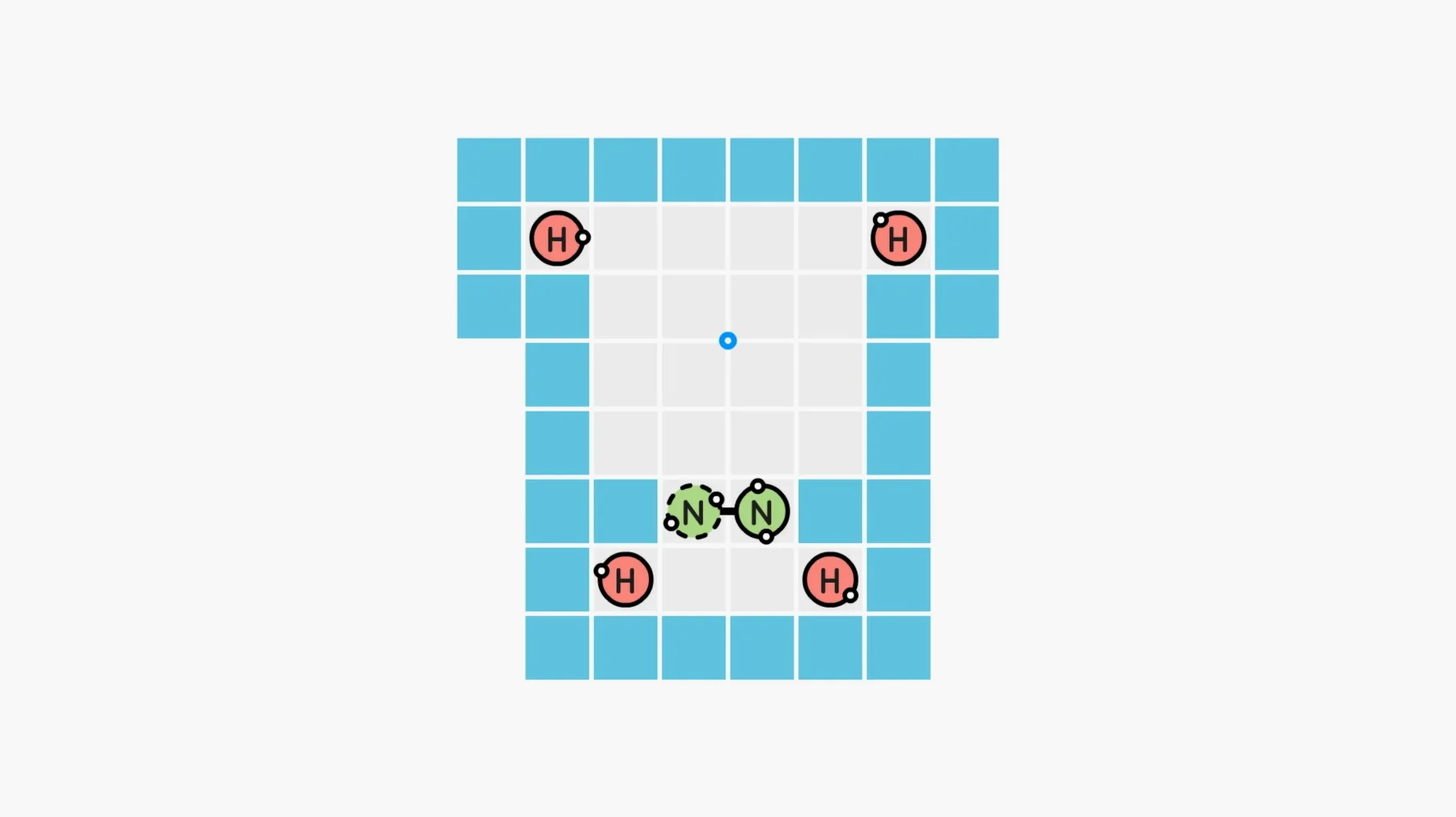
Sokobond solves a problem most puzzle games ignore: making chemistry feel like play. You move atoms across a grid, and when two atoms touch, they bond. The goal is to form a target molecule by connecting all atoms correctly. It is minimalist in presentation and deep in logic, and it works well on a Mac.
Runs on Intel Macs and Apple Silicon via Rosetta 2
- Architecture: built for x86 64-bit Intel Macs. On Apple Silicon, it runs through Rosetta 2 without noticeable issues.
- Tested system: macOS Sequoia on a MacBook Air (M1, 2020).
- Controls: simple keyboard and mouse input. Arrow keys move the selected atom; the game is turn-based, so there is no timing pressure.
- Interface languages: 11 languages, including English, Portuguese, German, French, Spanish, Italian, Korean, Japanese, Traditional Chinese, Simplified Chinese, and Russian.
Minimal resource use suits nearly any Mac from the last decade
Given its minimalist design, Sokobond is light on system resources. It will run on most Macs from the last decade, and the port behaves like a native app. The only requirement is an Intel-compatible Mac or Apple Silicon with Rosetta. If you have a Mac that can run macOS Sequoia, you are fine.
A graphic designer tried it without any chemistry knowledge
A friend of mine is a graphic designer who rarely plays games. She asked if she needed to know chemistry to play. I said no, and she gave it a try for about 20 minutes. She got stuck on the fifth level, but the logic clicked after she stopped treating atoms as chemical elements and started seeing them as simple blocks that happen to connect in certain ways. She finished that level and kept going for another hour. For someone who avoids puzzle games, the lack of pressure and the clean grid made it easy to try one more move. She didn't care about the science. She cared about the puzzle.
Study the target molecule before making a move
Here is how I approach the opening section of the game. This is not a strategy guide, just a way to avoid frustration.
- Look at the target molecule. Before you move anything, study the molecule shown at the top of the screen. Count the atoms and note which ones connect. This is your blueprint.
- Identify the fixed atoms. Some atoms on the grid cannot move. They act as anchors. Your goal is to bring every movable atom to one of these fixed points so they form the correct bonds.
- Plan one bond at a time. Push a single atom toward the nearest anchor. Do not try to solve the whole grid at once. Each bond you form removes an atom from play, which shrinks the puzzle.
- Check for dead ends. If you push an atom into a corner with no room to maneuver, you may need to restart. The early levels are small, so restarting takes seconds.
- Use the undo function. The game allows you to undo moves. Use it often. It is faster than restarting when you misjudge a push.
By level ten, you will have internalized these steps. The puzzles get larger, but the logic stays the same.
Switch language or adjust two key settings before starting
Before you start playing, open the settings menu. Two options are worth changing immediately if you want a cleaner experience.
- Language: The default may be English, but if you prefer another of the eleven interface languages, switch it now. The game uses almost no text, so this is a minor change, but it removes the small amount of UI text you will see.
- Sound volume: The soundtrack by Alison Walker is good, but it can be repetitive over a long session. Lower the music volume or turn it off if you prefer silence. The game does not rely on audio cues.
The rest of the defaults are fine. Sokobond is not a game that needs much configuration.
No release notes filed for 2.0.2. They are added here when a build changes how the program behaves.
| Processor | Intel 64-bit |
|---|---|
| Download | 197 MB |
- macOS version not specified by the developer
- Intel x86 64-bit architecture (works on Apple Silicon via Rosetta 2)
- Interface languages: Russian, English, German, Spanish, Italian, Traditional Chinese, Simplified Chinese, Korean, Portuguese, French, Japanese
Questions about Sokobond
Does Sokobond run on Apple Silicon Macs?
Yes. The game is built for Intel x86, but it runs well on Apple Silicon through Rosetta 2, as tested on a MacBook Air (M1, 2020) with macOS Sequoia.
What are the controls for Sokobond on Mac?
Use the arrow keys to move atoms. The game is turn-based, so you can take your time planning each move.
How to install, in order
- Mount the downloaded disk image.
- Drag the app into the Applications folder alias.
- After copying finishes, launch the app from Launchpad.
Comments and corrections 0
Sign in or open a free account to leave a comment.
No comments or corrections yet.