
Sludgineers 1.00.04 — download for Mac
Games Updated
Cleans pollution by collecting, refining, and recycling in an incremental loop.
Screenshots
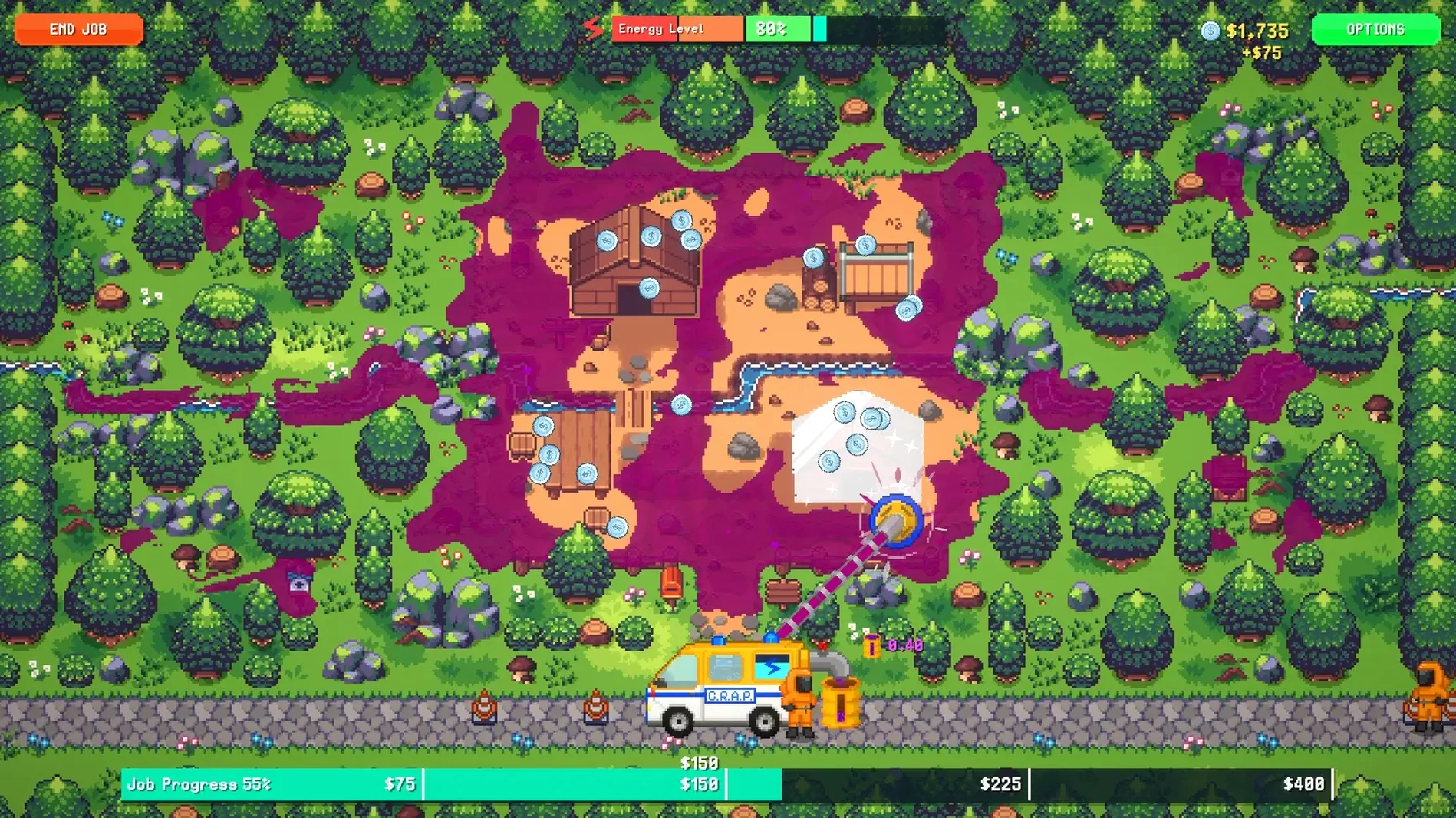
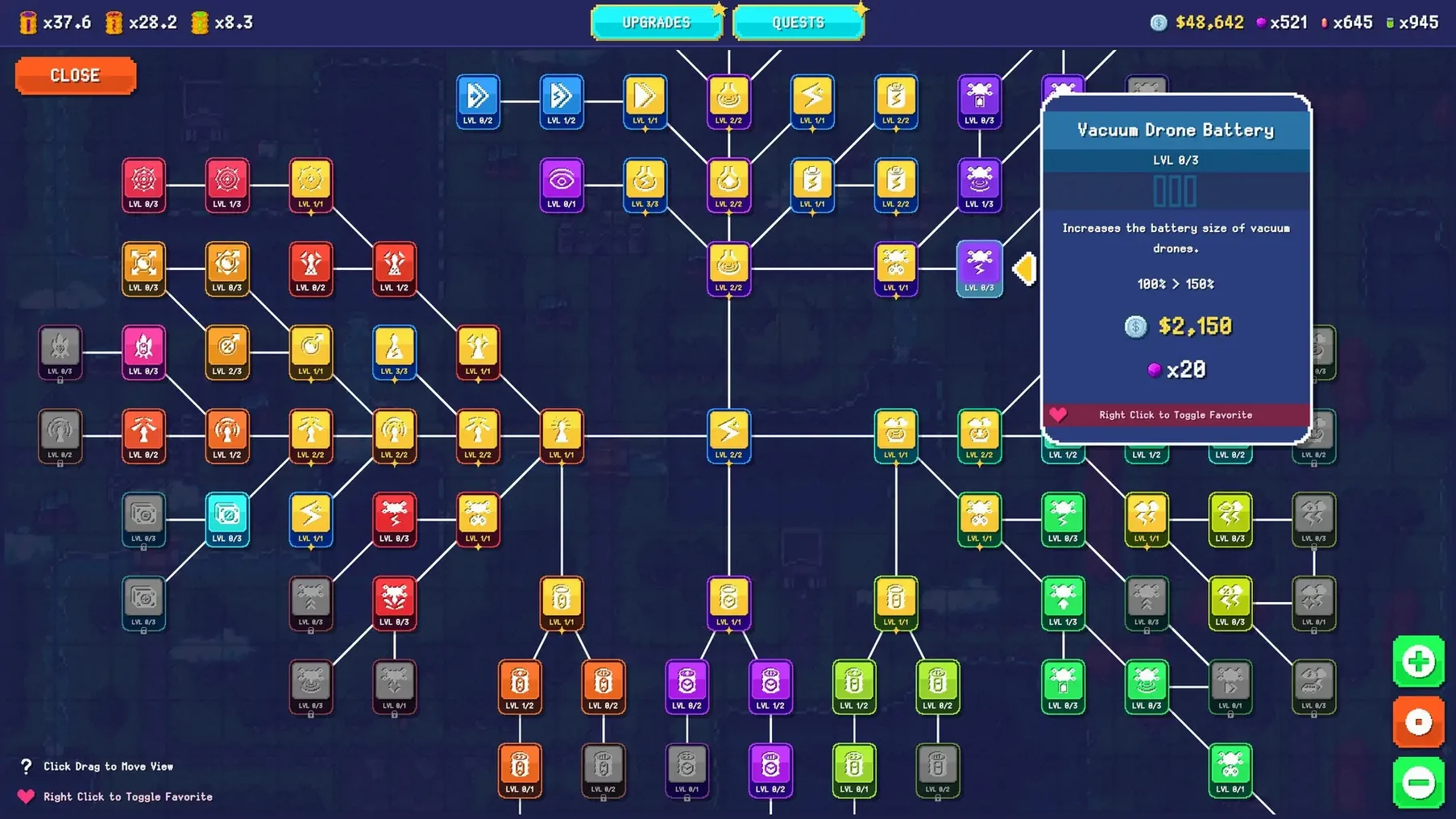
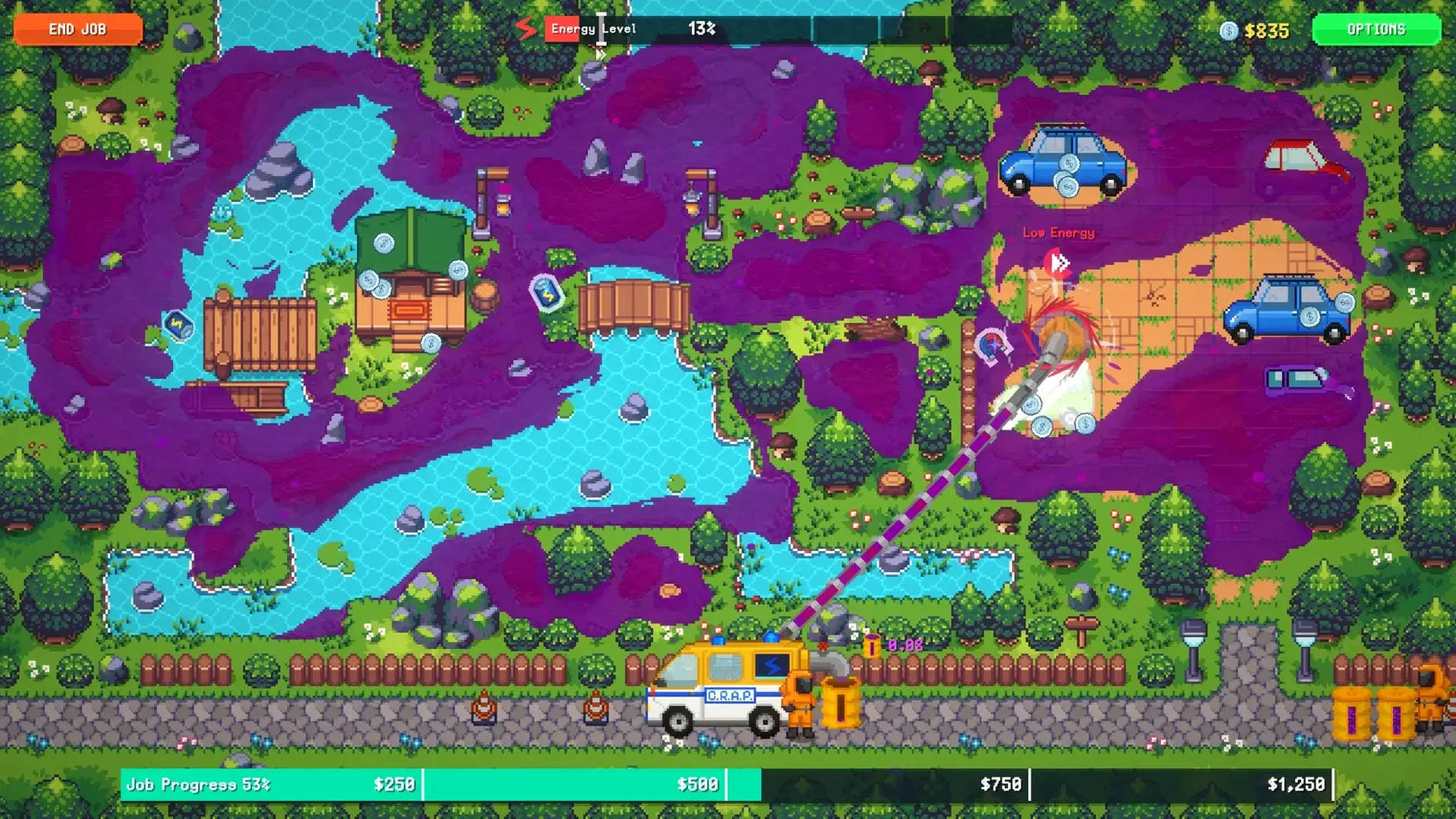
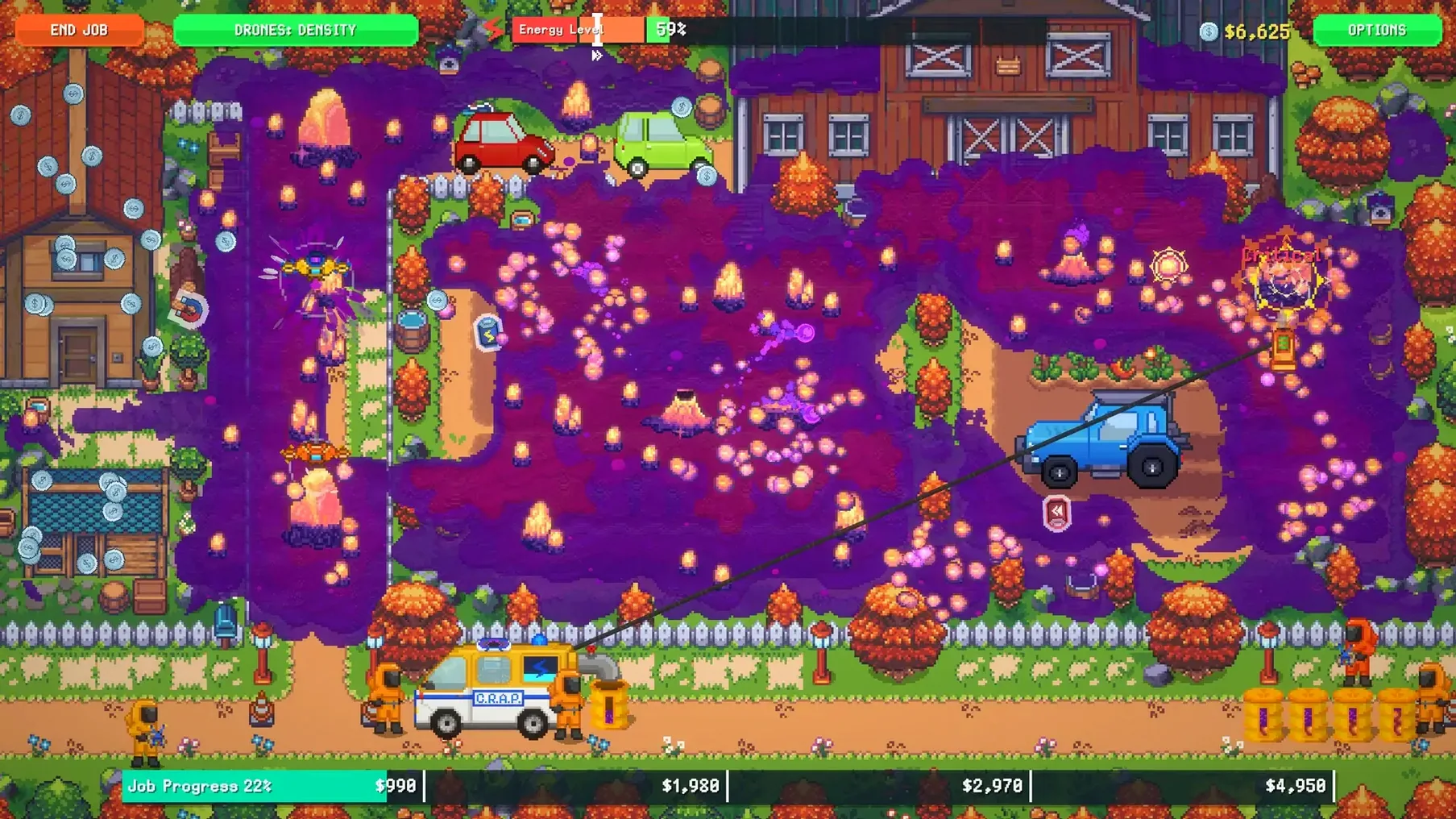

If you have ever used a spreadsheet to track progress on a messy renovation project, you will recognize the appeal of Sludgineers. This incremental game turns the chore of cleaning pollution into a satisfying loop of collecting, refining, and recycling.
Earn by Removing Dirt and Completing Quests
Sludgineers puts you on the road through the countryside. You earn money and resources by removing dirt and completing quests for locals. The active incremental design means you keep making decisions about what to clean next and how to process the waste. There is no passive idle mode — every action moves you forward.
Ship in 14 Languages on ARM and x86
The game runs on macOS with support for both ARM and 64-bit x86 architectures. It ships in English, Russian, German, Spanish, Italian, Traditional Chinese, Simplified Chinese, Korean, Polish, Portuguese, Turkish, Ukrainian, French, and Japanese. Developers Snickerdoodle Games and Funk Games also support Windows and Linux builds.
Resource Exchange Factory — What Patch #4 Changes
Version 1.00.04, labelled the Resource Exchange Factory patch, adds a new processing option to the factory floor. Instead of simply refining collected materials into sellable goods, you can now exchange one resource type for another. In practice, this means you can convert excess dirt into rarer materials needed for equipment upgrades, which cuts down the time spent hunting for specific pollution types in the countryside. The exchange rates are not fixed — they shift based on how much of each resource you hold, so you have to plan your trades instead of dumping everything into one bin.
Between Idle Clickers and Factory-Builders
Most incremental games on macOS fall into two camps: pure idle clickers that reward you for walking away, or factory-builders that require constant attention to conveyor belts. Sludgineers sits between them. Against a game like Kittens Game, which focuses on prestige and prestige-only upgrades, Sludgineers gives you a map to move through and quests that change the order of tasks. Against a resource-management sim like Ratings War, which uses a single-screen upgrade tree, Sludgineers spreads its content across multiple areas that unlock only after you meet pollution-clearing targets. The result is a game that asks you to manage both your inventory and your route, not just your click rate.
Subtle Conveniences That Are Easy to Miss
- Audio-only feedback. The game uses music for all audio cues. There are no voice lines, so you can play with sound off and miss nothing critical — the interface text handles everything. This also makes the install size smaller and keeps the game responsive on older Macs.
- No activation step. Once the disk image is mounted and the app is dragged into Applications, you open it from Launchpad and play. There is no account login, no serial number entry, and no online check. For a project manager who wants to test a game during a lunch break, this matters.
- Fourteen interface languages. The game detects your system locale and defaults to it, but you can switch at any time from a settings menu. The supported list covers Western Europe, Eastern Europe, and East Asia — useful if you share a Mac with colleagues or family who prefer another language.
- Cross-platform save compatibility. Because the game also runs on Windows and Linux, your save file travels with you if you move between machines. The file is stored in a standard location under
Documents, so you can back it up or transfer it manually.
Dedicate a macOS Space to Sludgineers
Sludgineers works well with a few common macOS habits. If you use macOS Spaces to organize your desktop, you can dedicate one space to the game and keep another for your browser or email — switching between them with a trackpad swipe or a keyboard shortcut. The game window resizes gracefully, so you can run it in a small window alongside a spreadsheet or a chat app.
The disk image format means you can keep the installer archived on an external drive or a network folder and reinstall without re-downloading. That is useful if you test software on multiple Macs in an office. The game also respects macOS privacy settings: it does not request microphone, camera, or file-system access beyond its own save folder.
For anyone who uses a Mac mini as a shared office machine, the fact that the build supports both ARM and 64-bit x86 means it runs natively on Apple Silicon and on Intel-based Macs without emulation overhead. On a Mac mini 2024 M4 running macOS Tahoe, the game performed as expected — no compatibility warnings, no Rosetta translation layer.
No release notes filed for 1.00.04. They are added here when a build changes how the program behaves.
| Processor | Apple Silicon, Intel 64-bit |
|---|---|
| Download | 226 MB |
- OS: macOS (exact version not specified)
- Architecture: ARM or 64-bit x86
Questions about Sludgineers
What kind of game is Sludgineers?
It is an incremental game focused on removing, collecting, and recycling pollution.
Does Sludgineers work on Apple Silicon Macs?
Yes, the build supports both ARM and 64-bit x86 architectures.
What languages does Sludgineers support?
The game includes Russian, English, German, Spanish, Italian, Traditional Chinese, Simplified Chinese, Korean, Polish, Portuguese, Turkish, Ukrainian, French, and Japanese.
How to install, in order
- Mount the downloaded disk image.
- Drag the app into the Applications folder alias.
- After copying finishes, open the app from Launchpad.
Comments and corrections 0
Sign in or open a free account to leave a comment.
No comments or corrections yet.