
Vellum 4.2.2 — download for Mac
Office Intel processors only Updated
Produces professional ebooks and print-ready book files from one project.
Screenshots
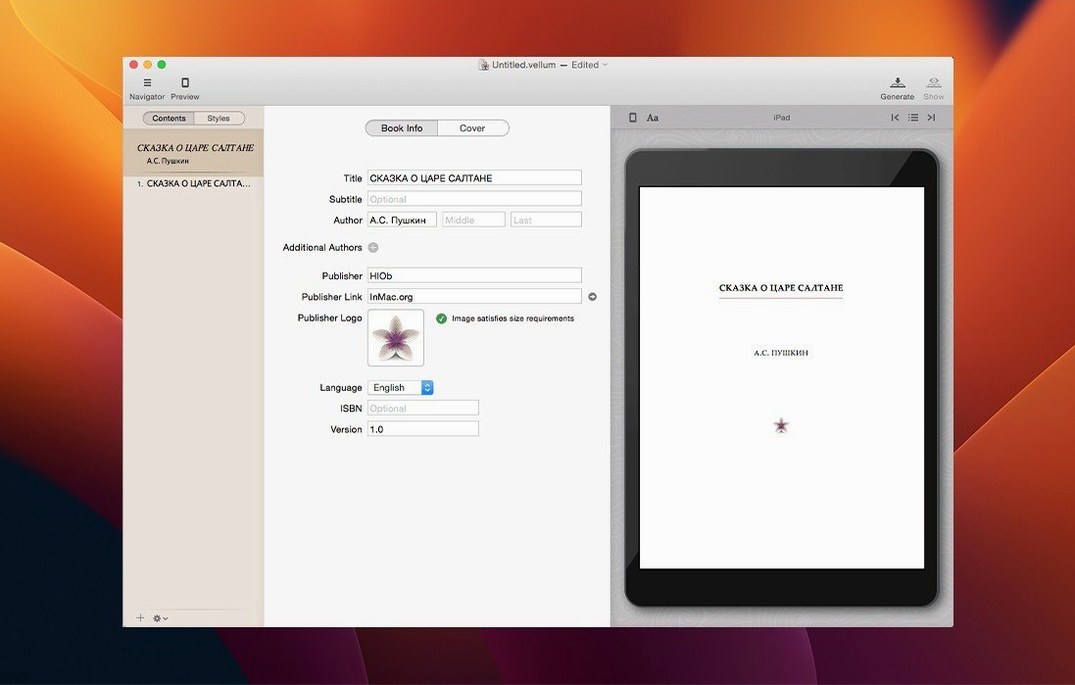
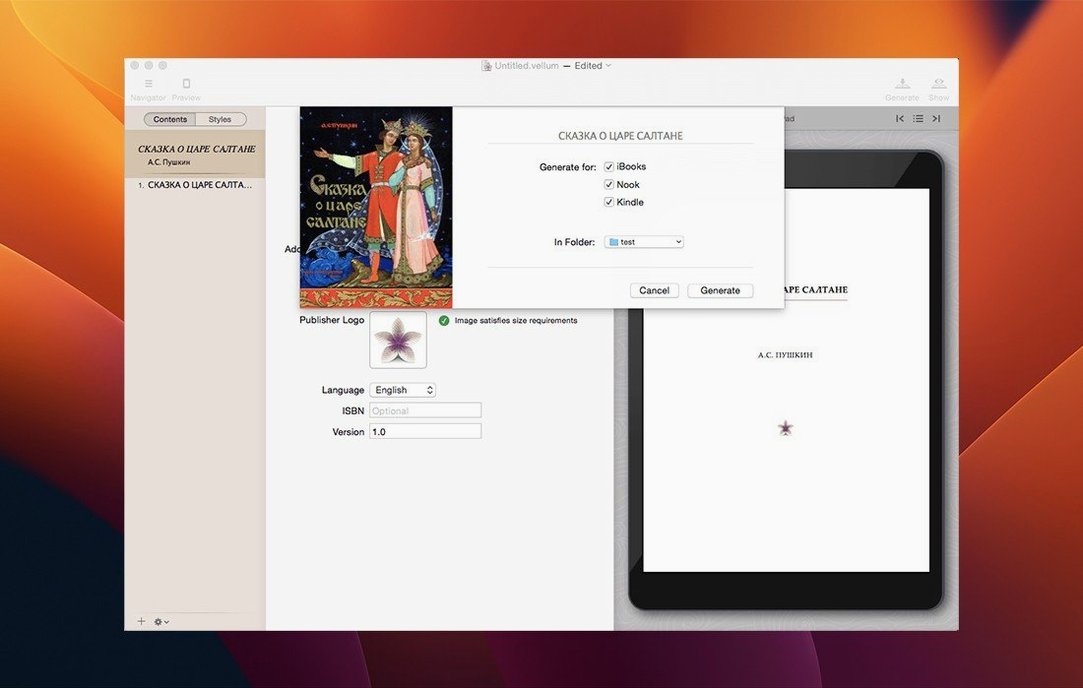
Vellum is a Mac application for producing professional ebooks and print-ready book files from a single project. Before you download, the key question is whether it runs on your hardware: Vellum requires macOS 11 or later and works natively on both Apple Silicon and Intel 64-bit Macs. It is an English-language app with no other interface languages.
- Generates ebook files for Kindle, Kobo, Apple Books, and other platforms, plus print editions, all from the same project.
- Lets you add copyright-page content directly inside the app rather than pasting from another document.
- Handles typographic details like widows and spread balancing automatically.
- You can regenerate updated ebook files after making changes, so you never have to start from scratch.
- Described as a native Mac app, it feels responsive on current hardware.
For a project manager who also publishes or formats documents, Vellum removes the back-and-forth between layout and code. It works as a single tool for both digital and print output, which saves time when you need to update a title or prepare a new edition.
## Common Mistakes Beginners Make New users often treat Vellum like a word processor and start typing directly into the manuscript editor. The app expects you to import a finished manuscript and then apply formatting, not to write inside it. Importing a clean document first saves time because Vellum can then build the title page and table of contents automatically. Another frequent error is ignoring the chapter style setting. Beginners add new chapters but forget to apply the same style to each one. Vellum applies the chosen style to every chapter, including newly added ones, but only if you set it up before inserting chapter breaks. If you skip this step, the formatting drifts across the book. A third mistake is toggling between ebook and print preview too late. Users edit the whole manuscript in ebook mode, then switch to print and discover that margins, page numbers, headers, and footers need adjustment. Vellum adjusts those automatically after you select trim size, but you still need to check the print preview early to catch layout shifts. ## Common Snags and How to Sort Them Out **Missing title page or table of contents.** If you import a manuscript that already has a title page embedded, Vellum may not generate its own. The fix is to remove the embedded title page from the source file and let Vellum create a fresh one. The same applies to the table of contents — clear it from your original document and let the app build it. **Copyright page content not appearing.** You can add copyright-page content inside Vellum, but beginners sometimes paste it into the first chapter instead. Check that you are adding it in the copyright-page field, not the chapter body. If it still does not show, verify that the print edition includes a copyright page in its settings. **Boxed set problems.** When creating a boxed set from multiple books, users sometimes load books that have different trim sizes or style presets. Vellum expects consistent settings across all books in the set. Reformat each book with the same trim size and style before combining them. **Preview not updating.** If you edit text but the preview does not change, try toggling to a different device preview and back. Vellum updates previews instantly when editing, but the preview pane occasionally needs a refresh. Switching views forces it to reload. **Regenerated files missing changes.** After making edits, you must regenerate the ebook or print file — saving the project is not enough. Use the generate command to produce an updated file for Kindle, Kobo, or Apple Books. ## What to Expect on Your Mac Vellum is a native Mac application, which means it installs like any other macOS app. You mount the downloaded disk image, drag the app into the Applications folder alias, and open it from Launchpad after the copy finishes. No extra installers or dependencies. The app runs on macOS 11 or later and supports both ARM (Apple Silicon) and x86 (64-bit Intel) architectures. It is an English-language interface only. The version available here is 4.1.5 EDiSO, built by 180g and activated by the TNT team. Because it is a native app, it integrates with standard macOS behaviors — drag-and-drop, file dialogs, and system fonts. There is no web-based component or cloud dependency for the formatting work. ## Small Conveniences Easy to Miss Vellum can generate ebook and print editions together from the same project. If you are preparing both a Kindle file and a paperback, you set up the project once and output both formats without duplicating work. The instant preview updates as you edit, so you see the result of a style change or a chapter addition immediately. You do not need to switch to a separate viewer. After you select a trim size, the app automatically adjusts margins, page numbers, headers, and footers. That spares you from manually recalculating those values for each format. If you later need to update the book — fix a typo, change a cover image, add a chapter — you can regenerate the ebook files from the same project. Vellum keeps your settings, so the update is a few clicks, not a full reformat. The boxed set feature lets you combine multiple books into one file. This is useful for authors who bundle a series or for publishers preparing a collection edition.Vellum 4.2.2 arrives as a maintenance release. The update addresses a few under-the-hood issues to keep the formatting engine stable across longer book projects.
| macOS | macOS 14.6 or later |
|---|---|
| Processor | Intel 64-bit |
| Download | 95 MB |
- macOS 14.6 or later
- Intel 64-bit processor
How to install, in order
- Mount the disk image you downloaded.
- Drag the Vellum application into the Applications folder shortcut.
- Open the app from Launchpad once the copy finishes.
Comments and corrections 0
Sign in or open a free account to leave a comment.
No comments or corrections yet.