Boom 3D 2.2.6 — download for Mac
Utilities Updated
Boosts system-wide audio volume and equalizes sound beyond macOS limits.
Screenshots
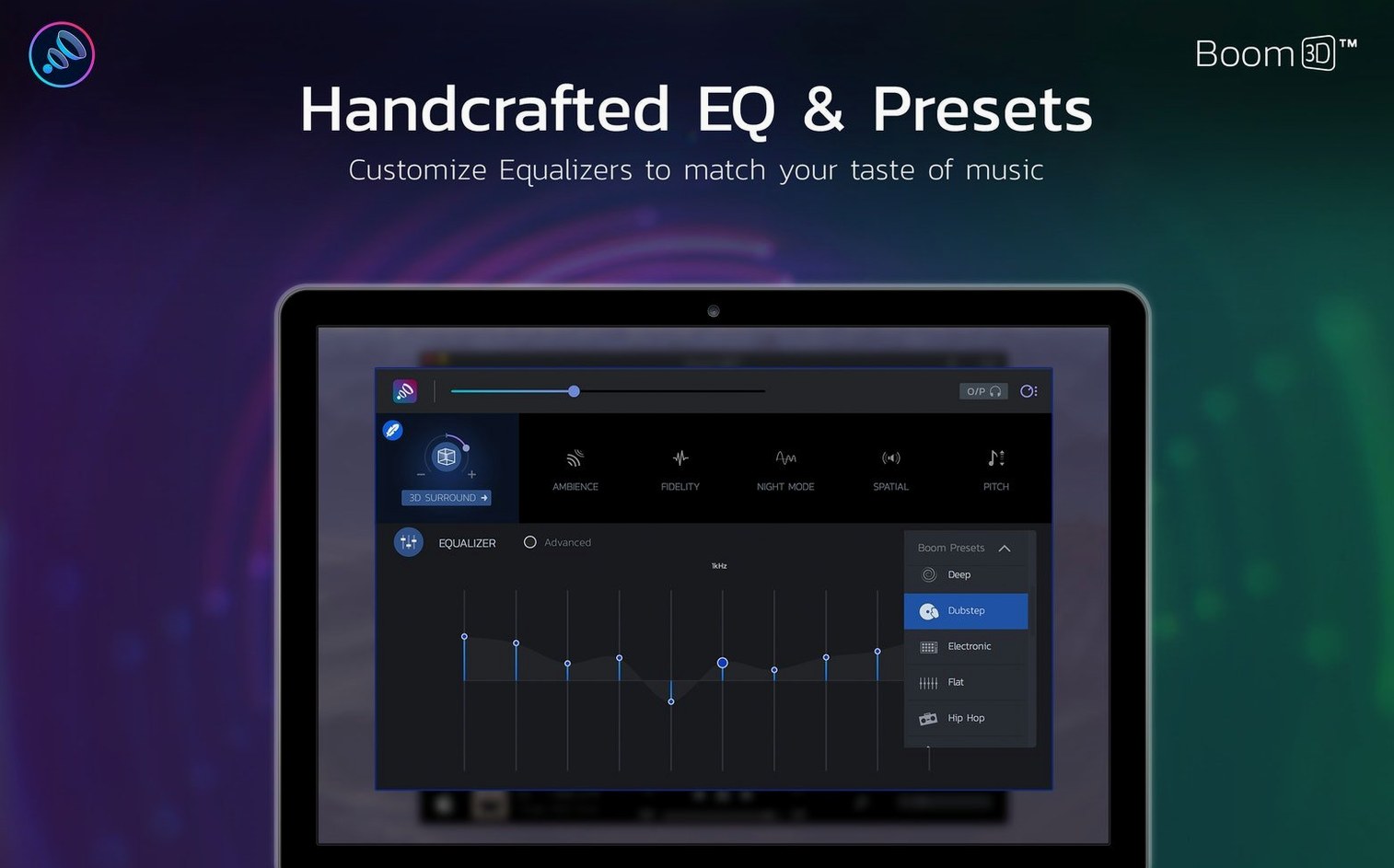
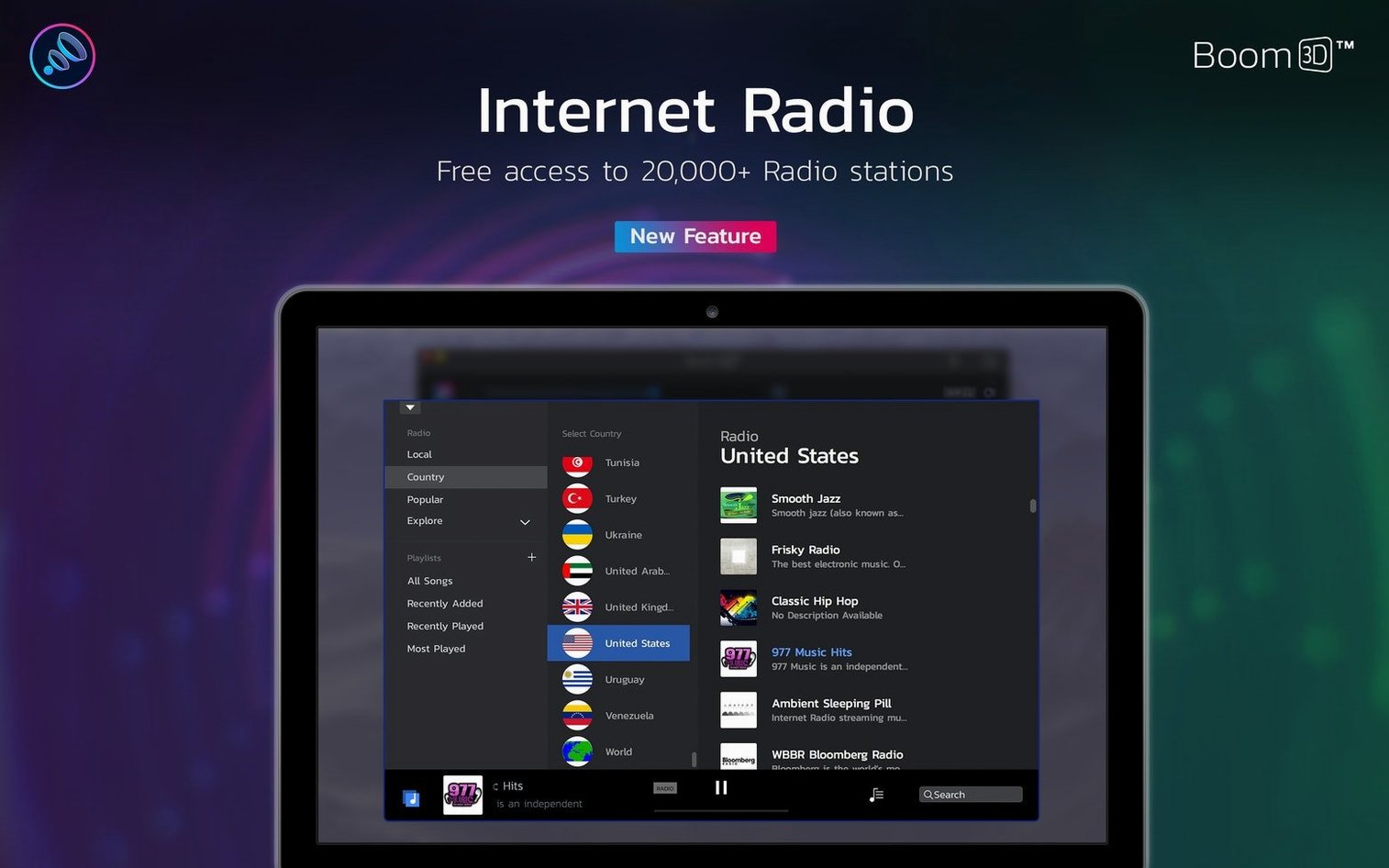
The precision equalizer is where most people start with Boom 3D, and it sets the tone for the rest of the app. Global Delight built this as a separate tool from Boom 2, not a simple update. The core feature is a system-wide volume booster that lifts output beyond what macOS allows on its own.
Runs on macOS 10.14 or later
Compatibility is straightforward: macOS 10.14 or later, on either Intel or Apple Silicon. Interface languages cover English, Russian, German, Spanish, Italian, Portuguese, French, Dutch, Korean, Japanese, Traditional Chinese, and Simplified Chinese. If your machine runs Mojave or newer, the app installs without architecture concerns.
Three main pieces: per-app volume, 3D surround, and equalizer
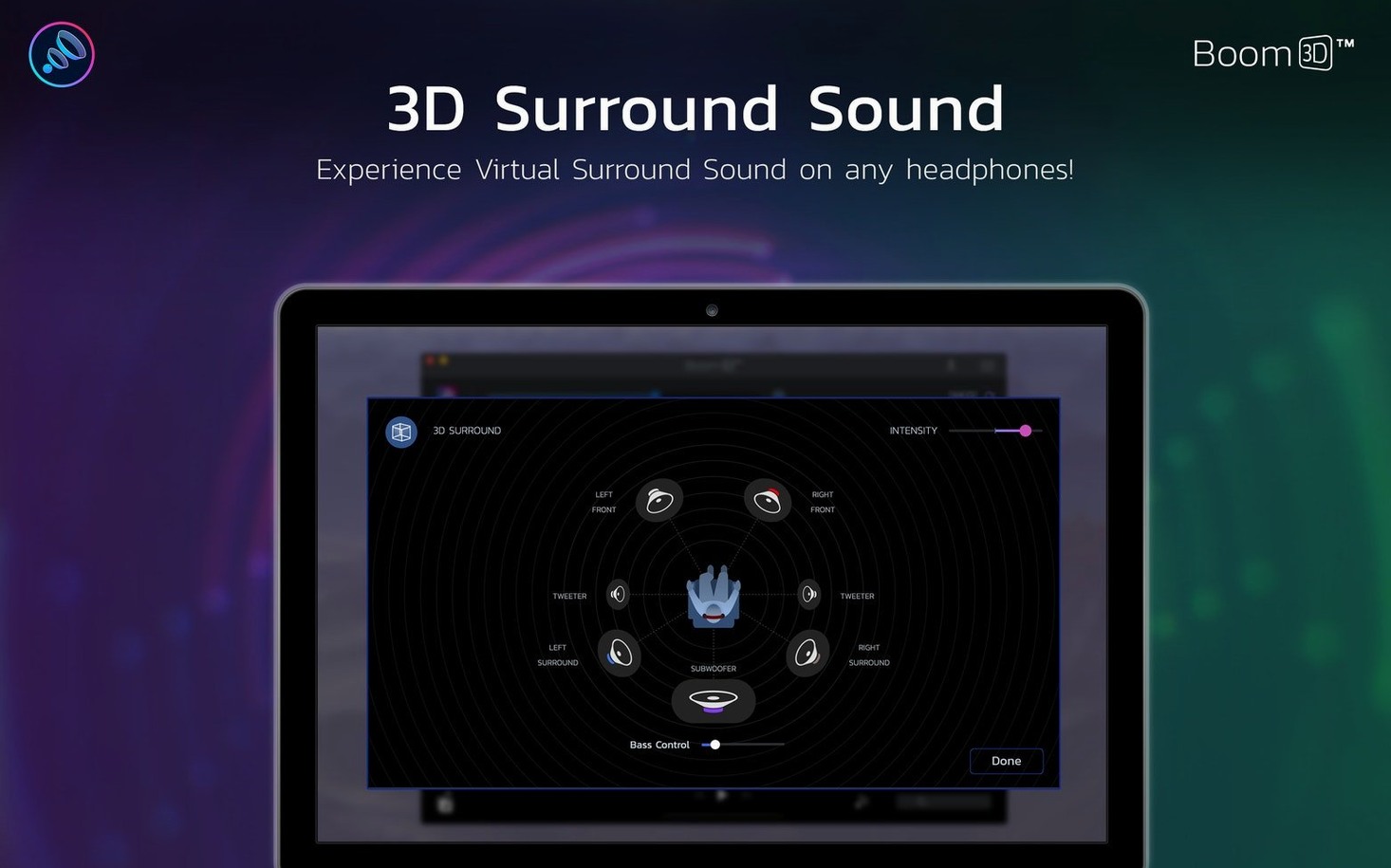
Three main pieces define the package. Per-app volume control lets you set different levels for a music player, a browser, and a video call app without touching system output. The 3D surround sound processes audio spatially for headphones. And the precision equalizer gives you fine control over frequency bands rather than a handful of presets.
Start with the main volume slider
You open the app and see the main volume slider first. The workflow starts with that slider: drag it up a few notches to bring a quiet podcast or system sounds to a usable level. From there, you move to the equalizer. A quick look at the frequency bands tells you where your headphones are weak. A slight boost in the low mids and a small cut around 4 kHz turns a muddy track into something clear.
Next, you enable 3D surround. This is a toggle, not a dial. You click it on, play a short video or a song, and decide if the spatial effect works for the content. For music, you might turn it off. For a movie, you leave it on. The per-app sliders appear in the same panel. You drop the web browser level by 20 percent so video ads don't blast, and raise the media player so music overrides everything.
The session ends with a check. You play audio from three apps at once — a podcast in one tab, a music player, and a system notification sound. Each stays at its set volume. You close the app window, and the settings stay active in the background until you quit Boom 3D from the menu bar icon.
Runs as a background process, no extra hardware needed
Boom 3D is a system service, not a heavy DAW. It runs as a background process once installed. The version 2.2.6 supports macOS 10.14 and later on both ARM and Intel 64-bit. No extra drivers or audio hardware are needed. The app works with built-in speakers, USB headsets, Bluetooth headphones — anything macOS sees as an output device.
Because it processes audio system-wide, it adds a small layer to your audio pipeline. The equalizer and surround effects are applied after the operating system mixes the sound from all running applications. If your Mac plays audio normally without Boom 3D, it will play with it. You just get the extra controls on top.
No sound after install? Restart from the menu bar
People run into a few predictable issues. Here are the fixes that usually work.
- No sound after install. Restart the app from the menu bar. If that does not help, go to System Preferences > Sound and check that Boom 3D is selected as the output device. Some systems default to a different audio route after the app installs its virtual audio driver.
- Per-app sliders do nothing. Quit and relaunch Boom 3D. The per-app feature needs to re-scan the running processes. If the app was already open when you launched a new browser, restart Boom 3D and the sliders appear.
- Equalizer resets after reboot. Save a preset. The precision equalizer does not autosave by default. Create a preset, name it, and load it again after restarting your Mac. This is a one-time step per profile.
- 3D surround sounds hollow. Not all content works with spatial processing. Mono recordings and low-bitrate streams can sound thin. Try it on a stereo movie or a game. If it still sounds off, reduce the volume boost first, then enable surround.
- App does not launch on newer macOS. Check that your copy matches the architecture of the system. On Apple Silicon Macs, use the ARM version. On Intel Macs, use the 64-bit build. The installer can be misidentified by macOS security settings. Allow the app in System Preferences > Privacy & Security.
Lia balances Audacity, browser, and QuickTime without touching system output
Lia edits a weekly interview podcast from a home office in Madrid. She uses a pair of closed-back headphones and switches between Audacity, a web browser for reference tracks, and QuickTime for playback. Before Boom 3D, she found herself adjusting the Mac volume constantly — loud for quiet guests, then blasting when a host laughed.
She installed Boom 3D and set the equalizer to a speech boost preset: a slight bump around 1 kHz and a roll-off below 60 Hz to remove rumble. The per-app sliders let her drop the browser to half volume while keeping Audacity at full. The 3D surround stays off because speech does not benefit from spatial processing. After a month, the only time she opens the app is to check that the preset loaded after a system update. The rest runs without interaction.
Boom 3D Mac torrent aside, this app quietly enhances audio for casual listeners and dedicated gamers.
No release notes filed for 2.2.6. They are added here when a build changes how the program behaves.
| macOS | macOS 10.14 or later |
|---|---|
| Processor | Apple Silicon, Intel 64-bit |
- macOS 10.14 or later
- Works on Intel and Apple Silicon
Questions about Boom 3D
Is Boom 3D the same as Boom 2?
No, Boom 3D is a separate app from Boom 2, developed by Global Delight with different features including 3D surround sound.
Can I control volume for individual apps?
Yes, Boom 3D includes per-app volume control, so each application can have its own output level.
Which macOS versions are supported?
Boom 3D runs on macOS 10.14 and later, with support for both Intel and Apple Silicon Macs.
Comments and corrections 0
Sign in or open a free account to leave a comment.
No comments or corrections yet.