BetterZip 6.1 — download for Mac
Utilities Updated
Compresses and archives files with support for multiple formats and encryption.
Screenshots
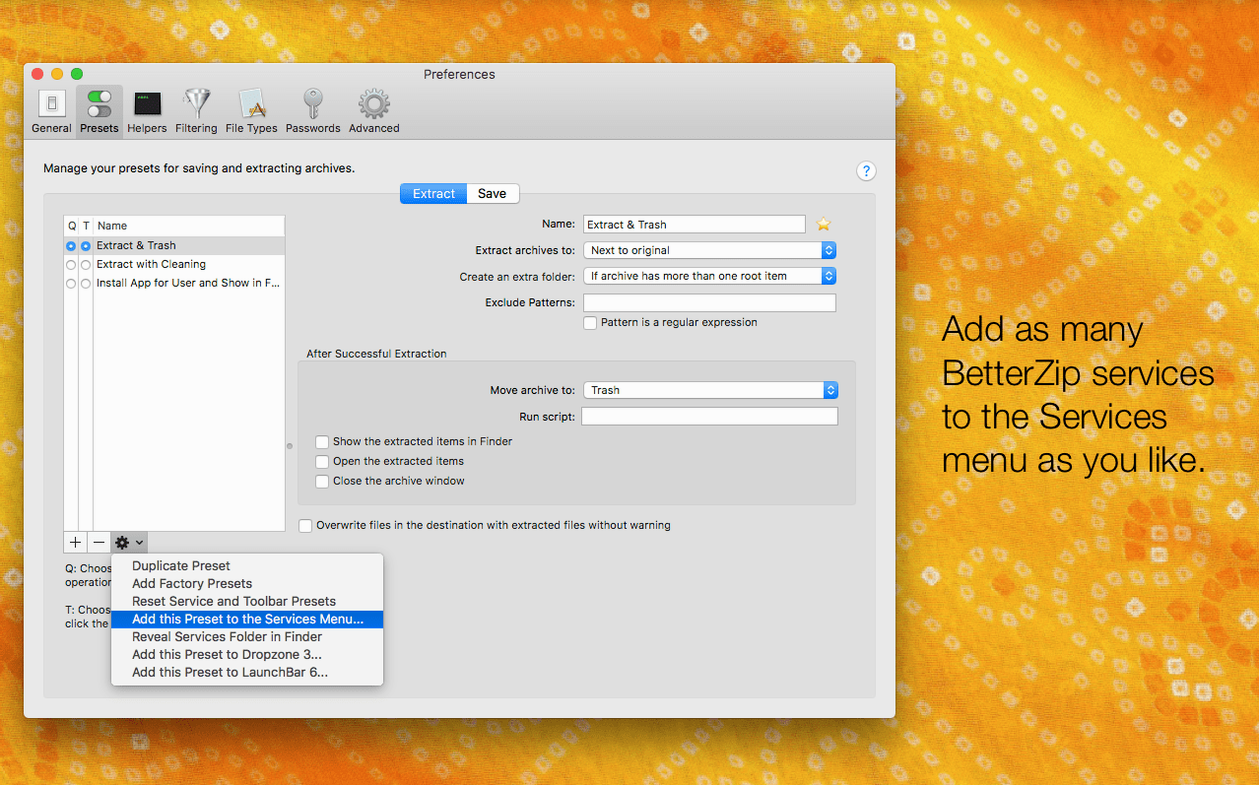
BetterZip runs on Apple Silicon and Intel Macs with macOS 13.5 or later. That covers everything from a MacBook Air M2 in a coworking space to a Mac Studio pulling server duty in a back office. The current 6.0.6 build fixes a rare crash with external helper tools and updates the unrar library.
A pro workflow for archive management
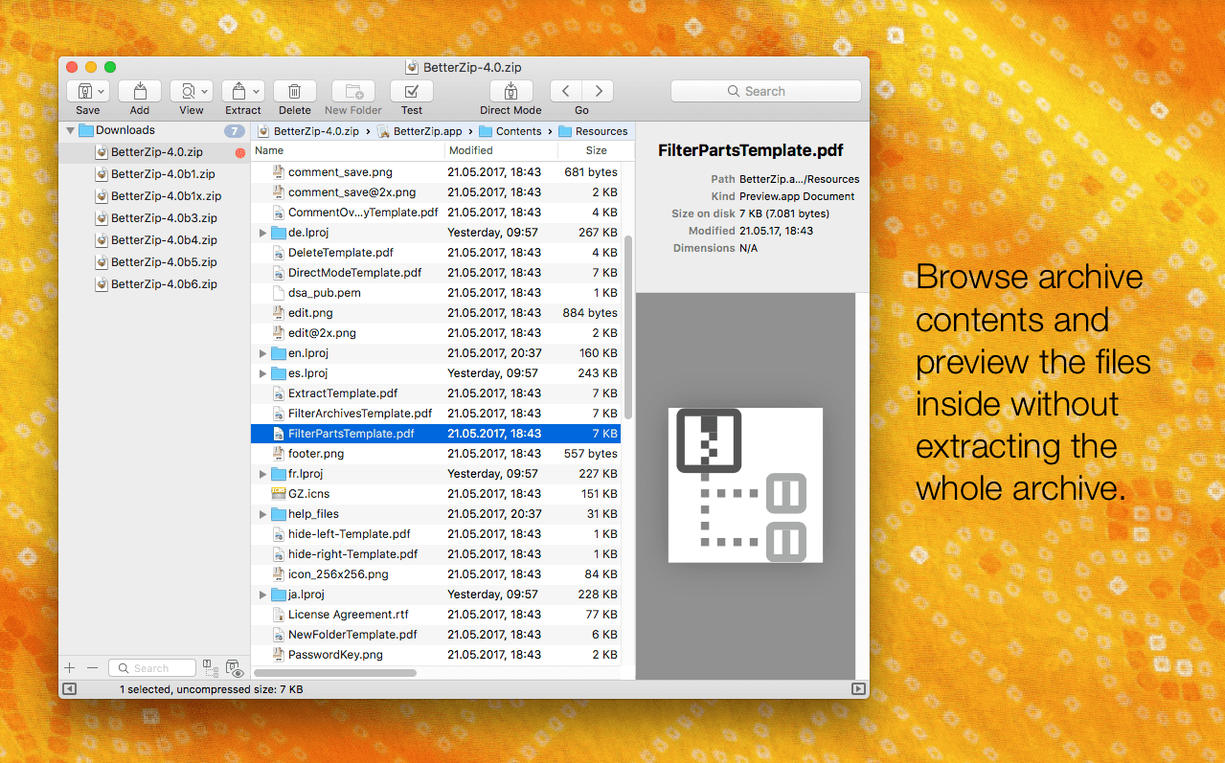
- Inspect without extracting. Quick Look previews files inside an archive before you commit to a full extraction. When a subcontractor sends a compressed batch of PDFs, I check the contents in two seconds.
- Edit the archive directly. Rename or move files and folders without repacking. If the naming convention changes mid-project, I adjust the zip contents and send it on — no recompression, no extra time.
- Queue operations overnight. The operations queue handles compression and extraction without interaction. I drop ISO disk images or large project folders into the queue at 5 PM and find the results in the morning.
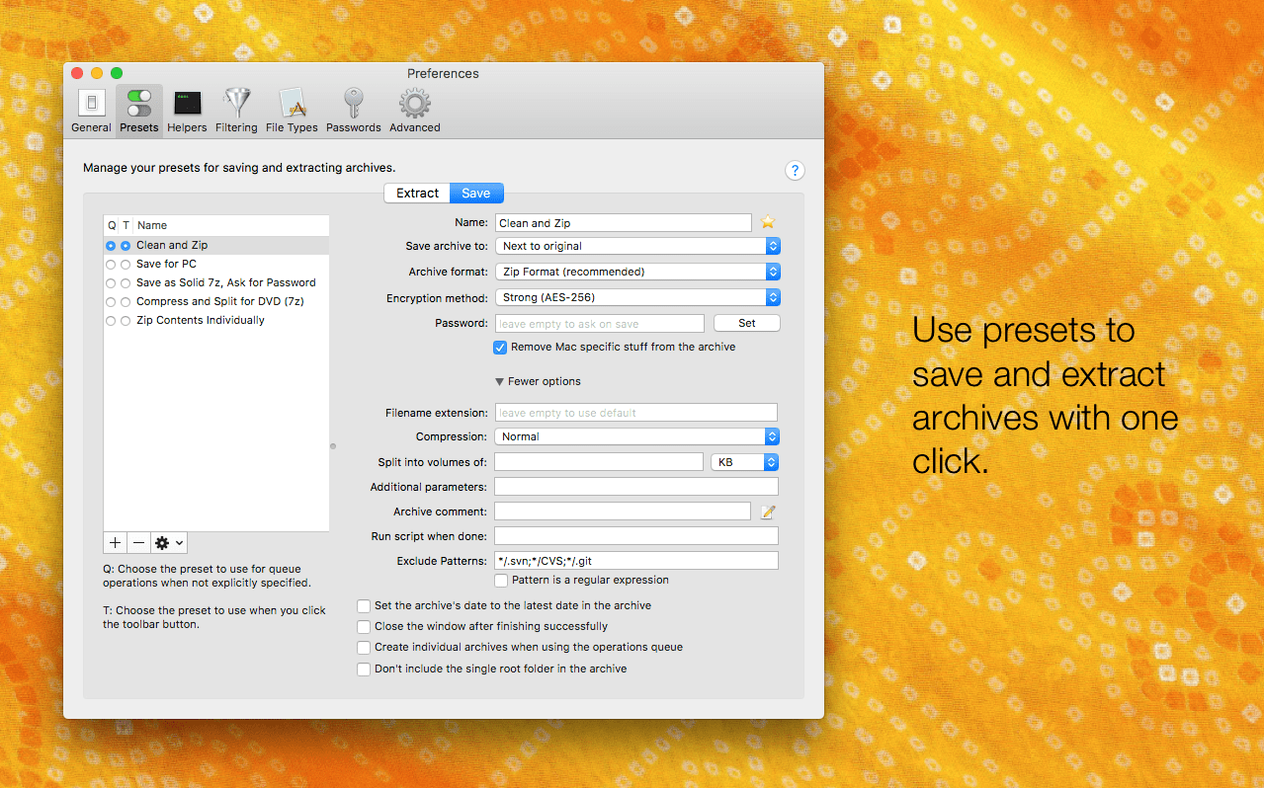
- Encrypt what matters. AES-256 encryption locks archives before they go to external consultants. I also add comments to RAR files so recipients know exactly which revision they have.
- Automate with AppleScript. Repetitive extraction and compression tasks run on a script trigger. I keep a small library of AppleScripts for monthly report bundles — one click, no manual steps.
The 6.0.6 update also adds an option to skip restoring macOS metadata during extraction, which avoids cluttering Windows-bound transfers with Mac resource forks. Project managers who exchange archives with engineers and finance teams will use that daily.
Runs on macOS 13.5+, ARM, and Intel Macs
The requirements are straightforward: macOS 13.5 or newer, and it runs on both ARM and x86 (64-bit) machines. That means no matter which Mac you have — an M2, an M1, or an older Intel model — BetterZip works the same way. The 7z helper received Apple Silicon assembler optimizations in version 6.0.6, so the compression engine takes advantage of the M-series architecture where it can. The interface is in English by default, but you can switch to German, Spanish, Italian, Chinese (Simplified), Polish, Portuguese, French, Swedish, or Japanese without changing your system language. Installation is a four-step process: mount the disk image, press Enter in Terminal to bypass Gatekeeper, drag the app into Applications, and it is ready to use.
Drag engineer’s 7z file from email to Quick Look
I keep BetterZip in the dock. Most days start the same way: an email arrives from the structural engineer with a 7z file attached, labeled "revised-load-calculations." I drag the archive from the email into the BetterZip window. Quick Look shows me the contents — spreadsheets and PDFs — without extracting a single file. I see the file names, sizes, and modification dates. Everything matches what I expected, so I select the folder and extract to a project subdirectory. The 6.0.6 option to skip macOS metadata means the files land clean, with no hidden resource forks or .DS_Store clutter.
Around midday, the site supervisor sends a zip of updated floor plans. The naming is wrong — "final" is in the filename but these are clearly revisions. I open the archive, rename the folders inside, and delete an old PDF that should not be there. No repacking. The archive stays compressed the whole time. I add a comment to the zip so everyone on the thread knows the change log.
Late afternoon, I prepare the monthly progress report. I drop a folder of PDFs and an ISO disk image into the operations queue, set AES-256 encryption, and let it run in the background while I write the meeting minutes. The queue processes everything without a dialog box. By the time I close my MacBook Air, the archive is sitting on the desktop, ready to upload.
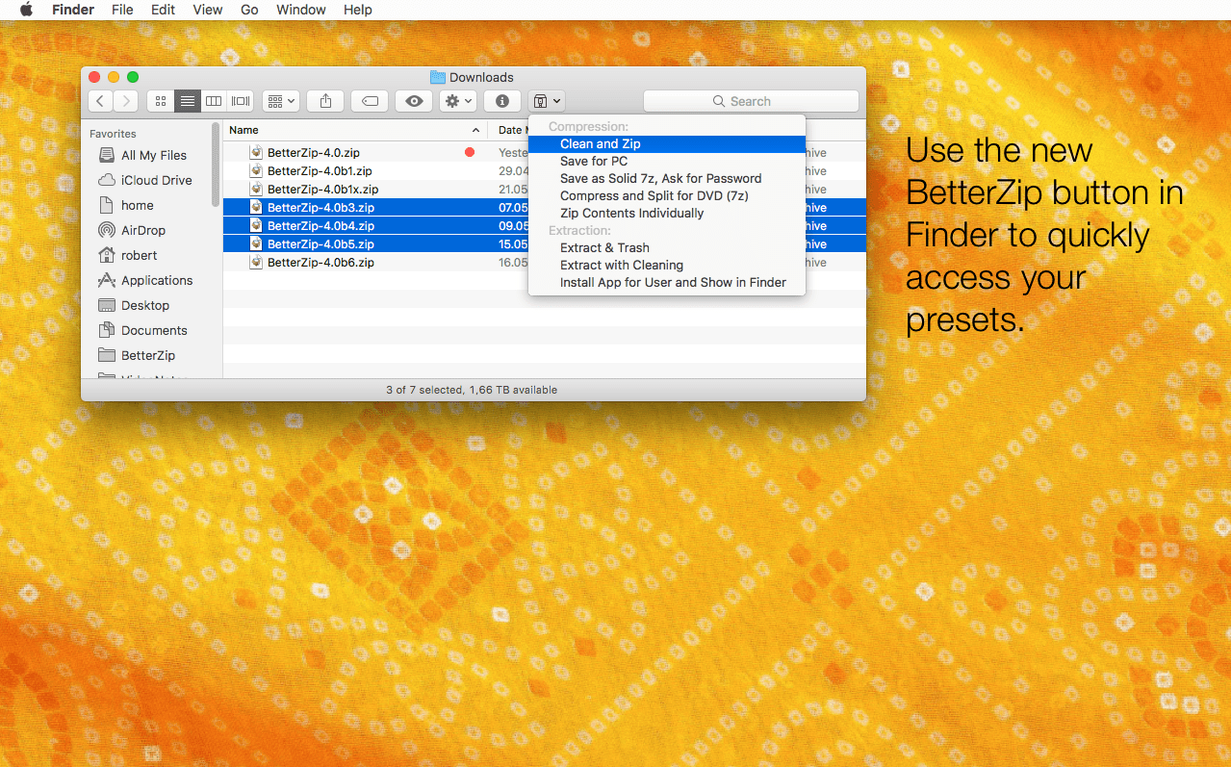
The Finder extension is what I use the most. Right-click any archive, and BetterZip offers extract, open, or preview. On the receiving end, when a consultant sends a RAR archive with comments, I read those comments in the properties panel without extracting. The language option in 6.0.6 helps when I share the tool with a colleague who prefers Polish — we sit side by side, each with our own language, working on the same archive format.
- Option to use BetterZip in a language different from the system language.
- Option to skip restoring macOS metadata during extraction — useful for cross-platform file sharing.
- Updated 7z helper to v26.03 with Apple Silicon assembler optimizations.
- Fixed a rare crash involving communication with external helper tools.
| macOS | macOS 13.5 or later |
|---|---|
| Processor | Apple Silicon, Intel 64-bit |
| Download | 25 MB |
- macOS 13.5 or later
- Apple Silicon or Intel Mac
Questions about BetterZip
Can BetterZip extract ISO disk images?
Yes, BetterZip supports extraction of ISO disk images alongside more than 30 other archive formats.
Does BetterZip work with AppleScript?
Yes, BetterZip includes AppleScript integration for automating compression, extraction, and other archive management tasks.
Can I add comments to RAR archives?
Yes, BetterZip allows you to add comments to RAR archives, which helps identify revisions or contents for recipients.
How to install, in order
- Mount the disk image and launch Open Gatekeeper friendly.
- Press Enter in the Terminal window that appears to bypass Gatekeeper.
- Drag the BetterZip app into the Applications folder.
- The app is ready to use.
Comments and corrections 0
Sign in or open a free account to leave a comment.
No comments or corrections yet.