Cocktail Sequoia Edition 18.7.1 — download for Mac
Utilities Intel processors only Updated
Clears cache files, repairs permissions, and trims startup items.
Screenshots
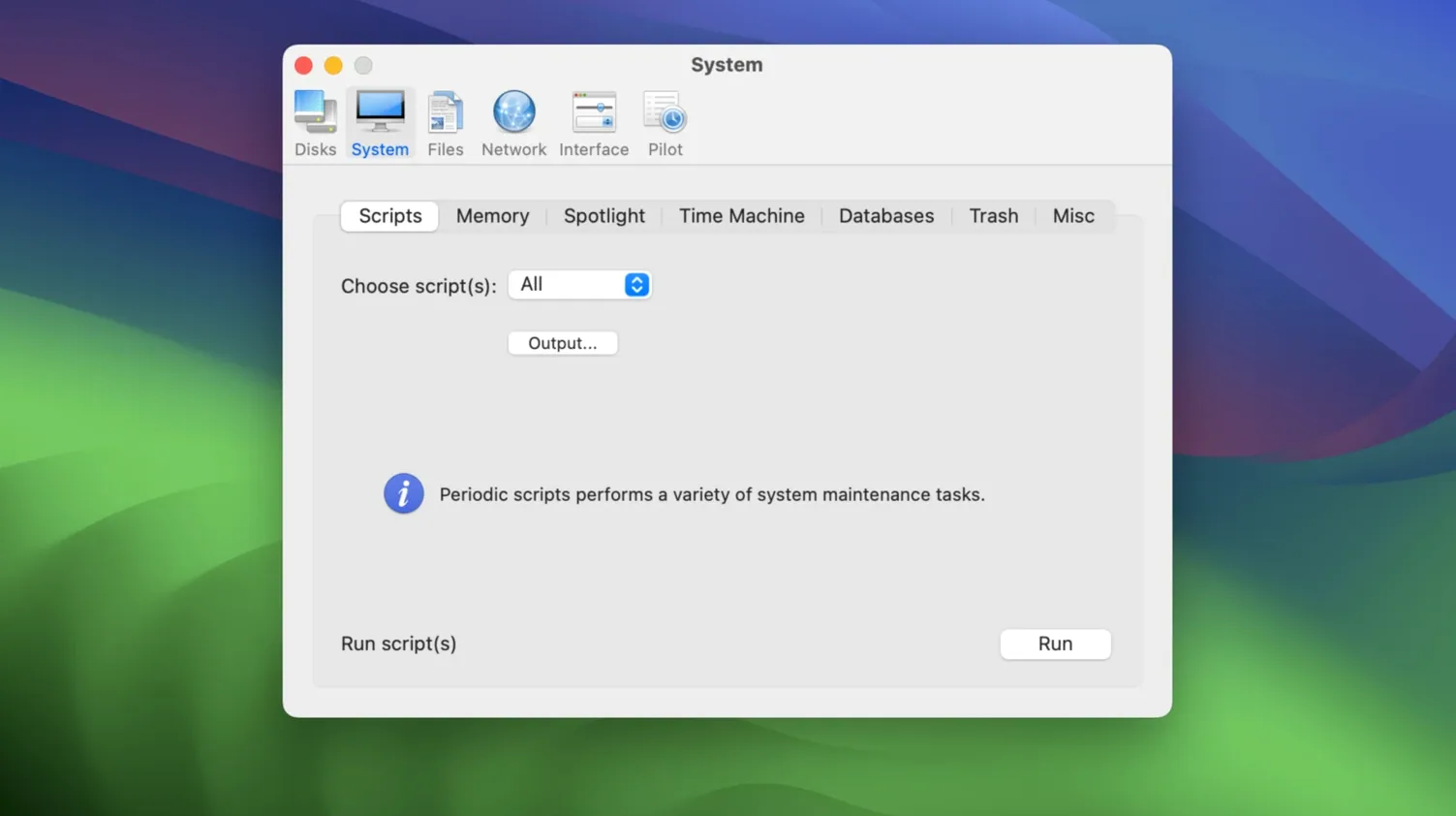
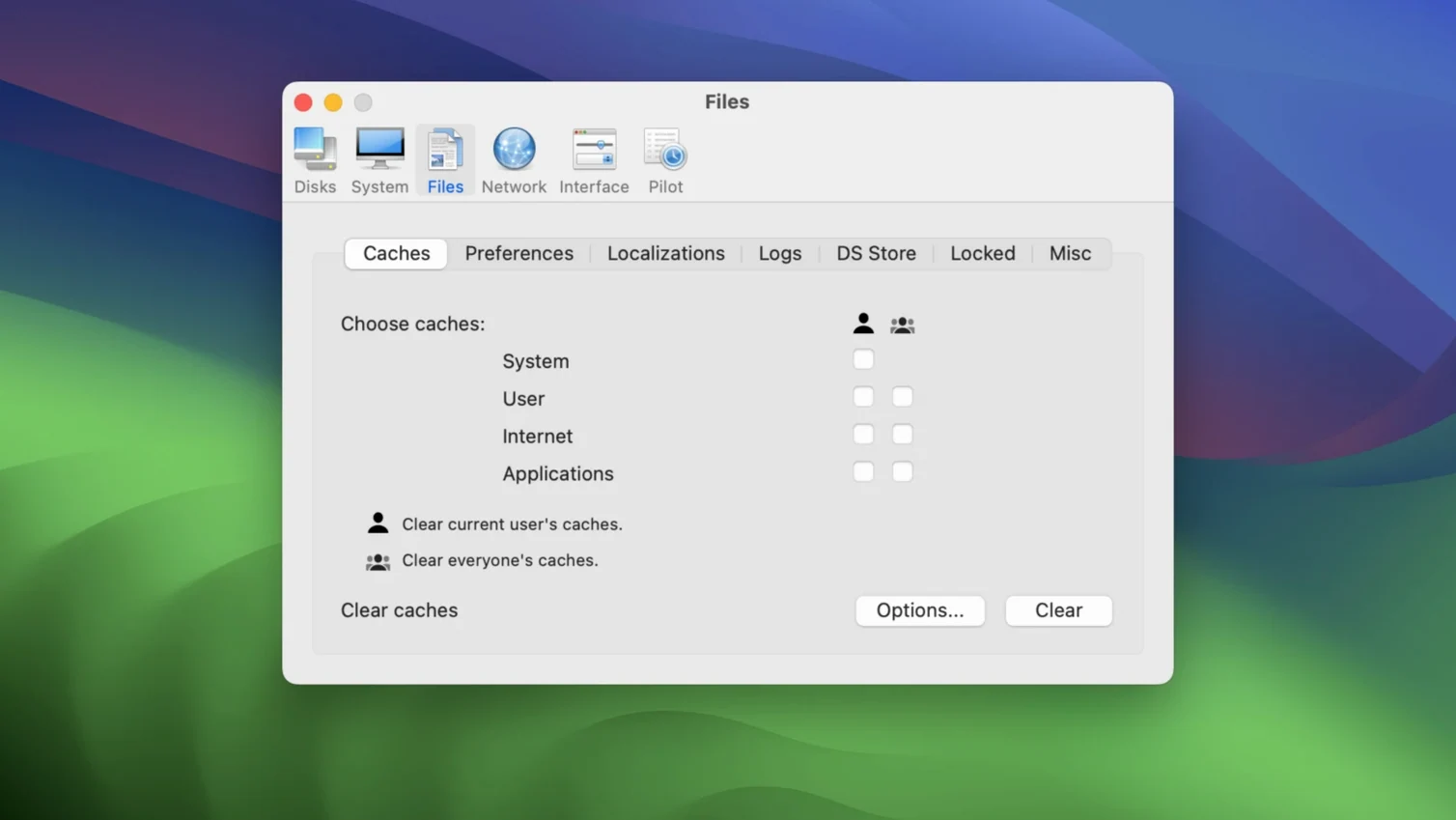
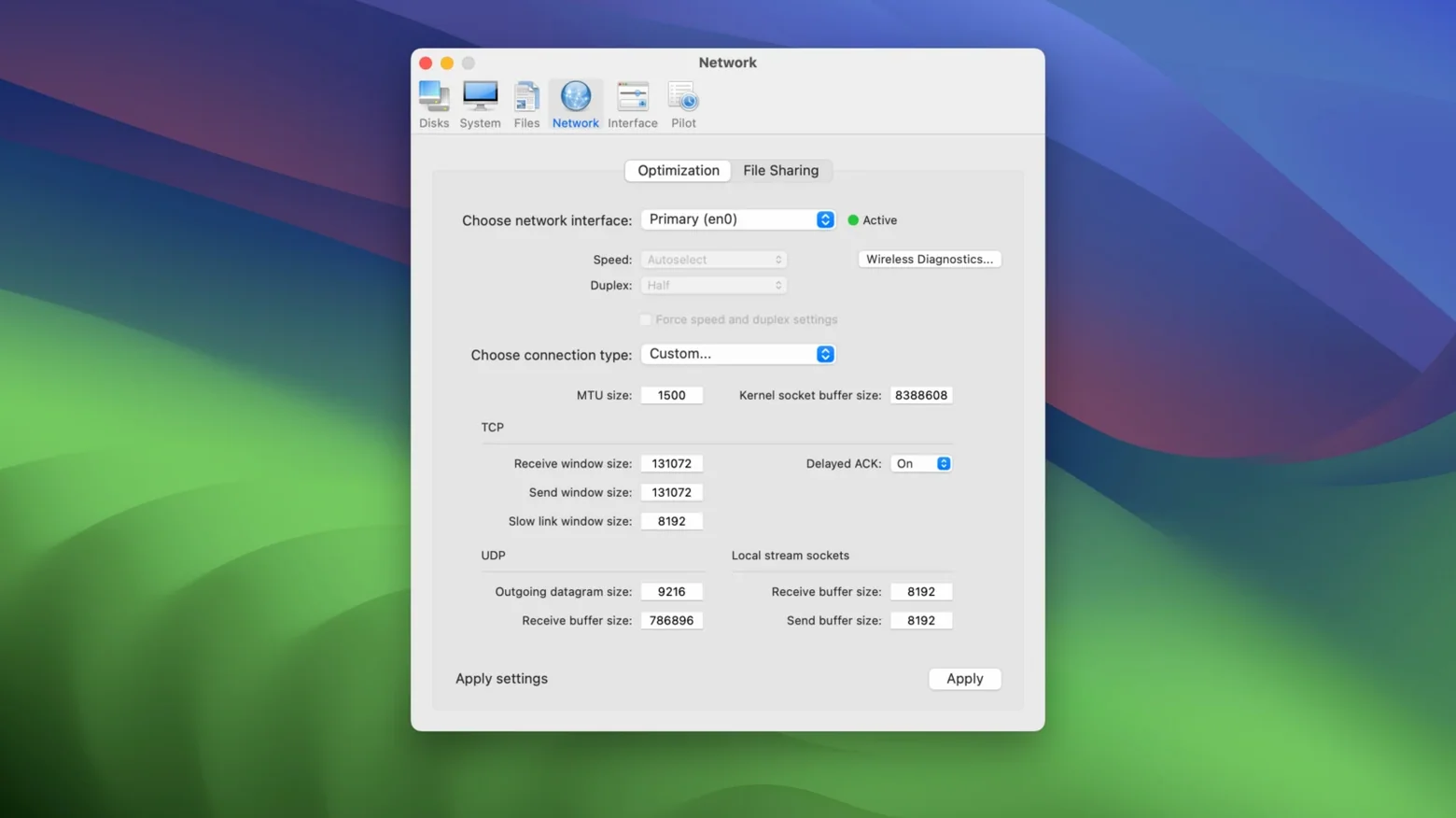
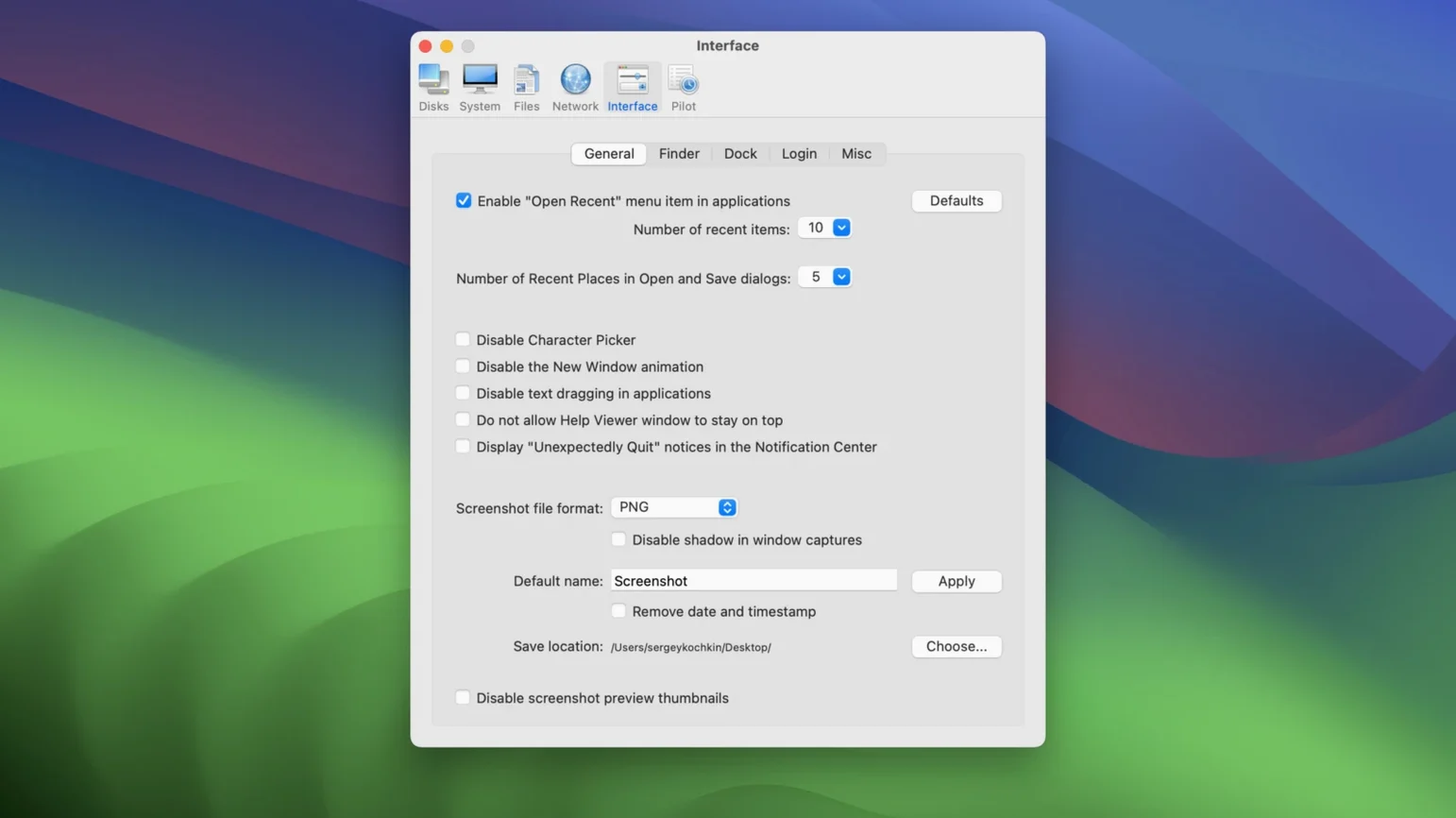
A project manager at a mid-size firm in Porto uses Cocktail Sequoia Edition once a week to clear cache files, repair permissions, and trim startup items on the team’s shared Mac. It runs after the Friday backup, freeing disk space before Monday.
Requirements & Compatibility
Cocktail Sequoia Edition requires macOS 15 or later and an Intel 64-bit processor. Apple Silicon Macs are not supported. The current version is 18.7.1 and the interface is in English. Before downloading, check that your Mac meets these two conditions — otherwise the utility will not run.
Five-category tool for cleaning, repairing, and optimizing
The developer describes Cocktail as a tool for cleaning, repairing, and optimizing a Mac every day. The interface is simple and organized into five feature categories. You can remove junk files, uninstall applications completely, manage system extensions, repair disk permissions, and adjust hidden system settings. It is a single-purpose utility that covers the common maintenance tasks without extra modules.
Start with one task: scanning temp files and caches
Once Cocktail is installed and activated, use the included installation and activation instructions as reference. Start with a single task — do not run every option at once. Open the utility and scan for temporary files, browser caches, and log archives. Review what it proposes to delete before confirming. After that first cleanup, restart the Mac so the system reindexes freed space.
On day two, look at the startup items list. Disable applications you recognize as unneeded at boot — game updaters, chat tools, launchers. Leave system entries alone unless you know what they do. Day three or four, run the permissions repair module. This does not produce a visible speed change on a healthy Mac, but it prevents permission-related failures later. By the end of the first week, you will have a sense of which modules matter for your specific workflow.
The automatic pilot mode runs a sequence of tasks with one click. Resist using it until you understand what each category does. A blind automatic run on a new system might remove files you rely on. Once you have reviewed the modules manually, the single-click mode becomes a safe weekly shortcut.
Large deletable data is normal; check file types first
People who install Cocktail on a Mac that has not been cleaned in months often panic when the scan reports a large amount of deletable data. This is normal. Check the file types listed before deleting. If you are unsure about a category, leave it unchecked and proceed with the rest.
A second issue: the utility does not run at all after download. The cause is almost always the macOS version or architecture. Cocktail Sequoia Edition requires macOS 15 or later and an Intel 64-bit processor. If your Mac uses an Apple Silicon chip or runs an older macOS release, the software will not launch. Verify your system under About This Mac before troubleshooting further.
Some users report that after a cleanup, an application they use regularly behaves differently — a font manager cannot find its cache, a design tool rebuilds its thumbnail database. This is expected. The application regenerates its own cache on next launch. If a particular tool misbehaves, note which file category Cocktail removed and exclude that category in future runs.
Occasionally the permissions repair module appears to hang. Let it finish. Disk permission operations on drives with many files can take several minutes. Interrupting the process mid-run may leave permissions in an inconsistent state. If the module truly stalls (no progress for more than fifteen minutes), force-quit Cocktail, restart the Mac and run only the permissions repair again.
For office managers and IT staff on Intel Macs running macOS 15
Office managers and IT support staff on Intel Macs running macOS 15 are the clearest audience. These users maintain multiple workstations and want a repeatable process — scan, clean, repair, shut down. Cocktail replaces the habit of manually digging into /Library/Caches and ~/Library/Preferences every few weeks.
Graphic designers and video editors who work with large file caches benefit from the junk cleaner and the uninstaller. Their applications leave behind gigabytes of render files and duplicate assets. A weekly pass keeps the boot drive from filling up mid-project.
Users who search for a cocktail sequoia edition or a cocktail torrent or a cocktail 2 torrent download are often looking for a maintenance tool that works on newer Intel Macs without the bloat of suite-style optimizers. The five-category layout and the single-click mode make it a low-friction option for anyone who wants to run maintenance and move on.
People who test macOS betas or developer previews on Intel hardware also find it useful. Permissions and caches degrade faster on pre-release builds. Running Cocktail after each beta install cycle keeps the test machine usable for daily work.
For teams that share a Mac — a conference room computer, a design workstation, a build server — the utility provides a consistent cleanup method that does not require a specialist. Anyone can run the automatic pilot and free space without deciding what to delete.
No release notes filed for 18.7.1. They are added here when a build changes how the program behaves.
| macOS | macOS 15 or later |
|---|---|
| Processor | Intel 64-bit |
| Download | 3 MB |
- macOS 15 or later
- Intel 64-bit processor
Questions about Cocktail Sequoia Edition
Does Cocktail Sequoia Edition run on Apple Silicon Macs?
No. It requires an Intel 64-bit processor and macOS 15 or later.
How to install, in order
- Follow the installation instructions included with the download.
- Follow the activation instructions included with the download.
Comments and corrections 0
Sign in or open a free account to leave a comment.
No comments or corrections yet.