Commander One PRO 3.18.0 — download for Mac
Utilities Updated
Manages files with a two-panel interface similar to Norton Commander.
Screenshots
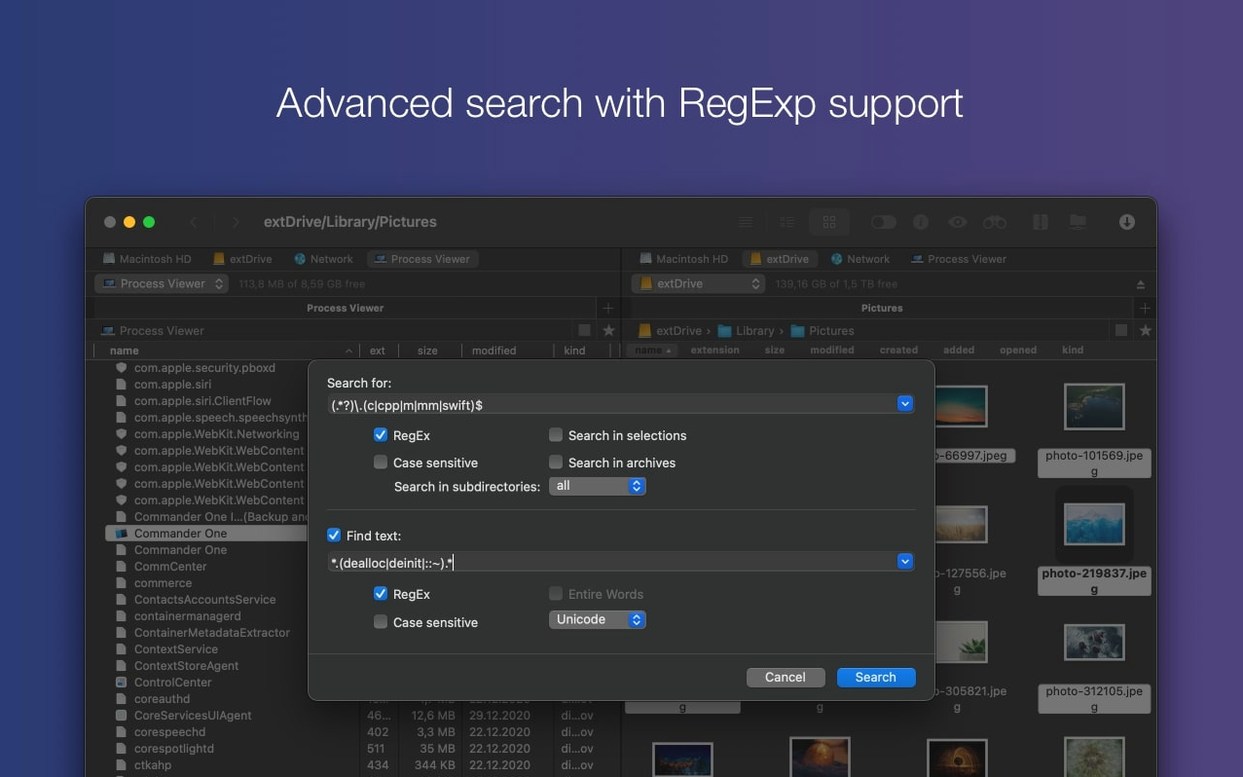
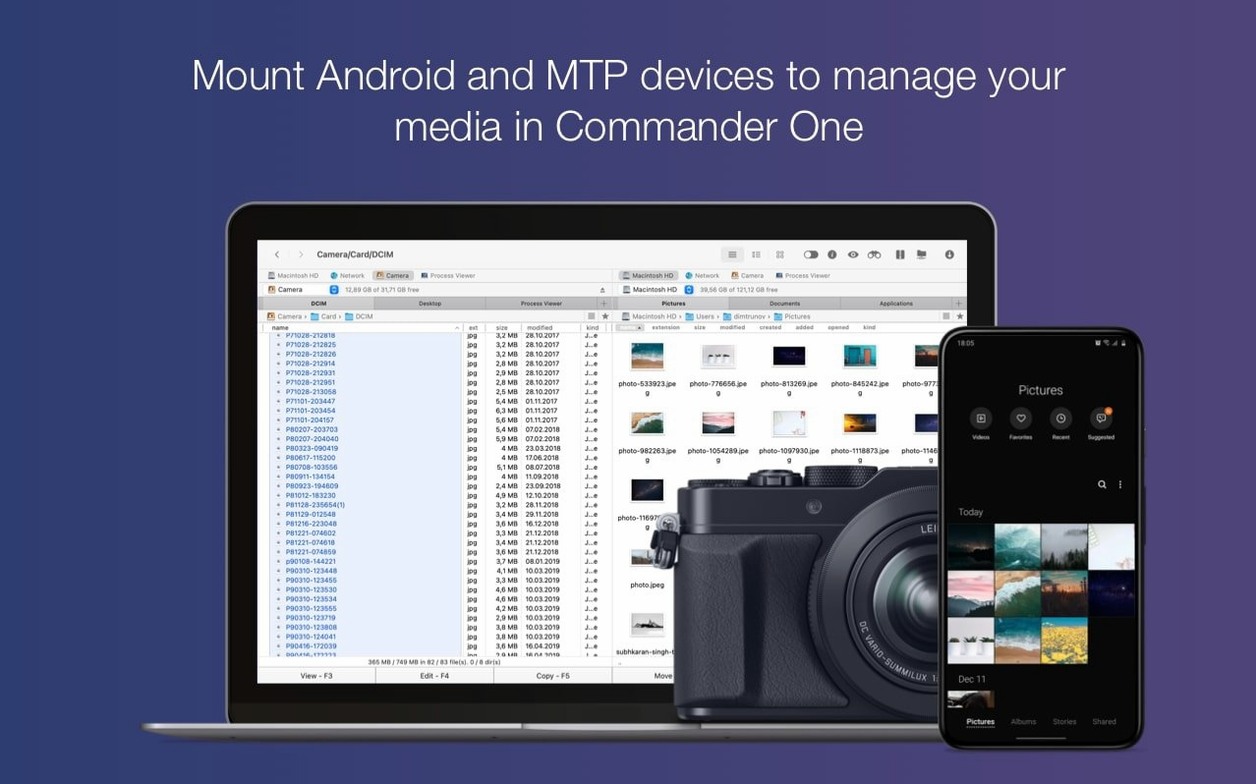
Anyone used to Norton Commander or Total Commander on Windows will recognize the logic immediately. Commander One PRO brings that same two‑panel efficiency to macOS, built in Swift and kept current with regular updates.
macOS 27 drag‑and‑drop and keyboard fixes
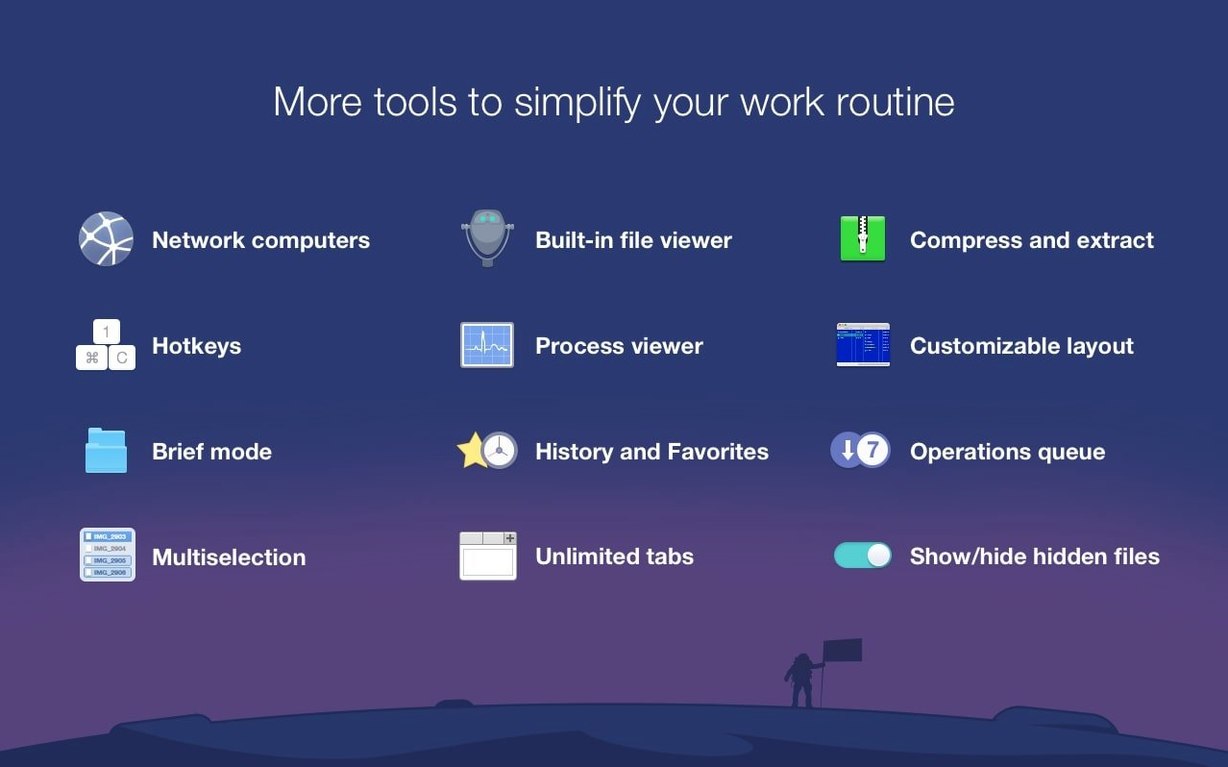
Compatibility with macOS 27 received attention in this release. Drag and drop on the latest system no longer breaks, and several hotkey issues with non‑English keyboard layouts were fixed. The core remains the same: a dual‑pane workspace that shows hidden files, searches with regular expressions, and unpacks ZIP, RAR, TBZ, TGZ, and 7z archives without leaving the manager. An FTP client sits ready for quick transfers, while the Process Viewer lists active Mac processes — useful when a project folder locks and you need to know why.
iOS, MTP, Android and dual‑pane unchanged
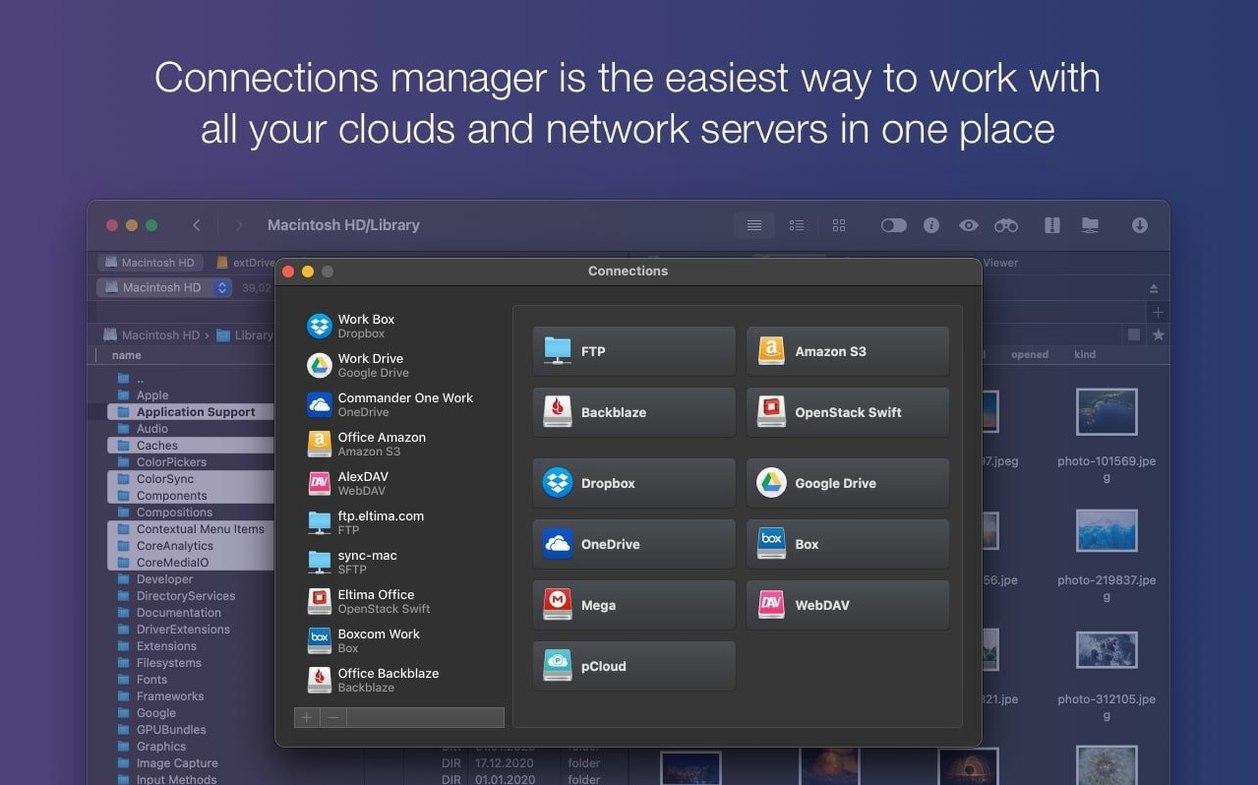
The app still connects to iOS, MTP, and Android devices directly. Cloud file access is built in, and the dual‑pane layout keeps moving files between projects fast. The interface stays in the language you choose — twenty options, from Russian to Japanese. For anyone managing construction drawing sets, contract PDFs, or weekly reports, the structure feels like a natural extension of the Mac, not a transplant.
A morning with Commander One PRO
Wednesday, 8:30 AM. A contractor emails six revised drawings as a 7z archive. A quick double‑click in Commander One PRO shows the contents without extracting — I drag the files directly from the archive to the right panel, which points at the project folder. That saves a detour into another unpacking tool.
Minutes later, a colleague asks for a file from Google Drive. I open the cloud connection tab, browse to the folder, and copy the link. The recipient gets a direct download link without me leaving the two‑panel view. While that runs, I need to find a specification from last month. I open the search panel, type a term with a regular expression pattern, and the results list appears inside the same pane — no separate search window. The file is in the archive folder where it belongs.
By 10:00, the FTP server at the warehouse needs a folder updated. I set up a new connection in the built‑in FTP client, drag the revised cost tables from the left panel to the remote directory on the right, and confirm the transfer. No separate FTP software. The session log shows the transfer completed without error messages.
Brief Mode for similar file names
Commander One PRO includes several features that are easy to overlook until a specific situation calls for them:
- Brief Mode. When a folder contains dozens of files with similar names — like invoice PDFs — switching to Brief Mode shows more rows per pane, so you scan and rename without scrolling through icons.
- Showing hidden files. macOS hides system folders by default. Enabling this view reveals the
.DS_Storeand configuration files that sometimes cause sync issues between Macs. - Process Viewer. If a file refuses to move because another app holds it open, the Process Viewer lists active processes. You can identify the culprit and close it without opening the macOS Activity Monitor.
- Archive handling without extraction. Opening a ZIP or RAR file inside the pane lets you preview and copy individual files. No need to extract the whole archive first.
Two‑pane layout confuses Finder users
New users coming from Finder sometimes expect a single‑pane layout. The first confusion is clicking a folder in the right pane expecting it to open in the left. The layout stays symmetrical — each pane operates independently. Once you treat both panels as separate views that you navigate separately, the rhythm clicks.
Another common slip is forgetting that Commander One PRO does not automatically refresh the view after an FTP upload or a cloud file change. Hitting the refresh command (or switching panels back and forth) updates the file list. Without that step, you might think a transfer failed when it actually completed.
Beginners also overlook the search with regular expressions. A plain text search works like Finder, but once you learn a basic regex pattern — like 2025-.*\.pdf for all PDFs from this year — you cut the search time significantly. The search field accepts patterns directly without a special mode toggle.
For anyone using commander one pro full mac setup for the first time, the habit of dragging files between panes instead of using the copy or move menu commands also takes a few days to stick. Once it does, file management becomes noticeably faster than any single‑pane workflow.
- Improved compatibility with macOS 27
- Fixed drag and drop of files on macOS 27
- Fixed handling of hotkeys with non‑English keyboard layouts
| macOS | macOS 10.13 or later |
|---|---|
| Processor | Apple Silicon, Intel 64-bit |
| Download | 53 MB |
- macOS 10.13 or later
- Intel or Apple Silicon Mac
- 52.82 MB of free disk space
Questions about Commander One PRO
Can Commander One PRO unpack archives?
Yes, it handles ZIP, RAR, TBZ, TGZ, and 7z formats directly in the file manager.
Does it work with Android devices?
It can access Android and iOS devices as well as MTP-connected hardware for file transfers.
What macOS version is required?
Commander One PRO requires macOS 10.13 or newer and runs on both Intel and Apple Silicon Macs.
How to install, in order
- Mount the disk image and open the Gatekeeper‑friendly file.
- Press Enter in the Terminal window that appears to bypass Gatekeeper.
- Drag Commander One PRO into the Applications folder.
- The app is ready to use.
Comments and corrections 0
Sign in or open a free account to leave a comment.
No comments or corrections yet.