WinZip Mac Pro 12.0.7282 — download for Mac
Utilities Updated
Converts over fifteen archive formats into Zip or ZipX with encryption and cloud drive support.
Screenshots
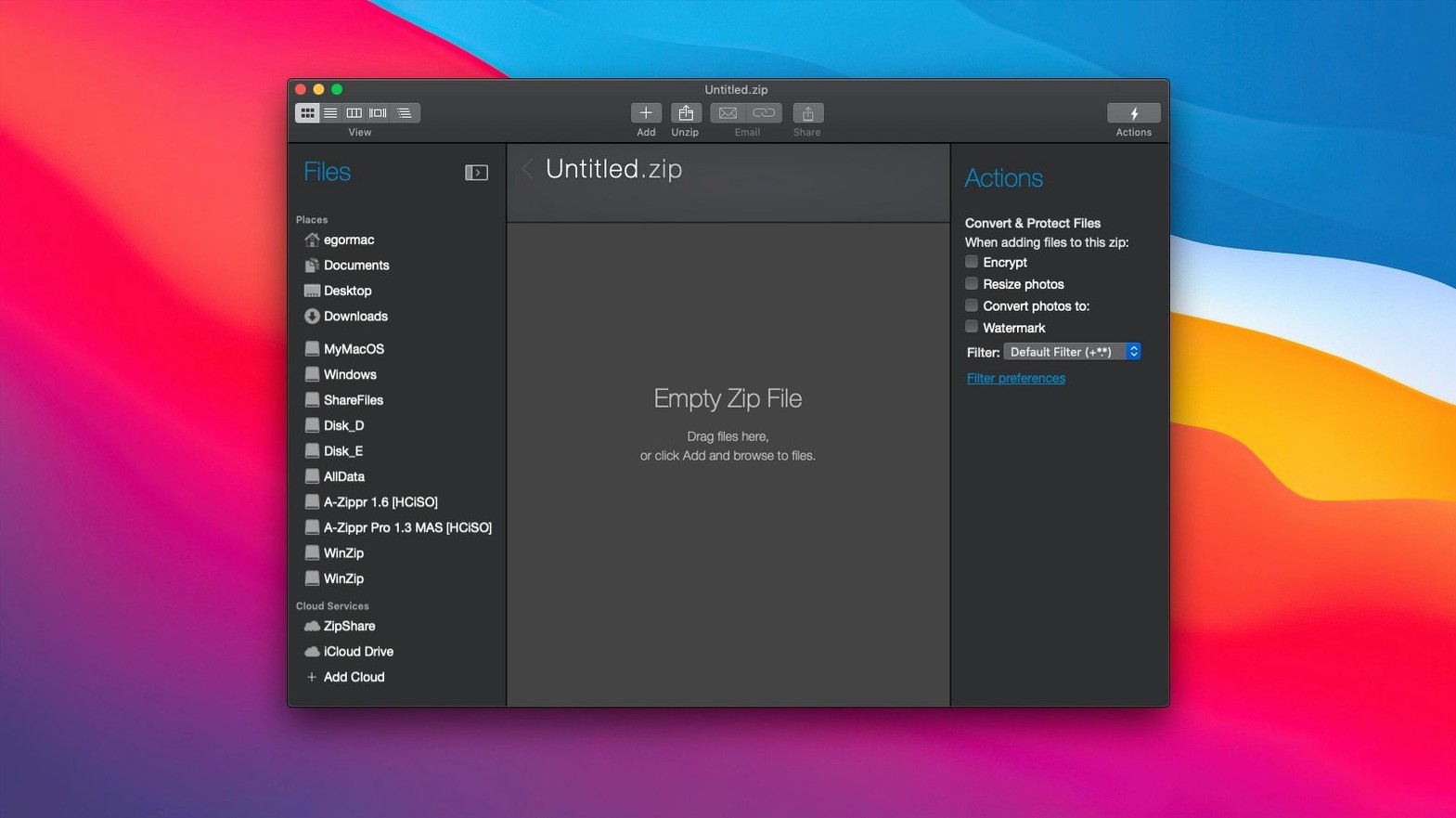
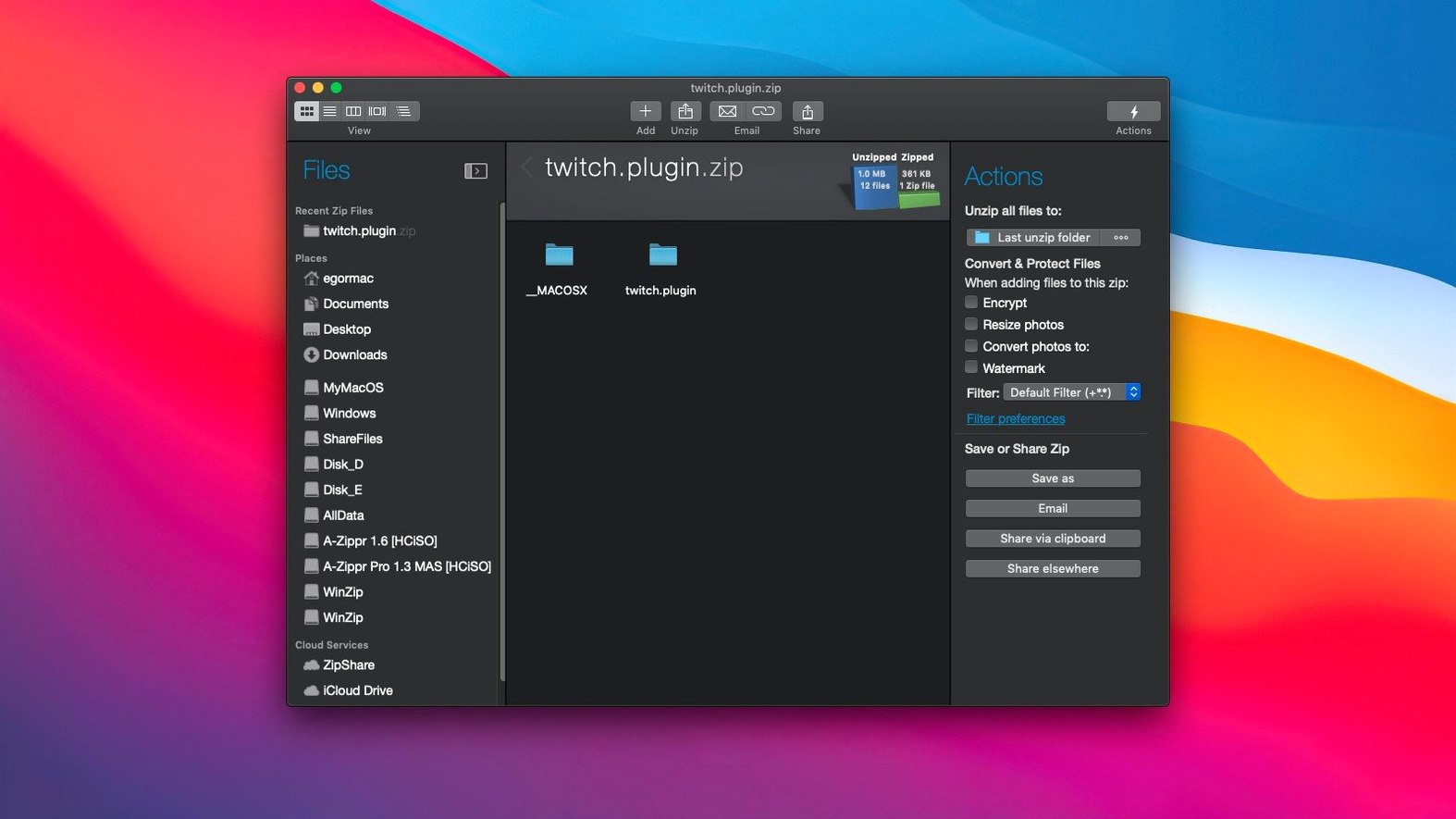
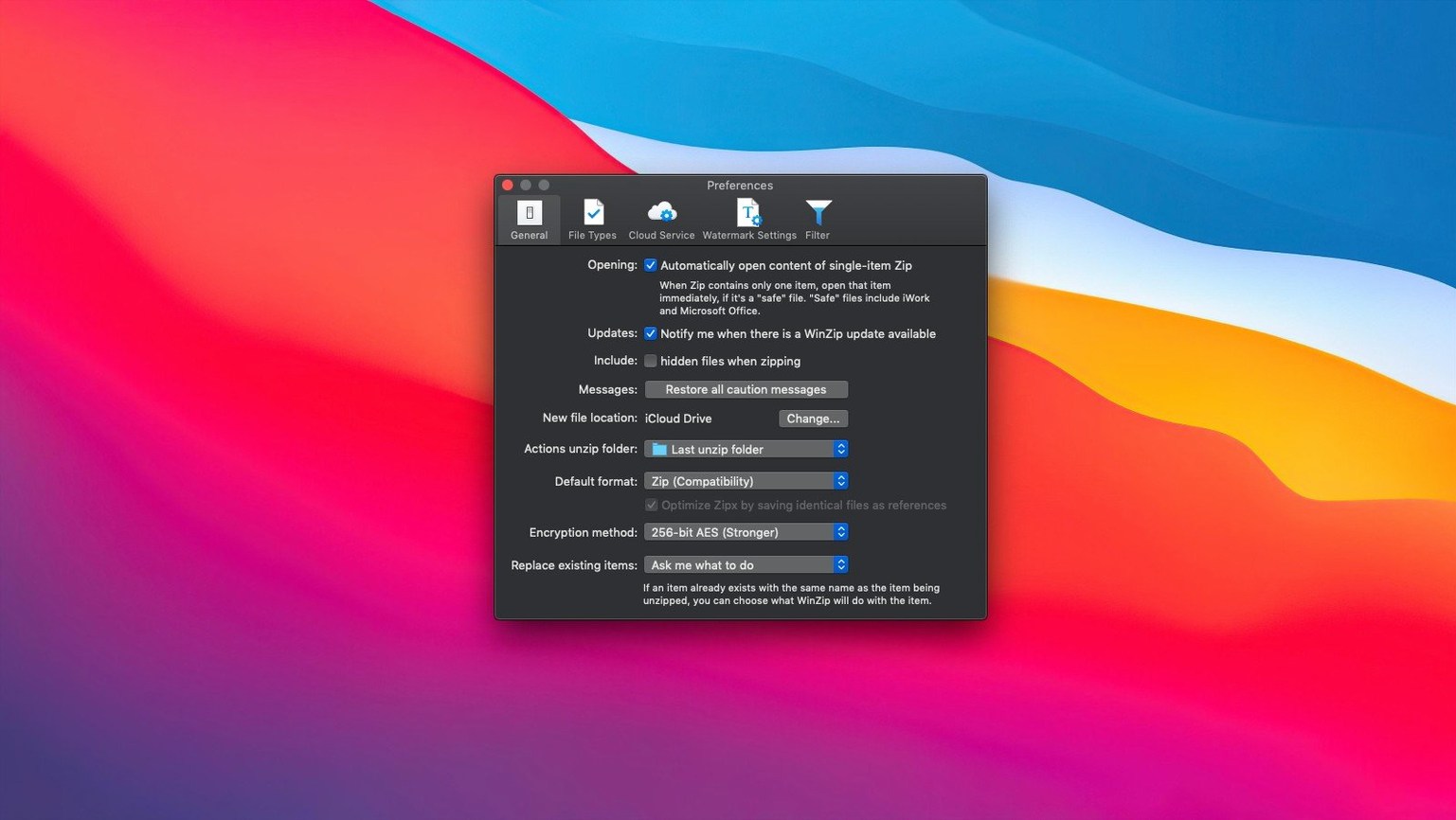
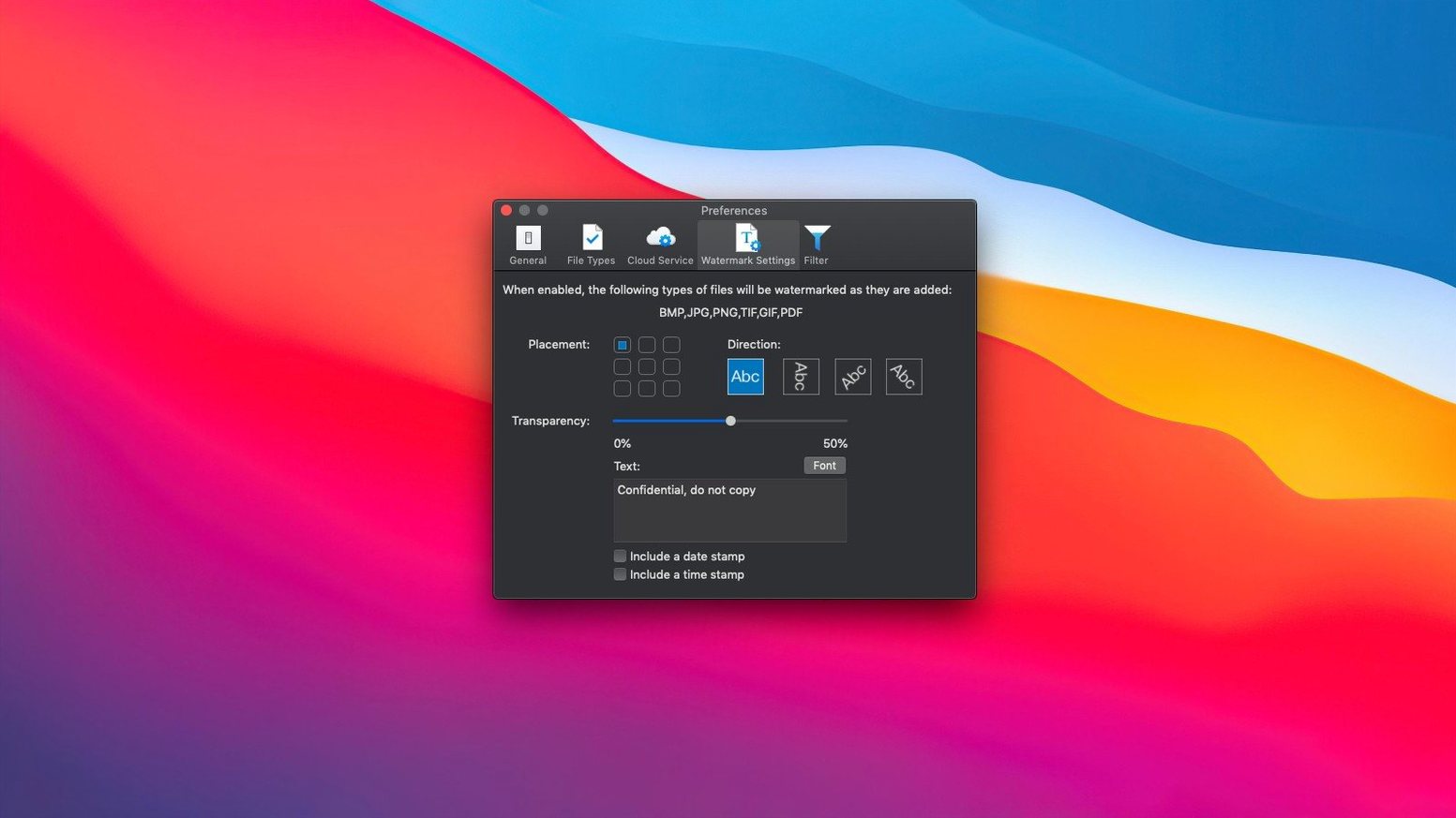
WinZip for Mac handles more than 15 archive formats natively, converting LZH, RAR, 7Z, TAR, GZ, and others into Zip or ZipX with a single action. The current version includes encryption, clipboard support, and direct connections to iCloud Drive, Dropbox, and Google Drive — useful when an email attachment exceeds a server limit or a project folder needs password protection before upload.
- Convert on import — drag a RAR or 7Z file onto the app; it converts to Zip or ZipX without leaving the workspace.
- Encrypt before sharing — AES-256 encryption is built in; set a password per archive, not per file.
- Cloud-connected — browse, zip, and upload directly to iCloud Drive, Dropbox, or Google Drive; no intermediate download folder needed.
- Clipboard zipping — copy files in Finder, paste them into a new or existing Zip archive via the Mac clipboard; saves the drag-and-drop step for repeat work.
- Format flexibility — open LZH, LHA, Z, BZ, XZ, TGZ, TAZ and convert them to Zip or ZipX without separate decompression tools.
An experienced user will reach for these features when routine compression isn’t enough: when the recipient uses a different OS, when the file has to be encrypted, or when the cloud link needs to be ready before the coffee break ends.
System requirements and behavior after install
Before installing, it helps to know what the app asks of your system and how it behaves once it is running. The requirements are clear: macOS 10.15 or later, and either an ARM or x86 64-bit processor. That means it runs on Intel Macs and on Apple Silicon models from the M1 onward. The app is a single language edition — English — so the interface, help text, and error messages will appear in English regardless of your regional settings. Corel does not split the build by processor type; one installer covers both architectures, which simplifies deployment if you manage multiple Macs in an office.
Installation is handled through a standard macOS package. The activation instructions are included inside the package, so you will not need to search online for a license key entry method. Have your serial number ready before you start the installer; the app may prompt for it during or immediately after the first launch.
The interface itself is a new design compared to earlier versions of WinZip for Mac. Toolbar icons, the file browser pane, and the compression settings panel are laid out to match the conventions of modern macOS apps. If you have used WinZip on Windows or an older Mac release, expect a cleaner layout with fewer nested menus. The drag-and-drop zone is prominent on the main window, which makes sense given that most actions start with a file selection from Finder or the desktop.
Drag a test folder to confirm it works
There are a few practical steps that make the initial experience smoother and help you confirm everything works as expected.
- Test with a small folder first — drag a folder of three or four small documents onto the WinZip window and create a standard Zip archive. Check that the resulting file opens correctly with the built-in extractor and with macOS’s own Archive utility. This verifies the basic compression path.
- Try the clipboard shortcut — select a few files in Finder, copy them (Command-C), then open WinZip and paste (Command-V) into the archive area. The files should appear as pending additions. This is faster than dragging for repeated daily tasks.
- Connect one cloud service — link your Dropbox or Google Drive account through the cloud panel. Create a small Zip file, then choose the cloud destination as the save location. Confirm the file appears in the correct cloud folder. This confirms the direct upload path before you rely on it for a deadline.
- Set a test password — create an encrypted archive with AES-256 and a short password. Close WinZip, then reopen the archive and supply the password. This confirms that encryption and decryption work on your machine without surprises.
- Convert a downloaded format — find a RAR or 7Z file online (a theme file or a documentation archive works well) and drag it onto WinZip. The app should convert it to Zip or ZipX automatically. Check the output size to see how the conversion handled the original compression.
None of these steps take more than a minute, and they cover the core features you will use every week: compression, encryption, cloud upload, and format conversion.
Interface and format support locked at current spec
The current build, 12.0.7282, is the version you will install. For someone already on WinZip for Mac, the main difference from earlier 12.x builds is that the interface and format support are locked at the current spec. In practice, this means that when you open an LZH or LHA archive — formats that are uncommon but still appear in legacy project files — the app converts them without a separate utility. The same applies to RAR archives from collaborators who may not have updated their own software in years.
The clipboard support introduced in version 12 is fully active in this build. Users coming from an older version will notice that the old drag-only workflow is now optional. Pasting files into an archive from the clipboard reduces mouse movement when you are zipping multiple selections from different Finder windows. The duplicate file detection also works across this workflow: if you paste a file that already exists in the archive, the app flags it before adding a copy.
Cloud connections remain unchanged in terms of setup. iCloud Drive, Dropbox, and Google Drive are all accessible from the same sidebar panel. The version increment did not remove any of these providers, nor did it change the authentication flow. If you have used a previous 12.x release, the upgrade to 7282 should feel familiar with no reconfiguration required for your linked accounts.
Works on Apple Silicon Macs
Over the years, a few questions come up repeatedly among colleagues and readers who are considering WinZip for Mac. Here are the answers that match the current version.
Does it work on Apple Silicon Macs?
Yes. The app supports both ARM (Apple Silicon) and x86 64-bit architectures. The same installer works on M-series Macs and Intel Macs running macOS 10.15 or later. No separate build or emulation layer is needed.
Can I open RAR files without installing a second tool?
Yes. WinZip for Mac opens RAR, 7Z, LZH, LHA, TAR, GZ, BZ, XZ, Z, TAZ, and TGZ archives natively. It converts any of these formats into Zip or ZipX on import, so you do not need a dedicated RAR extractor alongside it.
Is the clipboard feature just for images?
No. The Mac clipboard support lets you copy any file or group of files in Finder — documents, folders, PDFs, spreadsheets — and paste them into a Zip or ZipX archive. It works with any file type that macOS can copy to the clipboard.
How does the cloud connection work without downloading files first?
When you link an account — iCloud Drive, Dropbox, or Google Drive — the app browses your remote folders from inside its own interface. You select files stored in the cloud, and WinZip compresses them and saves the archive directly back to the same service. The files never touch your local storage unless you choose to extract them locally.
Do I need to be online to use the app?
No. Compression, encryption, clipboard zipping, and format conversion all work offline. The cloud features and any activation checks require an internet connection, but routine archiving does not.
- Version 12.0.7282 — general stability and compatibility improvements.
| macOS | macOS 10.15 or later |
|---|---|
| Processor | Apple Silicon, Intel 64-bit |
| Download | 36 MB |
- macOS 10.15 or later
- Intel or Apple Silicon Mac
- English interface
Questions about WinZip Mac Pro
Can WinZip Mac Pro open RAR files?
Yes. It opens RAR files and instantly converts them to Zip or ZipX format.
How to install, in order
- Download the package and open it.
- Follow the on-screen instructions to install the software.
- Use the activation details included in the package to unlock the full version.
Comments and corrections 0
Sign in or open a free account to leave a comment.
No comments or corrections yet.