Wirecast Pro 16.5.5 — download for Mac
Utilities Updated
Manages multi-camera live streams with production-grade controls for broadcast operators.
Screenshots
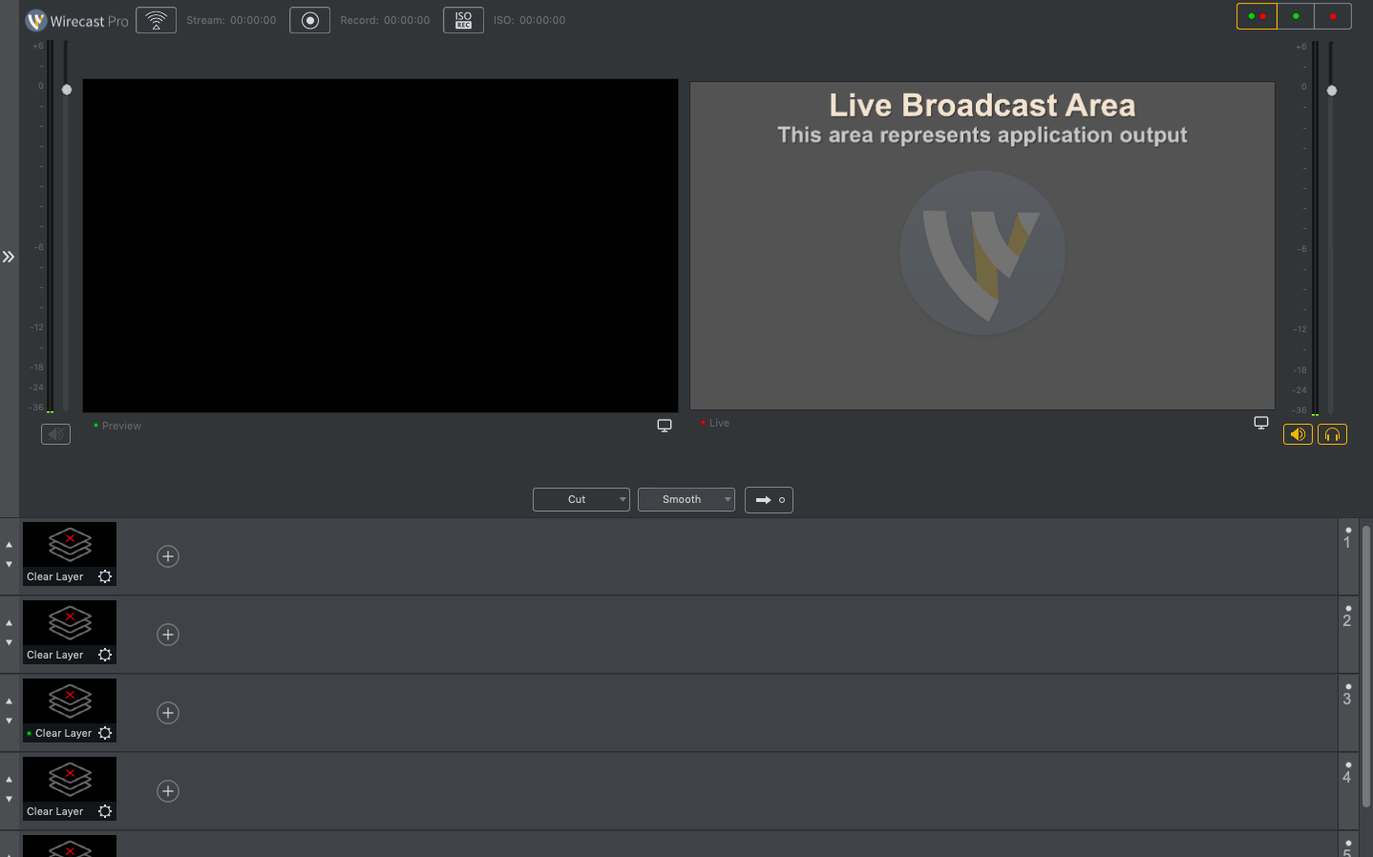
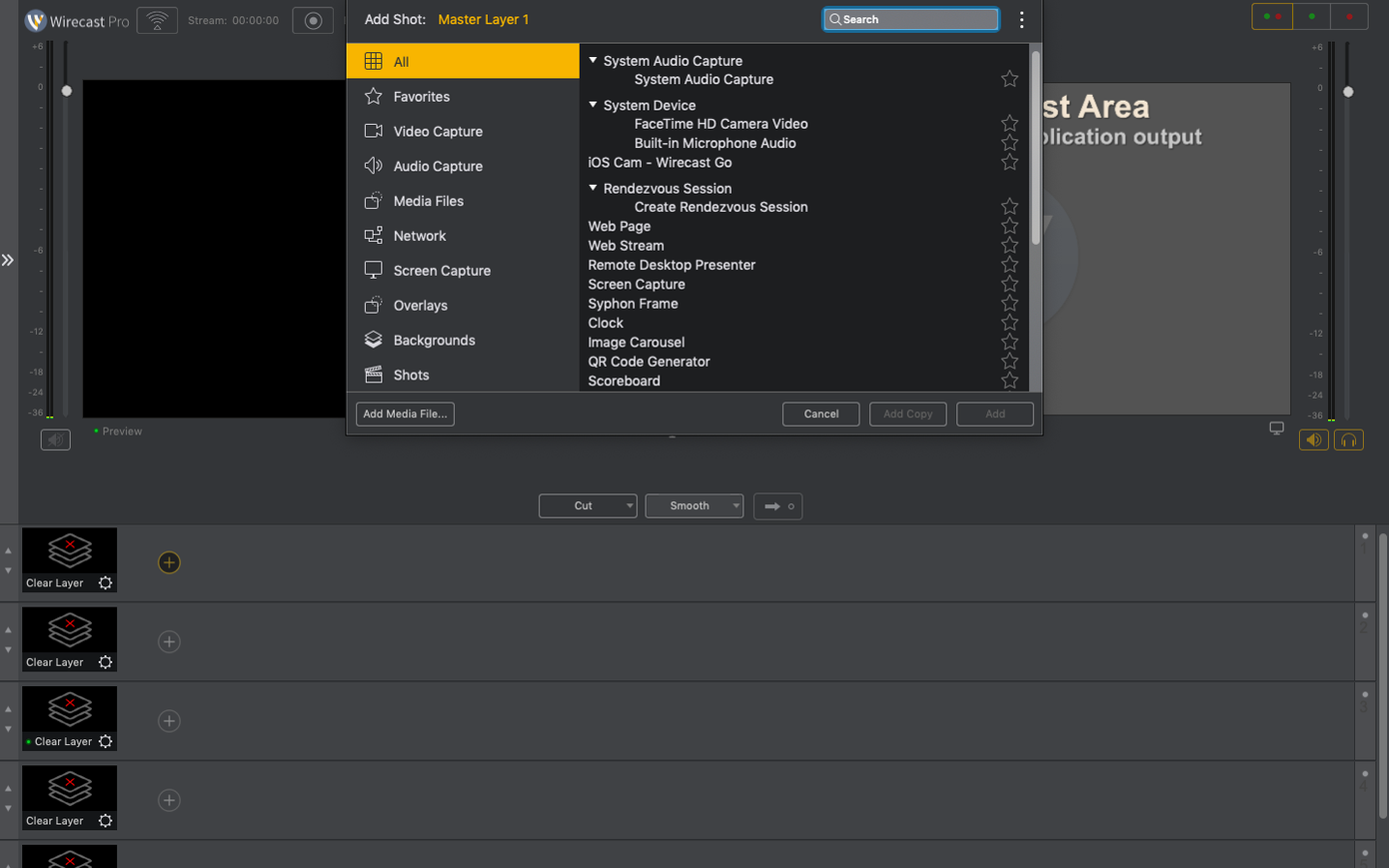
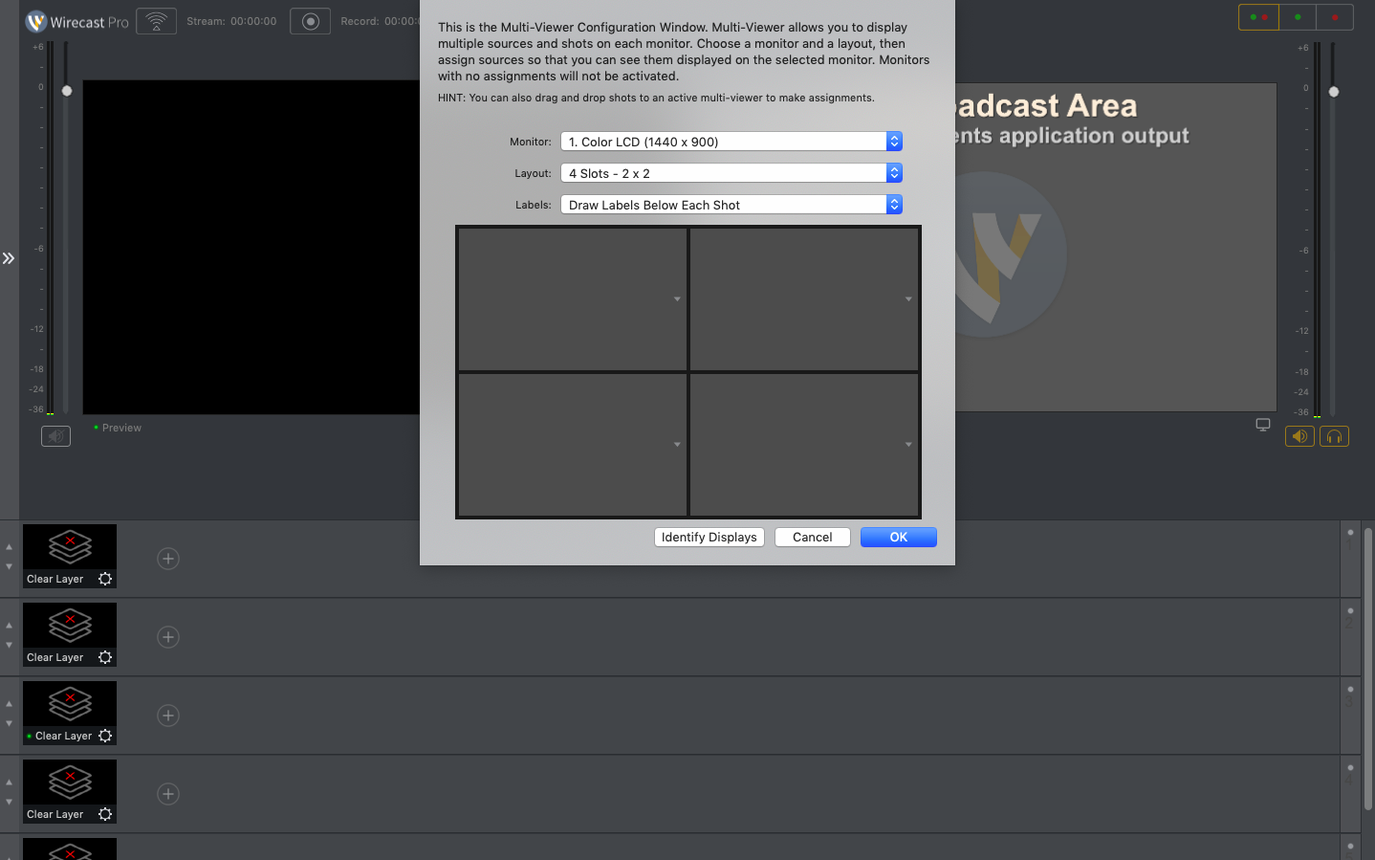
Live-event engineers and broadcast operators who manage multi-camera streams will find the most value in Wirecast 16.5's production-grade refinements.
Key Features for Experienced Users
NDI discontinuous-frame flag — Added in 16.5.4, this flag tells downstream encoders when a frame can be dropped without affecting sync. Critical for wireless NDI workflows where packet loss is common.
Virtual camera with locked microphone driver — A fix for enterprise Macs where IT blocks the virtual microphone driver. The virtual camera now initialises even when the mic driver is disabled, so corporate users can still pipe Wirecast into Zoom or Teams.
PTZ NDI camera detection — Solved an issue where certain PTZ cameras over NDI were not discovered on macOS. Operators can now add them without manual IP entry.
Live text and graphics — Change lower-thirds, score overlays, and ticker text mid-stream without cutting away. No restart needed.
NDI Sources Vanishing After 16.5.4
Even with a clean install, a few things can trip you up. Here's what I've seen come up most often and how to work past them.
- NDI sources not appearing after the 16.5.4 update — If a PTZ camera or another NDI source still won't show, check that your Mac's firewall isn't blocking the NDI discovery port (typically UDP 5959). A quick test is to disable the firewall temporarily; if the source appears, add an exception for Wirecast.
- Virtual camera output is black in conferencing apps — This usually happens when Wirecast's virtual output resolution doesn't match what the receiving app expects. Drop the output resolution to 1280x720 inside Wirecast's virtual camera settings before connecting to Zoom or Teams.
- Audio drops out after a few minutes of streaming — Often a sample rate mismatch. Set your audio interface and Wirecast's audio preferences to the same sample rate (48 kHz is the standard for live streaming).
- Graphics layer not appearing on stream but visible in preview — Verify that the graphics layer is placed above your video source in the layer stack. Drag it up if needed. Also confirm that the layer isn't accidentally set to "Off" in the output menu.
- Stream disconnects or stutters at regular intervals — Check if a scheduled system task (Time Machine backup, macOS update download) is kicking in mid-stream. Use Activity Monitor to spot spikes before the stream goes live and pause any non-essential tasks.
Scenario: A Weekend Sports Livestream from a Community Field
Rui runs a small local sports channel in Braga. He covers Saturday football matches with three modest PTZ cameras and a single laptop. His setup is lean: no switcher, no dedicated sound desk, just Wirecast Pro and a portable hotspot.
Before the 16.5.4 fix, one of his cameras would fail to appear in the source list every second or third match. He'd waste ten minutes restarting the camera and the app, sometimes missing the first goal. With the updated NDI detection, all three cameras show up on the first scan. He sets his lower-third titles for the team names before kick-off, then swaps them between halves by clicking the text field — no pausing the stream. The discontinuous-frame flag helps keep the picture stable when the hotspot bandwidth dips during a crowd cheer. Rui finishes the broadcast, packs down, and is home before the post-match interviews end.
Wirecast Pro for Broadcast Engineers in Education or Corporate
Wirecast Pro rewards people who work with live video day in and day out, but the kind of Mac user who benefits most depends on their specific bottleneck.
- Broadcast engineers in educational or corporate settings — They deal with locked-down Macs and IT policies that block drivers. The virtual camera fix alone saves them from having to request a policy exception for every machine.
- Live sports producers with remote or wireless camera setups — The NDI improvements and the discontinuous-frame flag directly address the packet-loss problems that wireless NDI introduces. Anyone streaming from a field, a gymnasium, or a mobile unit gains noticeable reliability.
- Operators mixing in-studio and remote feeds — If you juggle local HDMI sources with network-based NDI cameras, the 16.5.4 detection fix means less time configuring IP addresses manually and more time rehearsing transitions.
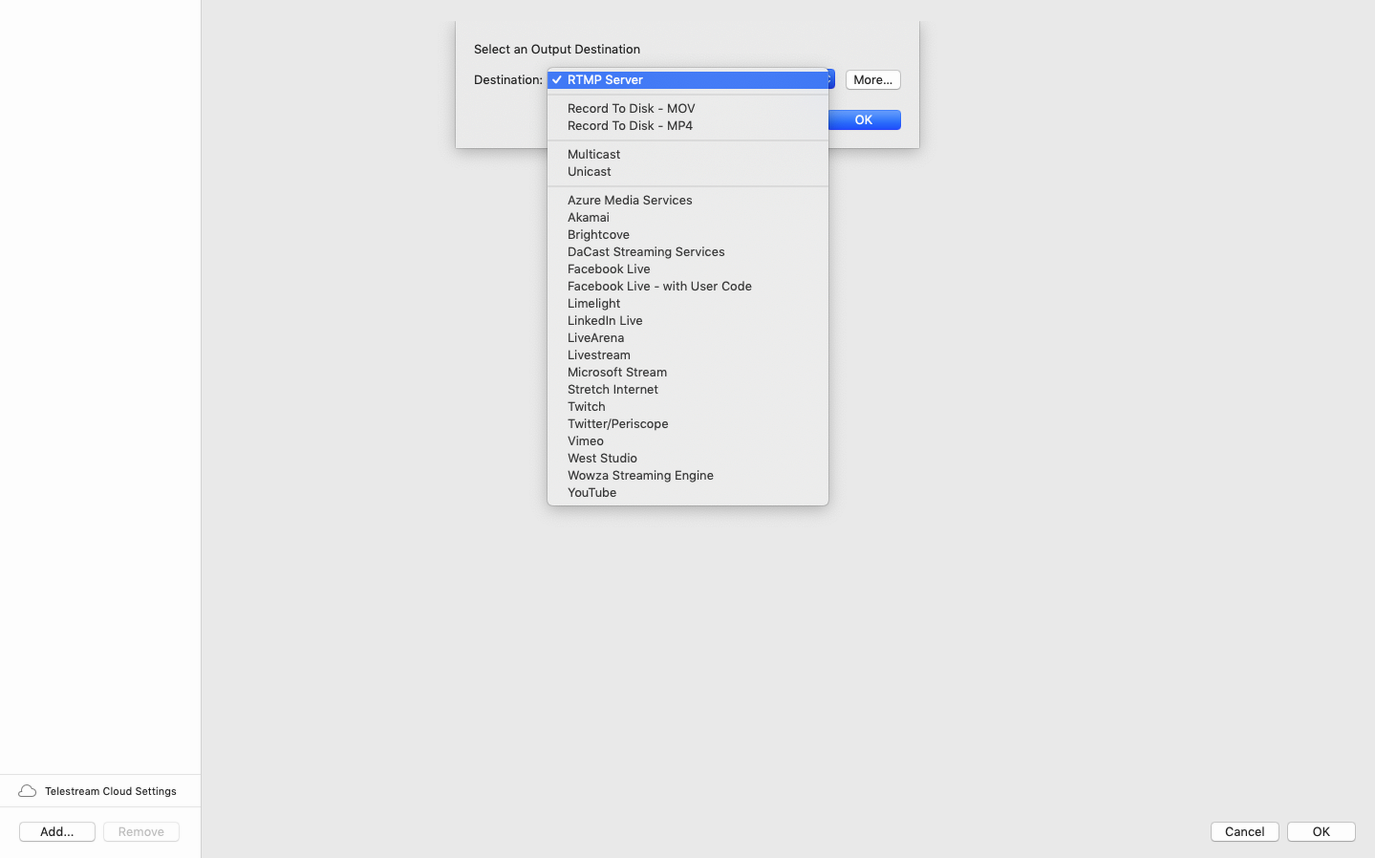
- Content creators who stream to multiple destinations — Wirecast's multi-encoder output lets you send a single stream to YouTube, Facebook, and a private RTMP server simultaneously. No extra software needed.
- Small production teams on a single Mac — A 64-bit M-series machine can run four or five NDI sources, a couple of graphics layers, and a recording simultaneously without breaking a sweat. That replaces a hardware switcher and a separate capture card.
Set Up Audio Routing Before Your First Live Event
You'll get the most out of Wirecast Pro faster if you spend the first hour setting up a few things before your first live event.
- Configure your audio routing first. Open the audio mixer panel and label each input by microphone name. Rename them something clear like "Commentator 1" and "Commentator 2" — it saves confusion during a live show when you're clicking fast.
- Test the virtual camera workflow. Open Zoom or Teams alongside Wirecast, set Wirecast as your camera source, and confirm the picture shows. Do this before you need it for a meeting. If it fails, check the microphone driver note in the fix list above.
- Build a test shot list. Create three quick presets: a wide shot, a close-up, and a graphics-only shot with a lower-third. Assign keyboard shortcuts to each. Practice switching between them until it becomes muscle memory.
- Set up a recording backup. Enable the local recording option alongside your stream output. Even if the streaming destination drops, you'll have a clean local file to upload later. No one loses the footage.
- Run a dry stream to an unlisted destination. YouTube allows unlisted streams. Go live for five minutes, watch the stream health indicators, and check the audio sync on the recording. Adjust bitrate if the health meter drops below green.
- Label your NDI sources by location. Instead of "NDI Camera 1," rename it "Field Left" or "Stage Right" inside Wirecast's source manager. When the director calls for a cut, you don't want to guess which numbered source is which.
- Fixed detection of certain PTZ NDI cameras on macOS.
- Fixed virtual camera use when the virtual microphone driver is blocked by corporate IT policy.
- Added a discontinuous-frame flag for NDI sources.
| macOS | macOS 11 or later |
|---|---|
| Processor | Apple Silicon, Intel 64-bit |
| Download | 820 MB |
- macOS 11 or later
- 64-bit processor (Intel or Apple Silicon)
Questions about Wirecast Pro
Does Wirecast 16.5.4 work with corporate IT restrictions on virtual microphones?
Yes. The 16.5.4 update fixes the virtual camera so it works even when corporate policy blocks the virtual microphone driver.
How to install, in order
- Mount the disk image and run Open Gatekeeper friendly.
- Press Enter in Terminal to bypass Gatekeeper.
- Drag the app to the Applications folder.
- Launch the app when installation is complete.
Comments and corrections 0
Sign in or open a free account to leave a comment.
No comments or corrections yet.