Final Cut Pro 13.0 — download for Mac
Video Updated
Edits video natively on Mac with media libraries, proxy workflows, and XML import and export.
Screenshots
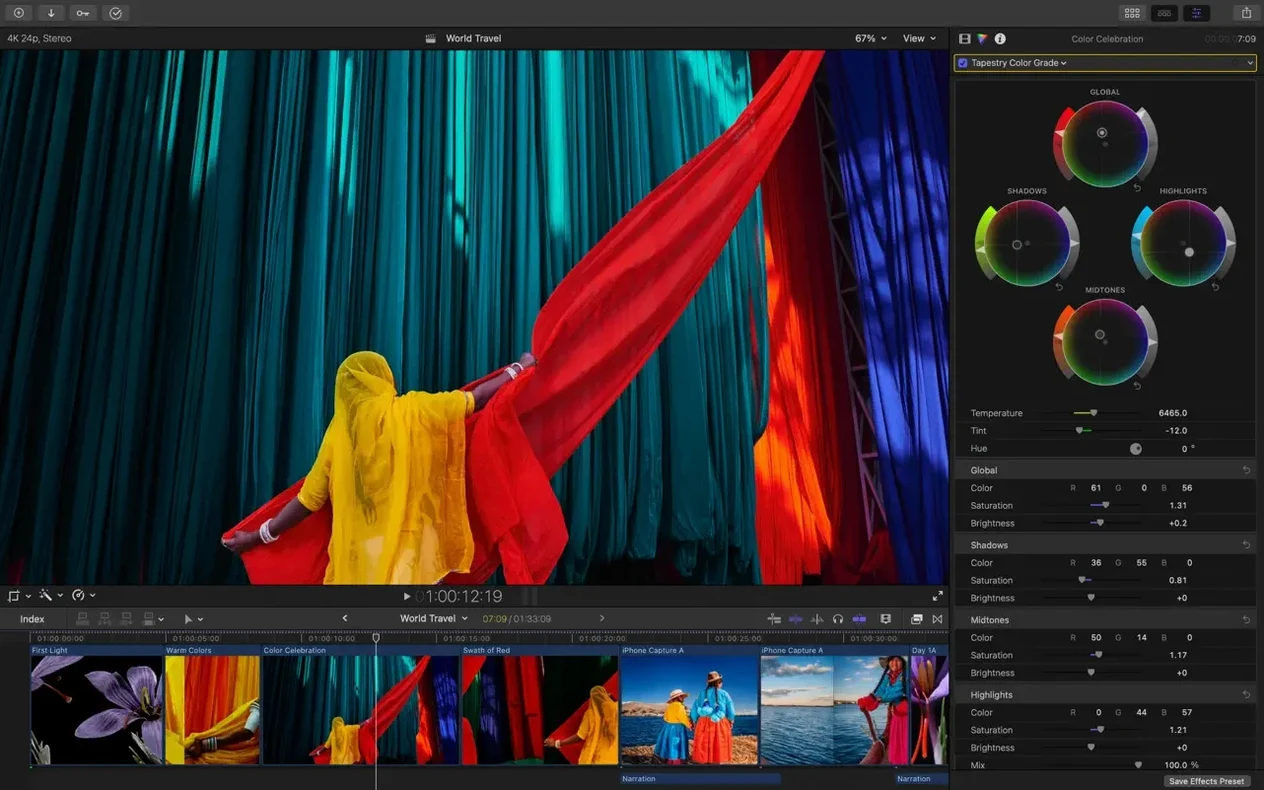
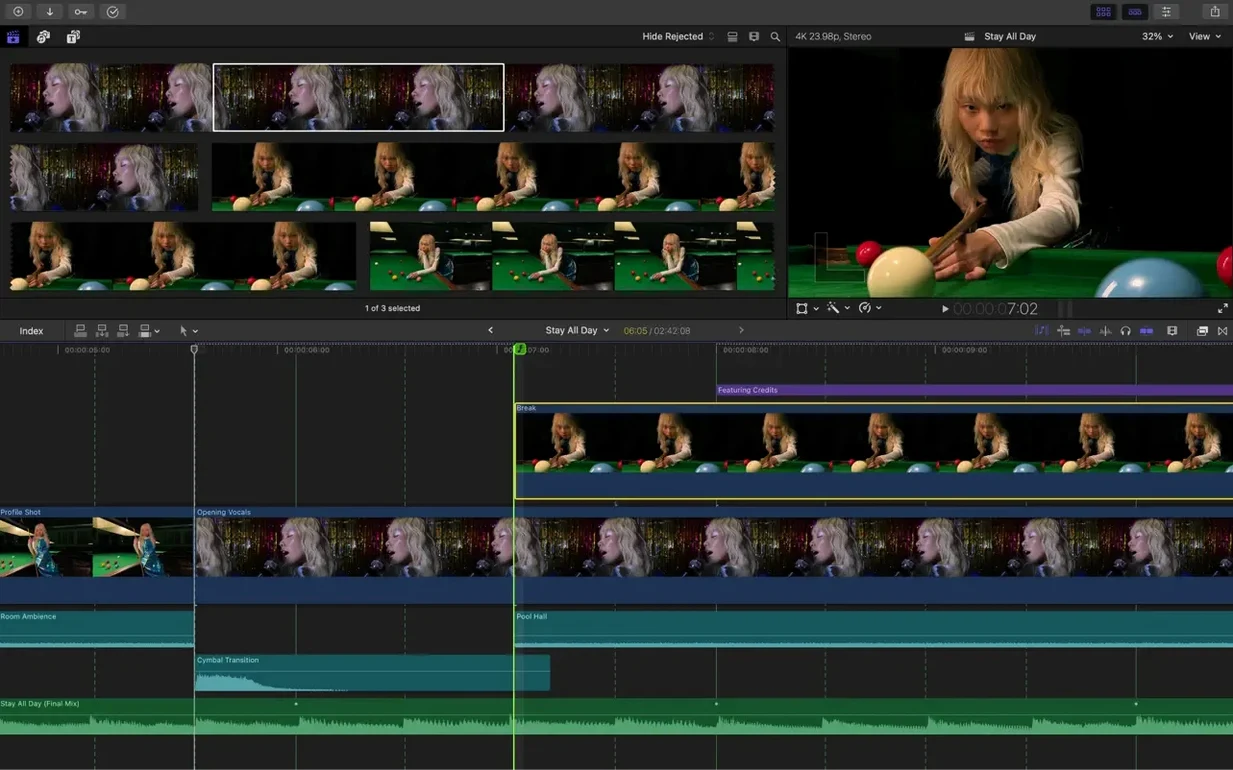
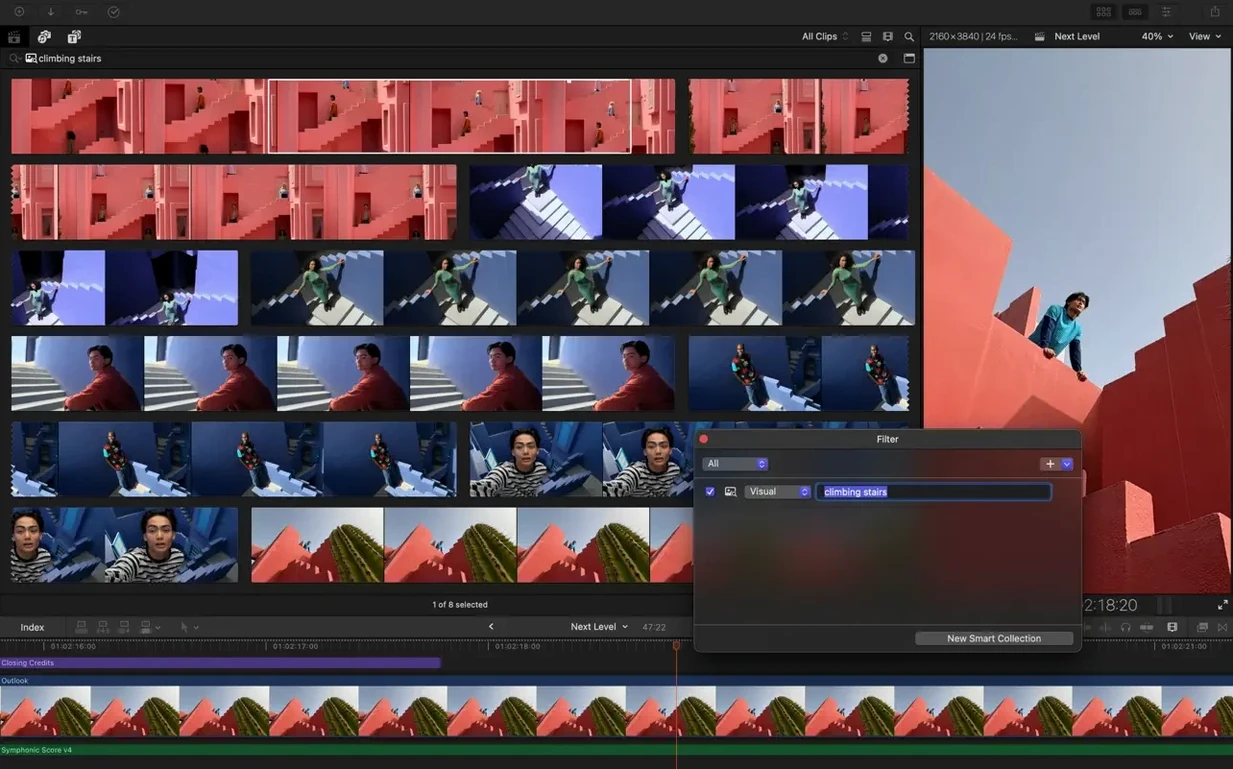
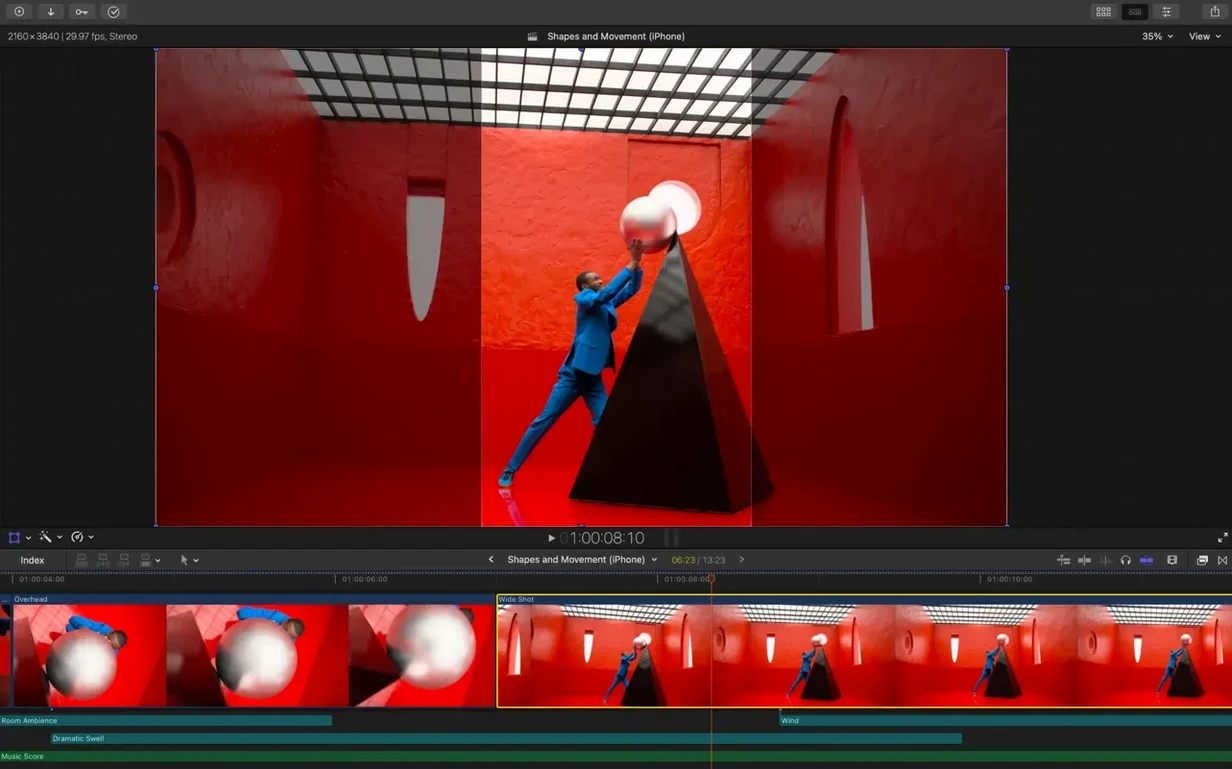
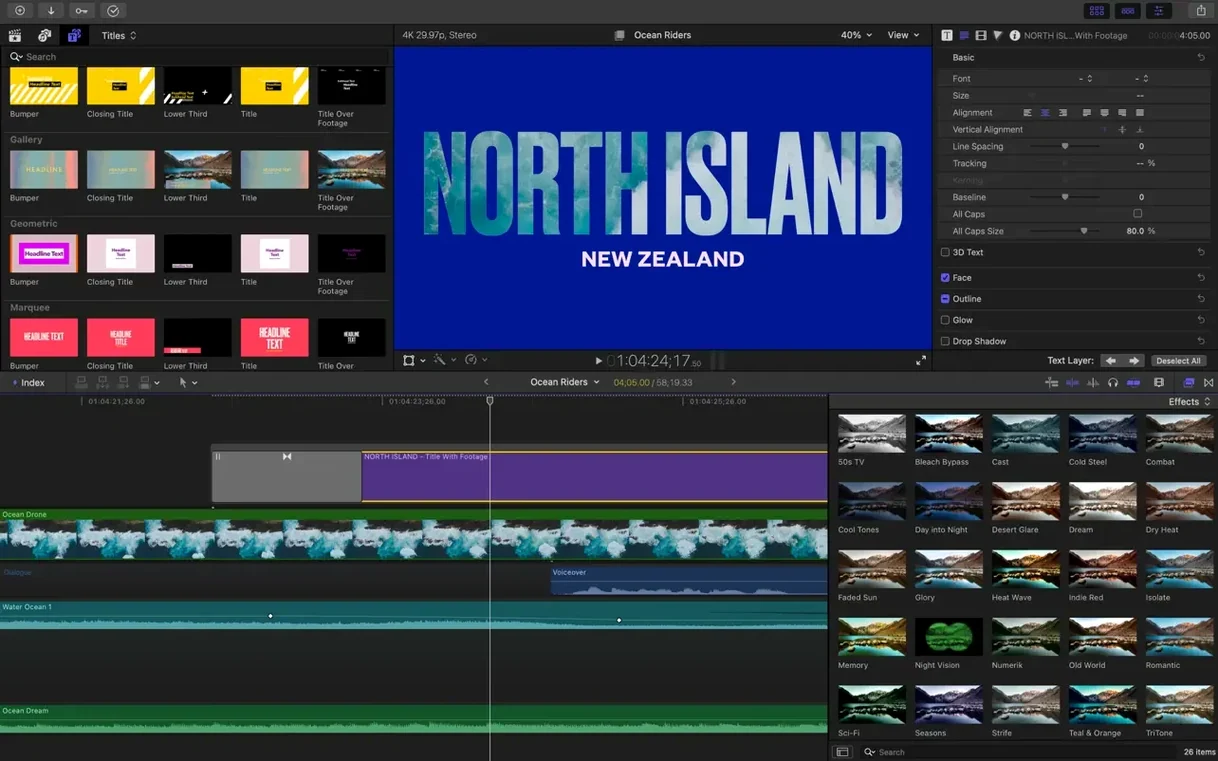
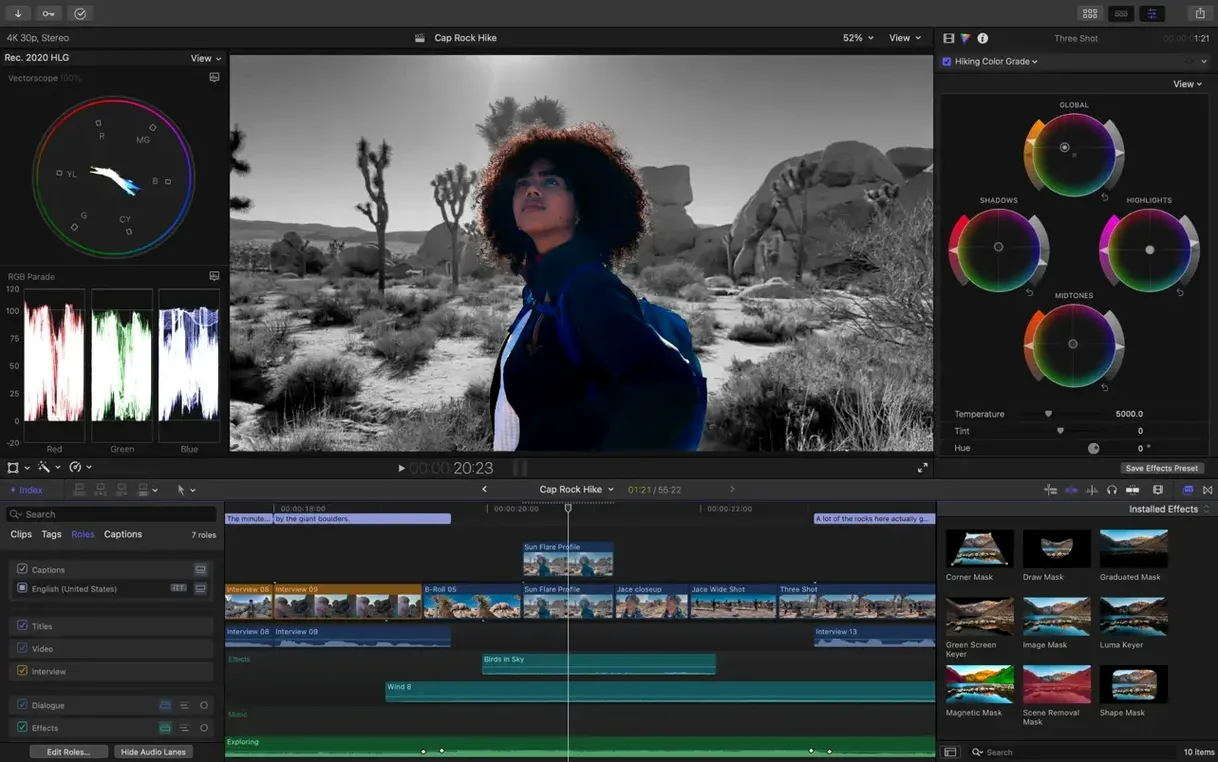
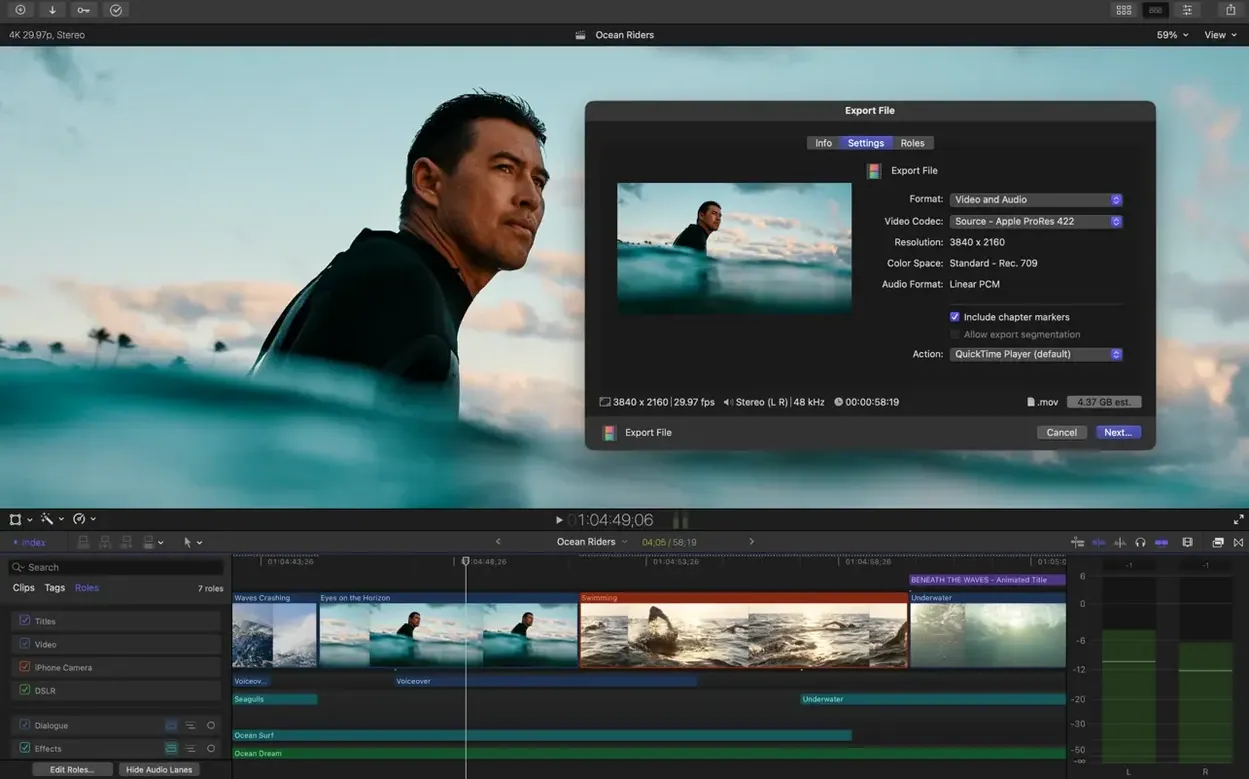
Final Cut Pro runs on Macs with macOS 15.6 or later, on both Apple Silicon and Intel hardware with a Metal-capable graphics card. It's the native video editor for anyone already working in the Apple ecosystem — media libraries, proxy workflows, and XML import/export fit alongside apps like Motion and Compressor, and export presets for YouTube and Vimeo keep post-production in one place.
- Smart Conform converts projects to square or vertical formats automatically.
- Multicam editing syncs up to 64 camera angles for multi-source projects.
- Auto Mask isolates objects for targeted color correction or enhancement.
- Generate Captions adds custom subtitles with adjustable styling.
- Match Color matches color across clips from different cameras or lighting.
- Edit Detection splits rendered video into separate clips for re-editing.
For editors who manage projects across Mac and iPad, Final Cut Pro keeps libraries, proxy media, and custom keyword collections consistent. It's a professional tool that stays inside the workflow rather than forcing a switch.
Captions That Skip the Export Step
Final Cut Pro 12.3 introduced four features that alter how you approach common editing tasks. None of them require retraining — they just remove steps you used to do manually.
- Generate Captions now lives inside the app rather than requiring an export to third-party subtitling software. You can style the output — font, size, position — and save everything within the project file. For editors who deliver to broadcast or social, that means one fewer round-trip per video.
- Auto Mask replaces frame-by-frame rotoscoping for many shots. Select a person or object, and the tool isolates it for color or exposure adjustments. It works particularly well on clean backgrounds, so product shots, interviews, and talking-head footage benefit most.
- Match Color cuts down the time spent balancing two cameras that recorded the same scene under different lights. Select a reference frame and the target clip, and Final Cut Pro adjusts the color values. You still need to check skin tones and highlights manually, but the starting point is much closer than before.
- Edit Detection is useful when you receive a finished video file and need to break it back into segments. The tool analyzes scene changes and splits the timeline at each cut, giving you individual clips to re-order or replace. It saves having to scrub through a long export and mark cuts by hand.
One Library per Project Keeps Timelines Clean
After installing Final Cut Pro 12.3, the first thing to do is set up your library structure. Create one library per project, not per year — it keeps the timeline clean and makes archiving simpler when the project wraps.
- Turn on proxy media for any project using 4K or higher resolution footage. Go to the project settings and choose a smaller proxy format like ProRes 422. The editor will respond faster during cutting, and you switch to full-resolution only for color and export.
- Assign keyboard shortcuts early, especially for the new tools. Open the shortcut editor and map Generate Captions and Auto Mask to keys you reach quickly — F7 and F8, for example. Muscle memory forms in the first few sessions, so getting these right early saves time later.
- Organize smart collections as soon as you bring media into the library. Set rules by date, rating, or keyword, and the library populates them automatically as you add clips. This avoids scrolling through every take to find the marked selects.
- Test Match Color on one clip pair before applying it across a sequence. Open a reference shot and a clip that needs matching, check the result, and adjust exposure or white balance if the automatic correction leans too warm or too cool.
Match Color for Multi-Camera Shooters
Three groups benefit most from Final Cut Pro 12.3 on macOS 15.6 or later.
Independent video producers who shoot with different cameras — a main camera for interviews and a second for B-roll — gain the most from Match Color. It removes the first pass of manual correction, leaving only fine-tuning.
Social media content teams who repurpose horizontal edits into vertical or square formats use Smart Conform daily. Combined with Auto Mask for quick product callouts, one timeline can produce three aspect ratios without rebuilding each one.
Post-production facilities with established workflows in Motion and Compressor benefit from the integrated suite. XML export delivers timelines to DaVinci Resolve for grading or Pro Tools for audio, and the project returns to Final Cut Pro for the final trim and export.
Apple Silicon Macs handle the new object detection tools noticeably better than Intel models with integrated graphics. If you edit on an Intel MacBook, test Auto Mask on short clips before committing it to a full timeline.
Edit Detection Works on Any Rendered Video
Several features in Final Cut Pro 12.3 don't appear in the marketing but save time during daily work.
- Edit Detection works on any rendered video file, including screen recordings and downloaded footage. Drop a finished ad or a conference talk into Source Browser, run Edit Detection, and you get ready-to-edit clips without manual splitting.
- The Magnetic Timeline remembers clip metadata even after you rearrange sequences. If you apply a keyword to a specific range within a clip, that keyword survives cutting and moving — it doesn't attach to the whole clip.
- Hidden captions can be created and saved inside the app, then exported as sidecar files or burned into the video. This is useful for accessibility compliance without extra software.
- Third‑party FxPlug extensions appear in the Effects panel alongside native tools. After installation, they work exactly like built-in effects — no separate application or license server required.
- Smart Conform analyzes shot composition before cropping. If a speaker is off-center, it keeps the framing tight rather than cutting them out of the square format entirely.
Ana’s Multicam Workflow With Smart Collections
Ana edits documentary interviews shot on two Sony FS7 cameras and one DJI Pocket 3.
She creates a new library in Final Cut Pro 12.3 and imports the media. Smart Collections sort clips by camera model automatically. Using the multicam tool, she syncs the FS7 angles by waveform — both cameras recorded the same scratch audio, so the sync is exact within seconds.
For each interview, she selects one well-lit FS7 clip as her reference and applies Match Color to the remaining clips from that session. The correction takes less than a minute per batch. She then applies Auto Mask to the subject's face in close-up shots and lifts the exposure half a stop to match the wider two-shot.
When the producer requests a vertical version for Instagram Stories, she duplicates the timeline and runs Smart Conform. Final Cut Pro reframes each shot automatically, keeping the subject centered. She exports the square version for Facebook and the vertical version for TikTok from the same project, without re-editing a frame.
Release notes for version 13.0 are published on Apple's support site.
| macOS | macOS 26.6 or later |
|---|---|
| Processor | Apple Silicon, Intel 64-bit |
| Download | 6.6 GB |
- macOS 26.6 or later
- Apple Silicon or Intel 64‑bit processor
Questions about Final Cut Pro
What are the system requirements for Final Cut Pro?
Final Cut Pro requires macOS 15.6, 8 GB of RAM, 5.8 GB of disk space, and a Metal-capable graphics card for Intel Macs. Some features need Apple Silicon or an internet connection.
Can Final Cut Pro export directly to YouTube and Vimeo?
Yes, Final Cut Pro includes export presets for YouTube and Vimeo workflows, so you can send finished projects directly to those platforms.
How to install, in order
The 6.6 GB download requires macOS 26.6 or later, and it installs on Intel and Apple Silicon hardware alike.
- Open the downloaded disk image and drag the application onto the Applications folder shortcut.
- Once the copy finishes, launch the app from Launchpad.
- System Integrity Protection must be disabled before the application will run.
Comments and corrections 0
Sign in or open a free account to leave a comment.
No comments or corrections yet.