Arturia Efx AMBIENT 1.0.0 — download for Mac
VST Plugins Updated
Creates wide, blurred washes from dry audio signals.
Screenshot
Efx AMBIENT installs on any Mac running macOS 10.10 or newer, with a 64-bit build that supports both Intel and Apple Silicon processors. In a session, it finds a home on aux tracks and group buses, not just as an insert. Sending a dry guitar, a synth pad, or a vocal to it returns a wide, blurred wash that sits behind the main signal.
- Send a clean synth line to a bus with the soft, blurred texture mode to build a pad bed without touching the source track.
- Drop the pitch-shifting mode on a drum bus and automate the 2D Macro for unusual transitions between song sections.
- Place it on a vocal aux return with motion and depth controls pushed fast, then print the result for experimental sound design layers.
- Run a dialogue stem through the sound deformation mode set to create cinematic effects that stretch and twist the room tone.
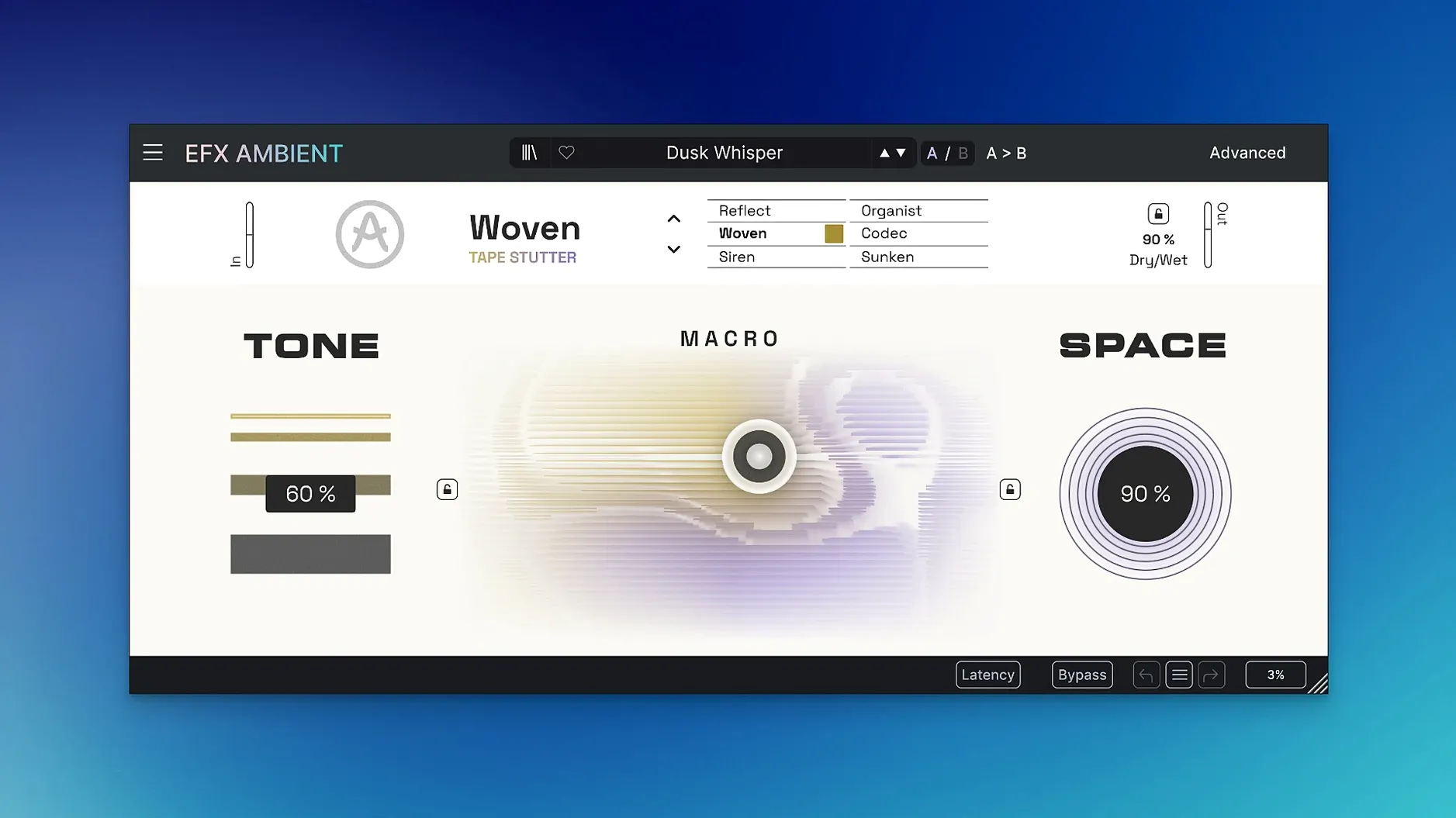
The 2D Macro control links multiple parameters to a single XY point. Moving it across the field changes the effect state in real time, which suits quick sound changes during a mix pass or while recording automation. Sound designers get a direct route to unstable, evolving textures; mixing engineers get a tool for adding depth behind a dry element without cluttering the foreground.
Disk Image Installer, No iLok Step
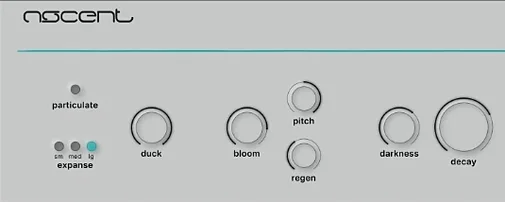
The installer arrives as a disk image. Open it and run the standard installer — no separate license file or iLok step to place. The activation is handled inside the process. The plug-in appears in your DAW's effect list after a usual scan or refresh. At version 1.0.0.6577, this is the initial public build. It takes up a modest footprint on disk, though I have not measured it, and it loads as a 64-bit plug-in on both Intel Macs and Apple Silicon machines running macOS 11.0 or later. There is no built-in preset browser or factory library to navigate in this version. The interface opens to the Macro panel by default, with the six mode icons laid out above the XY field. The Advanced panel sits to the side, accessible by a toggle. The plug-in runs as a single window — no multi-panel resizing or separate editor.
Reverse Playback Reverb Tail Transition
I use Efx AMBIENT to build a transition between two song sections. Start by creating an aux track in your DAW and inserting the plug-in. Set the mode to the reverse playback set. Send the end of a piano phrase to the aux bus. The reverse mode catches the tail and stretches it backward. Next, pull the 2D Macro control from the bottom-left corner toward the upper-right area. That motion brings in pitch-shifting elements layered on the reversed signal. Open the Advanced panel and adjust the time-based shaping controls to slow the decay further. Record the automation as the first section fades out. The result is a rising, reversed wash that leads into the next section. No additional processing on the master bus needed.
Synth Pad Through Soft Blur Texture Mode
Tuesday afternoon, I am finishing a cue that needs a wide background texture. I route a synth pad to a group bus that feeds Efx AMBIENT. I choose the soft, blurred texture mode. The 2D Macro is sitting at a neutral center point. I play the synth pad and slowly drag the XY controller upward and to the left. The sound broadens without losing its original tone. I leave it running for a two-bar loop, then open the Advanced panel and set a moderate time-based shape to keep the texture from washing out completely. The motion and depth controls stay low — I do not need fast changes here. After eight bars, I print the bus to a new audio track. The exported file holds the wet signal exactly as it sounded during playback. No re-recording or bouncing in real time. That printed file becomes a background layer I can edit, reverse, or pitch-shift again in the arrangement. The whole process takes about as long as it takes to hear the loop a few times and drag the XY point. Efx AMBIENT stays on that bus for the next cue, ready for a different mode when the arrangement changes.
- Initial release version 1.0.0.
| macOS | OS X 10.10 or later |
|---|---|
| Processor | Apple Silicon, Intel 64-bit |
| Download | 285 MB |
- macOS 10.10 or later
- Intel or Apple Silicon Mac
- 64-bit host
How to install, in order
- Open the downloaded disk image.
- Run the standard installer.
Comments and corrections 0
Sign in or open a free account to leave a comment.
No comments or corrections yet.