Aurora DSP Ironheart 1.4.1 — download for Mac
VST Plugins Updated
Reproduces the Laney Ironheart guitar amp with per-channel equalization.
Screenshots
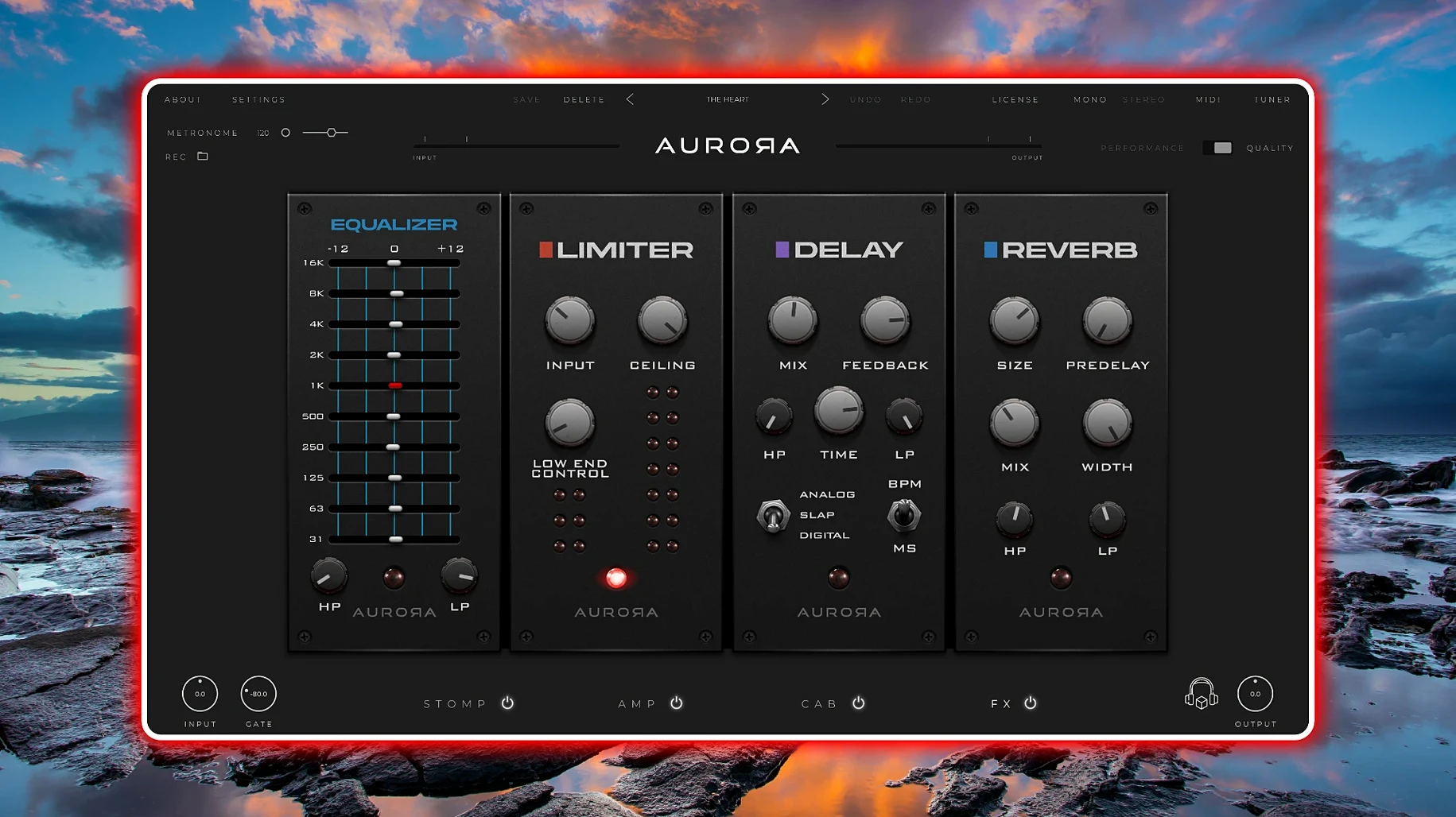
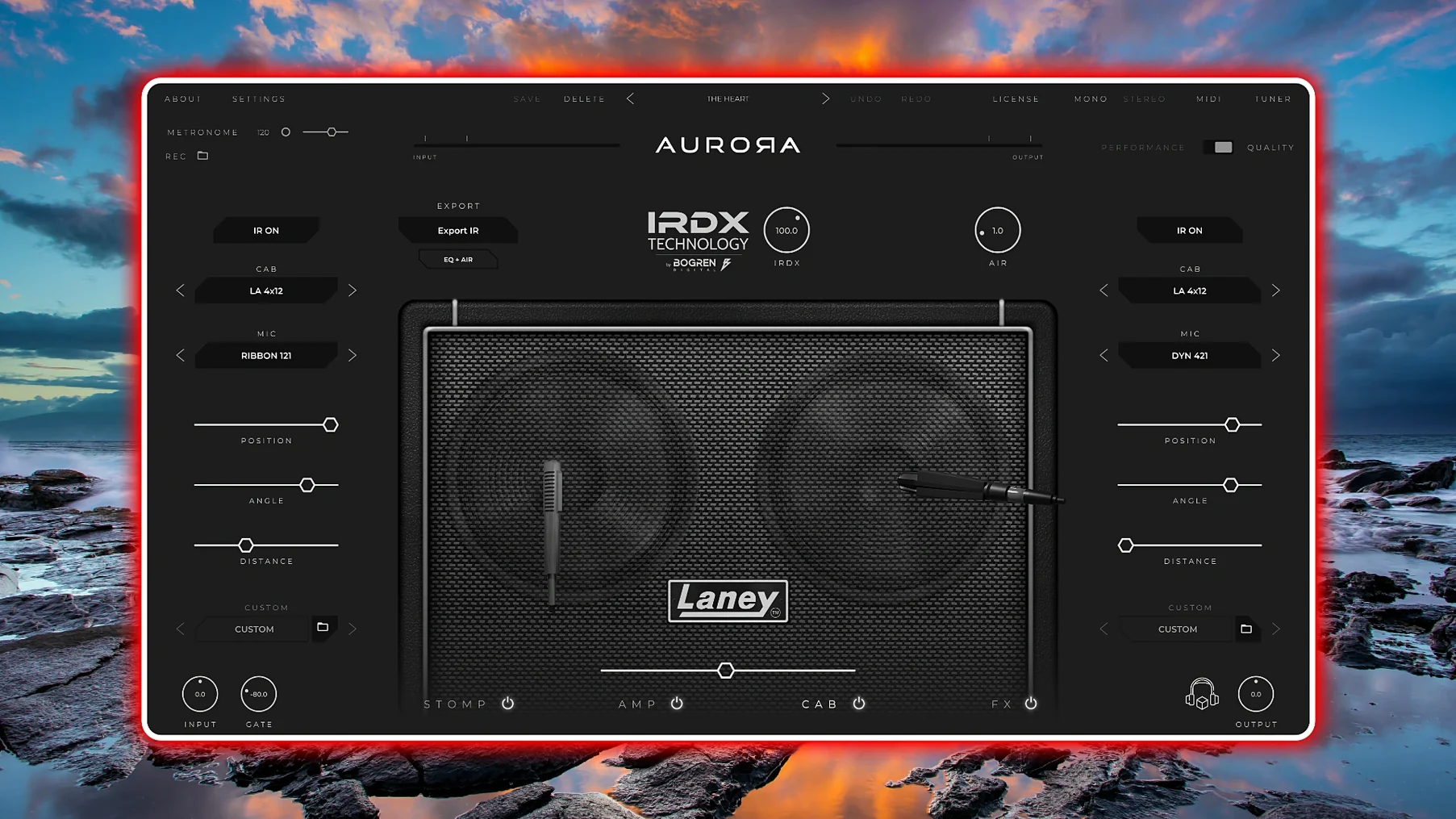
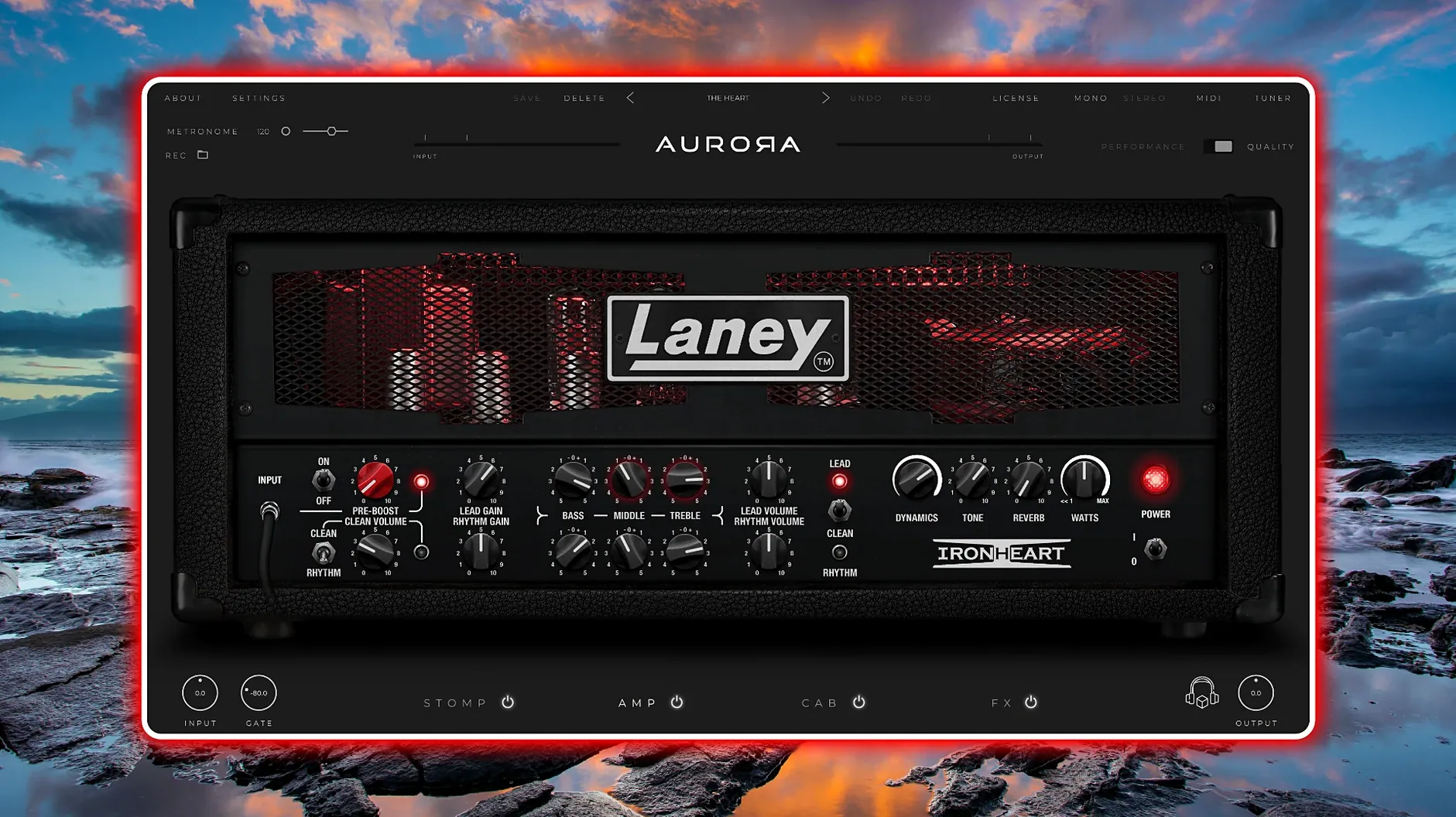
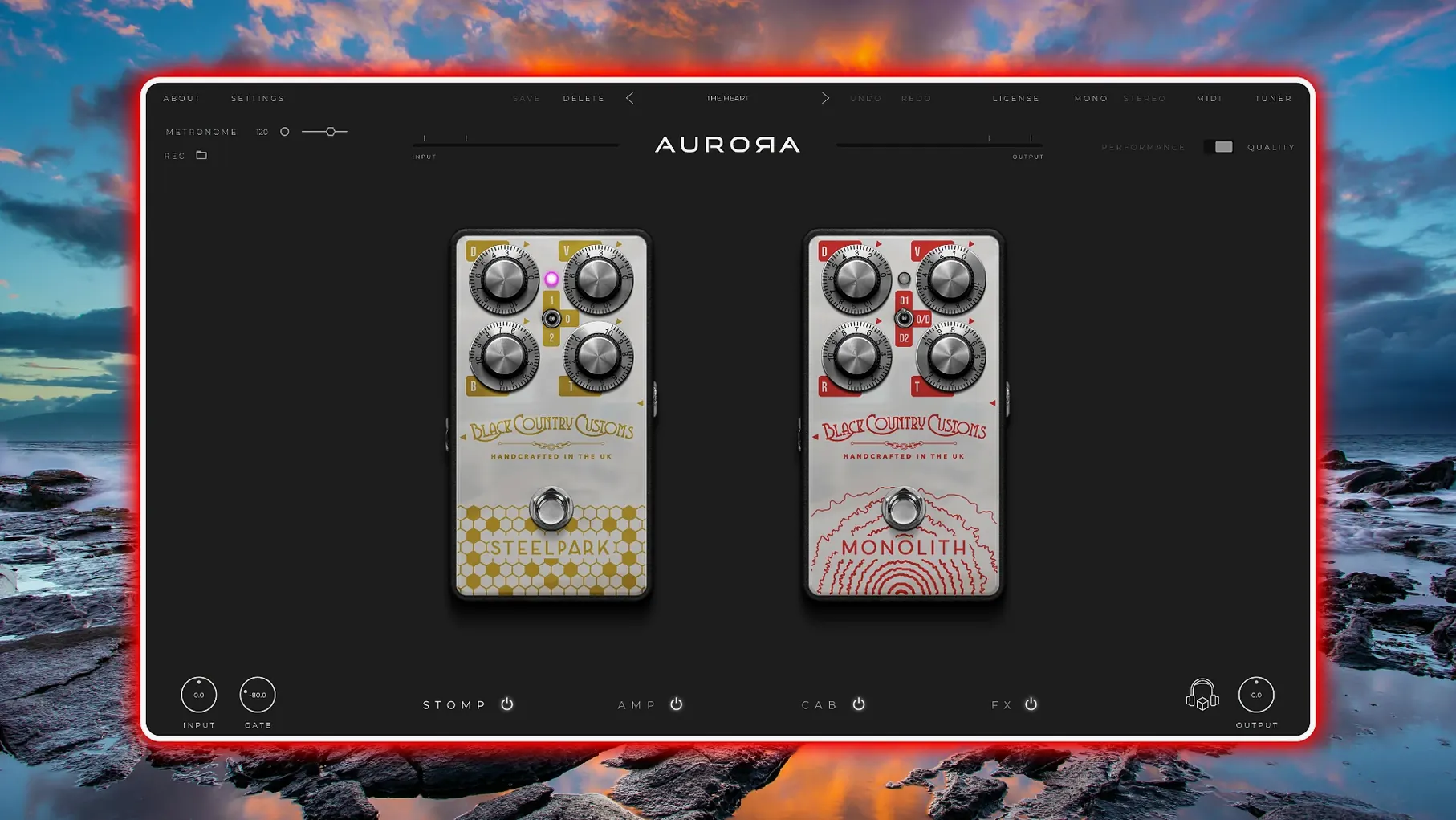
Hi-gain guitar parts often arrive in a session as raw DI tracks. The Ironheart plugin reproduces the Laney Ironheart sound and gives each channel its own equalizer, so the tone shaping can happen before the signal hits a bus.
Placing It in a Session
- Rhythm tracks. Load the plugin on each DI guitar track. Use the Rhythm channel for the core wall of sound, then adjust the channel EQ to keep low mids from fighting the bass.
- Lead parts. Insert a second instance on the lead track. Switch to the Lead channel and shape the upper mids so the part sits above the rhythm guitars without more volume.
- Clean sections. For breakdowns or intros, use the Clean channel on the same track or a dedicated track. The cabinet section stays consistent across all three.
- Guitar bus. Route all guitar tracks to one bus and apply bus-level EQ only. The per-channel EQ inside the plugin handles the individual corrections first.
First Days of Tuning
After installing, spend a session just auditioning the three channels with a single DI riff. Set the gate threshold until silence between notes clicks cleanly — too fast a release leaves a flap, too slow chokes chugs. Switch to the Rhythm channel and move the EQ band that feels most active, then repeat on Lead. The cabinet section makes a bigger difference than the preamp gain on the first listen, so change cabinets before you chase tone with EQ.
Small Things That Save Time
- Third-party IRs load directly. The plugin's cabinet section accepts standard impulse response files, so familiar speaker captures work without a separate loader.
- Overdrive pedals before the amp. The built-in overdrive pedals sit before the modeled amplifier. Dialing in a tiny amount tightens palm-muted rhythm parts without switching channels.
- Gate placement stays per channel. The gate is inside the plugin path, not a separate insert. One instance of Ironheart covers both noise gating and amp tone, keeping the track count low.
- Clean channel holds a role. For heavy music, the Clean channel works for arpeggiated bridges or single-note lines that need to cut without distortion. It saves creating a separate clean amp track.
These aren't advertised features — they are just how the layout works once you have the plugin on a track. A guitarist who tracks at home will notice them inside one or two sessions.
How It Fits Next to Other Amp Simulators
Compared to Neural DSP's Archetype: Plini, the Ironheart covers a narrower range — Plini targets progressive and clean-to-high-gain versatility, while Ironheart aims at metal and hard rock specifically. The three-channel design with dedicated EQs is closer to what a hardware amp provides than Plini's single-amp-plus-effects approach.
Line 6 Helix Native offers an entire rig floorboard in one plugin, with hundreds of amp and cab models. Ironheart gives you one amp, three channels. That limitation matters less when the project calls for a consistent Ironheart tone across the whole guitar section and you do not need Fender or Vox sounds in the same session.
For metal and hard rock work, the channel-per-tone workflow matches how most tracklists read — rhythm, lead, clean. The overdrive pedals and third-party IR support keep it flexible without turning into a full modeling suite. A mix engineer who tracks guitarists in a project studio will appreciate the simplicity when the session has thirty DI tracks waiting for the same amp sound.
Project studios and home recordists working with hi-gain styles will find the channel setup maps directly to how guitar parts are tracked and mixed.
No release notes filed for 1.4.1. They are added here when a build changes how the program behaves.
| macOS | macOS 10.13 or later |
|---|---|
| Processor | Apple Silicon, Intel 64-bit |
| Download | 657 MB |
- macOS 10.13 High Sierra or newer
- Intel or Apple Silicon
- 4 GB RAM
- Up to 200 MB free storage
How to install, in order
- Run the installer and follow the prompts.
- Confirm the plugin format your DAW uses.
- Rescan plugins in the DAW if the Ironheart does not appear.
Comments and corrections 0
Sign in or open a free account to leave a comment.
No comments or corrections yet.