BABY Audio Atoms 1.2.0 — download for Mac
VST Plugins Updated
Generates evolving sounds through physical modeling synthesis.
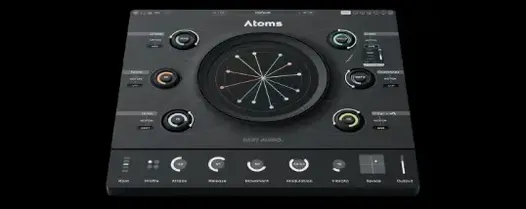
Screenshot
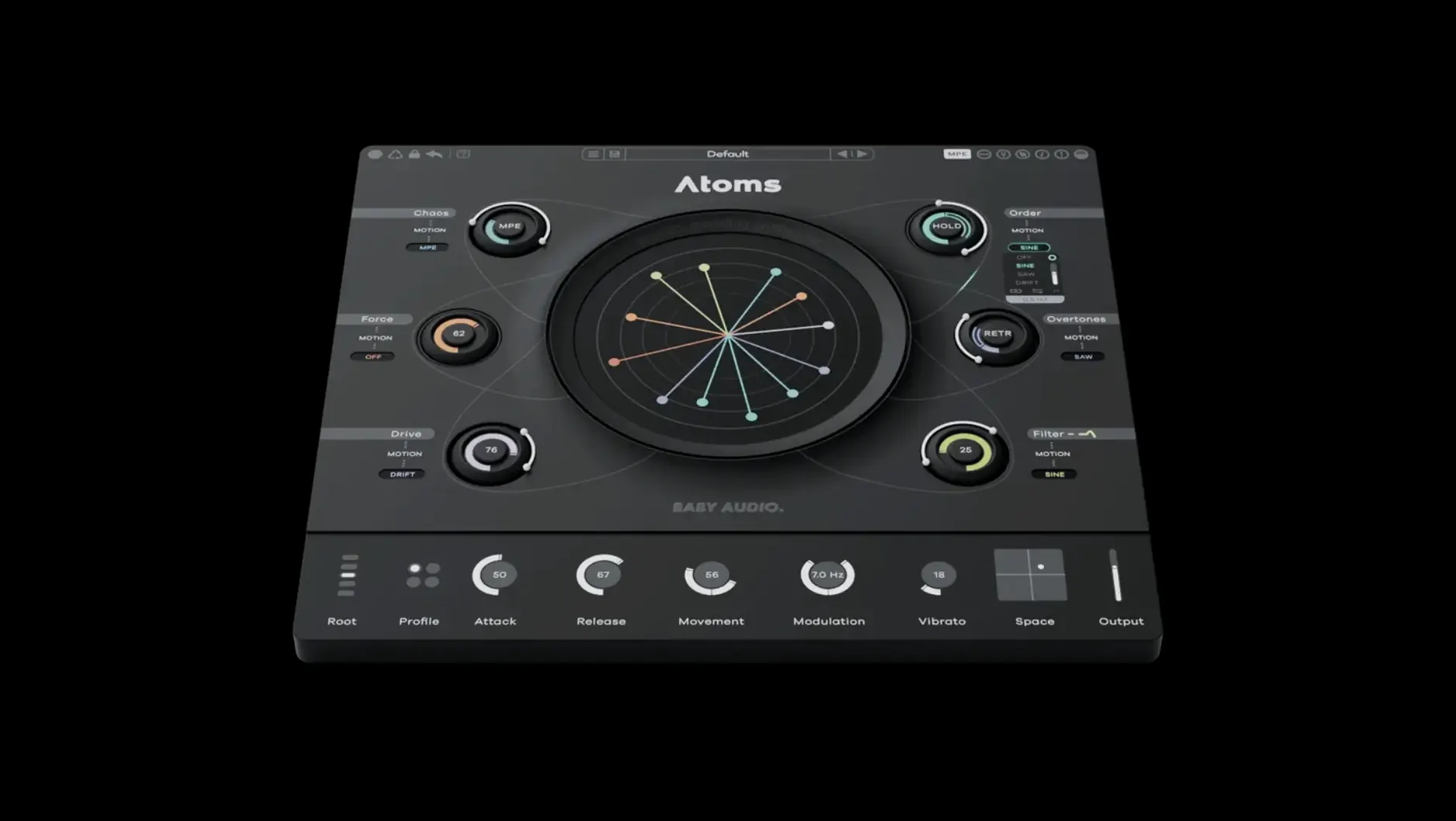
You drop Atoms onto a synth track and start with a bowed string model that shifts into glassy resonance before you touch the second dial.
Physical modeling synthesis — A method of sound generation that simulates the physical properties of acoustic instruments and materials, from strings and tubes to metal plates, producing organic and otherworldly timbres.
Formats — VST, AU, and AAX. The plugin loads in Ableton Live, Logic Pro, FL Studio, Pro Tools, and any DAW supporting these standards on macOS.
Sound engine — Atoms uses interconnected physical models to build textures that move between natural resonance and synthetic territory. The architecture creates lively, evolving tones suited for pads, leads, and experimental beds.
Presets Built From the Same Modeling Engine
Atoms has a few details tucked into its design that a first user might overlook. The factory presets, for instance, are not just starting points. Each preset is built from the same physical modeling engine, so switching between them teaches you how the model responds to different parameters. If you open a preset called "Glass Bowl" and then one called "Dampened String," the change in character makes the engine's behavior clearer than reading a manual would.
The plugin does not bury its core controls behind submenus. Every major shaping parameter — excitation, damping, material stiffness — lives on the main panel. That matters when you are in the middle of a session and need to adjust the body of a sound without clicking through tabs. The interface language is English, and the layout stays consistent across VST, AU, and AAX.
Another detail is the way Atoms handles silence. The physical model keeps running even when no note is playing, so the next trigger picks up from where the internal state left off. This means repeated notes never sound the same twice — the model is always moving, always settling or decaying.
Adjust Tension and Damping, Not Filters
New users often approach Atoms like a subtractive synthesizer, reaching for a filter sweep or an envelope to shape the sound. That works, but it misses the point. The real control comes from adjusting the physical properties — the tension of the virtual material, the size of the resonating body, the point where the excitation hits. Beginners who ignore these parameters end up with sounds that are thin or static.
A second common mistake is expecting instant results from every preset. Some presets are designed as raw building blocks, not polished patches. Dropping them into a track without tweaking can feel underwhelming. The solution is to set aside ten minutes with one preset and move every dial once, listening for what changes. Physical modeling rewards curiosity in a way that sample-based or wavetable synthesis does not.
Beginners also sometimes assume that because Atoms uses physical modeling, it only sounds organic. The engine can go into metallic, glassy, or even synthetic territory if you push the parameters past their center positions. It is not a one-trick plugin.
Live Engine Versus Sampled Loops
Atoms vs. Output Arcade — Arcade relies on sampled and processed loops. You get finished sounds quickly, but the material is fixed. Atoms gives you a live engine that responds to every note and controller message. If you need a pad that evolves differently each time you play it, Atoms has the advantage. If you need a ready-made loop in two clicks, Arcade is faster.
Atoms vs. Spectrasonics Omnisphere — Omnisphere is vast, combining sample-based and synthesis layers with deep modulation. It is the more flexible tool for sound design, but its complexity means longer patch-building sessions. Atoms is narrower in scope and faster to dial in. For a producer who wants physical modeling textures without spending an afternoon programming, Atoms is the direct path.
Atoms vs. Native Instruments Form — Form uses particle synthesis, not physical modeling. It excels at granular textures and pitch-shifted clouds. Atoms produces sounds that feel more like instruments — stretched, bowed, plucked — while Form works better for washed-out, spectral drones. They overlap in the ambient and experimental zone, but the tactile quality of Atoms is distinct.
Who in the studio uses it
A composer scoring a short film reaches for Atoms when a cue needs a bed that breathes — string models with slow modulation, no loop points. A sound designer building layers for a game uses it for metallic impacts and evolving risers. A pop producer drops it on a pad track to fill space without fighting the vocal. The plugin fits any session where the sound needs to behave like something alive, not something recorded.
No release notes filed for 1.2.0. They are added here when a build changes how the program behaves.
| Download | 110 MB |
|---|
- Compatible with VST, AU, and AAX host applications on macOS.
How to install, in order
- Open the disk image and run the included installer.
- Follow the activation instructions provided in the download to authorize the plugin on your system.
Comments and corrections 0
Sign in or open a free account to leave a comment.
No comments or corrections yet.