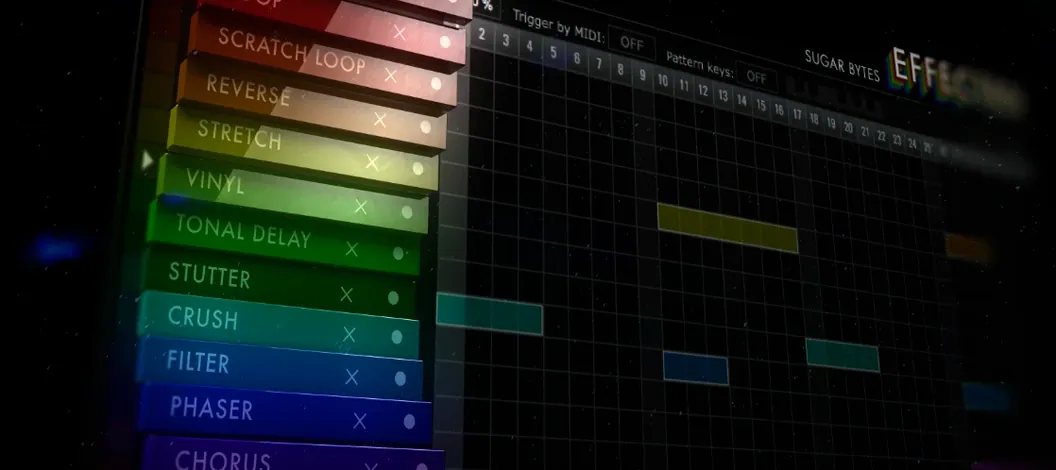
Effectrix 1.4.8 — download for Mac
VST Plugins Updated
Sequences tempo-synced effects patterns on any audio track or bus.
Screenshot
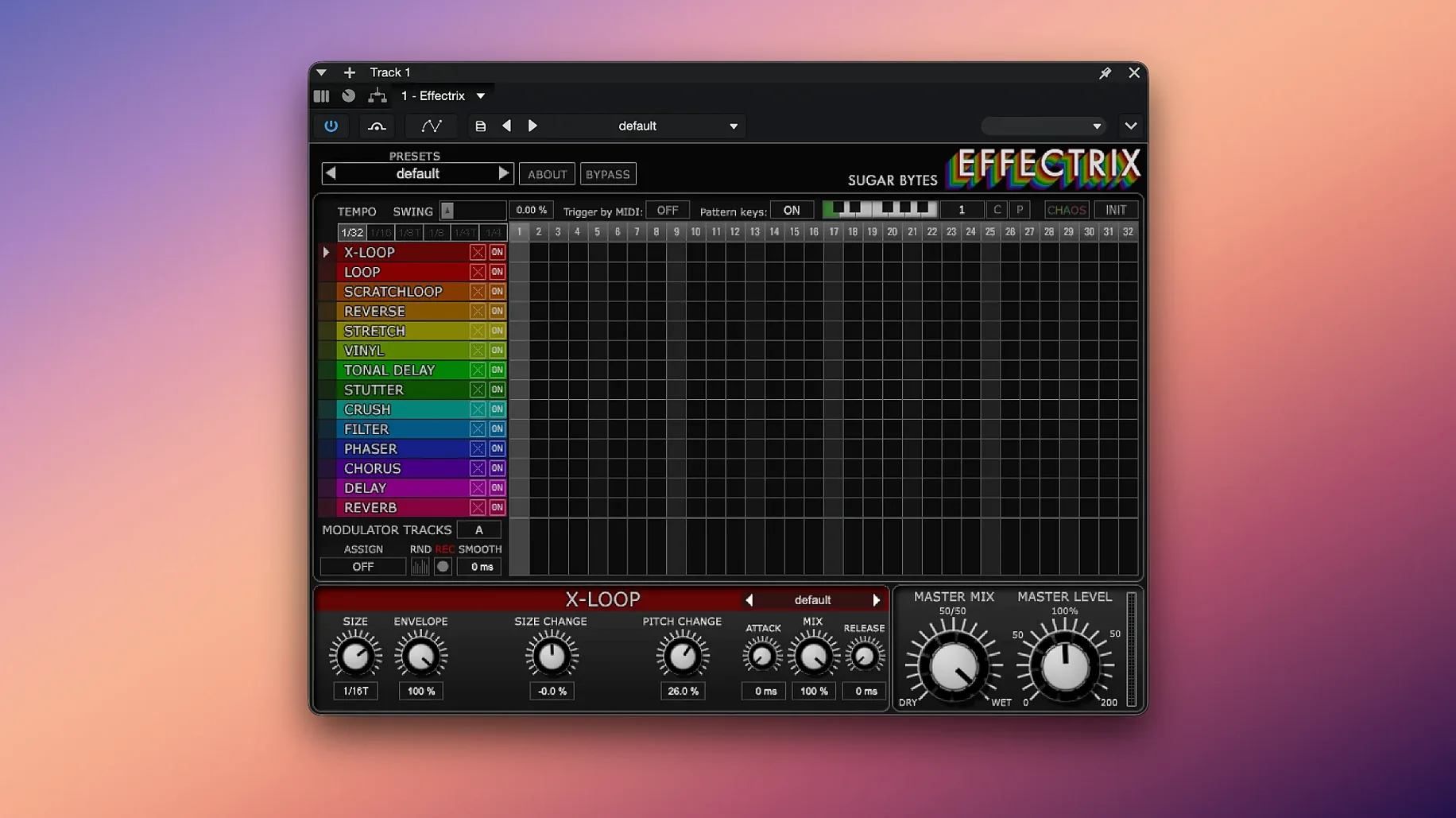
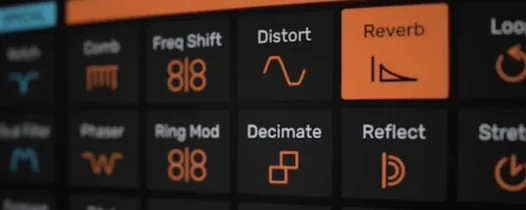
The problem Effectrix solves is simple: keeping effects locked to a beat without manual automation. Drop it on a track or a bus, and the 16-step sequencer runs effects in tempo-synced patterns. You can save up to 12 different sequences inside one preset and switch between them during a session.
Here is how it fits into a typical workflow:
- Insert Effectrix on a synth track, a drum bus, or a vocal return.
- Select an effect from the hundreds of global presets per effect type.
- Draw steps on the 16-step grid. Adjust cycle length and swing to change the feel without redrawing.
- Use the two modulation tracks to add movement to parameters over time.
- Hit the Chaos button for random variations when you need a new idea quickly.
It runs on Intel and Apple Silicon Macs, works as a 64-bit plugin, and the sequence switching makes it useful for live or studio work where you want to keep one instance but change patterns.
Three causes: routing, sync, saved state
Most problems with Effectrix come from three things: routing, sync, and saved state. Here is what usually happens and what to check first.
No effect heard when the sequencer is running
Effectrix processes audio that passes through it. If the track is soloed and the plugin is on a bus that is not receiving signal, nothing happens. Check that audio is reaching the plugin by watching its input meter. If the meter shows signal but the output is dry, confirm that the effect's mix knob is not set to zero. Each of the 14 effects has its own dry/wet control, and some presets default to fully dry.
Steps are not triggering at the expected tempo
The sequencer divides a bar into 16 steps by default. If your project tempo changes or the plugin is not tempo-synced to the host, the steps may drift or play at the wrong speed. Make sure Effectrix is set to follow the host tempo. If your DAW reports tempo to plugins through VST3 or Audio Unit, that format is more reliable than VST2 for tempo sync. When in doubt, switch to the Audio Unit or VST3 version of the plugin.
Saved presets do not recall the sequence
A single preset holds up to 12 sequences. If you load a preset and the pattern is different from what you saved, you might be recalling a different sequence slot. Each preset stores all 12 slots, but your DAW's plugin recall only loads the slot that was active when you saved. Flip through the sequence slots using MIDI program change or the plugin's own selectors to find your pattern.
Chaos button does not produce useful results
The Chaos button randomizes step data and some parameter values. It works best when you have already set a basic pattern. Applying Chaos to a blank grid gives random results that rarely fit. Build a simple sequence first, then press Chaos to mutate it. You can press it repeatedly until something sticks, then fine-tune the steps by hand.
Install only the formats your DAW uses
Do I need to install all the formats?
No. Effectrix ships as Audio Unit, VST2, VST3, AAX, and standalone. Install only the formats your DAW uses. Ableton Live and Logic Pro work well with Audio Unit. Cubase and Studio One prefer VST3. Pro Tools needs AAX. The standalone version is useful for testing presets without opening a DAW, but it is not required.
Will it work on an Apple Silicon Mac?
Yes. Effectrix version 1.4.8 runs natively on ARM and x86 architectures. There is no need to run it in Rosetta. The installer includes both binaries.
Can I use it on a send or return track?
Yes. Effectrix works on any track that routes audio through it. A common setup is putting it on a drum bus and sequencing a filter sweep every four bars. Just remember that the plugin processes the entire signal on that channel, so if you use it as a send effect, the return track should be wet-only and the original track should stay dry to avoid phase issues.
Does the standalone version need a DAW?
No. The standalone application runs on its own. You route audio into it through your system's audio interface or a virtual audio cable like Soundflower or BlackHole. It is handy for sound design sessions where you want to process a sample without loading a full project.
Respects macOS buffer and sample rate
Effectrix integrates with the host DAW the same way any plugin does: through the plugin formats listed on the install page. On macOS, it respects the system audio buffer and sample rate set in your DAW or the standalone mode's preferences.
For keyboard shortcuts and pattern switching, you can map MIDI notes to the 12 sequence slots. This works through any MIDI controller or keyboard that sends program change messages. No extra software is needed on macOS — Logic, Ableton, and Cubase all forward MIDI program changes to plugins automatically.
If you use Soundflower or Loopback audio routing on macOS, you can run the standalone version in parallel with your DAW. Set the standalone app to listen to a loopback input, and feed audio from any application into Effectrix for processing before it hits your DAW's record arm. This is useful for processing audio from web browsers or media players without importing files.
The 64-bit architecture means it works with modern DAWs on both Intel and Apple Silicon Macs without compatibility layers. No special configuration is needed beyond pointing your DAW to the plugin folder where Effectrix installs.
Workflow: building a live performance pattern from scratch
This workflow assumes you have Effectrix on a MIDI-controlled synth track in Ableton Live. The same steps apply to any DAW with minor adjustments.
- Insert Effectrix on the synth track. Set the tempo to 120 BPM in your DAW and confirm the plugin shows the same tempo.
- Select the Filter effect from the 14 available effects. Load a Filter preset that sounds close to what you want. The hundreds of global presets give a starting point without dialing parameters from zero.
- Draw a simple pattern on the 16-step grid: steps 1, 5, 9, and 13 active. This gives a quarter-note filter sweep. Set the cycle length to 4 bars so the pattern repeats once every four bars.
- The swing function shifts step positions off the grid for a more human feel.
- Enable the first modulation track and assign it to the filter cutoff. Draw a slow sine wave over 16 steps so the cutoff moves smoothly across each cycle.
- Assign a MIDI controller knob to the sequence slot selector. In Live, map a MIDI CC to the plugin's program change parameter. Set up three more sequences in slots 2, 3, and 4 with different patterns — slot 2 uses a beat-skipping stutter, slot 3 uses a randomized pattern from the Chaos button, slot 4 uses a reversed step order.
- Save the preset with all four sequences. Now during a performance, turning the MIDI knob switches between the four patterns instantly. No mouse clicks, no window switching.
- If a pattern starts to feel stale, press the Chaos button while that slot is active. The sequencer randomizes the steps within the current cycle length, giving a variation without losing the groove.
This setup takes about five minutes to build and gives four distinct filter sequences that can be switched on the fly. It works for electronic music sets, ambient pads, or any situation where you want effects to move with the arrangement instead of sitting static.
No release notes filed for 1.4.8. They are added here when a build changes how the program behaves.
| macOS | macOS 10.14 or later |
|---|---|
| Processor | Apple Silicon, Intel 64-bit |
| Download | 20 MB |
- macOS 10.14 or later
- 64-bit host
- Intel or Apple Silicon processor
Questions about Effectrix
How many sequences can I store in one Effectrix preset?
You can save up to 12 different sequences in a single preset, which lets you change patterns without loading a new instance.
Does Effectrix work on Apple Silicon Macs?
Yes, it supports both Intel and Apple Silicon Macs as a 64-bit plugin.
How to install, in order
- Install the plugin using the provided installer.
- Follow the activation instructions included in the package.
Comments and corrections 0
Sign in or open a free account to leave a comment.
No comments or corrections yet.