Minuit Solstice 1.2.0 — download for Mac
VST Plugins Updated
Transforms audio with spectral effects and reverb in a granular synthesizer.
Screenshot
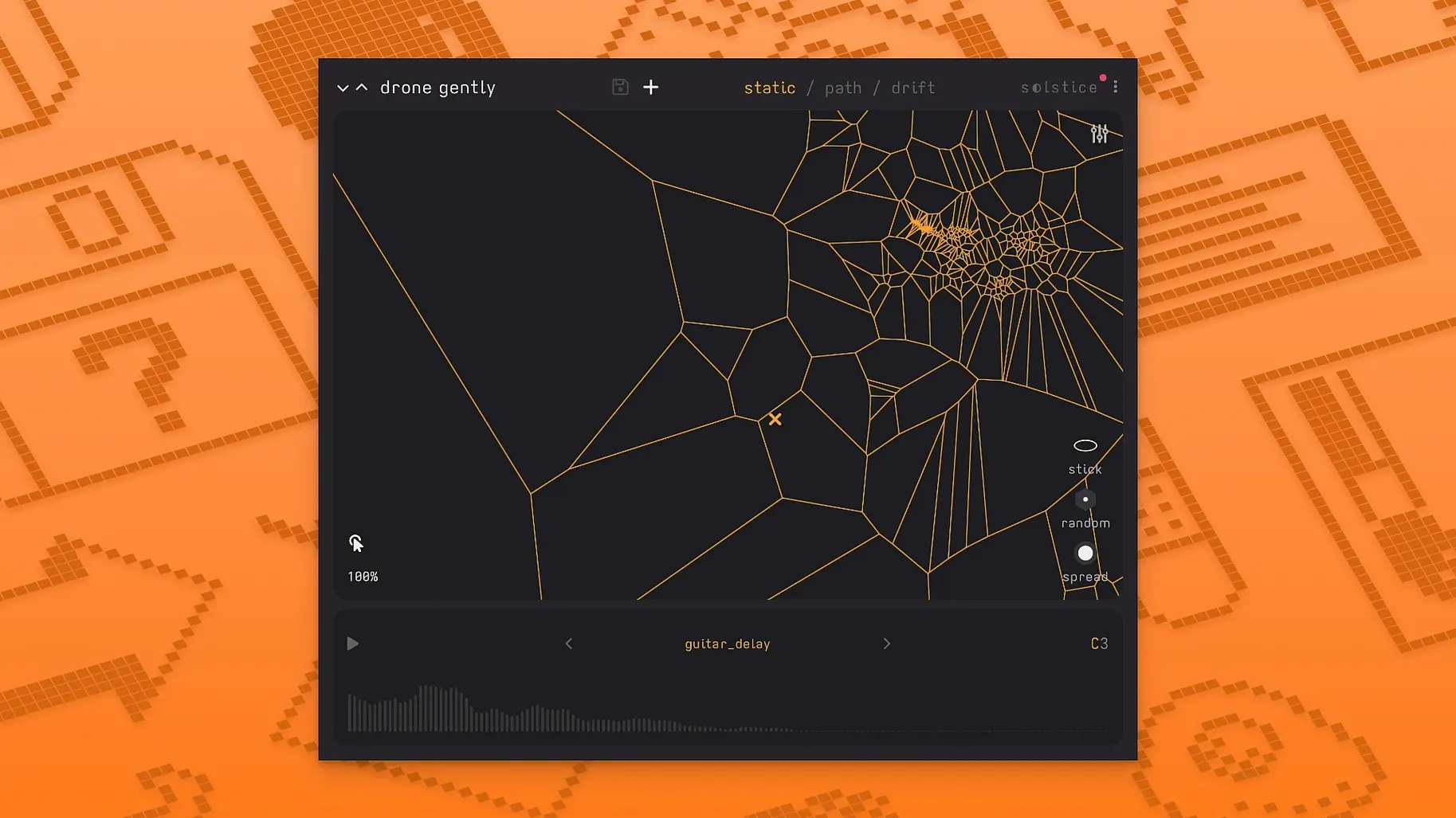
Solstice 1.2 brings MPE support, MTS-ESP compatibility, and five new spectral effects — texture, tilt, flutter, stretch, and bloom. The reverb modulation control also arrived this update, so the instrument feels more responsive to subtle MIDI movements than before.
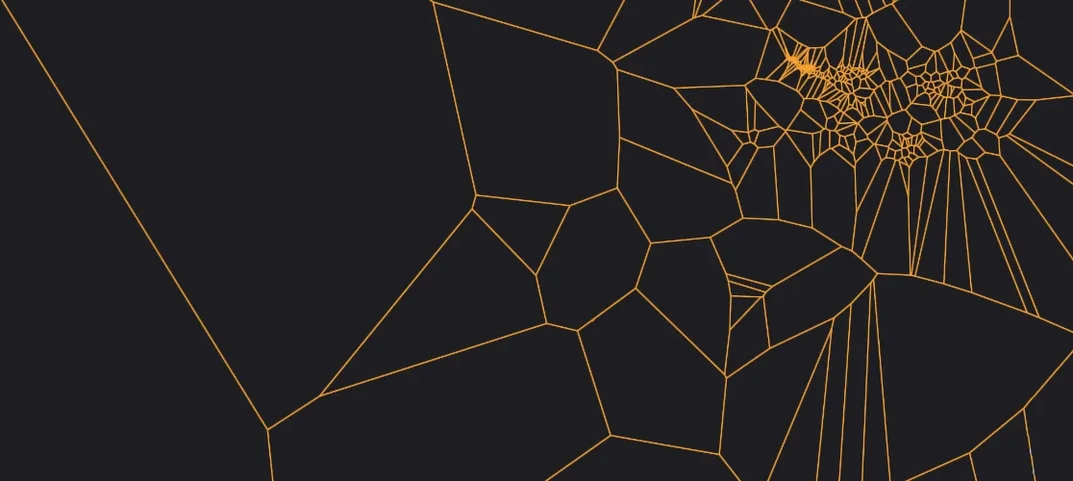
In a session, Solstice sits on a track like any synth, but its role is different. You drop a sample onto its map, and it clusters similar timbres into dense regions. Click anywhere on the map to play that specific timbre, or let the map drift automatically to generate unpredictable patterns. The crisp pitch shifting keeps the sound musical across the whole map.
I put it on a bus when I want to texture a pad or a field recording — the spectral effects reshape the sample without losing its character. Stretch works well on sustained tones, bloom adds air, and flutter breaks things up without turning into noise. It works outside ambient or experimental genres too; a drum loop mapped and drifted can become a rhythmic bed that evolves by itself.
For a project manager who also produces, Solstice is one of those tools that solves the “I need something I haven’t heard before” problem in a few clicks. No sample hunting, just drop, map, and play.
First days with Solstice — what to do after the install
Once you have Solstice loaded in your DAW, start with a single short sample. A vocal chop, a snare hit, or a fragment of a field recording works best. Drop it onto the map and listen to how the timbres spread. Click around — the clusters will show you which parts of the sample have similar texture. You will notice that some regions feel darker or brighter. That is the map telling you where the energy sits.
Try the automatic drift next. Turn it on and let the cursor move across the map while you play a held note. The movement creates patterns you would never draw by hand. Record a few bars of that output, then audition the result. Most of the time you will keep one or two sections and discard the rest. That is normal — Solstice is a generator, not a fixed instrument, so treat those first passes as raw material.
Apply one spectral effect at a time. Texture adds grain, tilt shifts the tonal balance, flutter introduces movement, stretch pulls the sound across time, and bloom opens the high end. Stacking all five at once will overwhelm the sample. Start with one, dial it in, then decide if a second effect adds clarity or mud.
If you use a MIDI controller with MPE, connect it and assign pitch-bend to the X axis and pressure to the Y axis. The Basic MPE support in version 1.2 makes the map respond to finger movement, not just note-on events. That changes how you perform with Solstice — it becomes closer to playing a physical surface than triggering a sample.
Sound designers who need variations from one source
Sound designers working on film or game audio will find Solstice useful because it generates variations from one source file. A single forest recording can yield dozens of distinct textures without editing the original. Experimental composers who work with aleatoric structures can let the map drift and capture results that feel composed by chance, not by hand. Ambient producers who layer long, evolving pads will appreciate the reverb modulation and the spectral effects — stretch and bloom in particular turn a simple piano note into something that breathes across a whole mix.
Producers in pop or electronic genres also benefit, but differently. A vocal sample mapped and drifted can become a background element that shifts subtly every few bars. A drum loop stretched and treated with flutter loses its rhythmic rigidity and becomes a textural layer. The auto root note detection helps when you want the output to sit in key without manual tuning.
Studio engineers who maintain sample libraries may find Solstice useful for previewing and repurposing old material. Dropping a sample you have used ten times before into the map can reveal timbres you never noticed. That alone saves time when you need fresh sounds from existing assets.
Shorter samples produce clearer maps
People often ask whether Solstice works with any sample type. Short answer: yes, but shorter samples produce clearer maps. A two-second vocal clip clusters well. A four-minute field recording loads, but the map becomes dense and harder to navigate. Trim long files before loading them.
Another common question is whether Solstice replaces a sampler. It does not. It is a spectral map synthesizer, not a traditional sampler. You cannot trigger individual slices or map notes to specific sample starts. What it does — generate new timbres from a single source — no standard sampler does the same way.
Some producers wonder if they need MPE hardware to use Solstice. You do not. The map responds to mouse clicks and drags, and the automatic drift works regardless of your controller. MPE is an additional expressive layer, not a requirement.
A final question: can you use Solstice on a system with macOS 12 and Intel architecture? Yes. The plugin supports both ARM and 64-bit x86 Macs, so it runs on Apple Silicon and Intel machines alike.
- Basic MPE support added
- MTS-ESP support added
- Five spectral effects added: texture, tilt, flutter, stretch, and bloom
| macOS | macOS 12 or later |
|---|---|
| Processor | Apple Silicon, Intel 64-bit |
| Download | 117 MB |
- macOS 12 or later
- Intel or Apple Silicon
How to install, in order
- Use the included installation instructions.
- Use the included activation instructions.
Comments and corrections 0
Sign in or open a free account to leave a comment.
No comments or corrections yet.