Sugar Bytes DrumComputer 1.3.6 — download for Mac
VST Plugins Updated
Sequences drums with a 16-step sequencer and routes outputs to separate mixer channels.
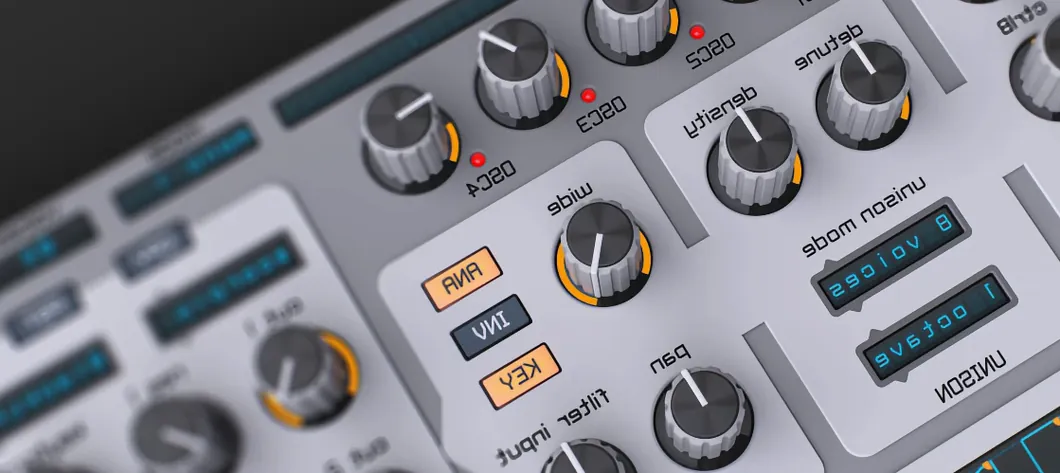
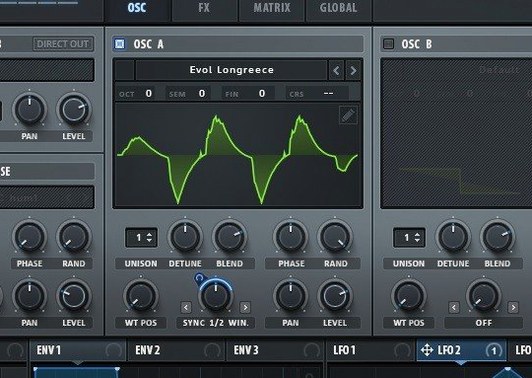
Screenshot
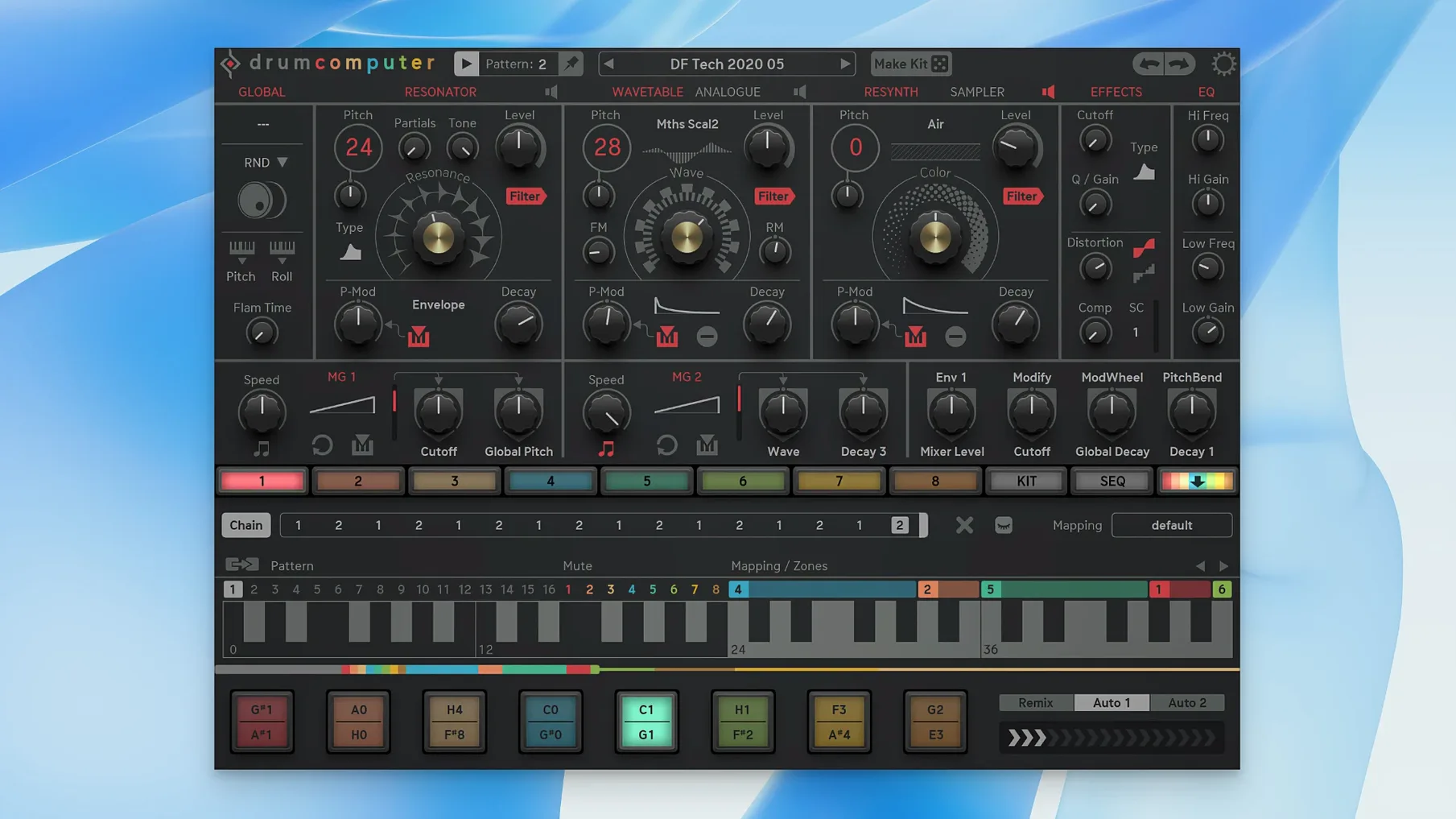
First-Start Settings
When you load DrumComputer for the first time, a few settings make the difference between tinkering and getting to work. The architecture is ARM and x86, and it runs on macOS 10.13 or later, so you won’t hit compatibility surprises. What you will hit is the eight sound engines, each with a resonator, a wavetable or analog oscillator, and a resynthesizer or sampler. Before you layer kicks and snares, check the master output level — the sequencer can stack voices quickly, and it pays to watch the meters rather than guess.
Audio routing
Set your DAW to route each engine to its own mixer channel. It takes a minute to assign outputs, but it saves time later when you want separate compression on the snare bus or a Hall reverb on the hi-hats. The built-in Room reverb works across the whole kit if you prefer a single send. Decide which approach fits the session before you start sequencing — changing it mid-project means re-routing MIDI tracks.
Probability and swing
The 16-step sequencer has a probability control per step. Lower probability on certain steps introduces ghost hits and variation without breaking the groove. The intelligent randomizers can generate a full pattern from your current kit, so if the kick and clap sound right but the sequence is flat, randomize the steps rather than reprogramming from zero.
Modstep and double-click delete
Version 1.3.6 adds seq modstep delete by double-click. Modulation steps control parameter changes over time — filter cutoff, pitch, volume. Double-click any modulation step to remove it instead of hunting through a context menu. It is a small change, but it keeps the sequencer panel clean when you are sculpting a pattern step by step.
Room vs. Hall reverb
The two reverb types cover different spaces. Room is shorter and tighter, good for layering underneath a dry kick. Hall is longer and works on percussion that sits in the background — rides, shakers, open hats. Both are available per voice if you route them through the mixer, so you can keep the kick dry and let the cymbals trail. Try the distortion on a send bus with low mix and slow attack for texture, not destruction.
What to know about the Mac version
DrumComputer ships as Audio Unit, VST2, VST3, AAX, and standalone. The installer is standard — run it and pick your formats. The standalone mode loads faster than a full DAW, so it is useful for sound design sessions where you only need the drum engine and a sequencer. Just drag the MIDI into your DAW when the pattern is ready. The language is English, no other localizations.
| macOS | macOS 10.13 or later |
|---|---|
| Processor | Apple Silicon, Intel 64-bit |
| Download | 261 MB |
- macOS 10.13 or later
- Intel or Apple Silicon
- Interface language: English
Questions about Sugar Bytes DrumComputer
Can I run DrumComputer in standalone mode on macOS?
Yes, the Mac version includes standalone operation in addition to Audio Unit, VST2, VST3, and AAX formats.
How to install, in order
Run the standard installation procedure.Comments and corrections 0
Sign in or open a free account to leave a comment.
No comments or corrections yet.