Spire 1.5.19 — download for Mac
VST Plugins Updated
Synthesizes electronic rhythms with four oscillators and a built-in step sequencer.
Screenshot
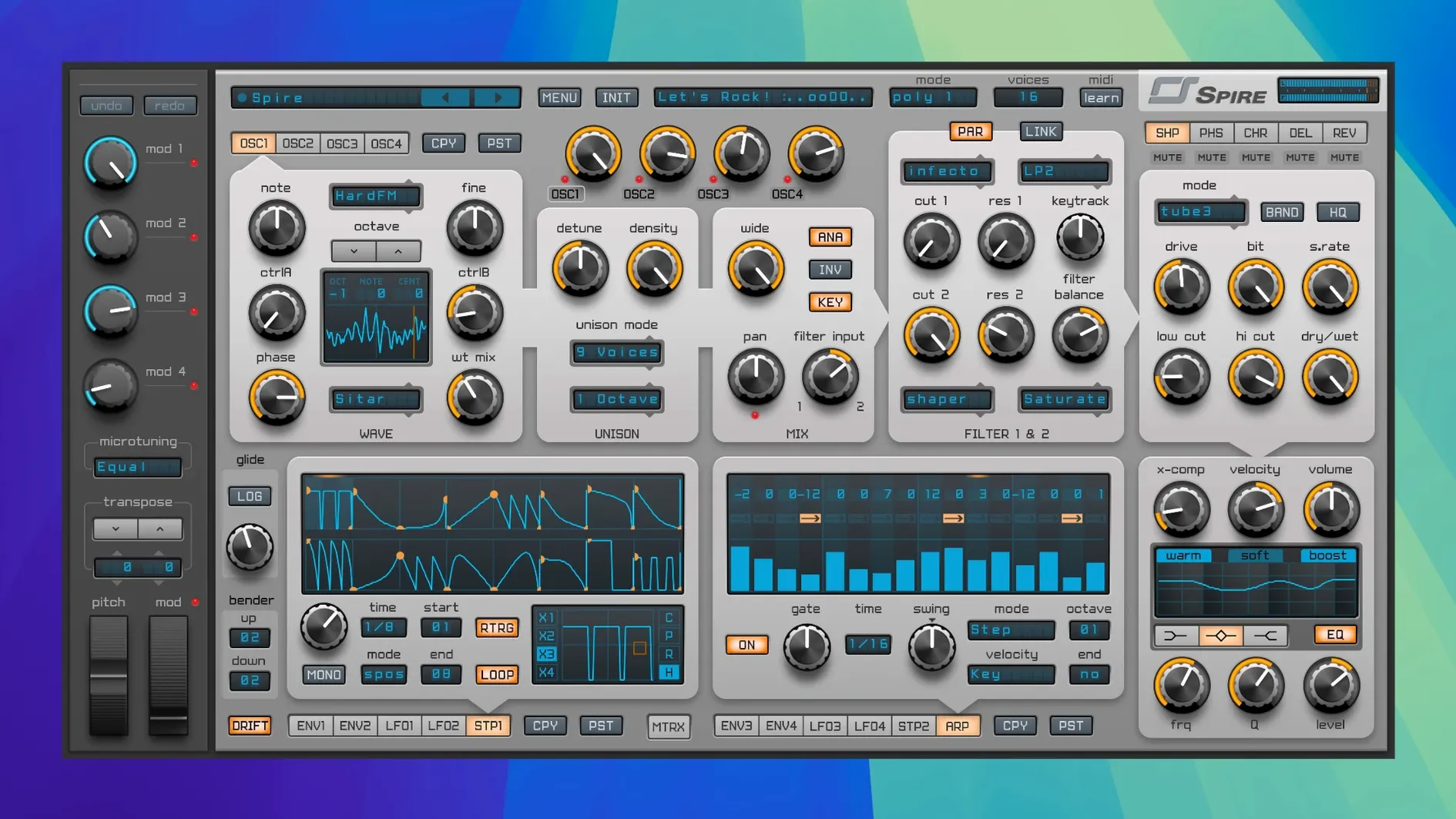
The step sequencer alone makes Spire worth a look for anyone building electronic rhythms from scratch. It is a polyphonic synthesizer plugin from Reveal Sound, and version 1.5.19 (build 5343) keeps the focus on a clean, modern sound with four oscillators that handle flexible waveforms including wavetables.
Runs on macOS 10.13+, Intel and Apple Silicon
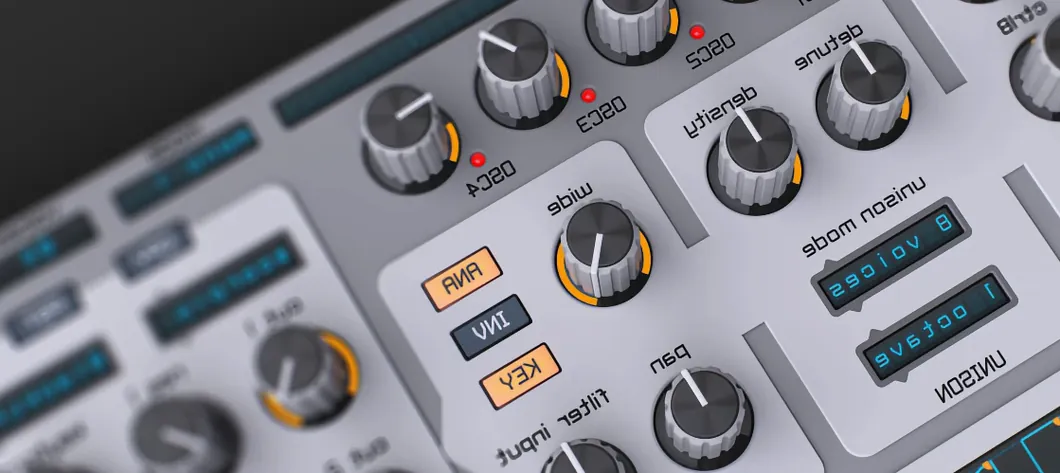
Spire runs on macOS 10.13 and later, supporting both Intel and Apple Silicon machines. The plugin is available in VST, AU, and AAX formats, so it slots into Logic Pro, Ableton Live, FL Studio, Cubase, Pro Tools, and most other DAWs without extra wrappers. The interface is straightforward — labeled knobs and a minimal layout that does not bury parameters. The built-in effects chain (delay, reverb, distortion, phaser, EQ) means you can shape a patch inside the plugin before it reaches your mixer.
The Sound and Its Place
Four oscillators give you room to layer tones that sit well in a mix. The arpeggiator and step sequencer handle pattern work directly, which saves routing MIDI from the DAW. EDM, trance, house, and dubstep producers often use Spire for leads, basses, and pads that cut through without harshness. If you work in genres that rely on polished, present synth sounds, this plugin delivers that without extra processing.
1500+ Factory Presets for Fast Sound Design
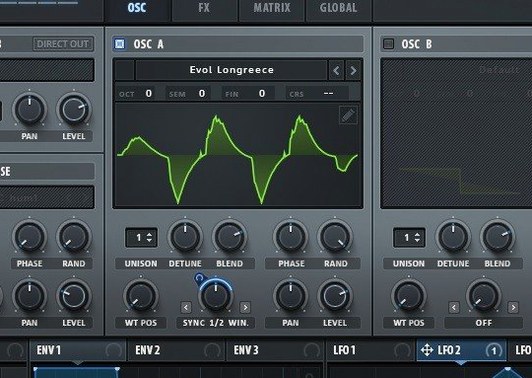
You open Spire inside your DAW and the first thing you do is pick a starting point. The 1500-plus factory presets are organized by type — leads, basses, pads, plucks, effects. You scroll through a few, land on a hollow pad that is close to what you need, and load it. The interface shows four oscillator slots across the top. Each has a waveform selector and controls for tuning, level, and pan. The preset uses two wavetables and two standard saw waves. You keep it as is for now.
Next you go to the filter section. The multimode filter offers low-pass, high-pass, band-pass, and notch modes, each with 12 or 24 dB per octave slopes. The loaded patch has a gentle low-pass at 2 kHz with 12 dB slope. You switch it to band-pass and increase the resonance slightly. The sound narrows in a way that fits the verse better.
Now you turn to the modulation matrix. It is a grid where you assign sources — LFOs, envelopes, velocity, key tracking — to destinations such as filter cutoff, oscillator pitch, or pulse width. You route LFO 1 to the filter cutoff at about 30 percent depth. The pad starts moving. You route envelope 2 to the amp level of oscillator 3, so the third layer fades in after the initial hit. The step sequencer sits in the bottom half of the interface. You draw a 16-step gate pattern that triggers oscillator 4’s pitch at intervals. The arpeggiator is set to up-down mode at sixteenth-note speed. Together, the step sequencer and arpeggiator turn a static pad into a rhythmic texture that plays itself.
You finish the patch with effects. The EQ cuts a narrow band at 3.5 kHz to avoid masking the vocal. You save the patch as a user preset. From preset load to saved patch, the session runs without pulling up other plugins or drawing complex MIDI patterns in the DAW.
64-Bit VST, AU, and AAX for Mac
Spire requires macOS 10.13 or later. It runs on both Intel and Apple Silicon architectures, so it works on older Macs and on new M-series machines without compatibility layers. The plugin is available in 64-bit VST, AU, and AAX formats. You install it using the included instructions, then activate it with a license key. The interface is English only. The plugin occupies room in your plugin folder like any other instrument — no background services, no additional installers beyond the main package.
The graphical interface is fixed-size with labeled knobs and clear section dividers. It does not scale dynamically like some modern plugins, but the layout is spacious enough that you do not fight small text on a standard screen. CPU load depends entirely on the patch: four oscillators with wavetables, a routed modulation matrix, and stereo effects consume more processing than a simple two-oscillator lead. The polyphonic engine handles multiple voices, so the harder you push oscillator count and modulation, the more the CPU works. That is normal for a plugin of this type.
Fixes for Plugin Not Found in DAW
Plugin not found in the DAW — After copying the plugin files to the correct folder, your DAW may not list Spire. Restart the DAW or rescan your plugin folder. On some hosts, a manual scan is required. If the plugin still does not appear, verify the architecture matches your DAW: a 64-bit plugin in a 32-bit host will not show up.
License key not accepted — The activation process expects a key from Reveal Sound. Paste the key exactly as received. Watch for extra spaces or line breaks. If the key still fails, check that the plugin is the same version the key was generated for. Older keys may not validate newer builds.
No sound from a loaded patch — A preset may have its volume, filter cutoff, or amp envelope set to zero. Check the master output level on Spire’s interface. Also confirm that MIDI is reaching the plugin on the correct channel. Spire responds to incoming MIDI on all channels by default, but some DAWs route MIDI to a specific channel only.
Screen rendering or layout issues — The interface does not adapt to high-DPI settings. If text or knobs appear small, adjust your display resolution or scaling in macOS display settings. Spire was designed for standard pixel densities, so reducing macOS scaling can help readability.
Crash when opening a preset — Corrupted or incompatible user presets can cause instability. Delete the offending preset file from the user preset folder and restart the plugin. Factory presets are read-only and generally safe.
Works as a Plugin, No Standalone App
Spire works as a standard plugin inside your DAW. There is no standalone application. You insert it on a MIDI track, and it plays polyphonic audio on that track. The built-in effects chain means you can commit to a sound early and bypass your DAW’s mixer effects for that part, keeping the session lighter. If you prefer to process externally, you can disable Spire’s reverb or delay and route the output to your DAW’s sends — the plugin does not force you to use its effects.
On macOS, Spire uses the system audio device through the DAW, not independently. It respects your DAW’s sample rate and buffer settings. No special audio routing is needed. The plugin files live in the standard locations — VST in ~/Library/Audio/Plug-Ins/VST, AU in ~/Library/Audio/Plug-Ins/VST3 or the AU folder, AAX in the Pro Tools plugin folder. You can organize them with symlinks if you prefer a custom structure. On Apple Silicon machines, Spire runs natively under Rosetta emulation or natively if a native build is provided by the developer. There is no need to configure compatibility modes.
If you use Logic Pro, the AU format is the native choice. In Ableton Live, the VST3 version works well. In Pro Tools, the AAX format loads without conversion. The plugin does not rely on iLok or other third-party license managers; activation is handled directly via the key. That keeps the system clean and avoids extra background processes.
- Build 5343 for version 1.5.19.
| macOS | macOS 10.13 or later |
|---|---|
| Processor | Apple Silicon, Intel 64-bit |
| Download | 158 MB |
- macOS 10.13 or later
- Intel or Apple Silicon
How to install, in order
- Use the included installation instructions.
- Use the included activation instructions.
Comments and corrections 0
Sign in or open a free account to leave a comment.
No comments or corrections yet.