HitPaw Univd 4.7.0 — download for Mac
Mac Apps Intel processors only Updated
Downloads videos from over 10,000 sites in batch mode with built-in conversion.
Screenshots
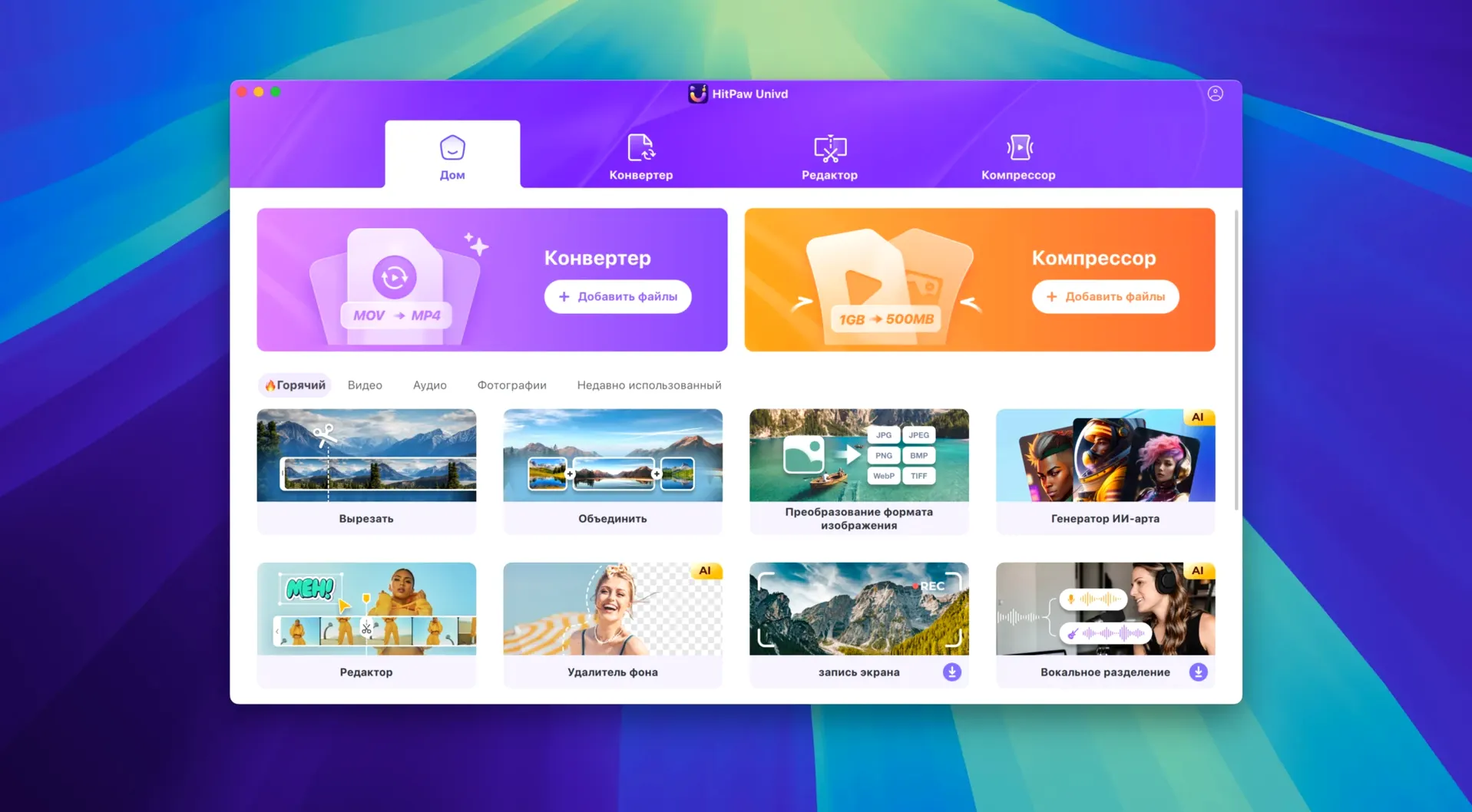
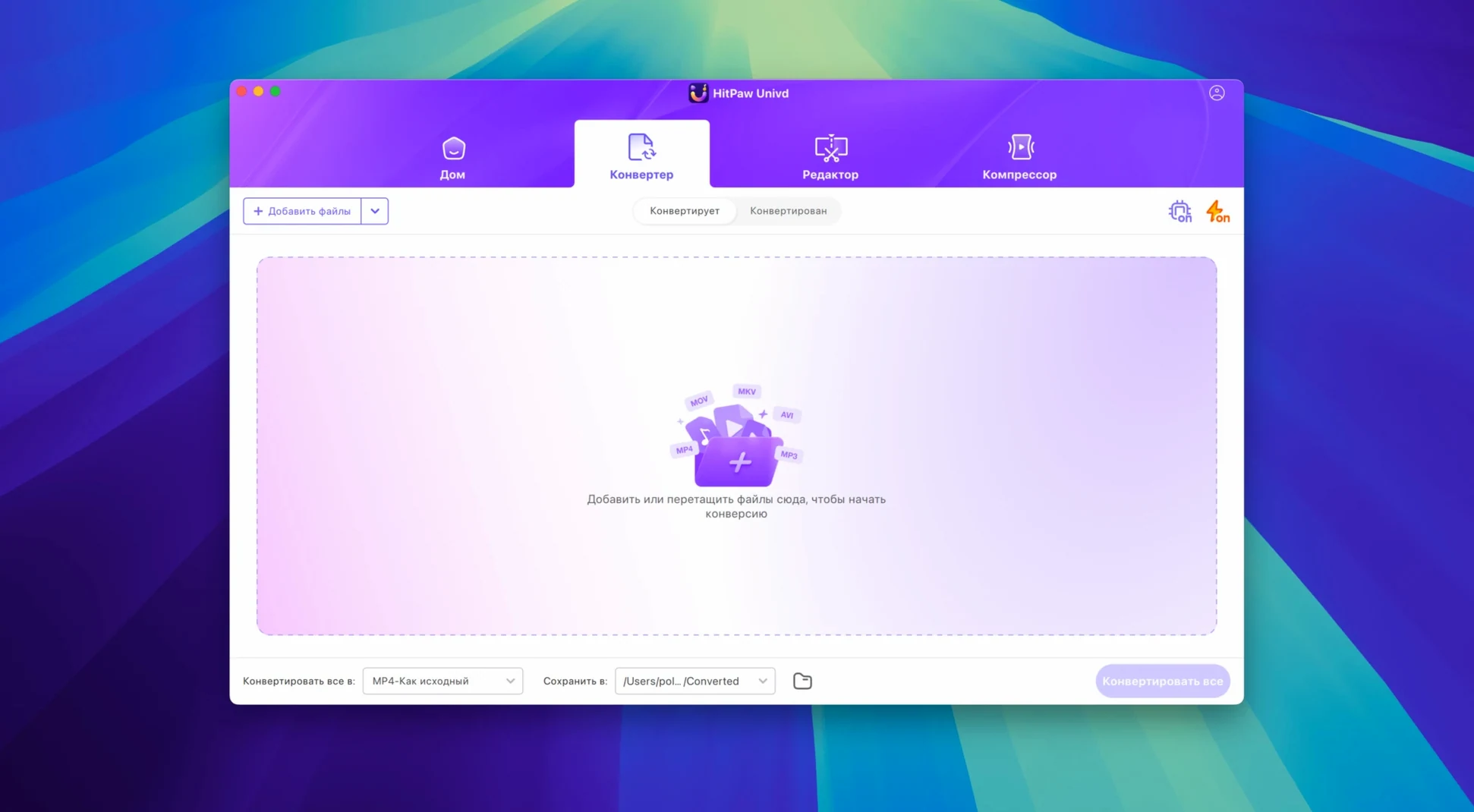
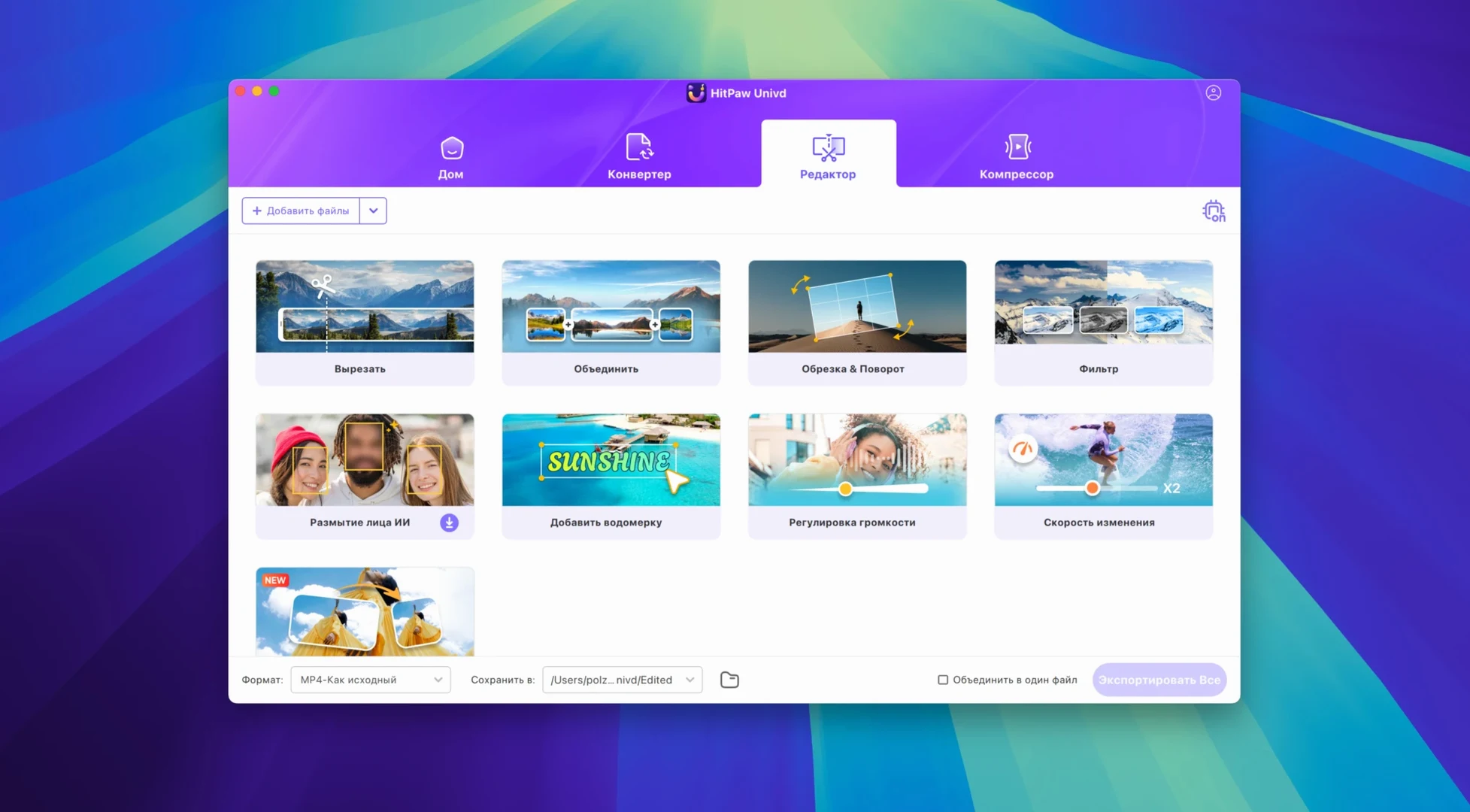
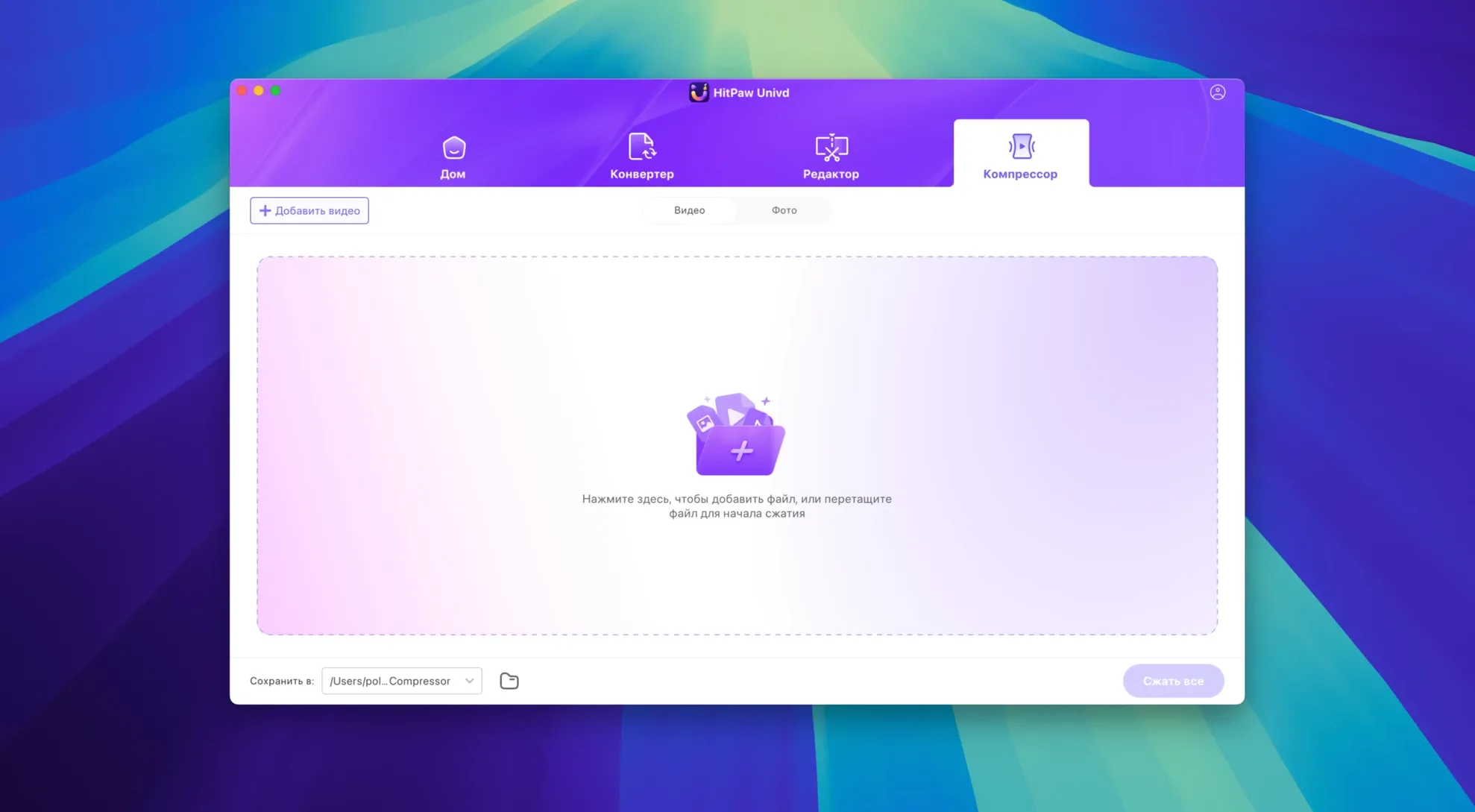
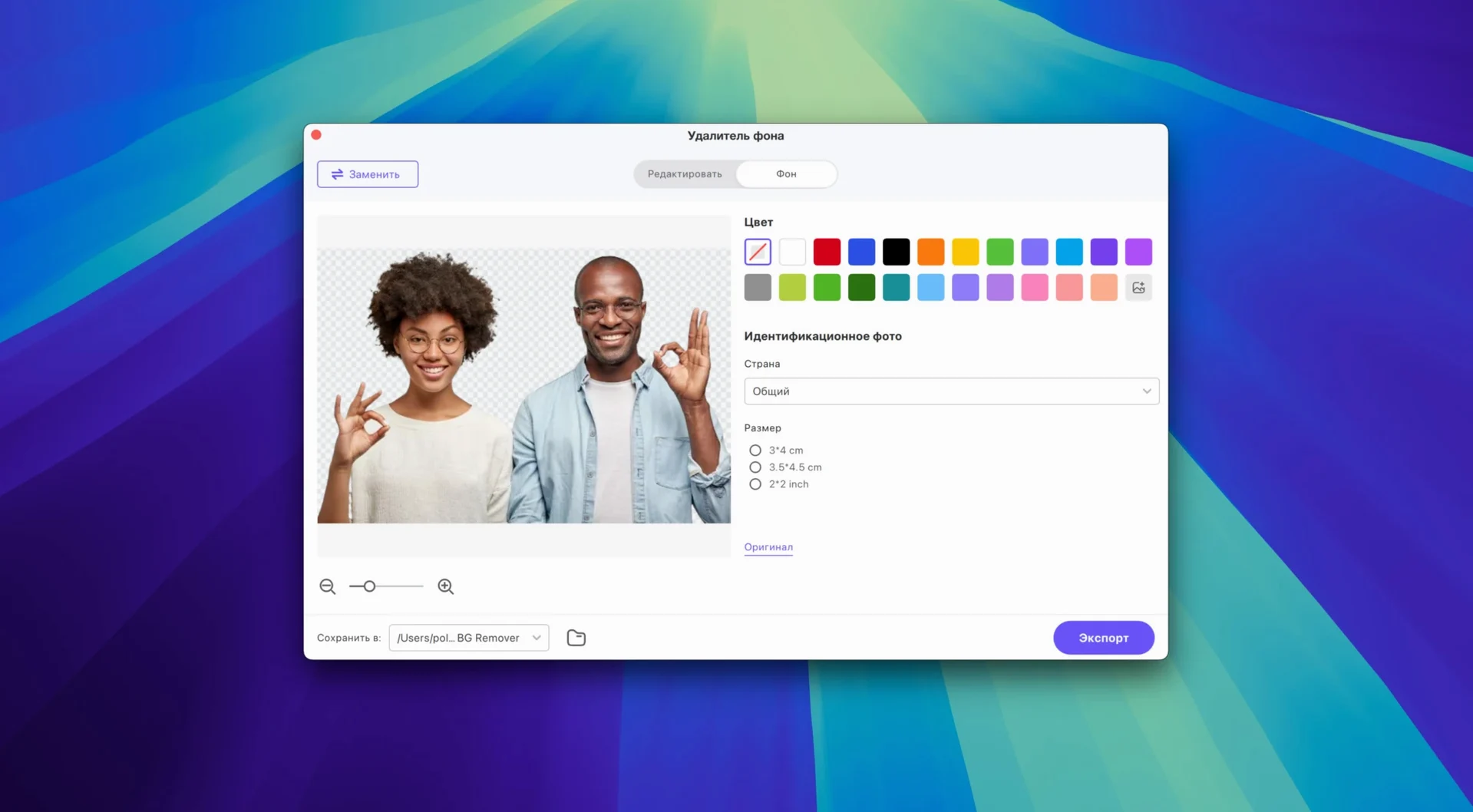
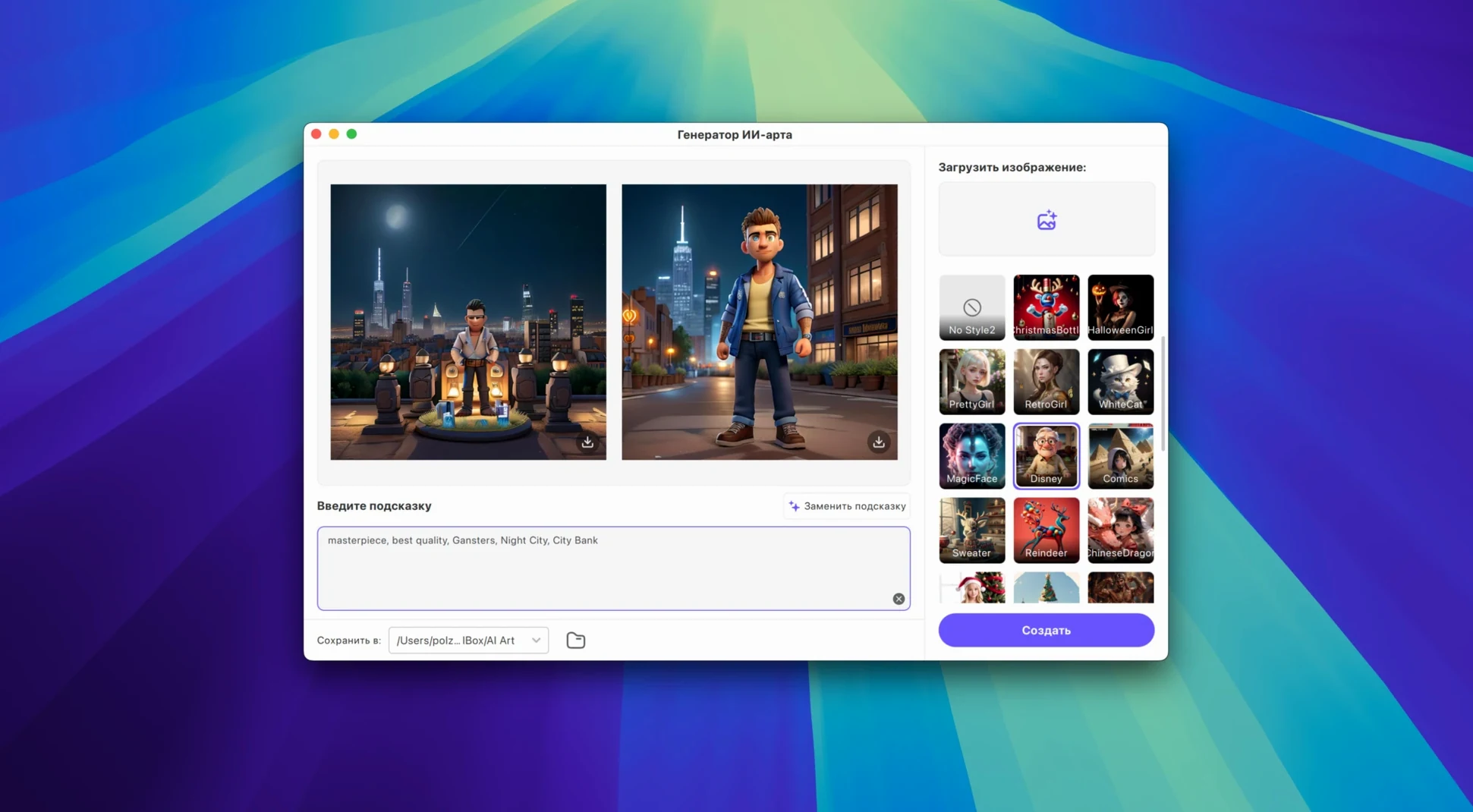
HitPaw Univd’s batch download mode is the feature I reach for first. You queue up clips from YouTube, Bilibili, Facebook, or Instagram — the app lists over 10,000 supported sites — and it pulls them down in MP4, MOV, AVI, VOB, or MKV while you keep working. After the files land, the built-in converter handles format changes without a re-encode if the source matches. For quick edits, there is an AI-powered enhancer that sharpens old footage and a compressor that squeezes large renders before sharing. The whole sequence — grab, convert, polish — stays inside one window, which cuts the back-and-forth between utilities. Version 4.7.0, released January 8, 2025, ships a redesigned UI that makes the workflow clearer. On a Mac, it runs on Intel 64-bit architecture and requires macOS 10.15 or above.
A Common Workflow: From Web Video to Mobile Clip
A typical project for me starts with a director sending a link to a press conference on Bilibili. They need a short, edited excerpt for social media, in MOV format. Here is how that moves through HitPaw Univd.
- Queue the download. I copy the link, open HitPaw Univd, and paste it into the download panel. While that one runs, I add three more links from the same event — the app handles multiple downloads in a batch queue.
- Trim before conversion. Once the files land, I open the built-in editor. I set start and end points on the timeline to isolate the director’s statement. No separate timeline tool needed.
- Convert to MOV. The editor passes the trimmed clip straight to the converter. I pick MOV as the output, and the app processes it using the VP9 codec if the source supports it. The result keeps good fidelity for a short social clip.
- Compress for sending. Before I attach it to an email, I run the finished MOV through the compressor. It shrinks the size enough that the file doesn’t bounce back from the recipient’s server. The whole chain — download, cut, convert, compress — happens without leaving HitPaw Univd.
For Editors with Unpredictable Source Files
This app fits three types of Mac users especially well. The first is the video editor who receives source files in unpredictable formats. The second is the project manager or producer who collects references from social platforms. They queue downloads overnight and review the clips in the morning. The third is the audio engineer or music enthusiast who maintains a library for Apple Music or TIDAL. The lossless music conversion feature lets them keep one master file and output copies for each streaming service without degrading quality.
Anyone who works across platforms — pulling material from the web and sending it to colleagues on different systems — will find the format support broad enough to avoid the “can you re-send that as…” conversation. The Intel 64-bit architecture means it runs natively on most Macs from the last several years, without an emulation layer.
Handles 10,000 Sites and Codec Changes
Does it still work if the source site changes its video format?
HitPaw Univd supports more than 10,000 sites and covers common codecs like VP9 and Opus. Site updates do sometimes affect downloader tools across the board, but the developer keeps the site list current through regular releases. Version 4.7.0 is from January 2025, which suggests active maintenance.
Can I edit the video resolution during conversion?
Yes. You are not stuck with the source dimensions. This is useful when you need a 720p version of a 4K interview for a quick preview link.
Will it interfere with my existing video editing software?
No. HitPaw Univd runs as a standalone application. It does not install background processes or plugins for Final Cut Pro or Premiere. It processes files independently and writes the output to a folder you choose. You can keep your usual editor open beside it.
How does activation work after the TNT team release?
The build is pre-activated by the TNT team. You mount the disk image, run the Gatekeeper bypass step in Terminal, and drag the app into Applications. No serial numbers or account logins are required.
- New UI.
- New product model and user experience.
| macOS | macOS 10.15 or later |
|---|---|
| Processor | Intel 64-bit |
| Download | 525 MB |
- macOS 10.15 or above
- Intel 64-bit architecture
Questions about HitPaw Univd
Does HitPaw Univd support downloading from YouTube?
Yes, the app can download video, films, and music from over 10,000 sites, including YouTube, Bilibili, Facebook, and Instagram.
What video formats does HitPaw Univd output?
It supports MP4, MOV, AVI, VOB, and MKV output formats.
How to install, in order
- Mount the disk image and run Open Gatekeeper friendly.
- Press Enter in Terminal to bypass Gatekeeper.
- Drag the app into the Applications folder.
Comments and corrections 0
Sign in or open a free account to leave a comment.
No comments or corrections yet.