Addictive Keys 1.7.3 — download for Mac
VST Plugins Updated
Places four recorded pianos inside your sessions without the tuning or miking a real piano needs.
Screenshots
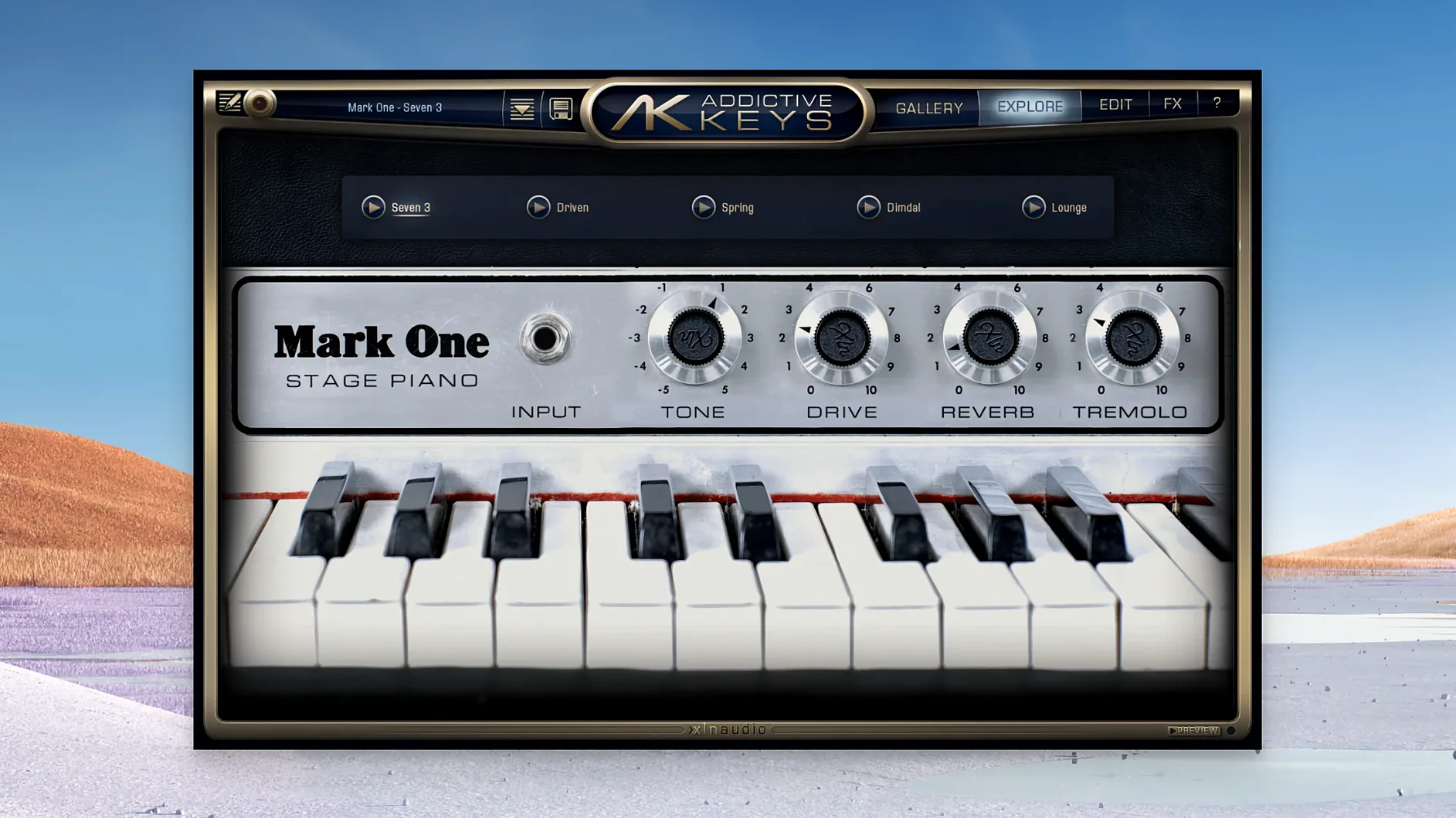
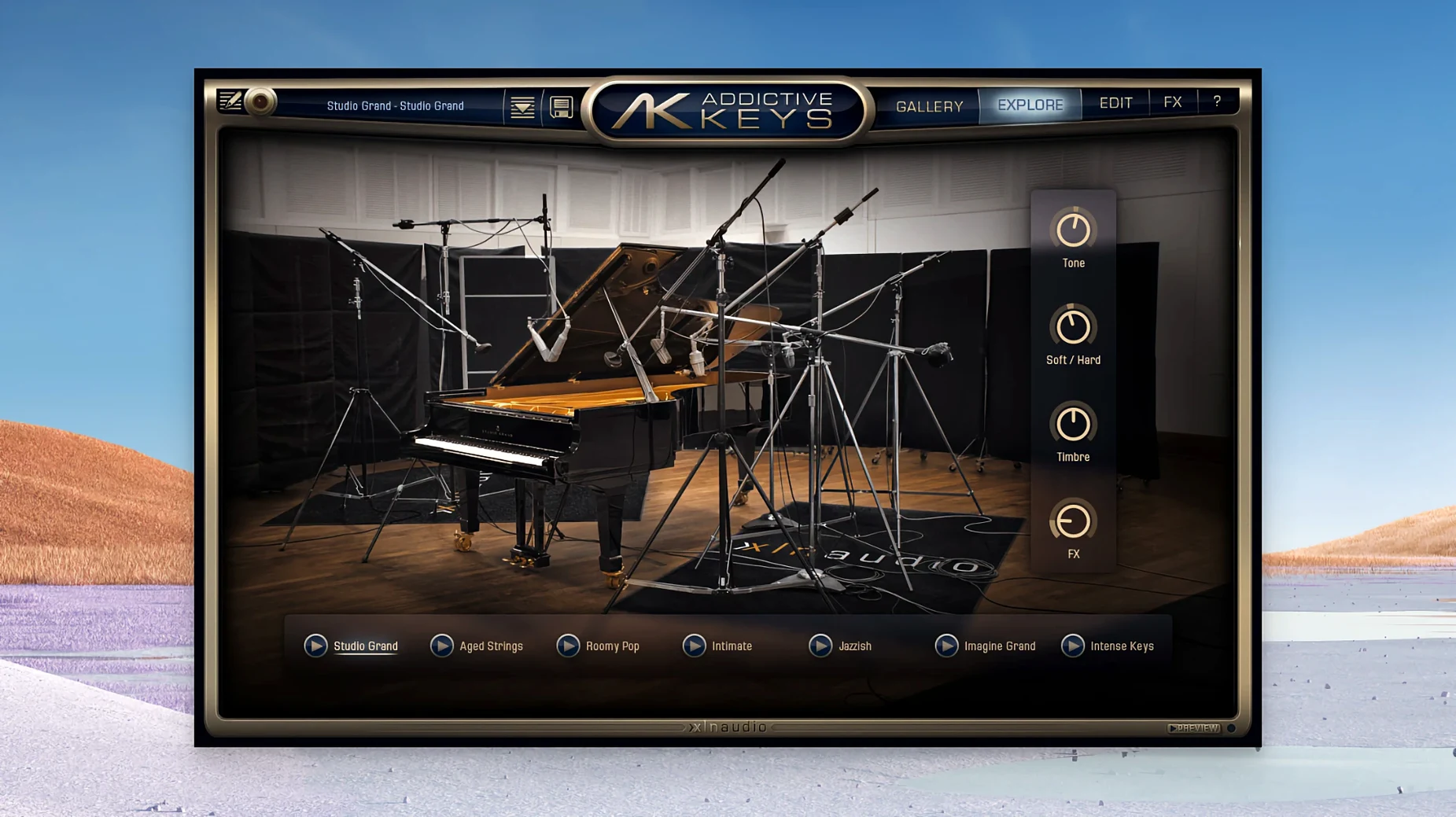
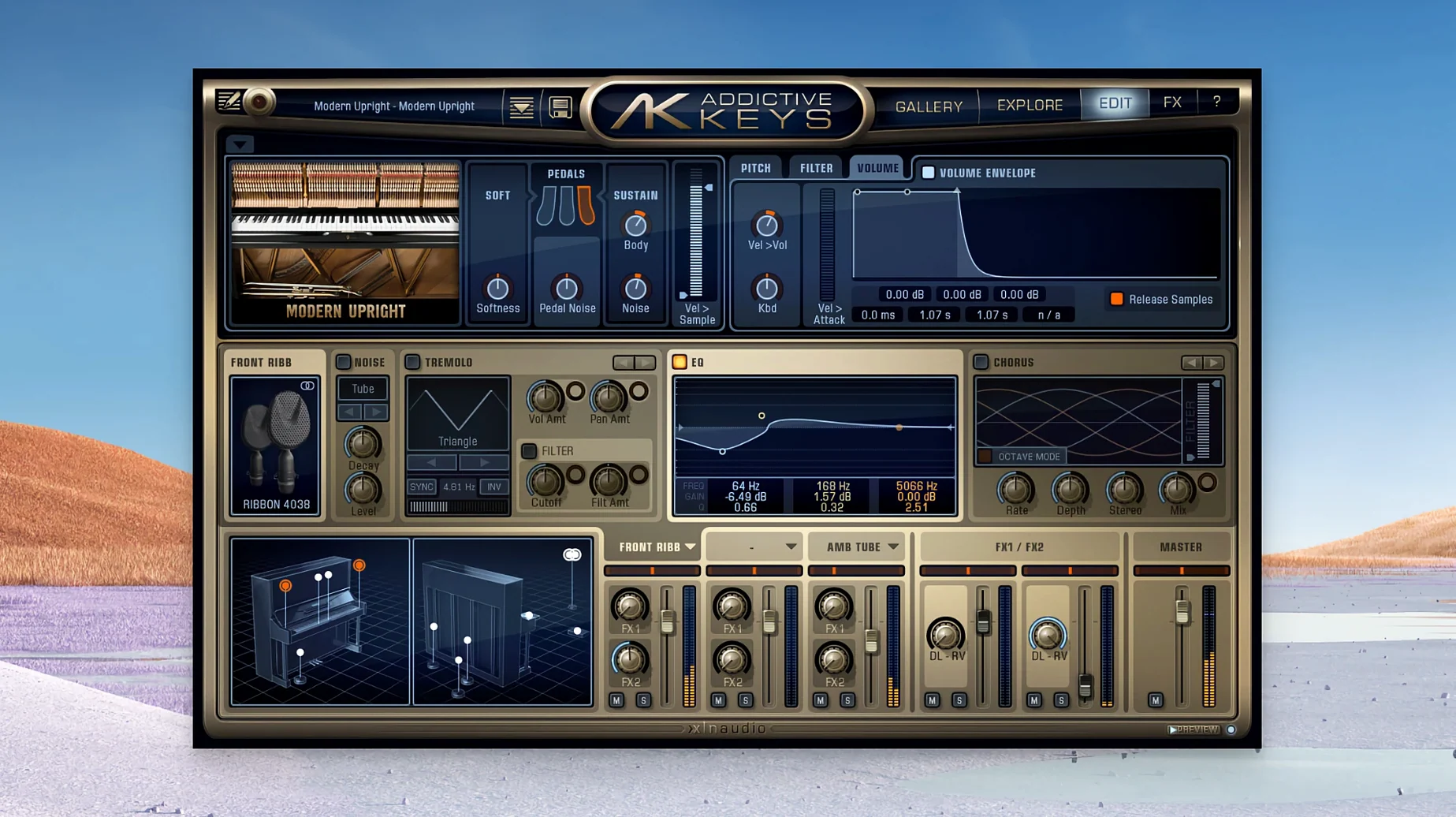
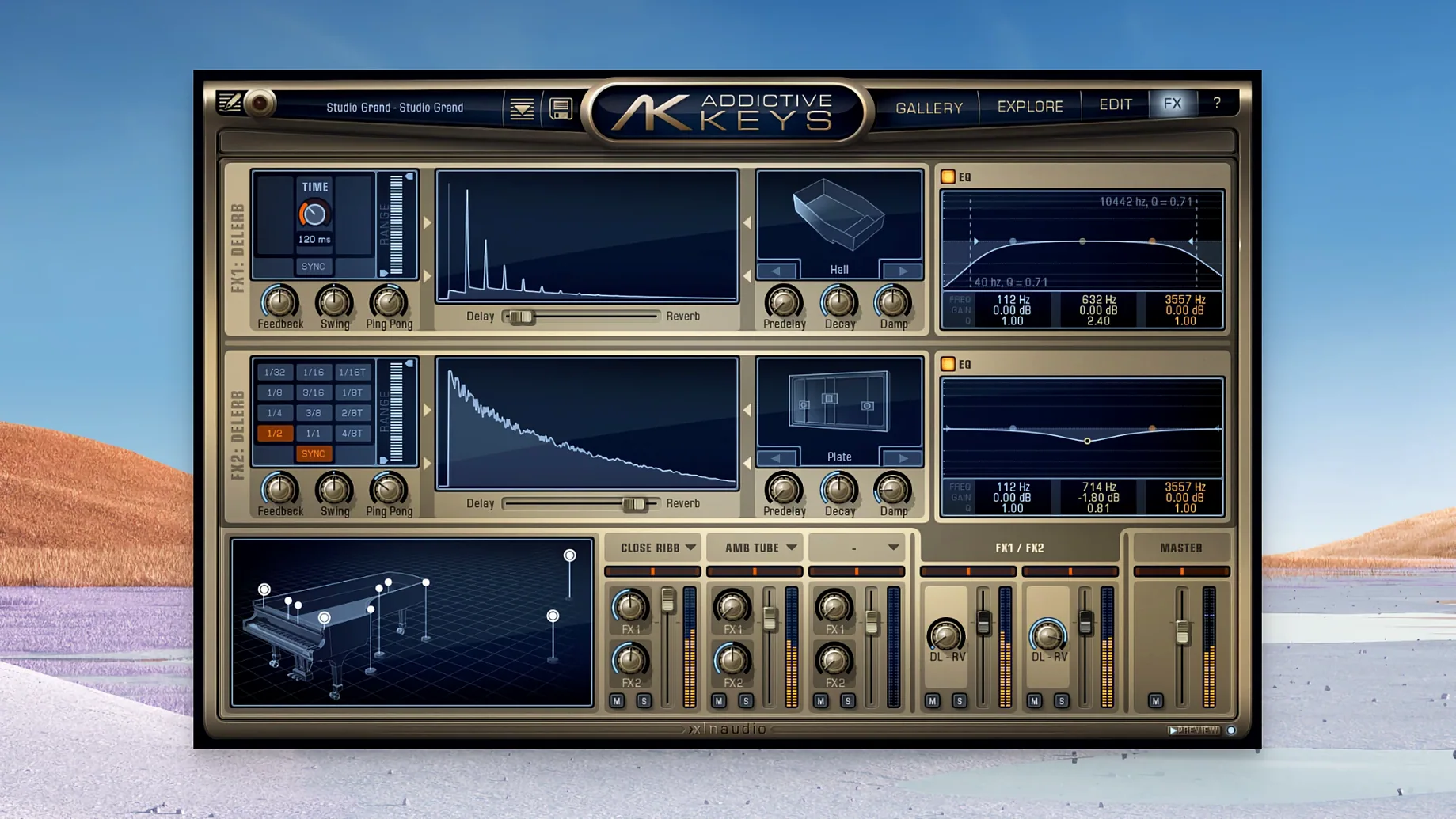
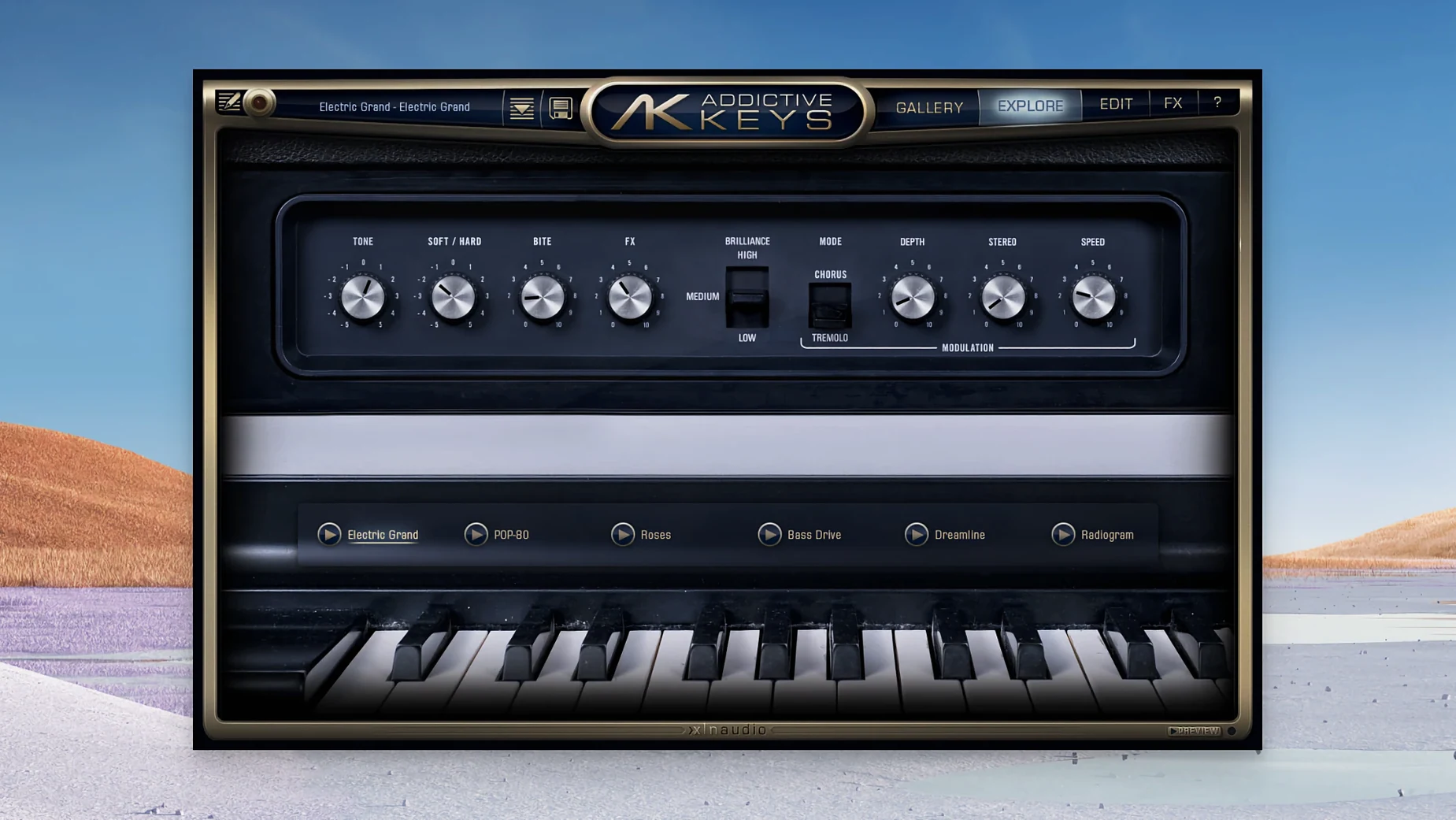
Most DAW piano rolls sound flat until you feed them a proper instrument. Addictive Keys puts four recorded pianos inside your sessions without the tuning, miking, or space a real piano demands.
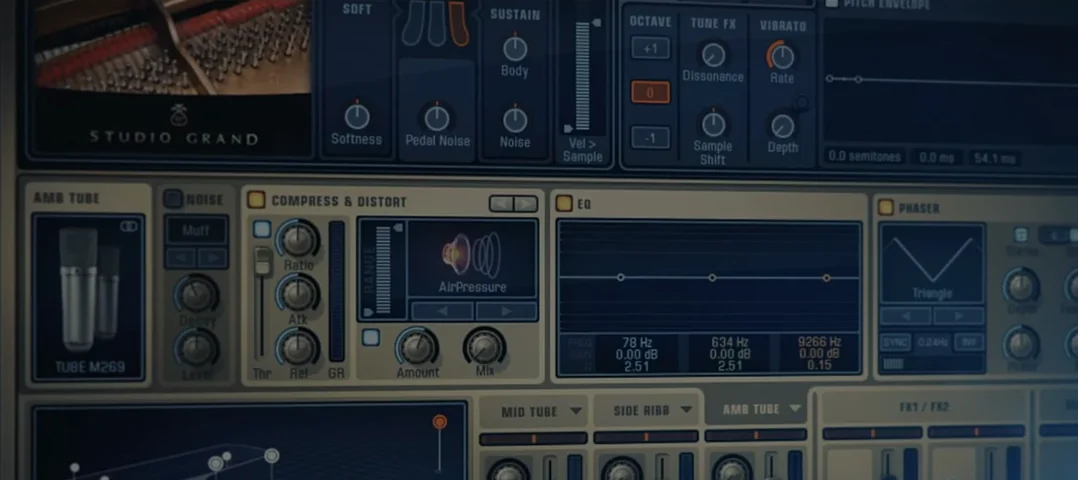
Studio Grand for Ballads and Pop Beds
- Producers who need a clean studio grand for ballads and pop beds.
- Project studios that want a character upright without a live room.
- Keyboard parts that call for a Mark One or CP-80 electric grand texture straight from the plugin slot.
Bundles, Host Requirements, and Capture Method
- The Complete Collection bundles all four instruments; individual packs cover Studio Grand, Modern Upright, Mark One, and Electric Grand.
- Requires a host that supports VST, VST3, AU, or AAX.
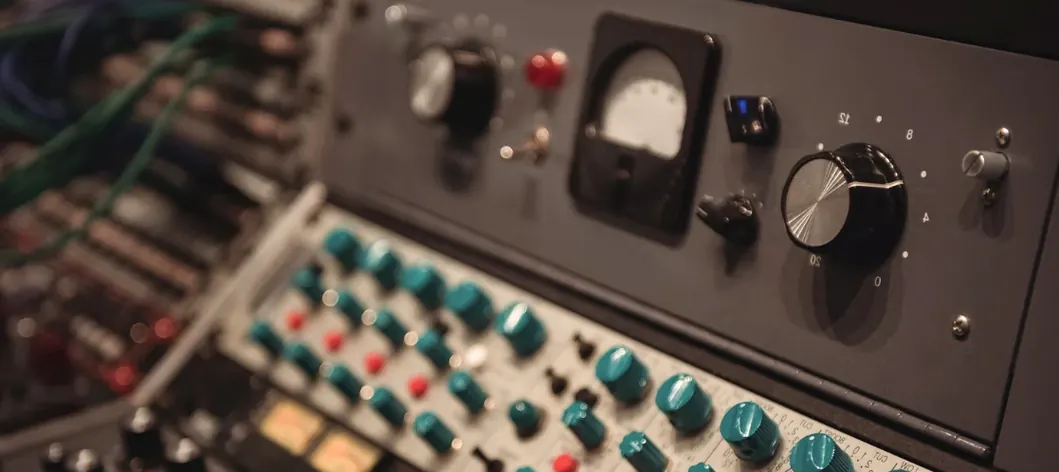
- Pianos were captured with a combination of modern and vintage outboard gear.
How Addictive Keys Compares with Similar Mac Piano Plugins
Most virtual pianos fall into one of two camps: massive sample libraries that eat your hard drive, or preset-only ROMplers. Addictive Keys sits between them. It gives you four distinct pianos with production-ready presets, but still lets you tweak the sound. The plugin loads fast and the four instruments share the same interface, so you don’t relearn the layout when switching from the Modern Upright to the Electric Grand.
Compared to Spitfire’s LABS series, Addictive Keys offers more control over attack, release, and velocity curves. Where LABS gives you one preset and limited parameters, Addictive Keys lets you dial in room tone and mechanical noise per patch. It is not as deep as Keyscape from Spectrasonics, which offers dozens of keyboard models and a dedicated performance engine, but Addictive Keys loads faster and uses less RAM for single instrument parts. If you track a Rhodes line in a mix that already has Kontakt libraries and synths, Addictive Keys sits in the session without fighting for resources.
Pianoteq is the main contender for producers who want modeled, not sampled, pianos. Pianoteq gives you real-time parameter changes—string tension, hammer hardness, lid position—and its file size is tiny. Addictive Keys stays with sampled recordings, which some ears prefer for acoustic piano realism, especially on the Studio Grand. For electric piano work, the Mark One in Addictive Keys has a rounder, less brittle tone than Pianoteq’s electric model. It depends on whether you want to shape the physics or pick a recording and play.
End-to-End Workflow: Layering a CP-80 Electric Grand Under a Vocal
- Load the instrument. Open your DAW, create a new instrument track, and load Addictive Keys as a VST3 or AU plugin. Select the Electric Grand preset from the browser. The CP-80 patch loads in a few seconds.
- Dial in the sound. Turn the Close and Room microphones to taste. For a vocal bed, keep the Room mic low to avoid washing out the vocal. Raise the Velocity parameter so the piano responds evenly across light and hard playing.
- Write the part. Record a sparse chord pattern in a midrange register. Leave space for the vocal line—avoid notes that clash with the voice’s fundamental. If you prefer editing, draw the MIDI notes directly in the piano roll.
- Adjust release and sustain. If the chords bleed into each other, shorten the Release knob. If the part sounds too dry, increase the Sustain pedal resonance slightly.
- Bounce to audio. Once the performance and sound are set, render the track to audio. This frees the plugin for other instruments and locks the CP-80 tone for the mix stage.
This workflow works the same for the Modern Upright or Mark One. The plugin’s consistent layout means you do not break your flow when swapping pianos mid-session.
Fitting into macOS and Your DAW Ecosystem
Addictive Keys uses the standard plugin formats—VST, VST3, AU, AAX—so it slots into Logic Pro, Ableton Live, Cubase, Pro Tools, and most other DAWs without wrapper tools. On macOS, the AU format means it appears directly in Logic Pro’s instrument list with no extra scanning steps. The ARM and x86 64-bit support covers both Intel-based Macs and Apple Silicon machines.
You can also use the standalone version to practice or sketch parts without opening a full DAW project. The standalone mode uses your Mac’s built-in audio or any interface connected via Core Audio. For quick writing sessions, I find standalone mode faster than loading a template.
Addictive Keys works with your existing MIDI controller over USB or Bluetooth. The plugin respects velocity curves from most keyboards, so a light touch on a weighted controller translates naturally to the sampled piano dynamics. If you use a MIDI drum pad or sequencer, the plugin triggers cleanly from any MIDI note input.
The plugin lets you save and recall your own presets. This is handy when you find a CP-80 sound that sits perfectly under vocals. Name it and load it in future sessions without re-adjusting knobs. Presets are stored as standard files inside the Addictive Keys user folder, so you can back them up or share them between machines.
Fix Missing Plugin by Rescanning and Checking Directories
Plugin does not appear in the DAW after installation. Restart the DAW and rescan your plugin folder. If it still does not show, verify that the plugin files are in the correct VST or AU directory—the installer places them by default, but a manual move can break the path. Re-run the installer if needed.
Standalone application does not launch. Check that your audio interface is powered on and connected before launching. If you use built-in audio, ensure no other application has exclusive access to the audio device. Quit and relaunch the standalone app.
Presets sound different between sessions. The save and load system does not store the mic mix or velocity settings automatically unless you save a preset. After dialing a sound, use the preset save function in the plugin window. Next session, load that preset instead of the factory default.
MIDI controller responds too softly or too loudly. Adjust the Velocity knob in the plugin. This maps the incoming MIDI velocity range to the sampled layers. For weighted keyboards, start with a moderate velocity setting and play a few notes—you can shift the curve to match your touch.
Electric Grand patch sounds brighter than expected. The CP-80 is naturally brighter than a Rhodes. Lower the Attack knob slightly and reduce the Room mic level to tame the top end. This brings the tone closer to a vintage electric grand recording.
No release notes filed for 1.7.3. They are added here when a build changes how the program behaves.
| macOS | macOS 10.13 or later |
|---|---|
| Processor | Apple Silicon, Intel 64-bit |
| Download | 4.2 GB |
- macOS 10.13 or later
- Intel and Apple Silicon Macs
- VST, VST3, AU, or AAX host
Questions about Addictive Keys
What instruments are in the Addictive Keys Complete Collection?
The collection includes two acoustic pianos — a Studio Grand and a Modern Upright — and two electric pianos based on a Mark One and a CP-80 Electric Grand.
How to install, in order
- Open the downloaded disk image.
- Run the standard installer and follow the prompts.
Comments and corrections 0
Sign in or open a free account to leave a comment.
No comments or corrections yet.